Article manage
How to manage Article Materials?
How to add Category to Article?
How to add Confirm the Article?
General manage (in top grey area) |

| Button | What does it indicate? |
 | You can see less information about the article |
 | You can confirm the Article (When you lock Article: 1. you can see it in product list; 2. nobody can change anything (you can order it only if it is locked)) |
 | You can delete the Article |
Options |
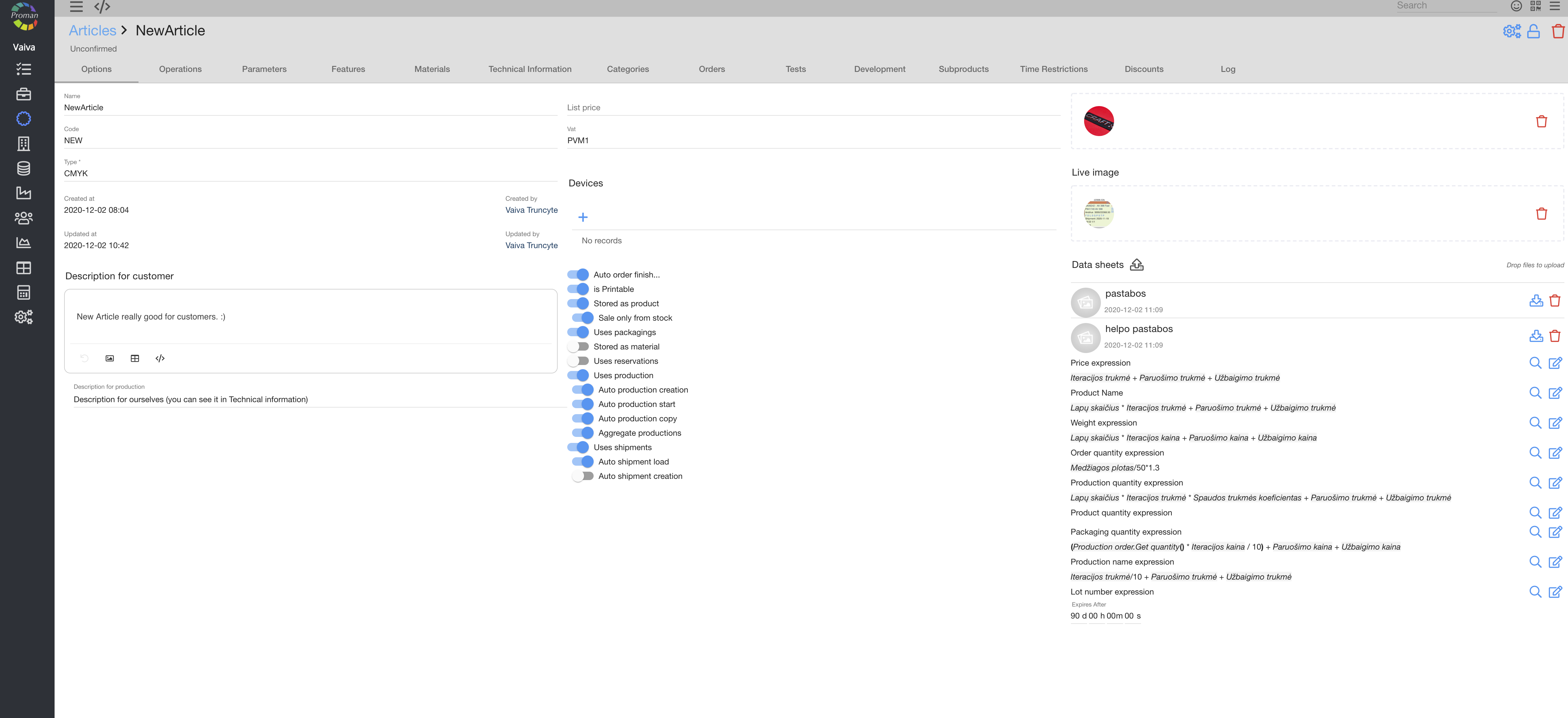
Here you can set options of a particular Article
Operations |
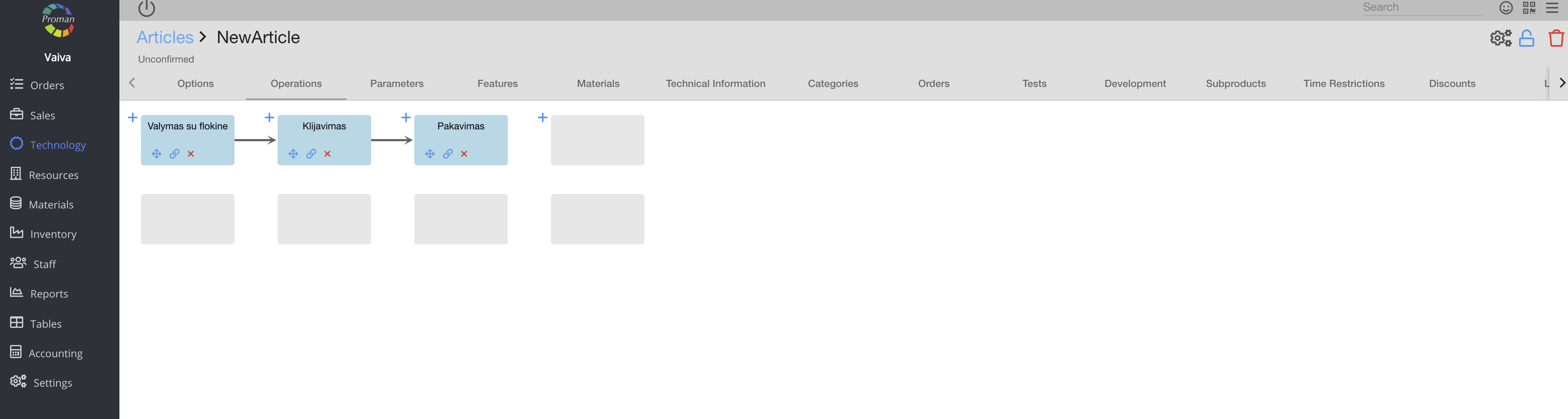
Here you can create and edit the new Operation. For more information see here
Article Parameters |
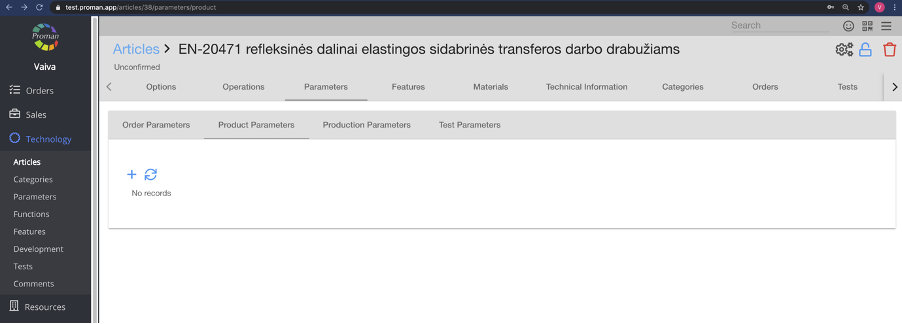
Here you can add, edit and delete Order, Product, Production and Test Parameters
To add new Article Parameter:
1. Click on 
2. Then choose an order parameter from the order parameter list
Now you can see and edit product parameters
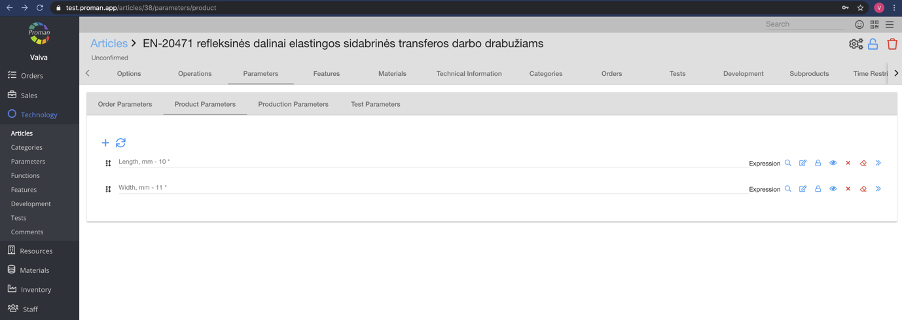
| Button | What does it indicate? |
| You can add parameter |
 | You can update data (add or delete parameters) in all products |
 | You can search for expressions. For more information about the expressions, please visit here |
 | You can add an expression. For more information about the expressions, please visit here |
 | You can add a material filter (only if the parameter type is "Material"). For more information about the Material filter, please visit here |
 | You can set that others would be able to change the parameter value |
 | You can set that others would not be able to change parameter values |
 | You can set that others would be able to see that parameter |
 | You can set that others would not be able to see that parameter |
 | You can delete the parameter |
 | You can delete parameter's value and leave it empty |
 | You can go to the parameter |
Article Features |
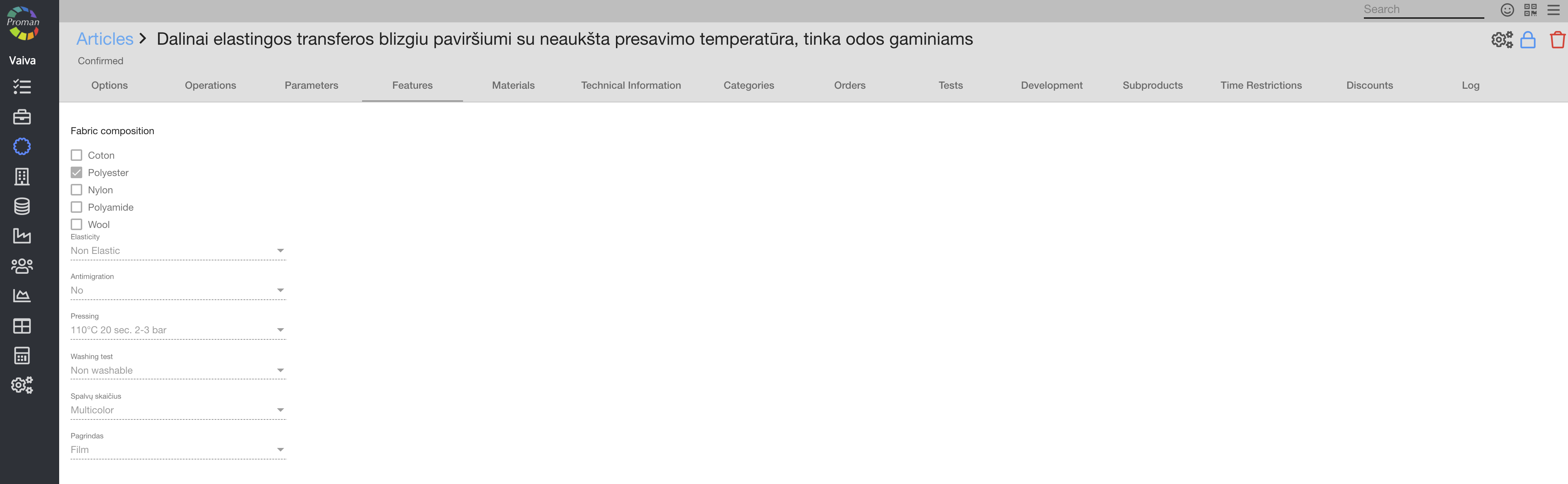
Here you can see and select the features you need. For more information, please visit here.
Article Materials |
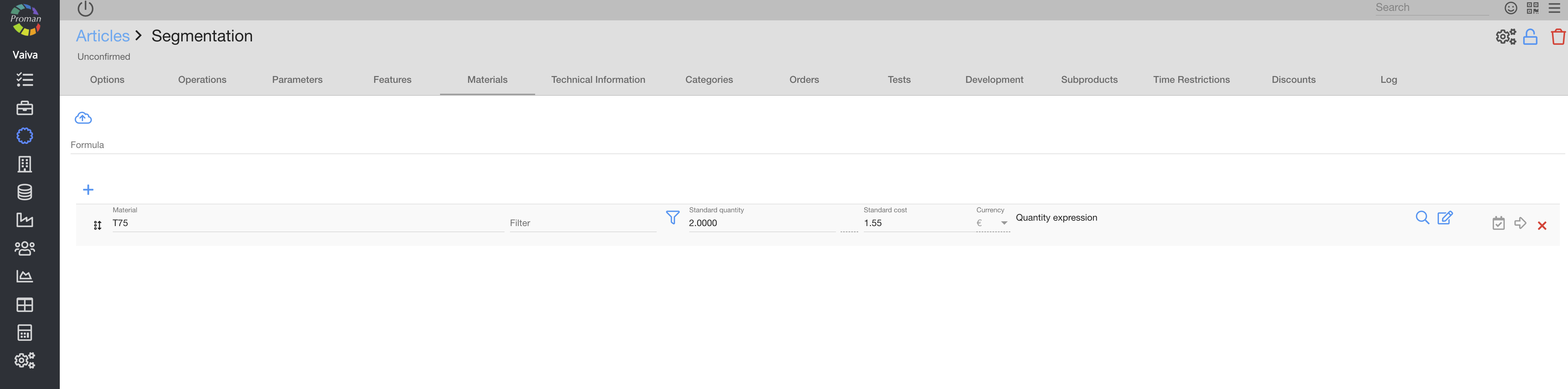
Here you can add (


Article Technical information |
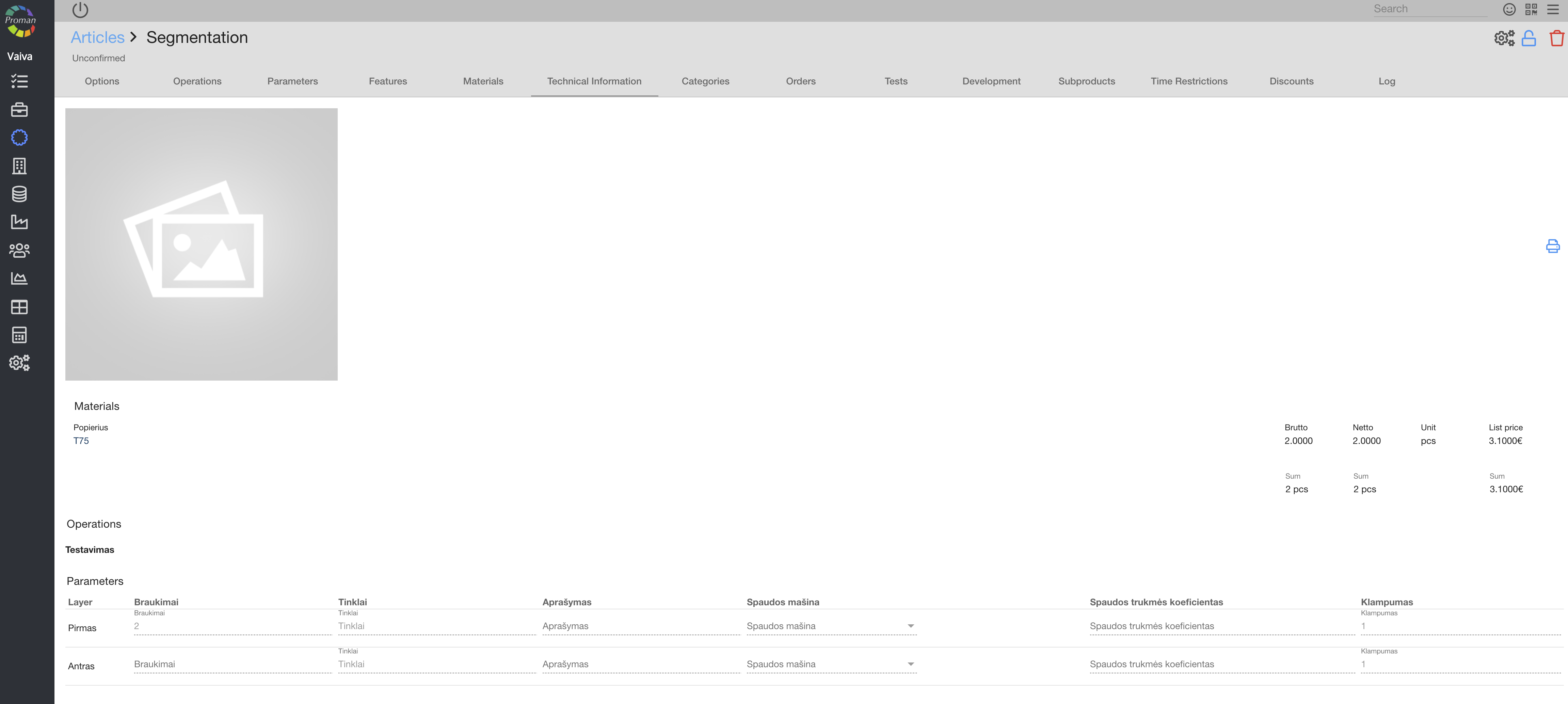
Here you can see and print (
Article Production |
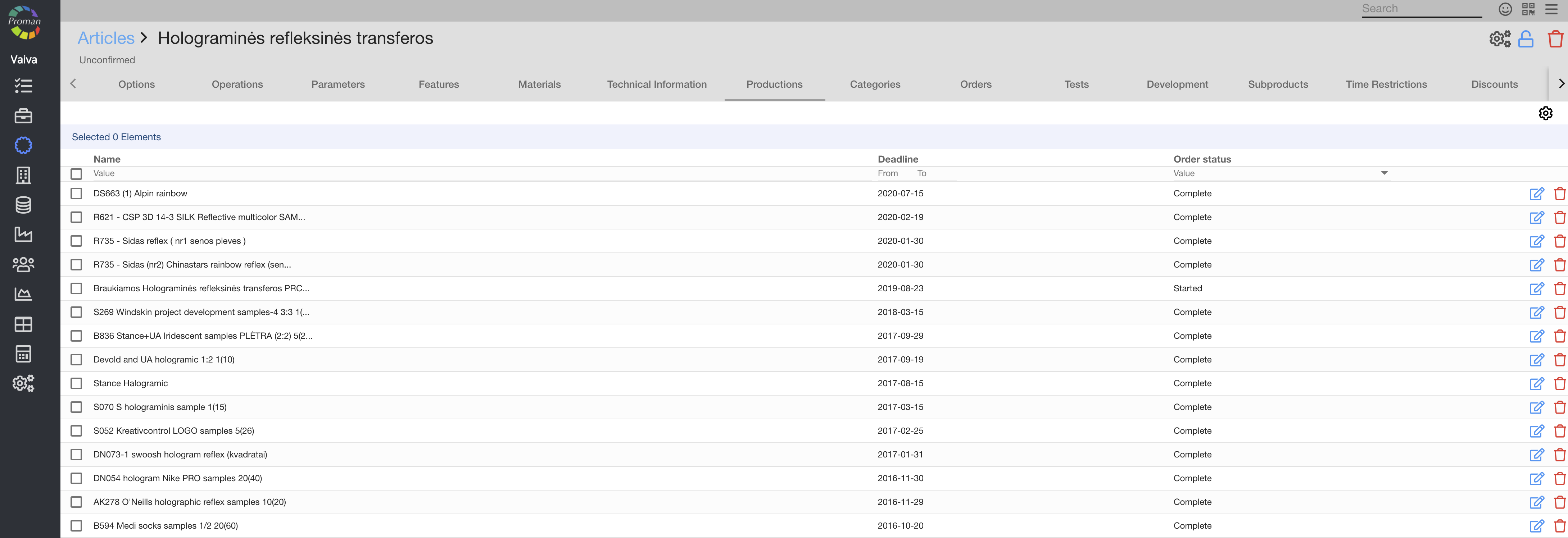
Here you can see, edit (

Article Categories |

Here you can see and add (click on 
Article Orders |
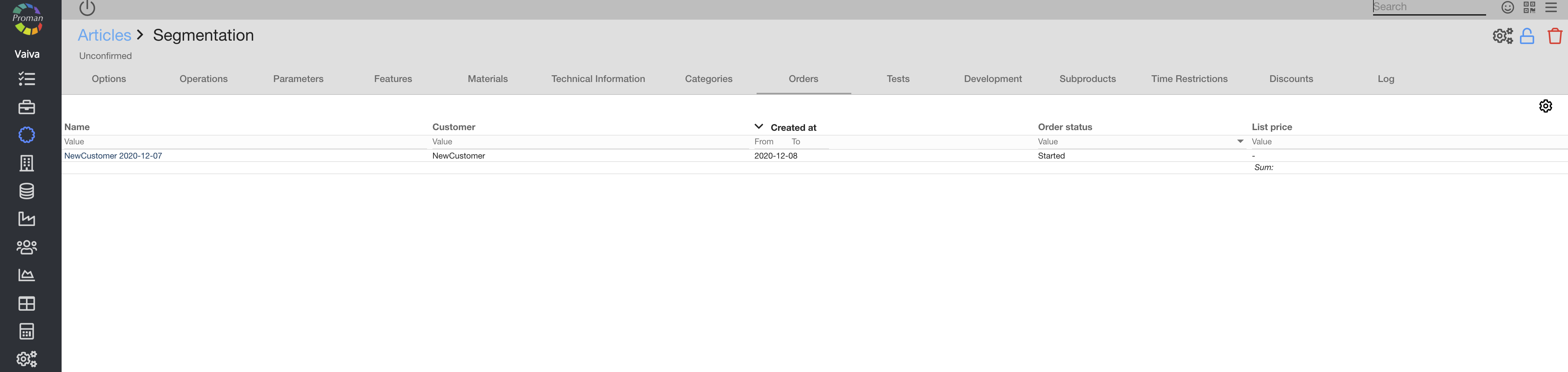
Here you can see the article orders
Article Tests |
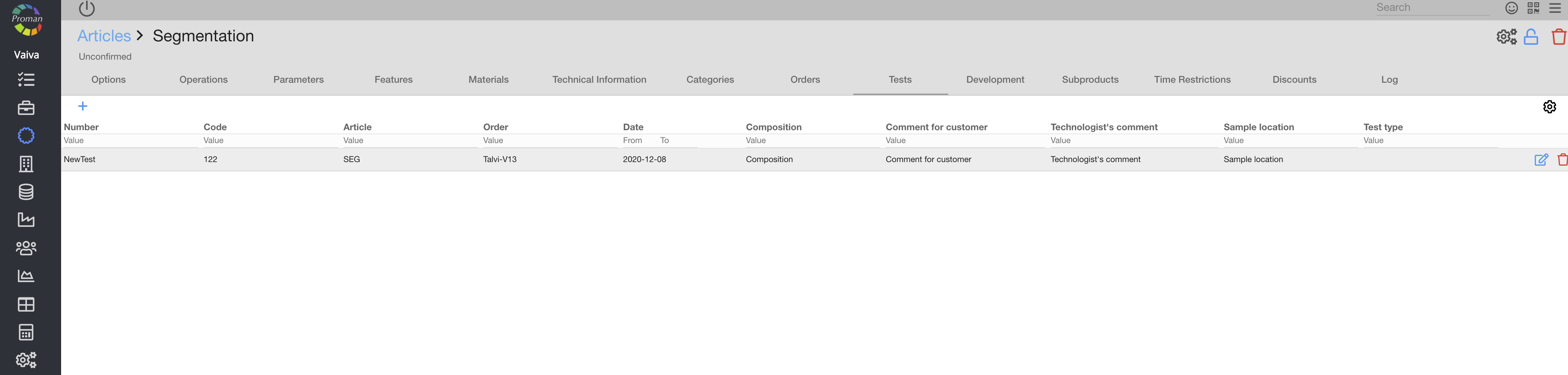
Here you can add (
Article Development |

You can see it only if the article was created in a development project and it was added to the Technology development
Article Subproducts |
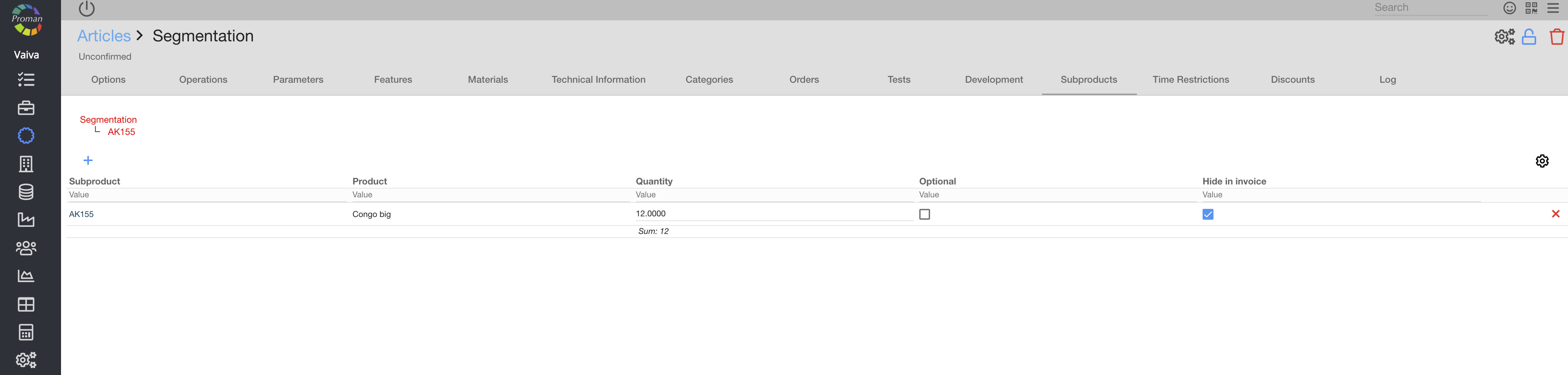
Here you can add (
"Hide in invoice" means to not show the product in the invoice and slip.
"Optional" means that the product could be optional or could be added automatically
| How to add Article Subproducts |
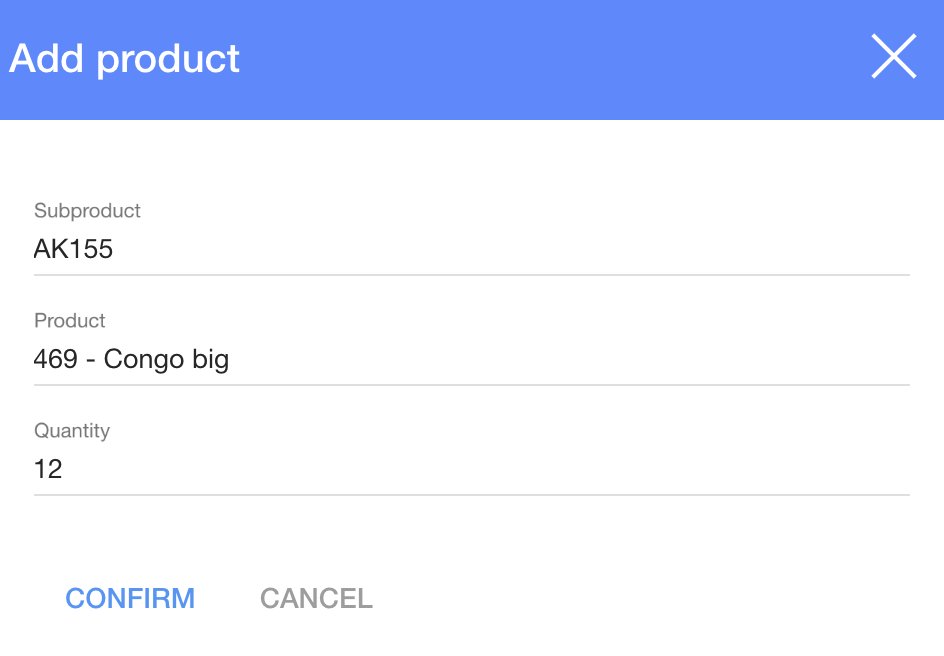
To add new Article subproduct:
1. Click on
2. Choose a subproduct from the subproduct list (system takes the information from the article);
3. Choose a product from the product list (system takes the information from stored products)
4. Click

Article Time restriction |
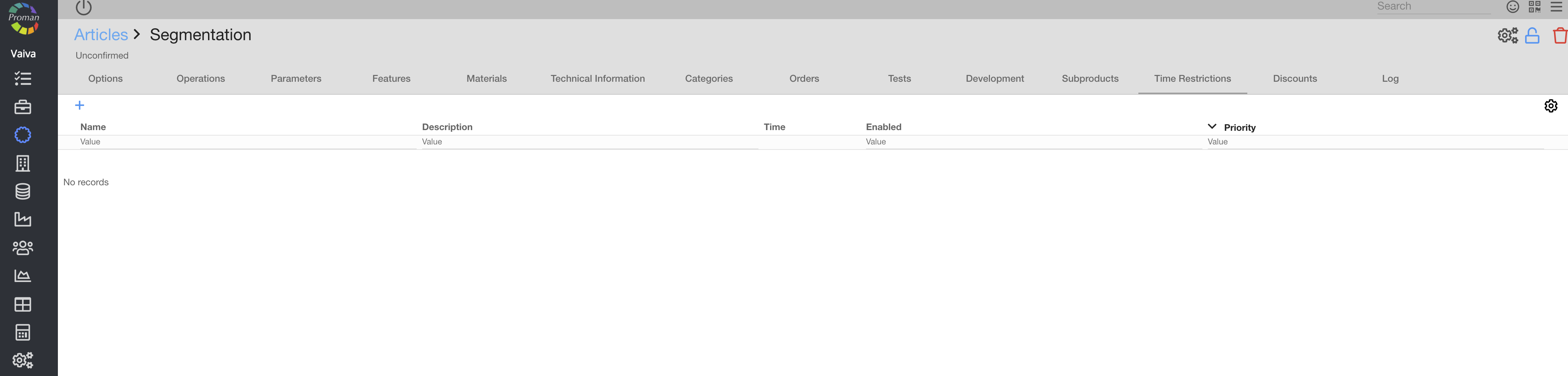
Here you can see all Article's time restrictions. For more information, please visit here.
Article Discounts |
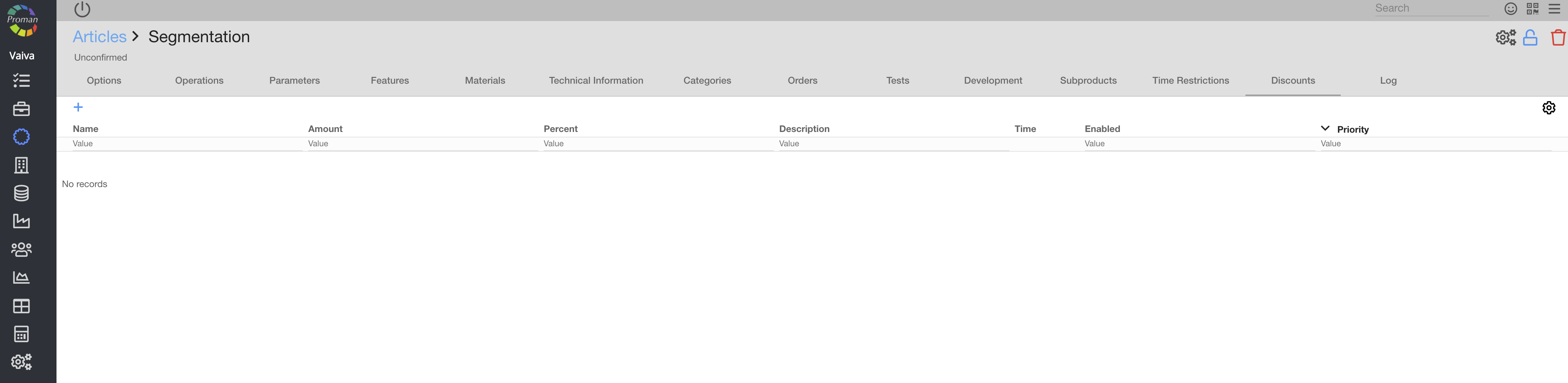
Here you can see all article's discounts. For more information, please visit here.
Article Logs |
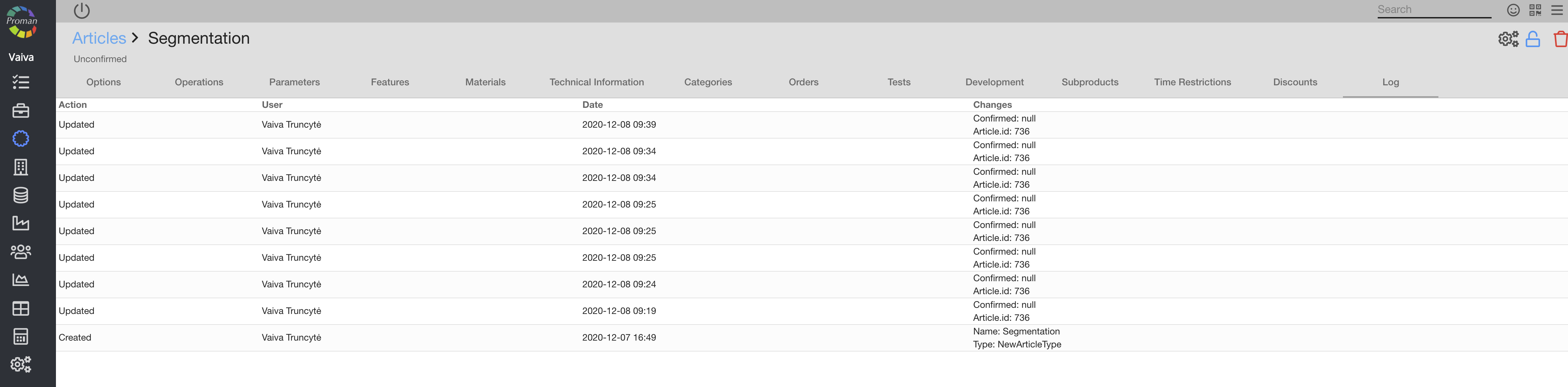
Here you can see all article updates