Sales
Here you can see, manage and generate sale's reports for improvement.
| How to find "Sales Reports"? |
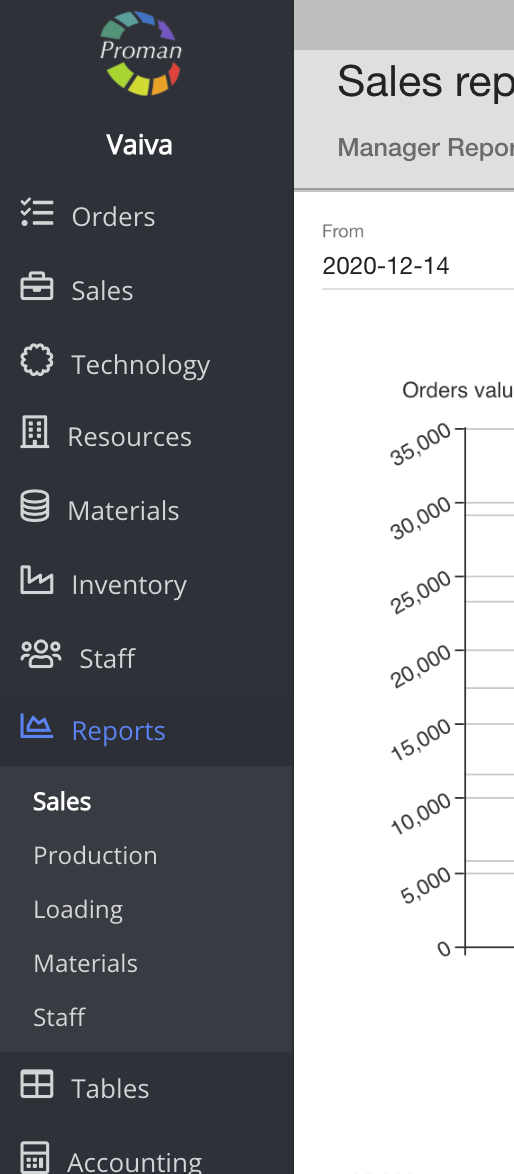
To find Sales Reports:
1. Click on

2. Then-

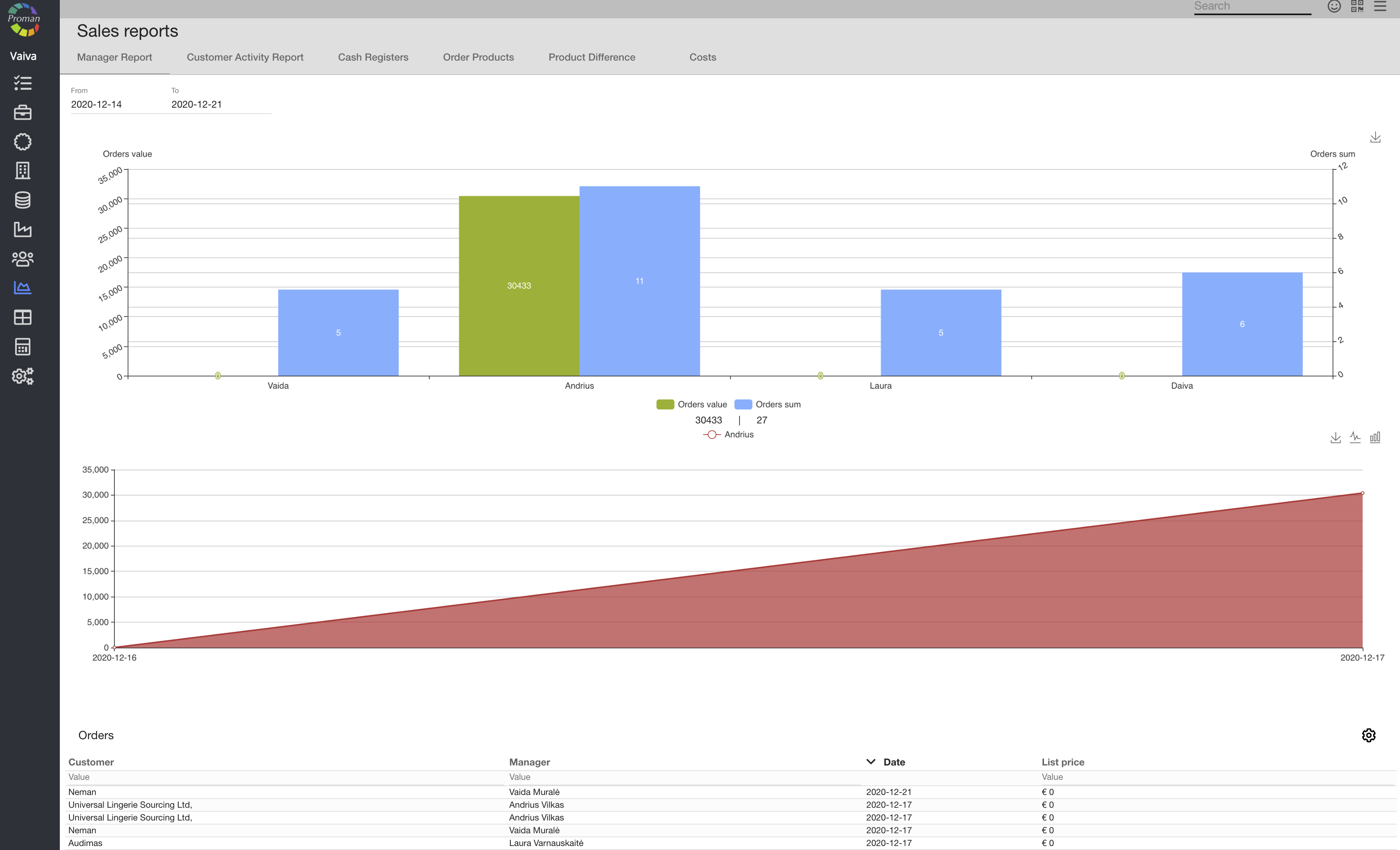
Now you can see the sales reports (Manager reports):
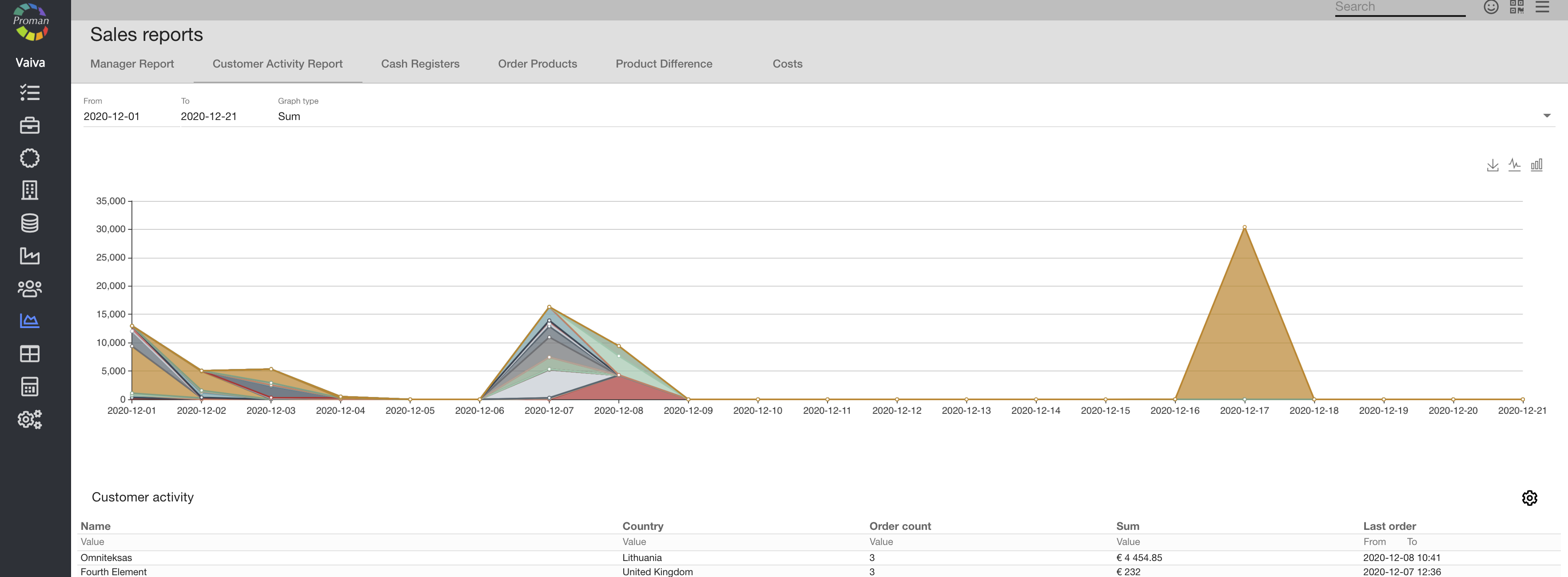
| Customer Activity Report |
| Cash registers |
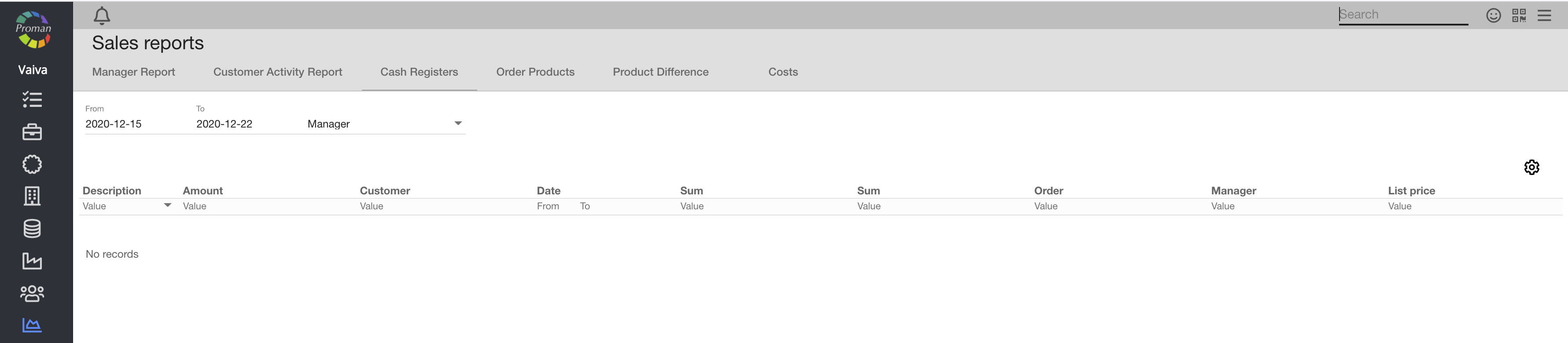
Here you can see cash reports
| Order products |
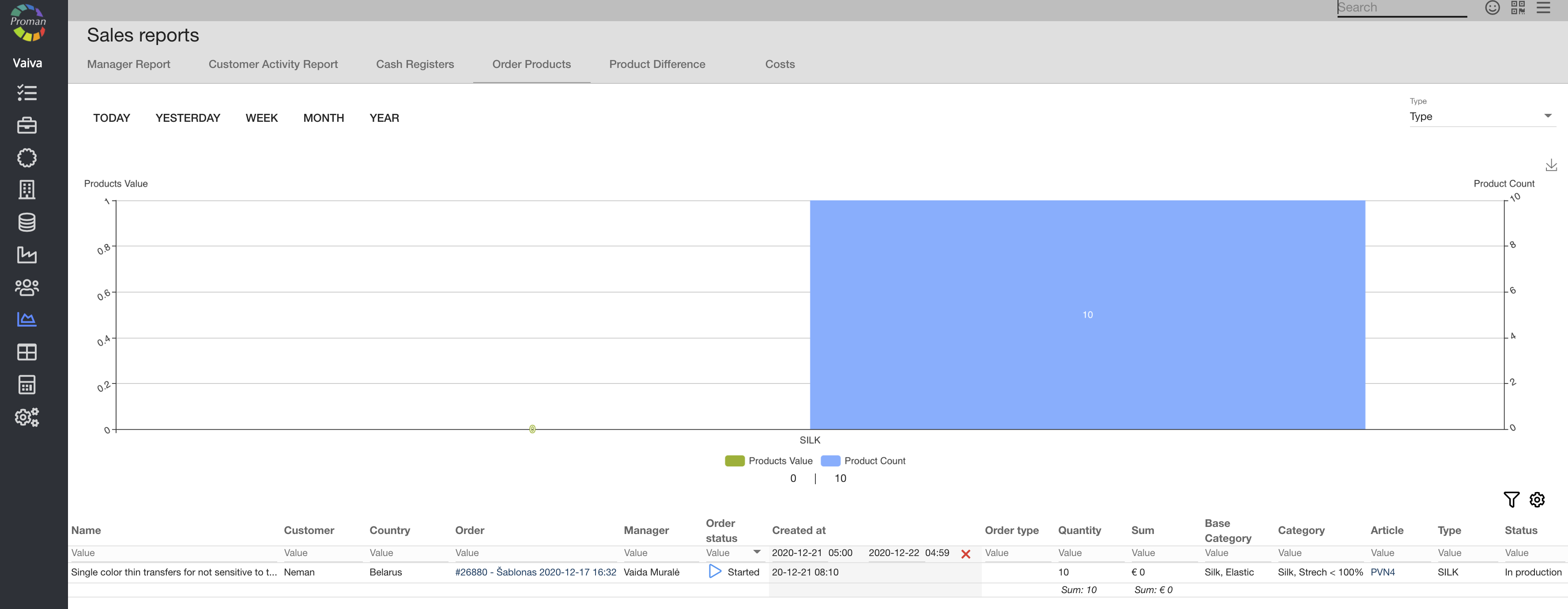
| Product Difference |
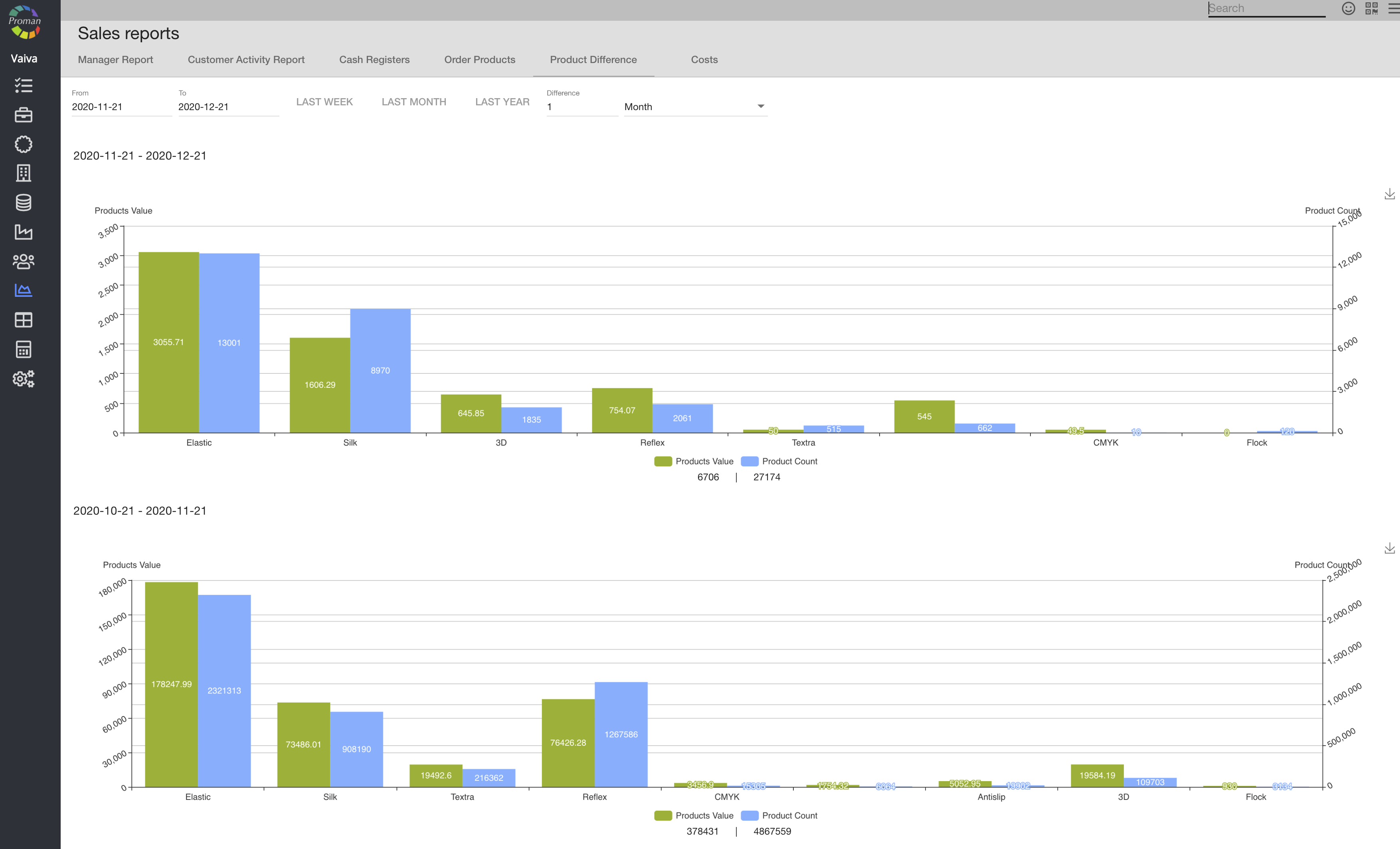
Here you can see product Difference report
| Button | What does it indicate? |
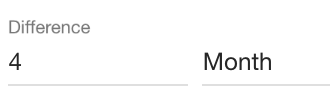 | You can choose what information you need: how many months ago |
| Costs |
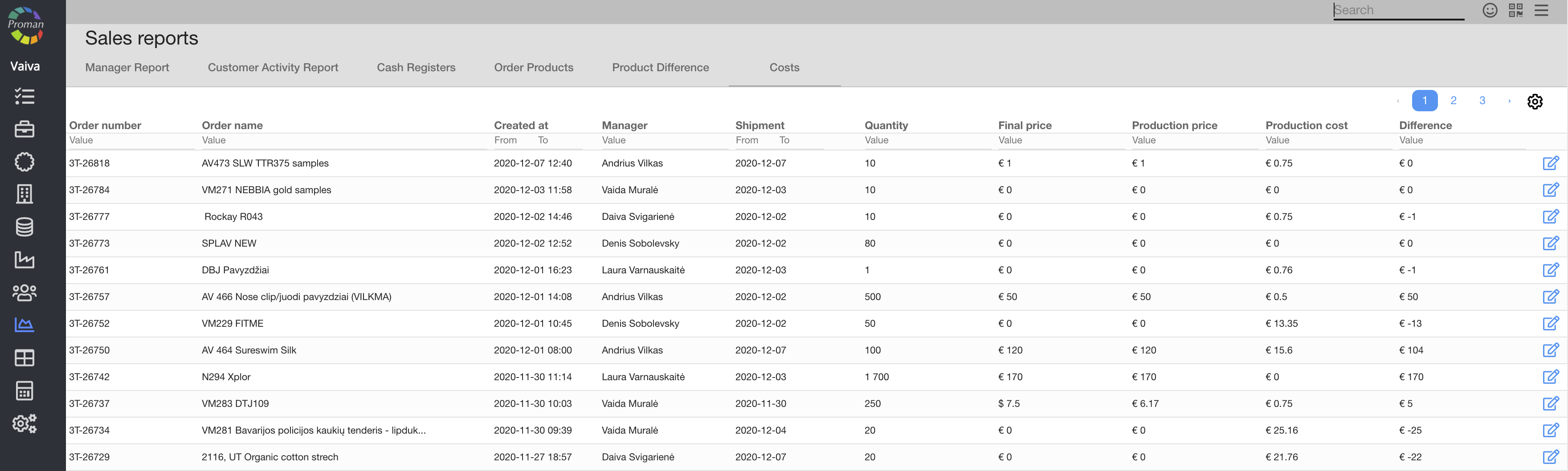
- filter by product (article) name
- filter by article type (technology)