Inventorization
Inventorization Functionality
The application supports two types of inventorization processes, depending on the business need:
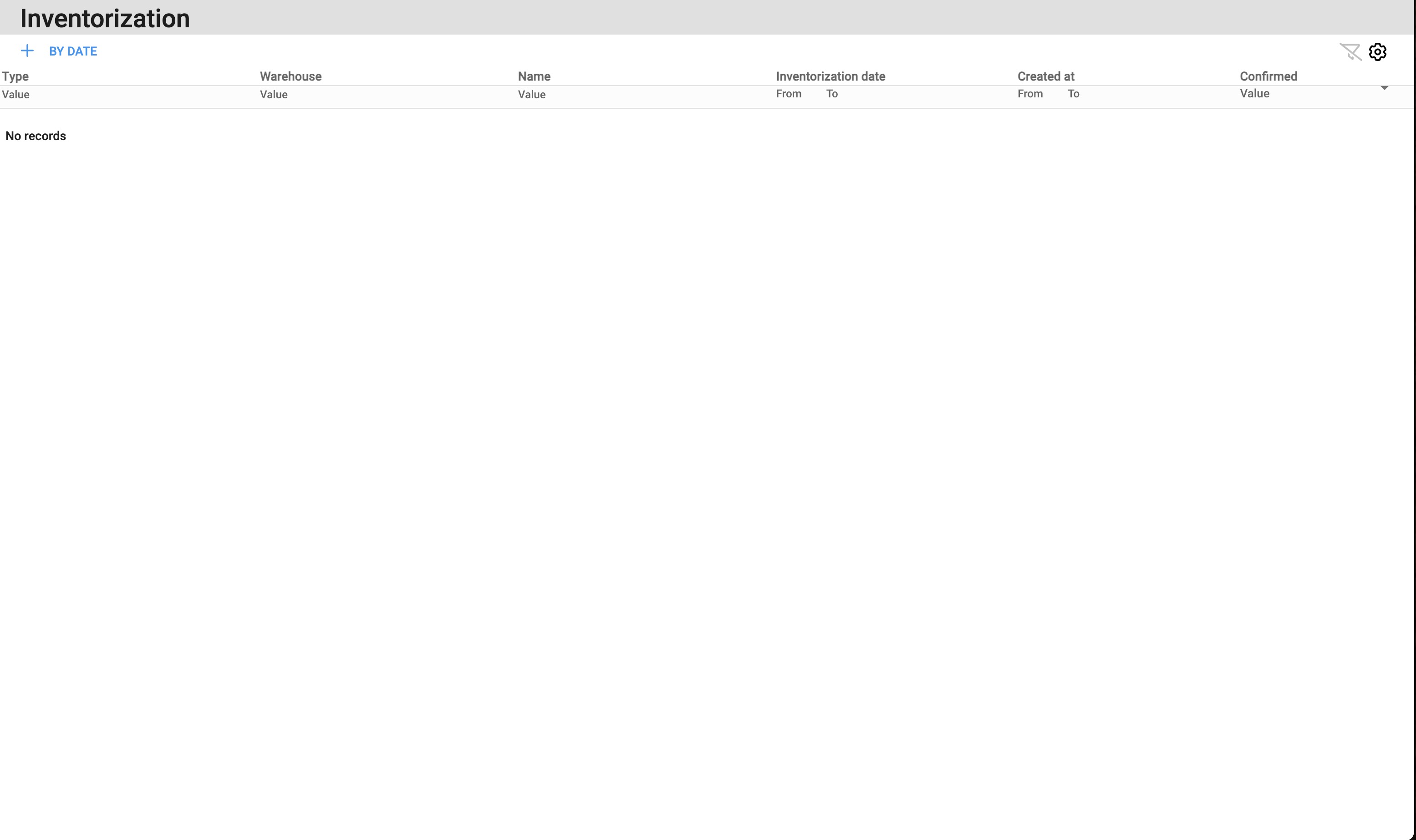
1. Immediate Inventorization (Today)
Use this option when you want to perform inventorization right now.
The process is started and completed on the same day.
Once you press Confirm, the system immediately updates the stock values based on the inventorization results.
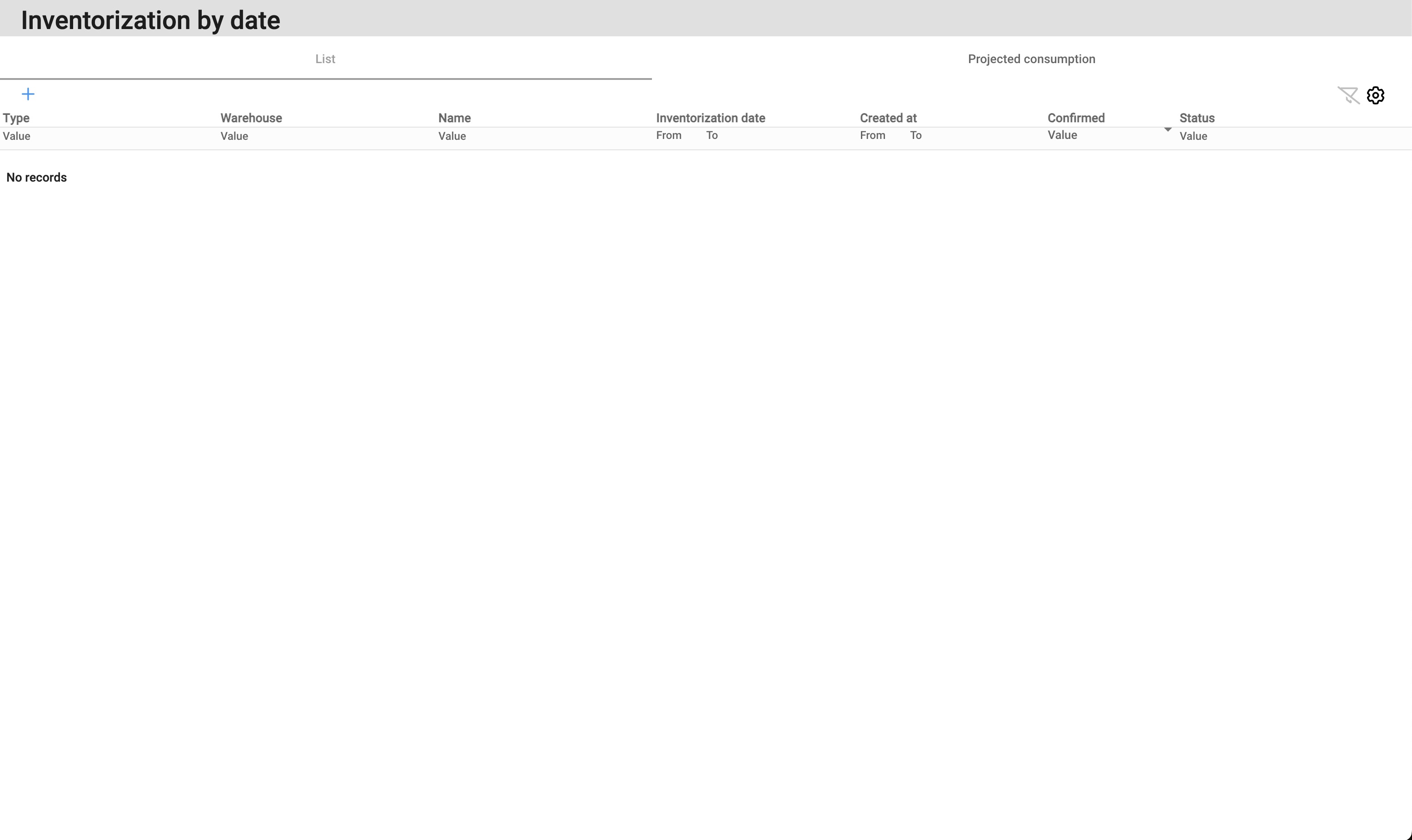
2. Backdated Inventorization (By Date)
Use this option when you need to record inventorization for a specific date in the past.
During the process, you select the date for which the inventorization should apply.
After confirmation, the inventorization values are written and applied to the chosen date.
Performance Note
The more raw materials you have in the system, the longer the inventorization process may take to load.
To improve performance, inventorization should be separated and executed per warehouse.
Creating an Inventorization
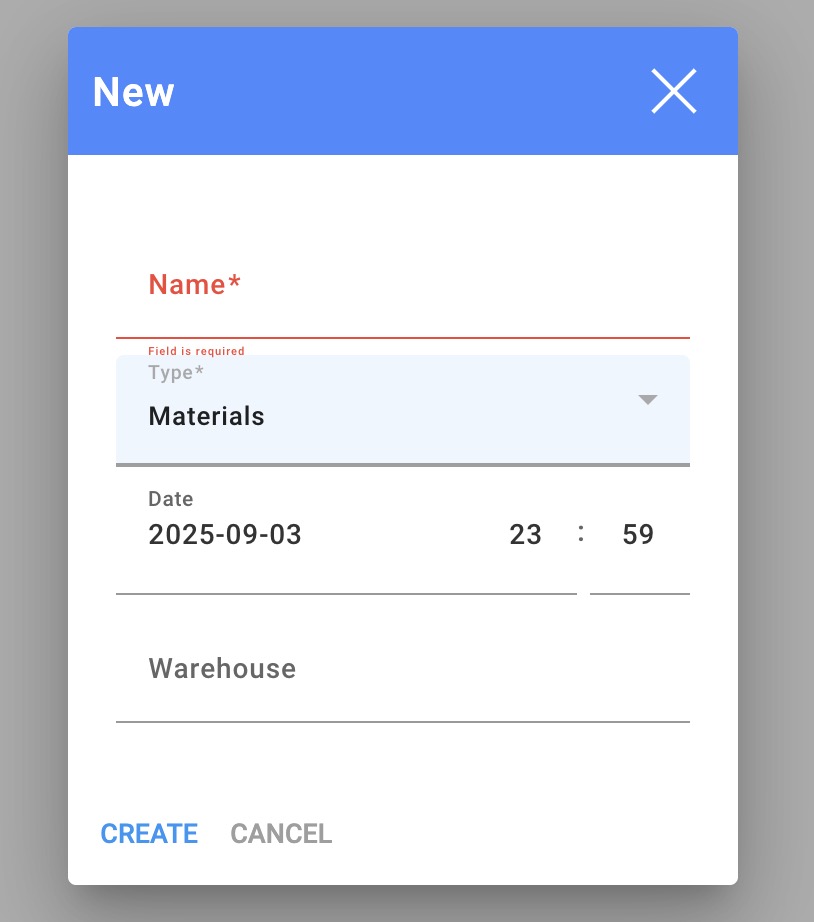
To create a new inventorization, press the ➕ (plus) button and fill in the required fields:
Name – enter the title of the inventorization (how it will be called).
Type – choose whether you want to inventorize materials or inventory.
Date – select the date of the inventorization.
Warehouse – choose which warehouse you are inventorizing.