Operations
Operations are small parts of production. Here you can see and manage operations
| How to find "Operations" ? |
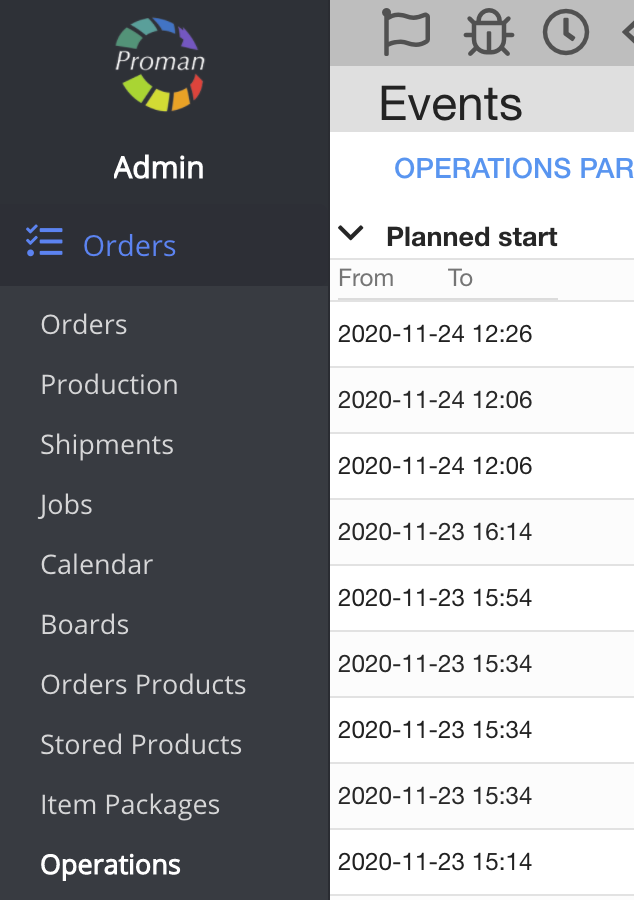
To find Operations:
1. Go to "Orders" 
2. Then- 
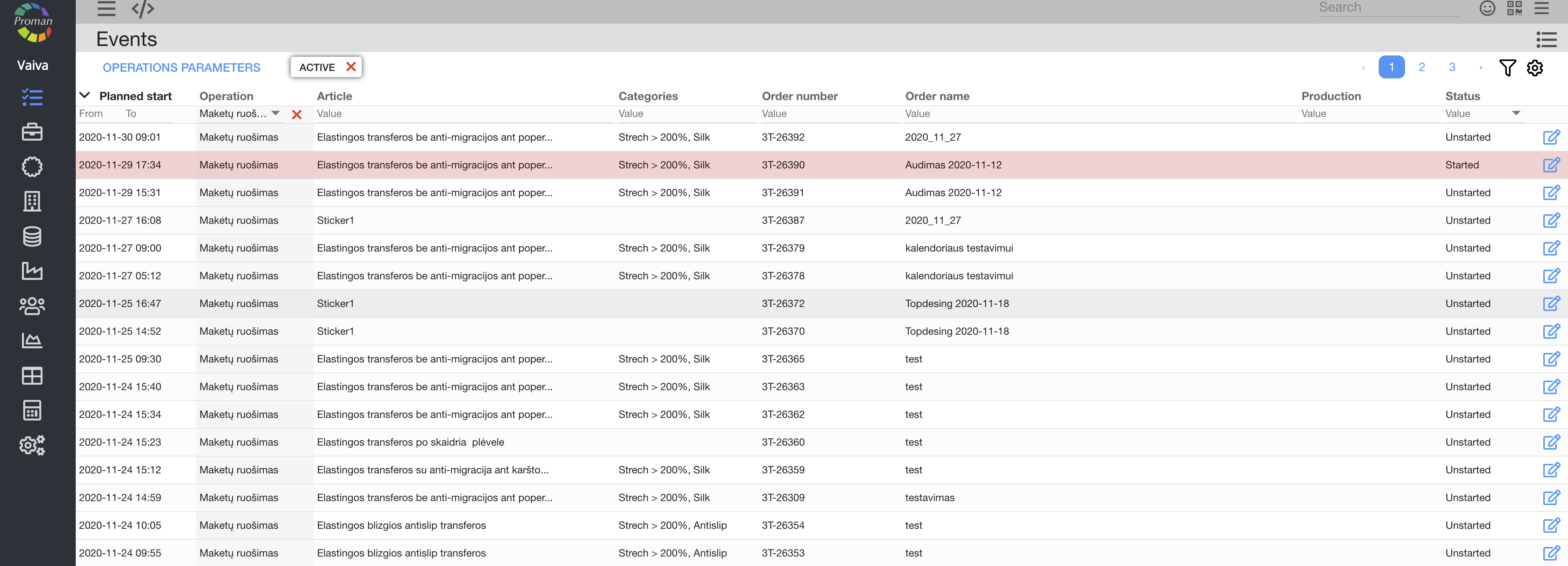
Now you can see the operation list:
| How to find operations from the "orders"? |
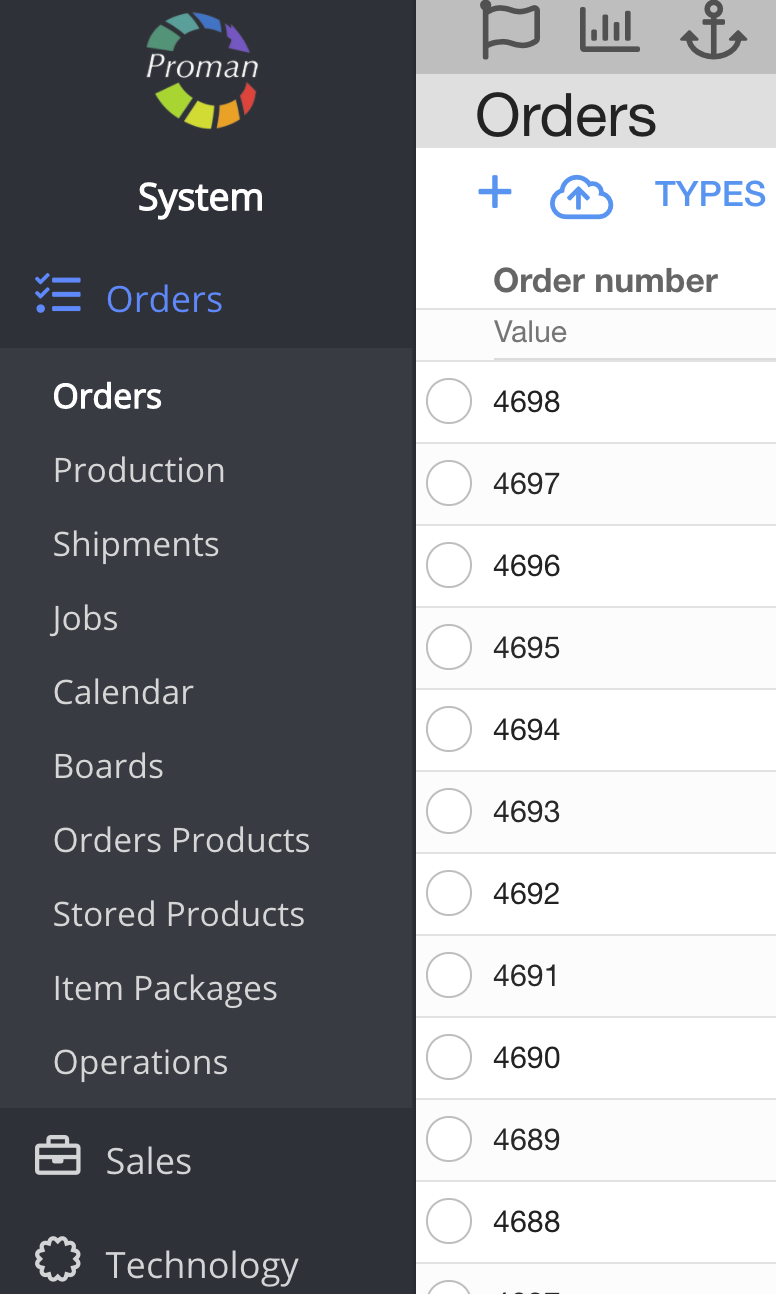
1. Go to
2. Click on
3. Choose an order;
Now you can see "Order Options":
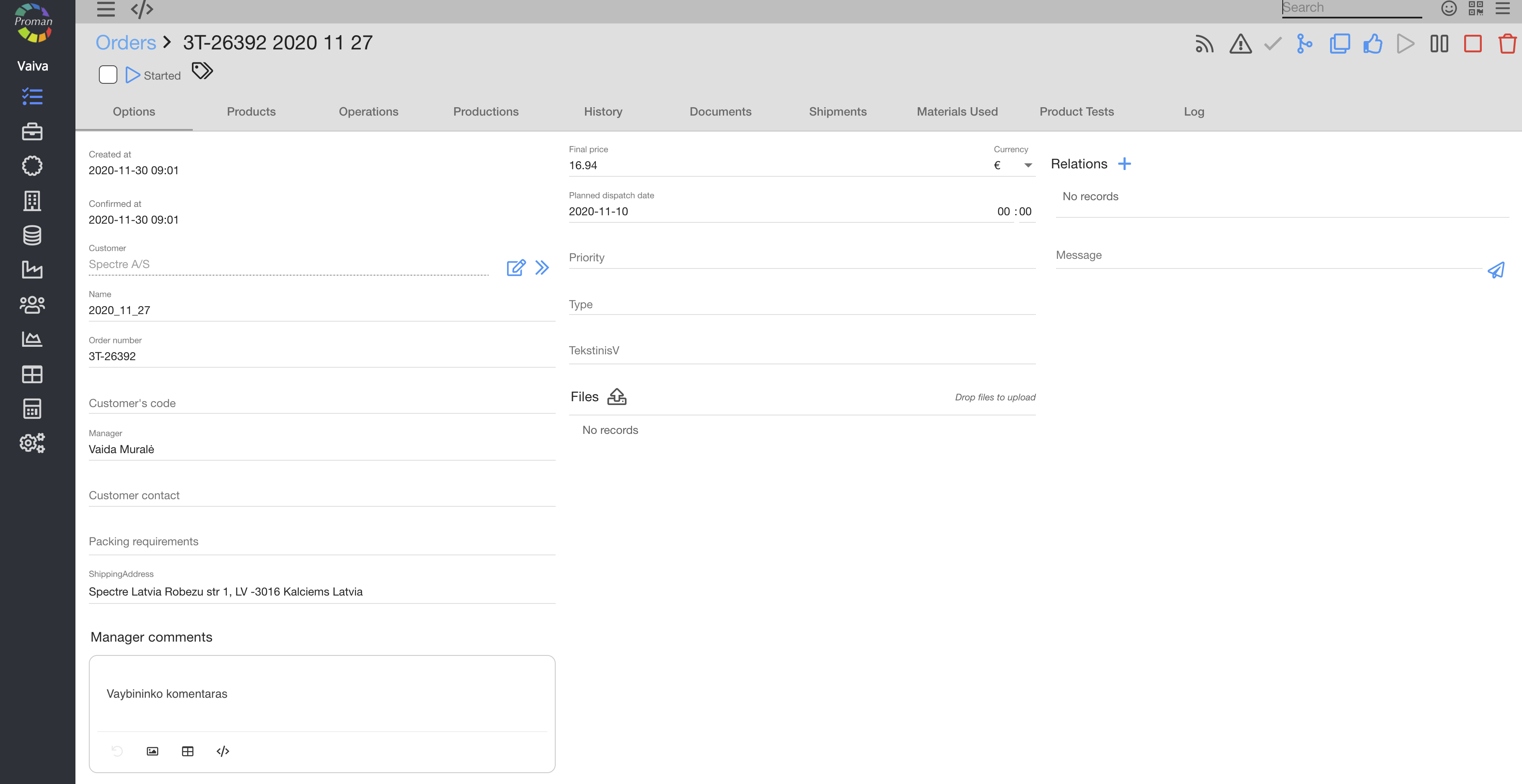
4. In the grey menu tab choose

Now you can see "Order Operations":
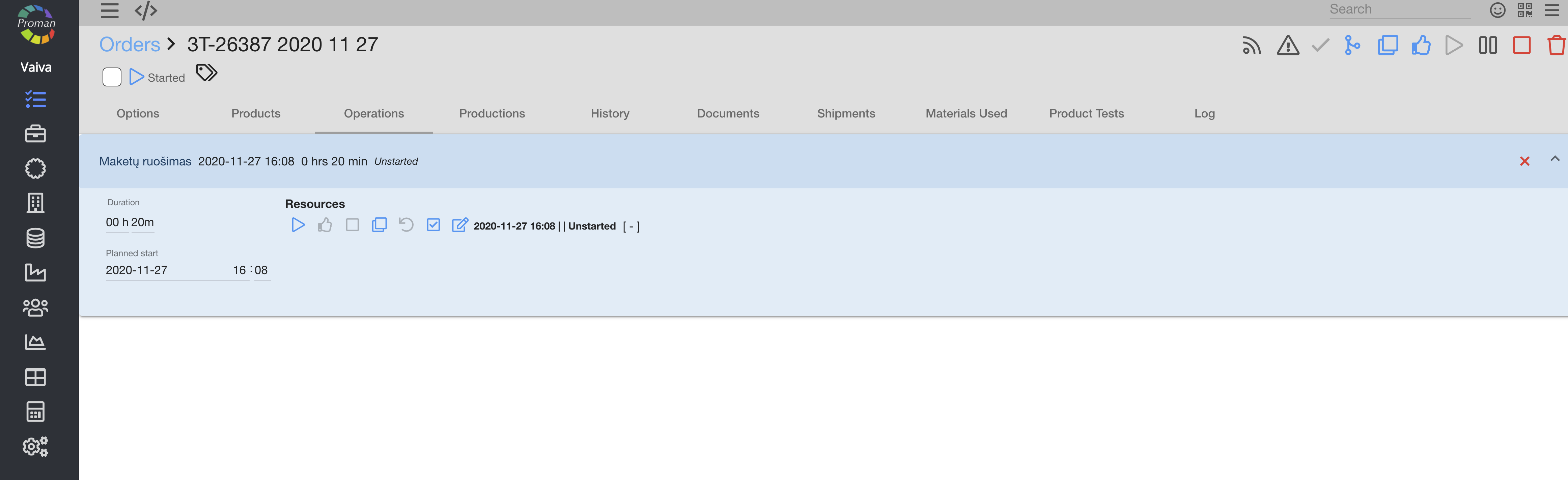
Operations represent actions that need to be done to complete an order. When you have a product (article) blueprint, you know what must be done: some parts should be processed or perhaps some parts should be assembled - these are separate operations. Each operation helps track the current progress and status of an order. Also, operations can be easily overviewed in the calendar for a better understanding of the current situation.
There is a lot hidden by 
 Keywords KeywordsCalendar – production operation overview in a graphical representation of operation data in production. Workplace – entry about an employee in a workplace. Quality control – a process that is used to manage quality assurance. Material – any substance, with its own set of chemical composition, natural or generated from chemical elements or compounds. Parameter – physical, technical measure that describes the product, process (operation) or equipment feature. Order number – unique number for invoicing purposes. Order name – name that represents given order information as a short summary on what must be done. |
For more information:
- How to create new Operation?