Materials Types
Material types are used to classify materials by type and assign them a specific format.
How to create new Material Type?
| How to find the "Material type" tab? |
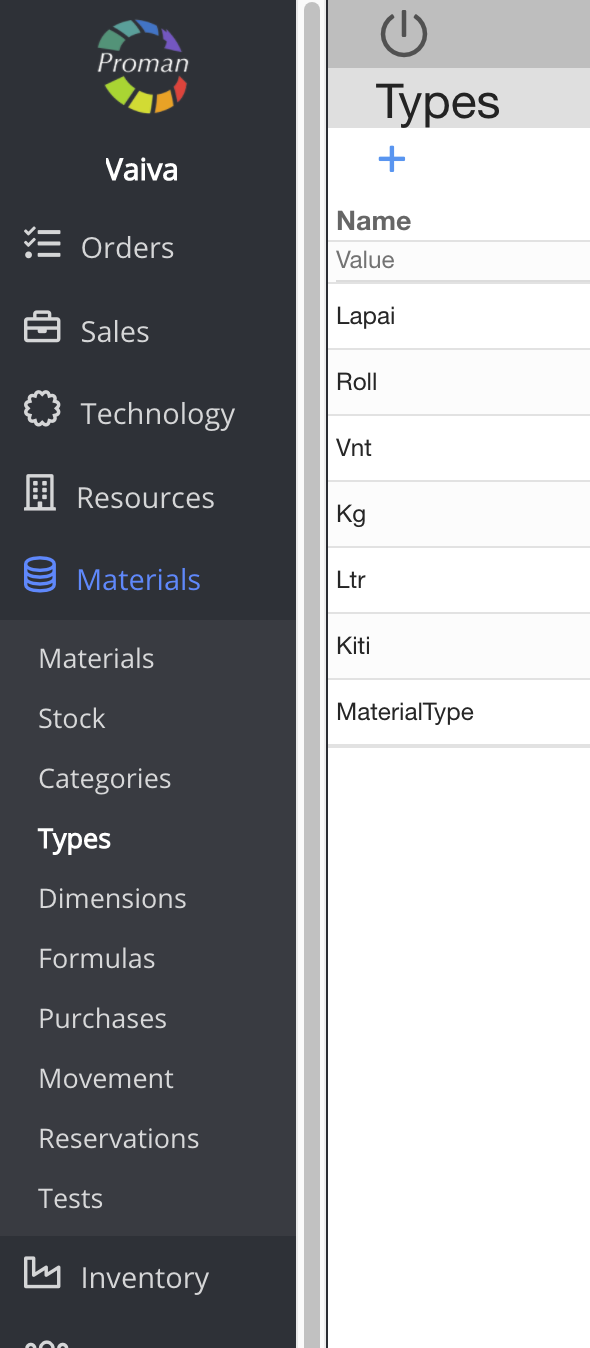
1. To get Material types, you should:
1.1. Go to 
1.2. Then-
Now you can see the material type list:
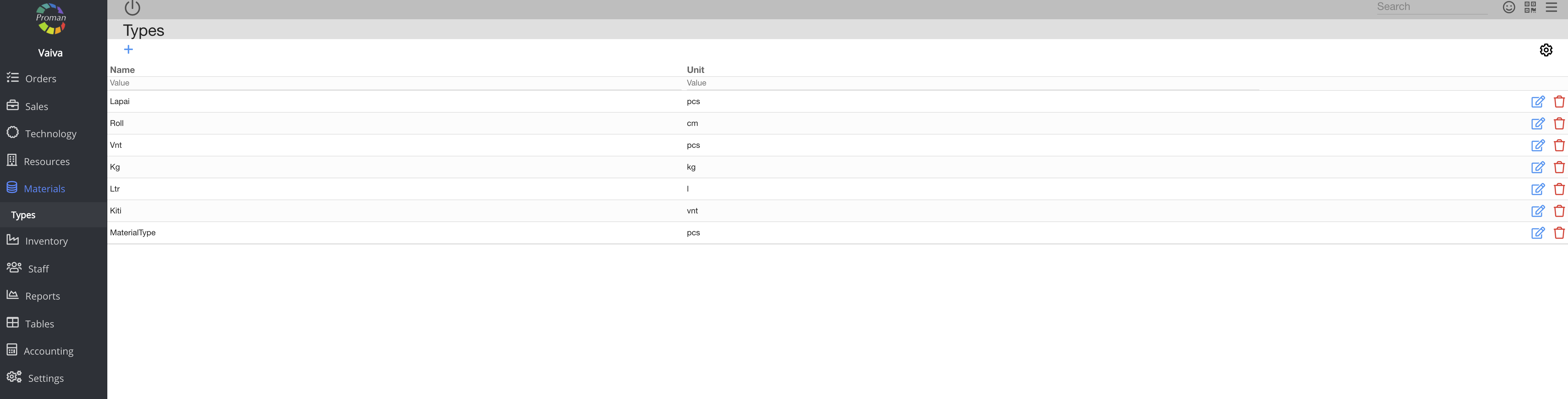
Basic parameter functionality: | |

| Button | What does it indicate? |
 | You can edit the parameter |
 | You can delete the parameter |
 How to create a new Material Type? How to create a new Material Type? |
To create a new Material Type, click on
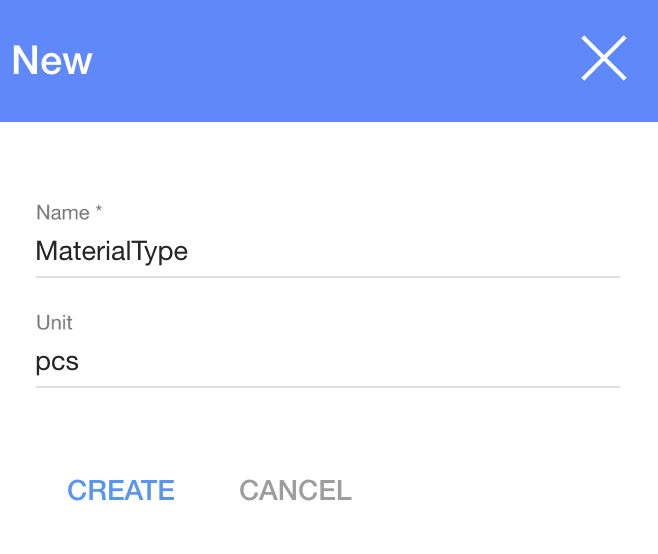
1. To set Expression you need to press
2. In the dialog table:
2.1. Enter a name;
2.2. Choose a Unit from the Unit list;
3. Click

Now you can see your new Material Type
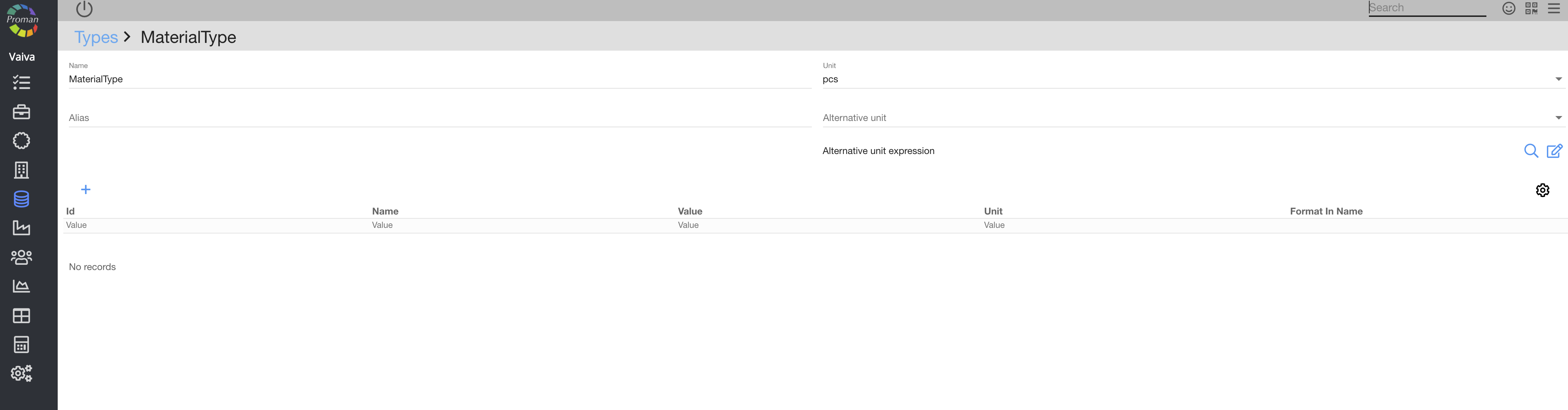
Here you can:
1. Choose an alias;
2. Change the Units;
3. Add an alternative unit;
4. Add an alternative unit expression;
| How to create a new Parameter for a Material Type? |
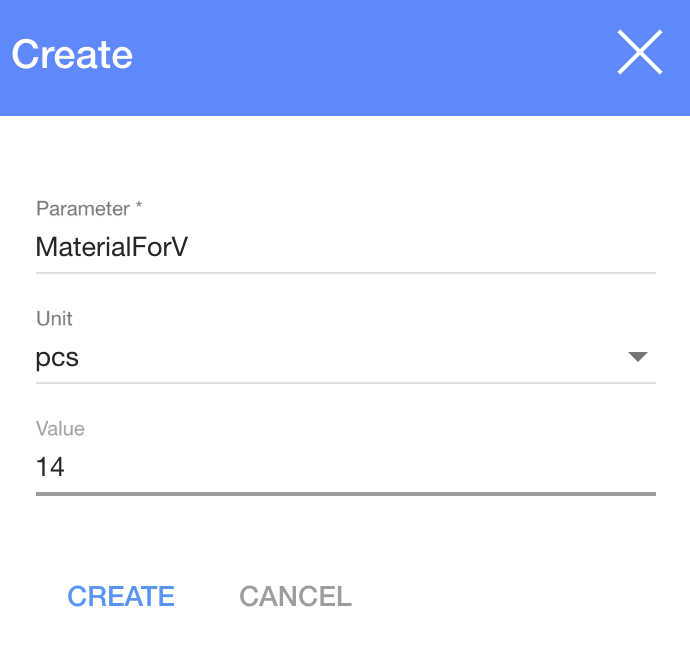
1. To create a new parameter for a Material Type, click on
2. In dialog table:
2.1. Choose a parameter from the parameters list;
2.2. Choose a unit from the unit list;
2.3. Set value;
3. And click
Now you can see the Format type
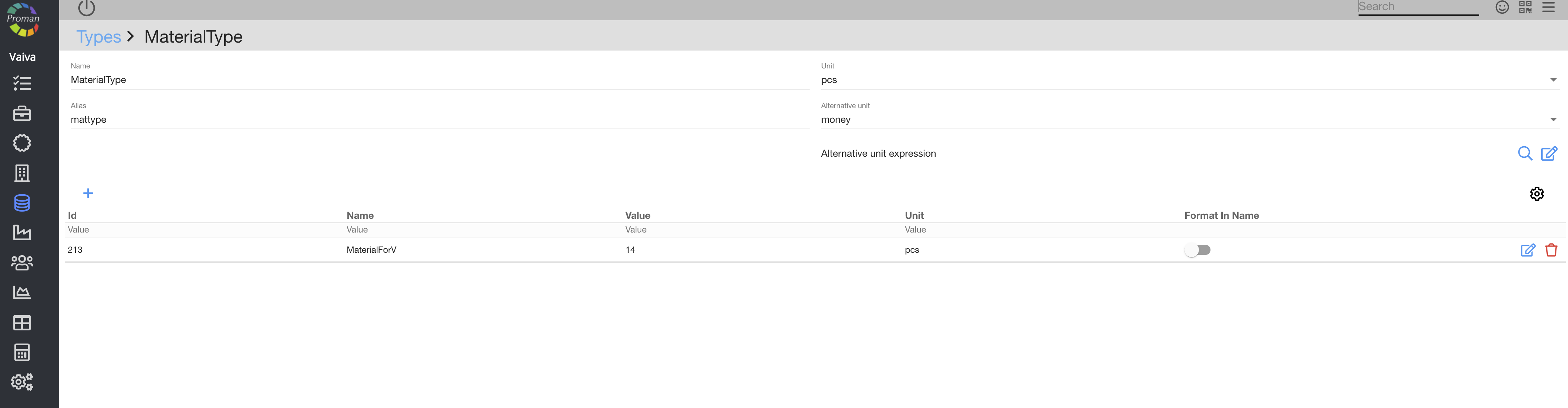
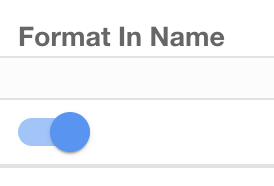 | You can choose if you want to see the format in the material. |