System
System settings define how information is displayed across the Proman system. Also there are options that control different functionality such as invoicing - your business details should be used in each and every invoice.
| How to find the "System"? |
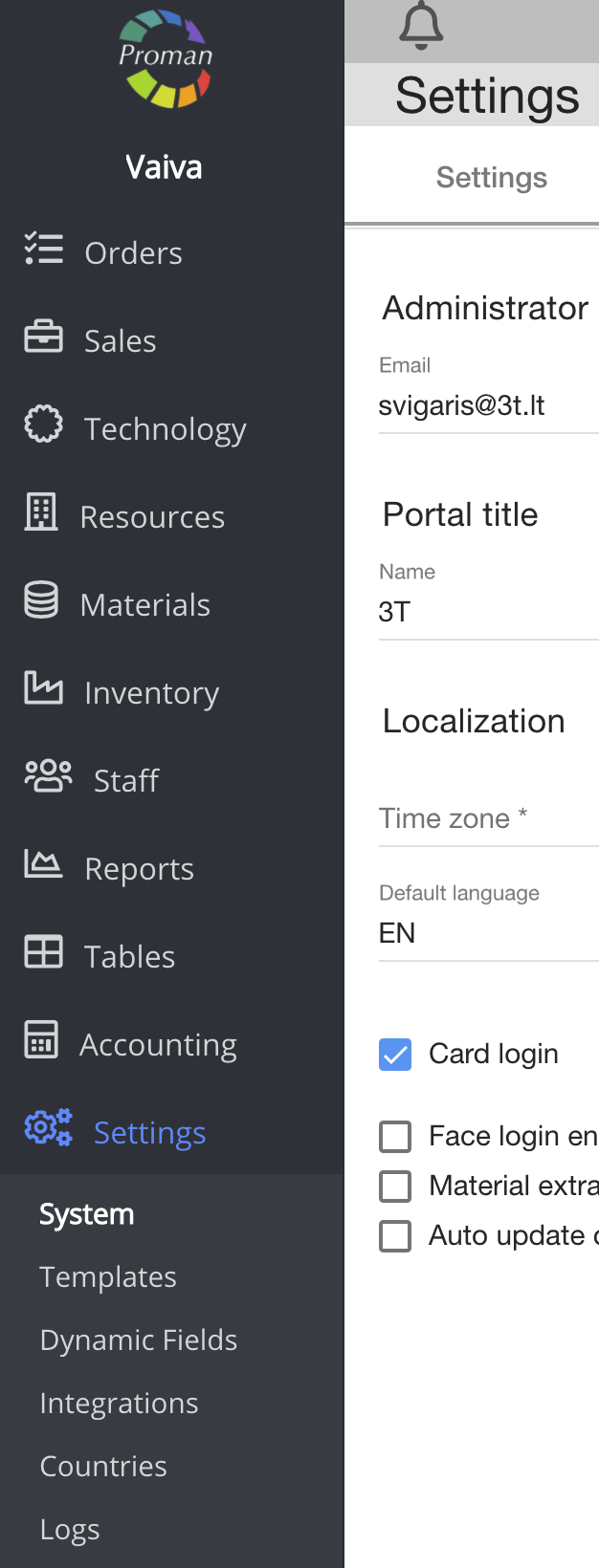
To find the "System":
1. Go to

2. Then-
Now you can see the system settings:
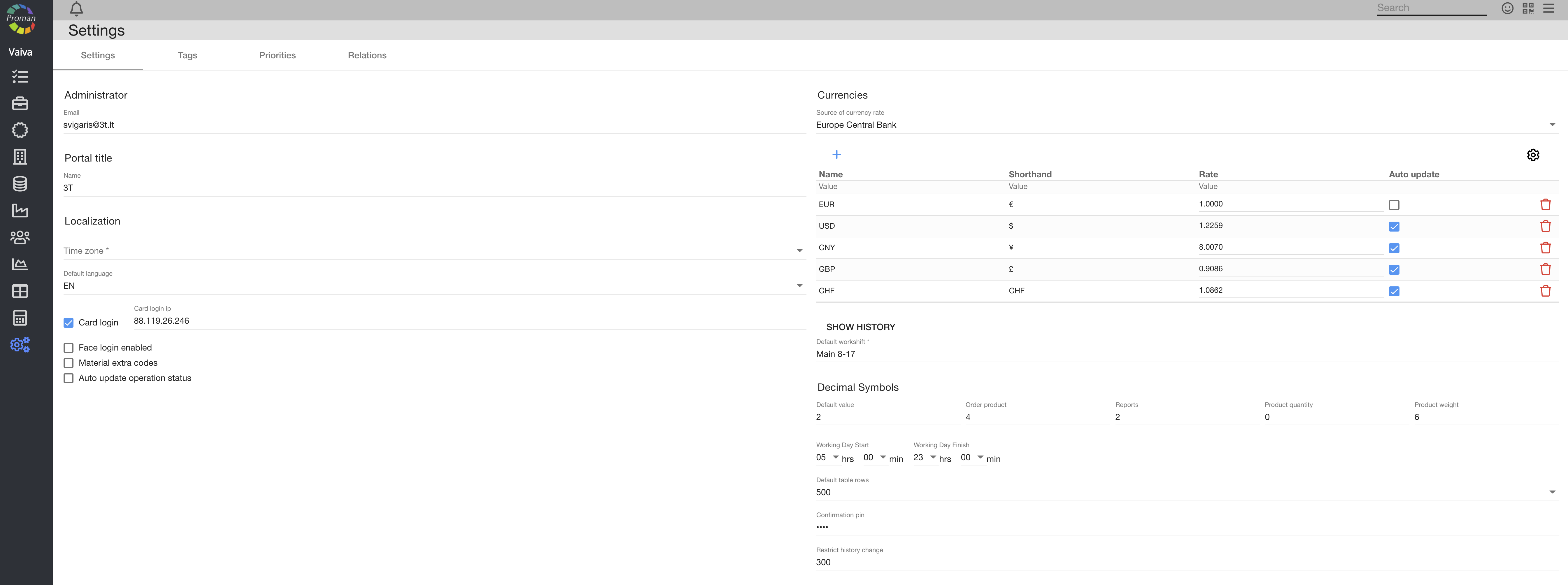
Here you can:
- enter information about Proman,
- let people login with a face login (
- add additional material codes (
- auto update upgrade status (
- add a main currency (
- see currency rate history ,
- set Decimal symbols:
1. Order product (you can see it in Order --> Products),
2. Reports (you can see it in ),
3. Product quantity (you can see it in Order --> Products),
4. Product weight (Order --> Shipment --> Shipment container).
| Tags |
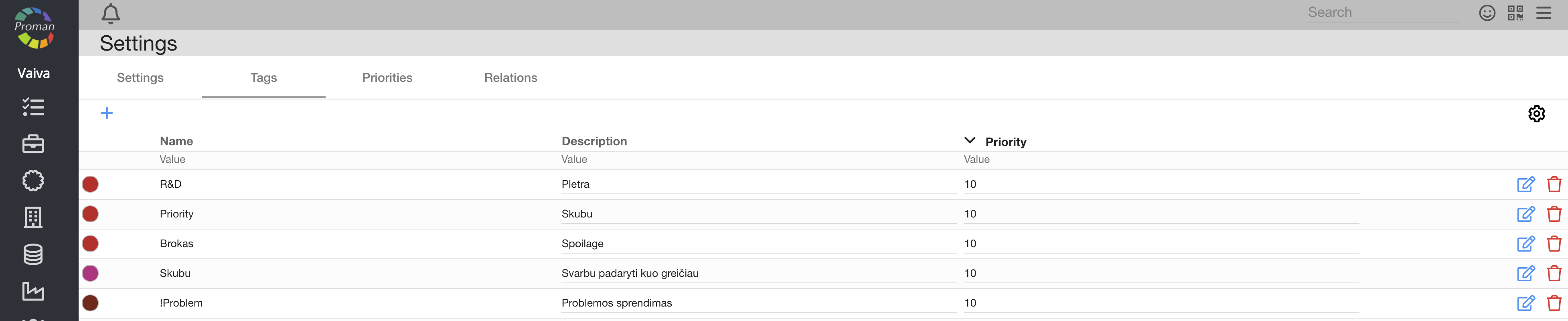
Here you can see, create (

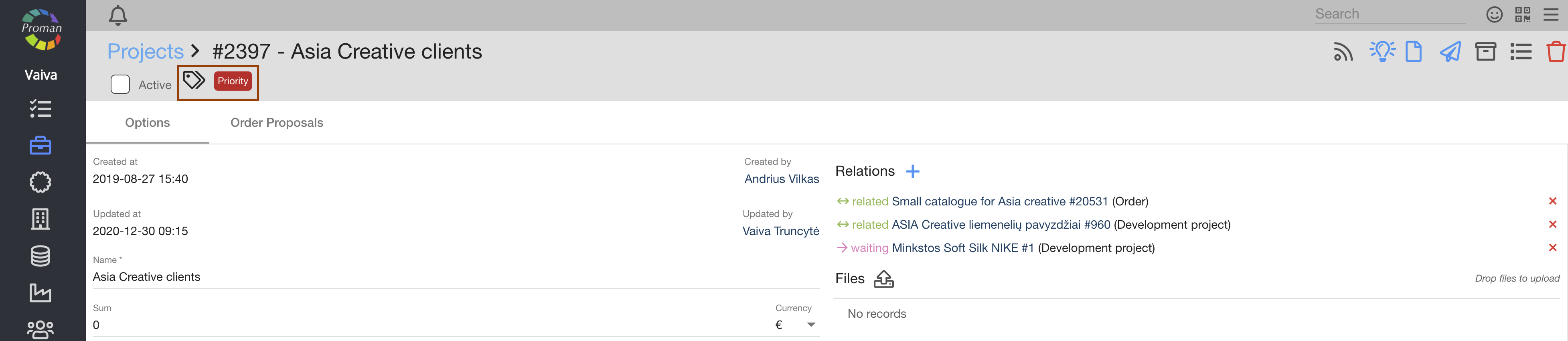
Where can you see tags? (In Project, in Order, in Production, in Operations, in Development, etc.)
| Priorities |
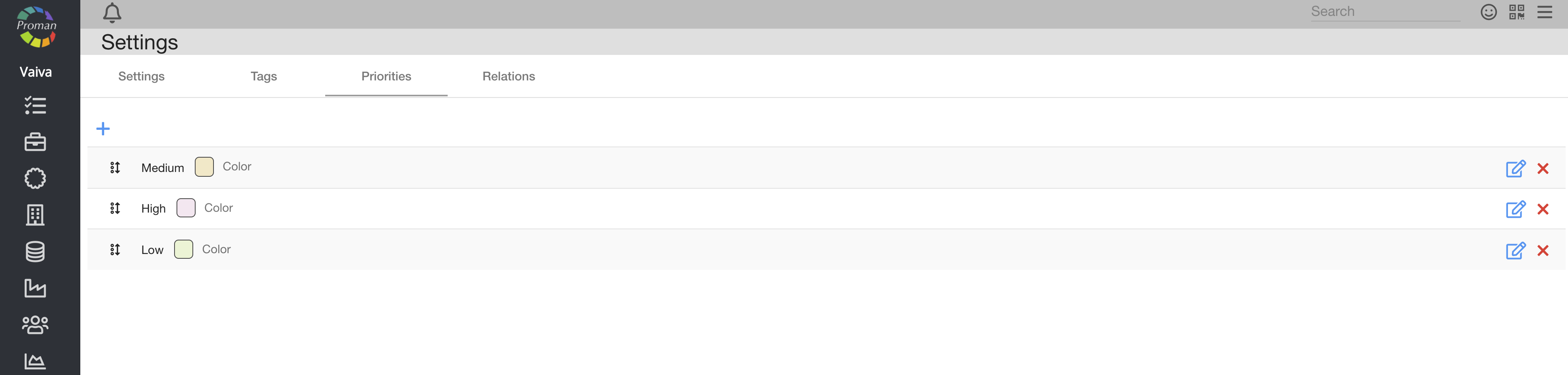
Here you can see, create (
| Relations |

Here you can see, create (
Where can you see Relations?

You can manage following details:
- Company (address, billing information, etc.)
- Administrative details
- Currency settings