
 English
Articles
"Product" is a blueprint or prototype of what you want to sell and it is going to be used to create actual items/services you are going to sell. Each product must have technology type assigned. Technology types provide additional structure to the product or in other words - the blueprint (prototype), which will be used in production. If you set up the Article everyone knows what kind of product it is, how it is produced, what raw materials, operations, workplace, employees are needed, how long it takes to produced 1 pcs of Article, whether it is stored, whether it is for internal order, whether removals are required, whether a discount is applied, etc.
How to add or remove categories to all Article?
How to add or remove parameters to all Article?
How to add Expression to all Article?
How to change the order of Articles?
How to add features to Articles?
1. To create new Article, you should:
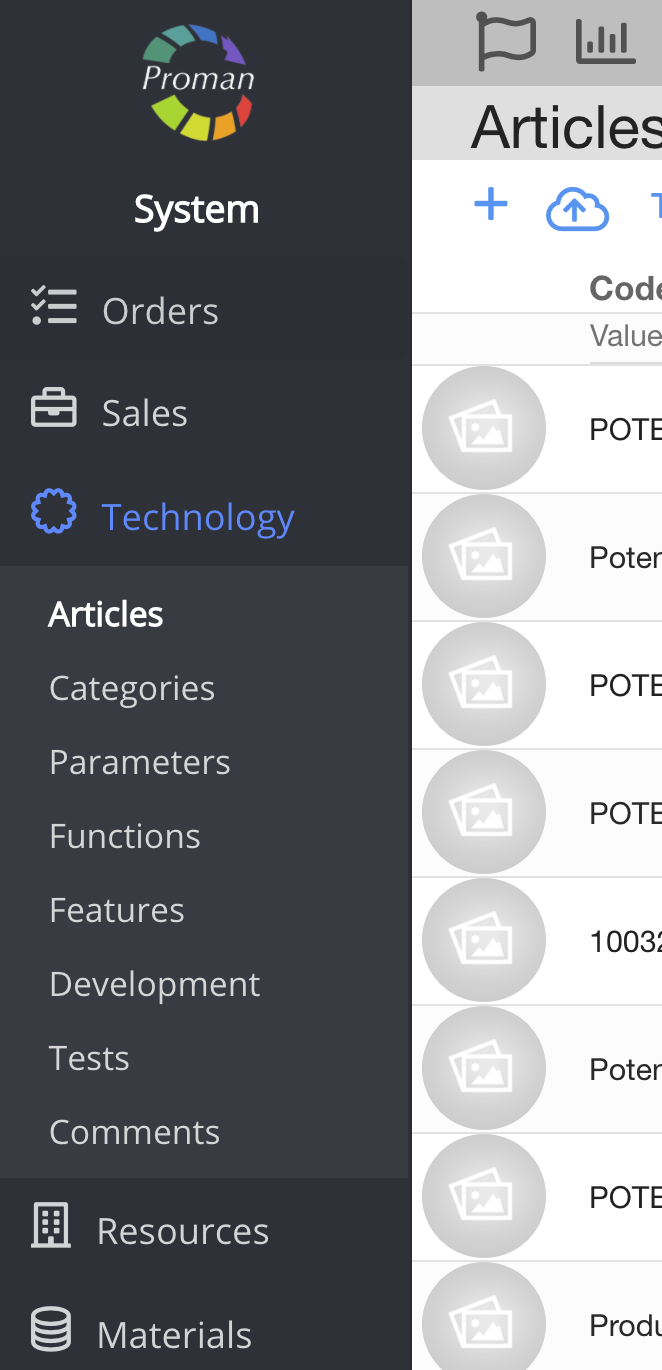
1. Go to Technology:
1.1. Press 
1.2. Press 
Now you can see Article List:

Here you can search Articles you need. PO & !SPO is filter. For more information about filters, please visit here. Note: If you want to see all Articles, press

| How to add and remove categories, parameters to several articles and print report? |
1. Press
Now you could see dialog table

2. Press

3. Press

Now you could see checkbox (left side near Articles photo)

4. Check Articles (
| Button | What does it indicate? |
 | You could add categories to Articles. For more information about categories, please visit here |
 | You could remove categories from Articles. For more information about categories, please visit here |
 | You could update Article settings. For more information about categories, please visit here |
 | You could update Article expressions. For more information about categories, please visit here |
 | You could add parameters to Articles. For more information about parameters, please visit here |
 | You could remove parameters from Articles. For more information about parameters, please visit here |
 | You could print article report from Template (context) |
| How to change the order of Articles in the category? |

1. Press 

2. Press


3. Choose Article category which Articles order you would like to change
4. Press

5. Move it to the top (or to the other place you would like to)
Now you could see your Article in the top

Now you could see your Article position in the POS too

| How to add features to Articles? |
