Payments
| How to find "Payments"? |
1. To find "Payments", you should:
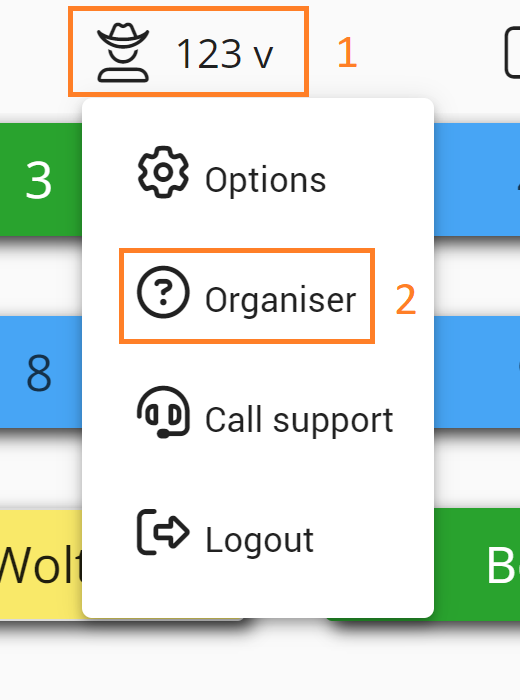
1.1. Click on your username
1.2. Then- "Organiser"
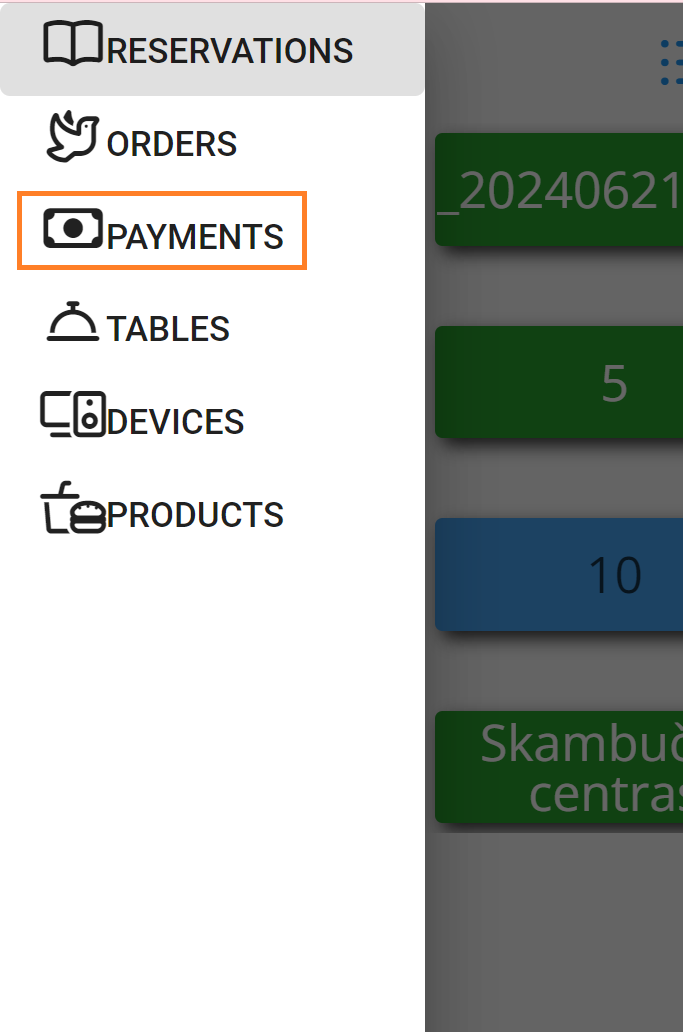
1.2. and "Payments"
Now you can see "Payments" list:
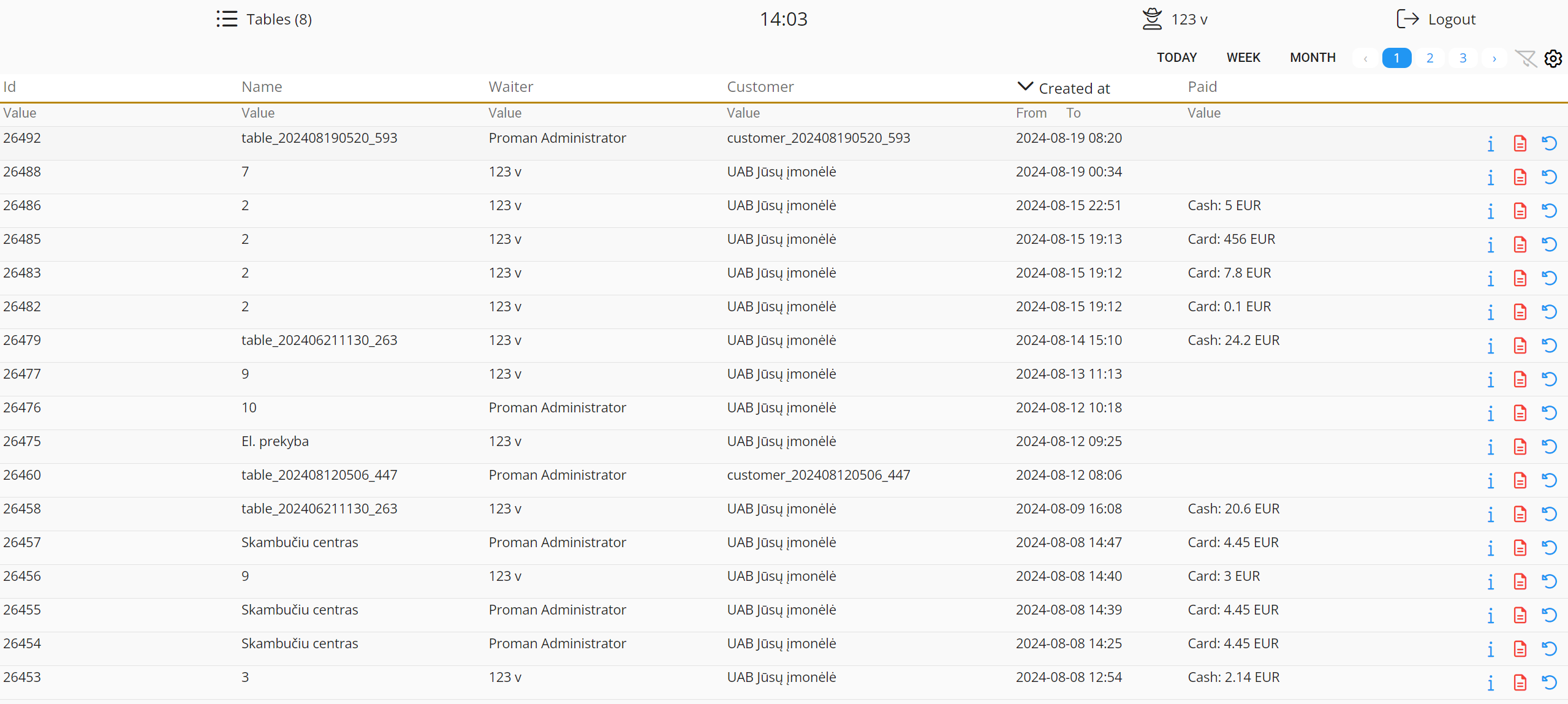
 You can manage what do you want to see You can manage what do you want to see |
You could manage what want to see in the table
| Button | What does it indicate? |
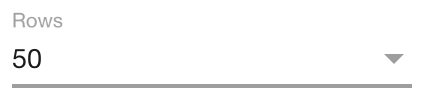 | You can choose and set how many rows you want to see in this table |
 | You can see numbers in the list of orders |
 | You can change the row order |
 | You can see all text in row |
 | You can show paging at the top |
 | You can include dynamic values |
 | You can add subtotal values |
 | You can download the list of orders |
 | You can copy to clickboard the list of orders |
 | You can share the link of the list of orders |
 | You can reset the table settings |
| How to add subtotal values? |
1. Click on

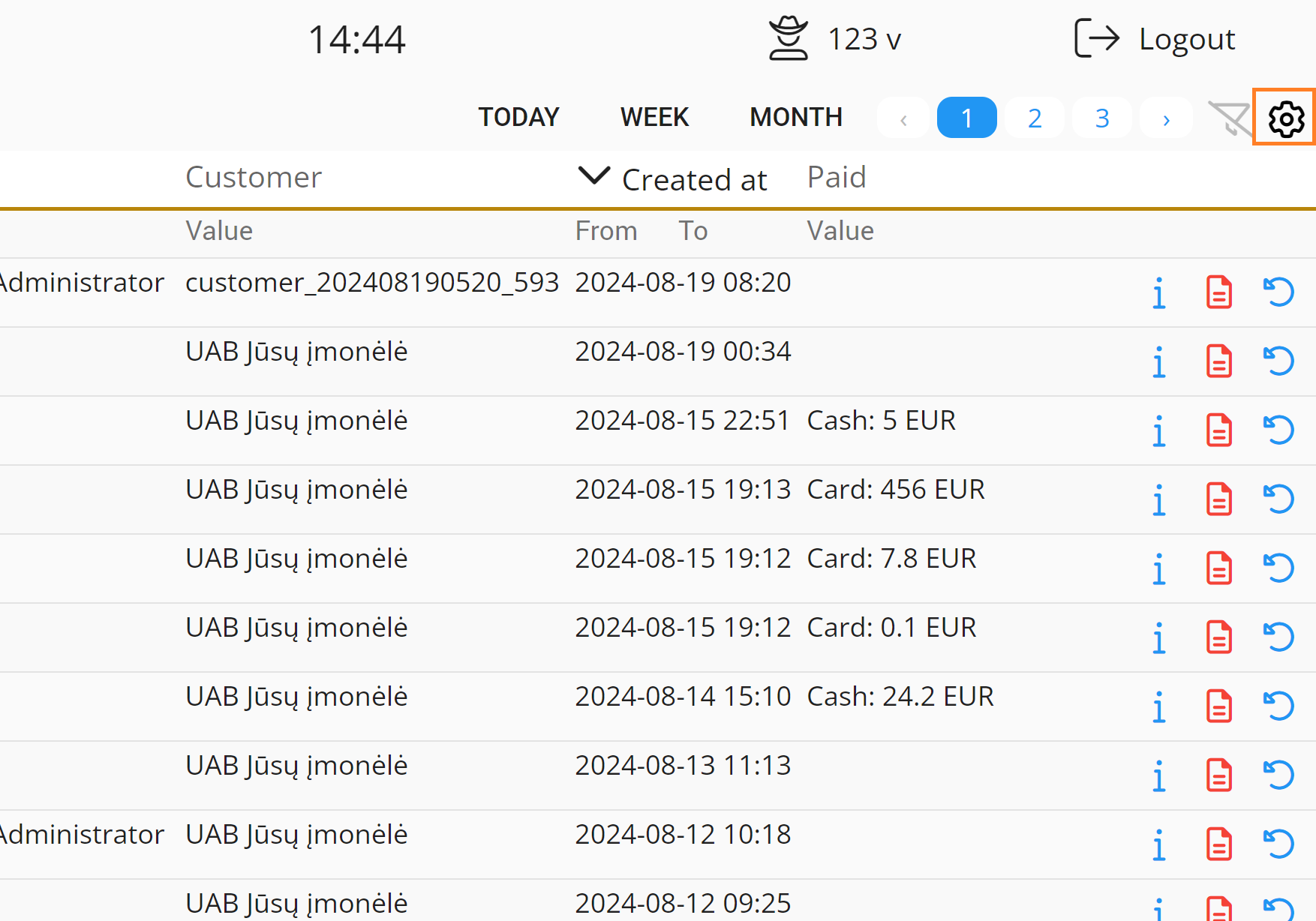
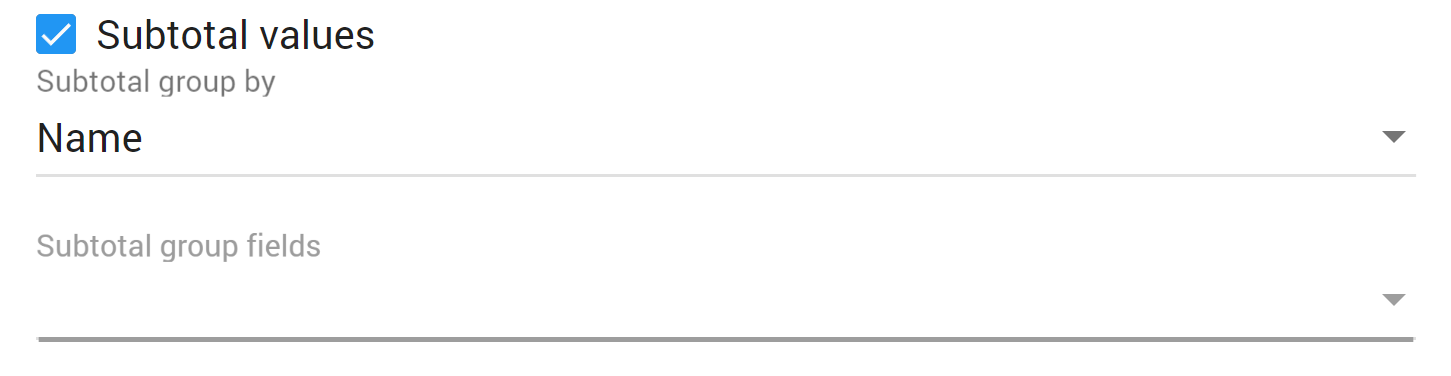
2. Then check "Subtotal values", choose subtotal group and fields: