Stored products
Stored products are products that were ordered. Here you can find information about the stored and remnant quantity of products, also parameters, warehouse location, orders, movements and so on.
Product price priorities:
1. Stored product sale price;
2. Article price expression;
3. Article list price;
4. Order products Sale price
| How to find stored products directly? |
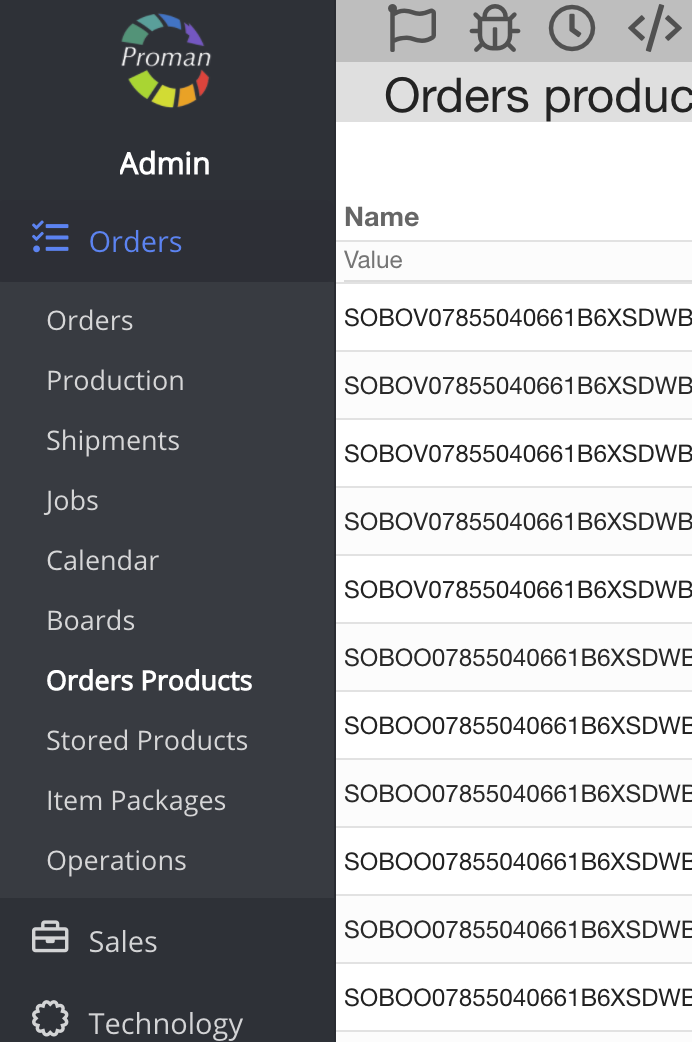
To find stored products directly:
1. Go to 
2. Then- 
Now you can see the stored product list:
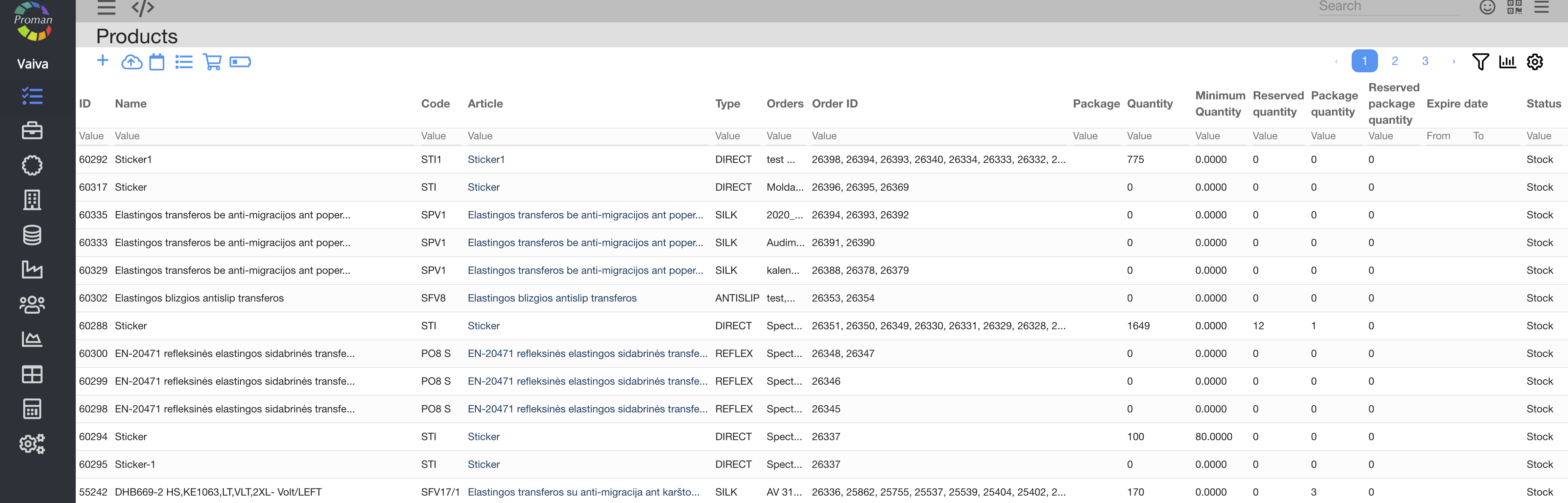

| Button | What does it indicate? |
 | You can create a new product |
 | You can add products from your computer |
 | You can see events of the products in store |
 | You can see product logs |
 | You can purchase a product. For more information on how to create a new purchase and manage it, visit here |
 | You can see products, low in stock |
| How to create a new product? |
To credit of materials to operation:
1. Click on
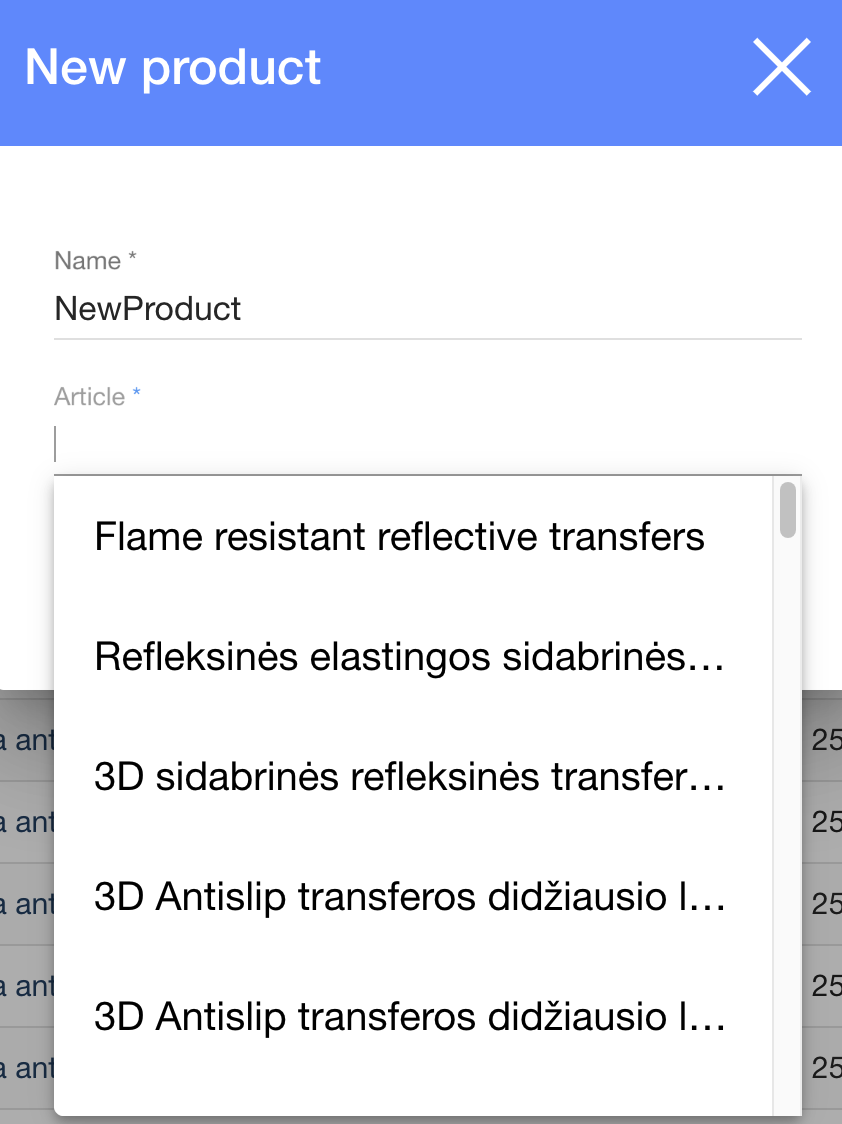
In the dialog table:
2. Enter a name;
3. Choose an article from the list;
4. Choose parameters:
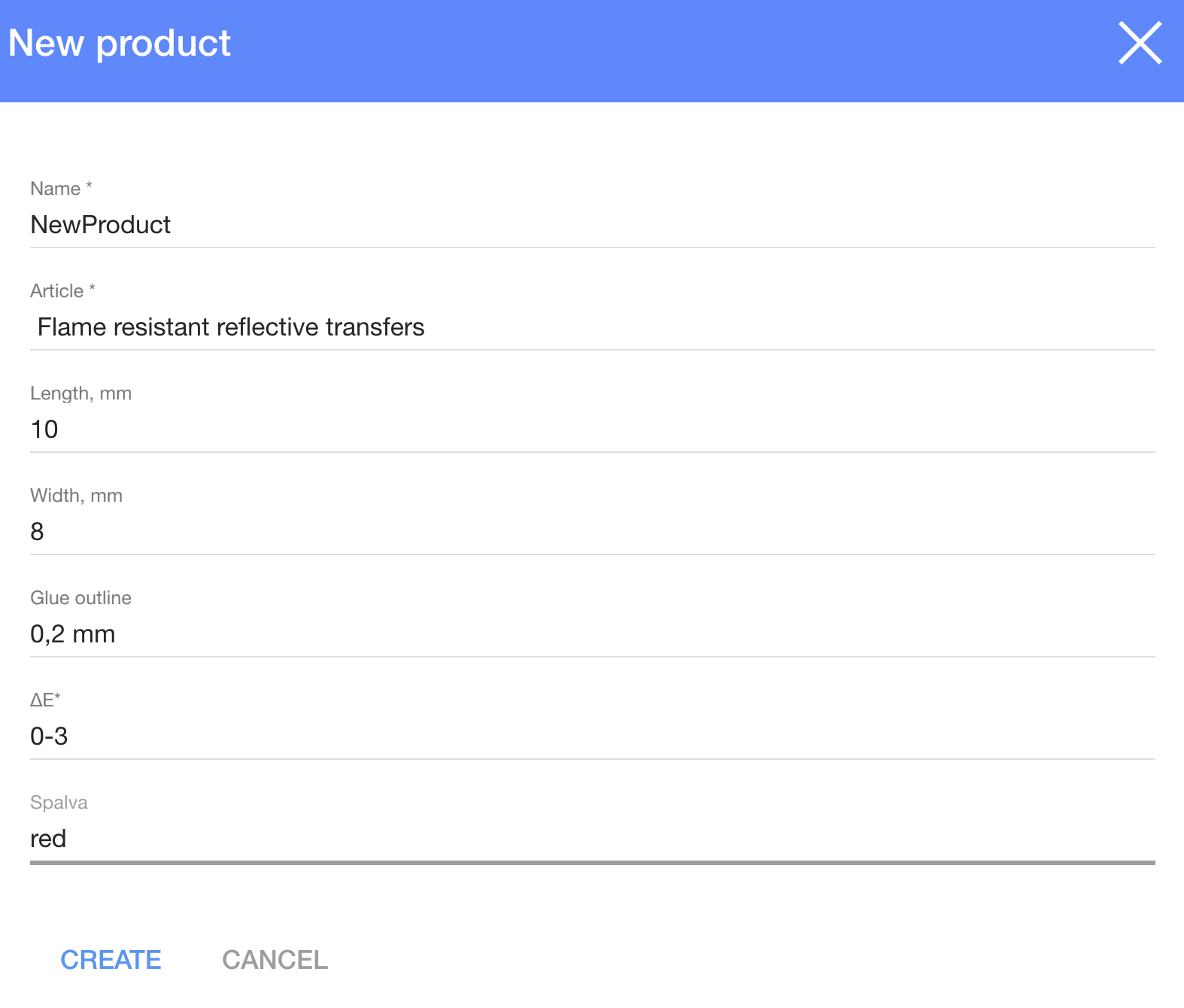
5. Click on

Now you can see the product table:
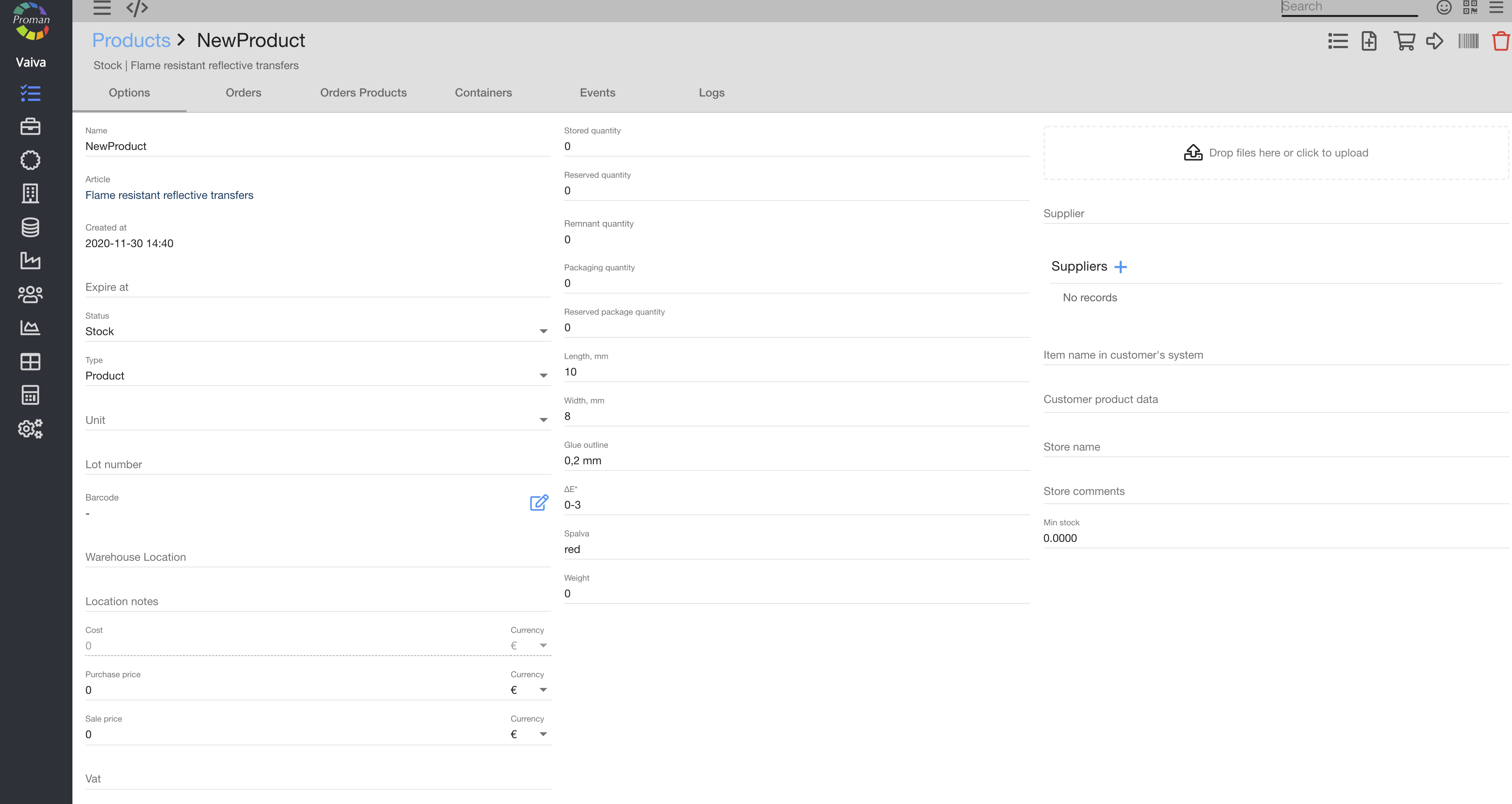
Here you can:
1. Change the name;
2. Expiration date;
3. Choose the status:
- Stock;
- Material;
- Sold;
- Written off;
- Quarantine;
- In transit;
- Rejected;
- Shipped;
- Purchase;
- Arrived
3. Choose a type:
- Product;
- Service;
- Asset
4. Choose a unit
5. Enter a lot number;
6. Enter a barcode (Click on
7. Choose a warehouse location (from the list);
8. Add location notes;
9. Add a cost
10. Purchase price;
11. Sale price;
12. Vat
13. Stored quantity;
14. Reserved quantity;
15. Packaging quantity;
16. Parameters;
17. Weight;
18. Upload a product photo;
19. Choose a supplier;
20. Enter an item name in the customer's system;
21. Store name;
22. Store comments;
23. Min stock;
| Managing a new product |

| Button | What does it indicate? |
 | You can see activity log in the product |
 | You can create an order |
 | You can purchase a product |
 | You could product to warehouse |
 | You can print a product barcode |
 | You can delete a product |
For more information on how to manage purchases, visit here