Accounting Settings
Here you can set up settings and manage organisation's information, salary costs, currencies, VAT, workday types, workweek types, accounting plans and banks
| How to find "Settings"? |
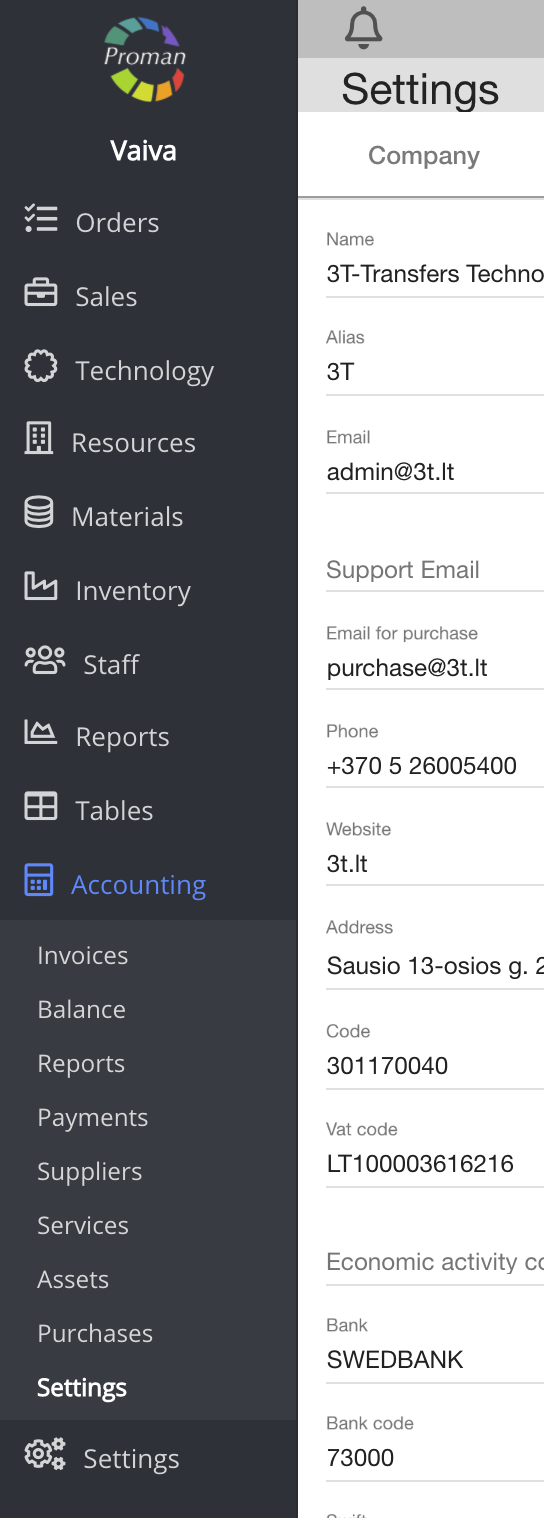
To find settings:
1. Go to

2. Then-

Now you can see the settings list:
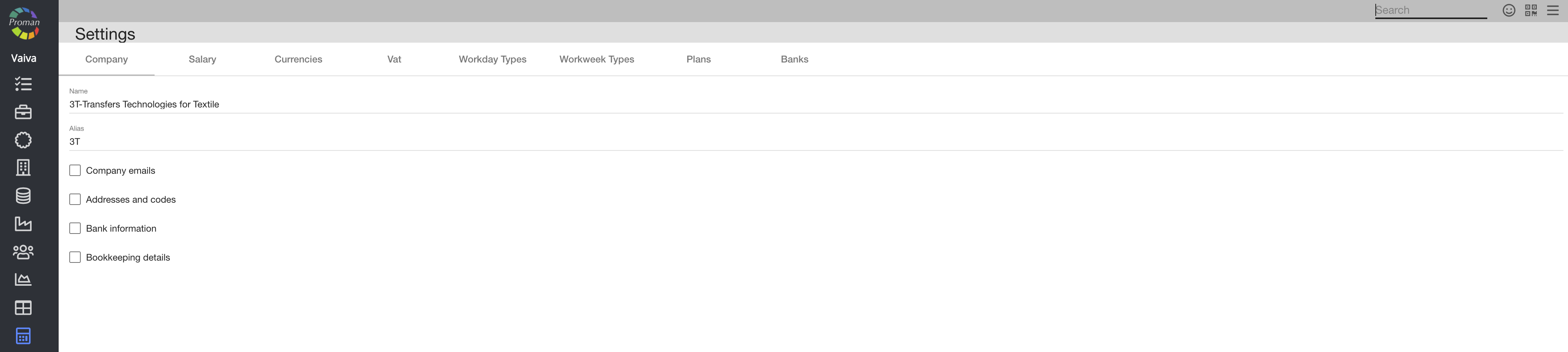
Here you can see information about your organisation: Company emails (General, support, bookkeeping email), Addresses and codes(), Bank information(), Bookkeeping details (Invoice affix, ) (click on
| Salary |
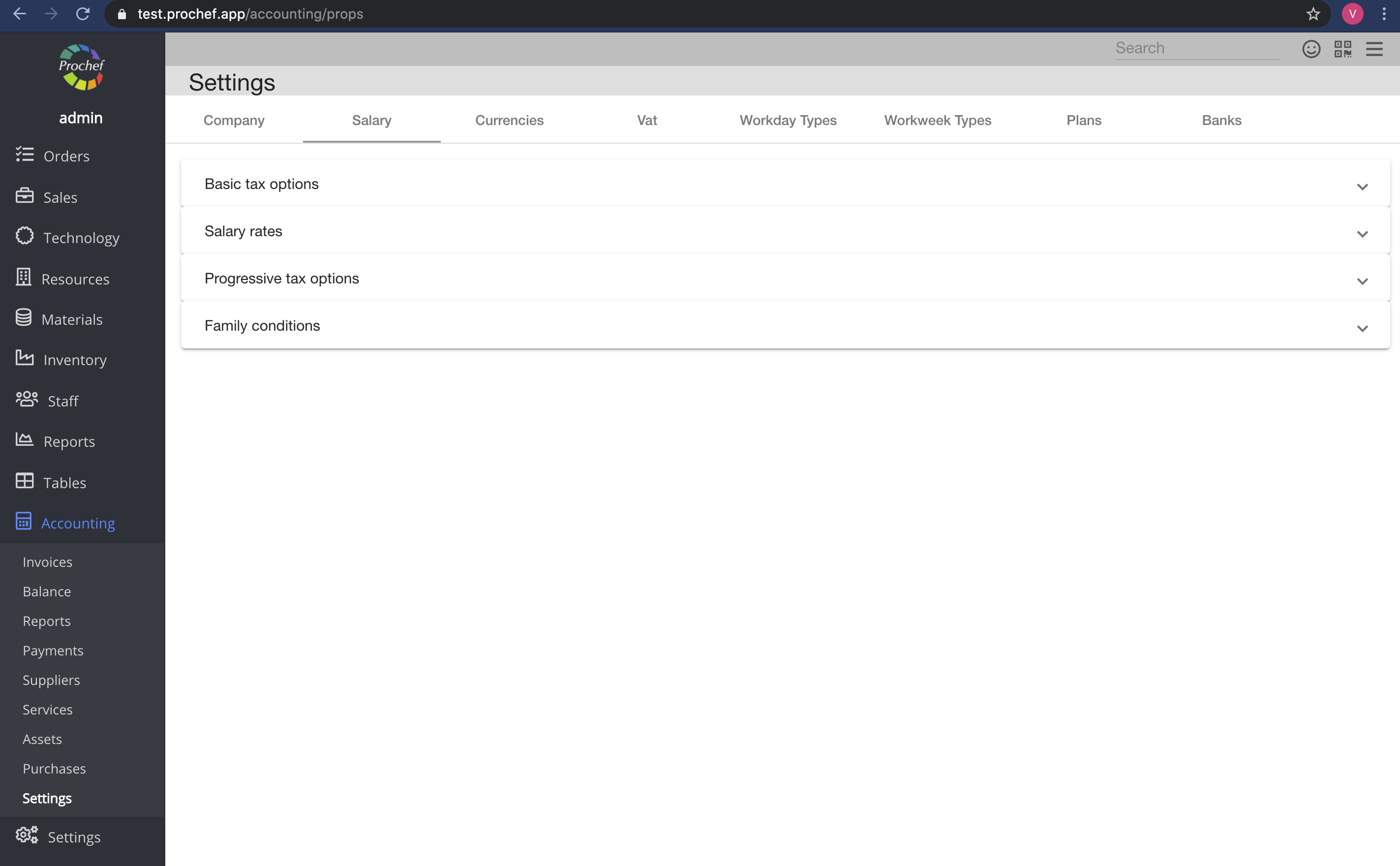
Here you can enter taxes for a salary (Basic tax options, Salary rates, Progressive tax options and family conditions). You must do it if you want PROMAN to calculate employee's salary.
| Currencies |
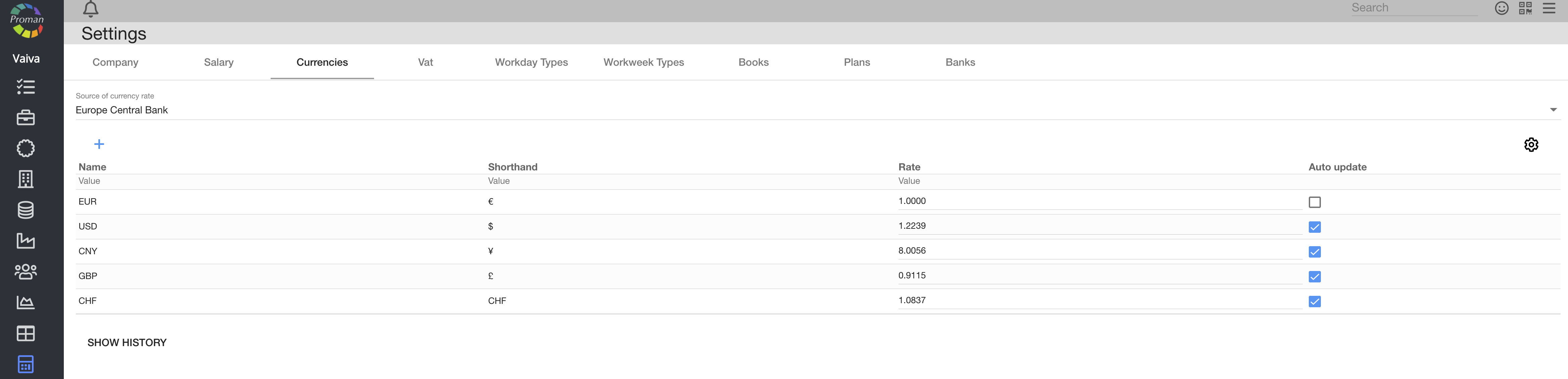
Here you can see, create (

| VAT |
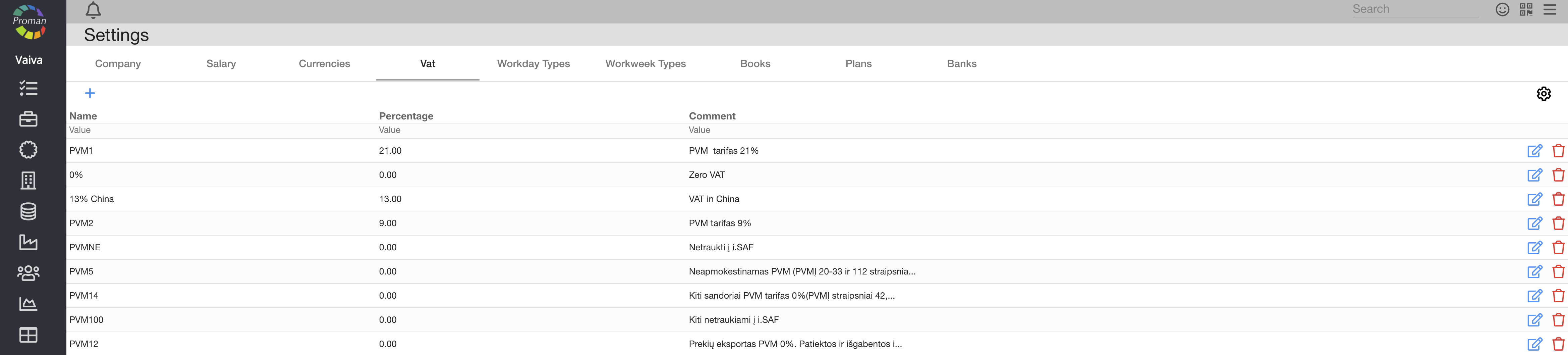
Here you can see, create (

| Workday Types |

Here you can see, create (
| Workweek Types |

Here you can see, create (
| Plans |
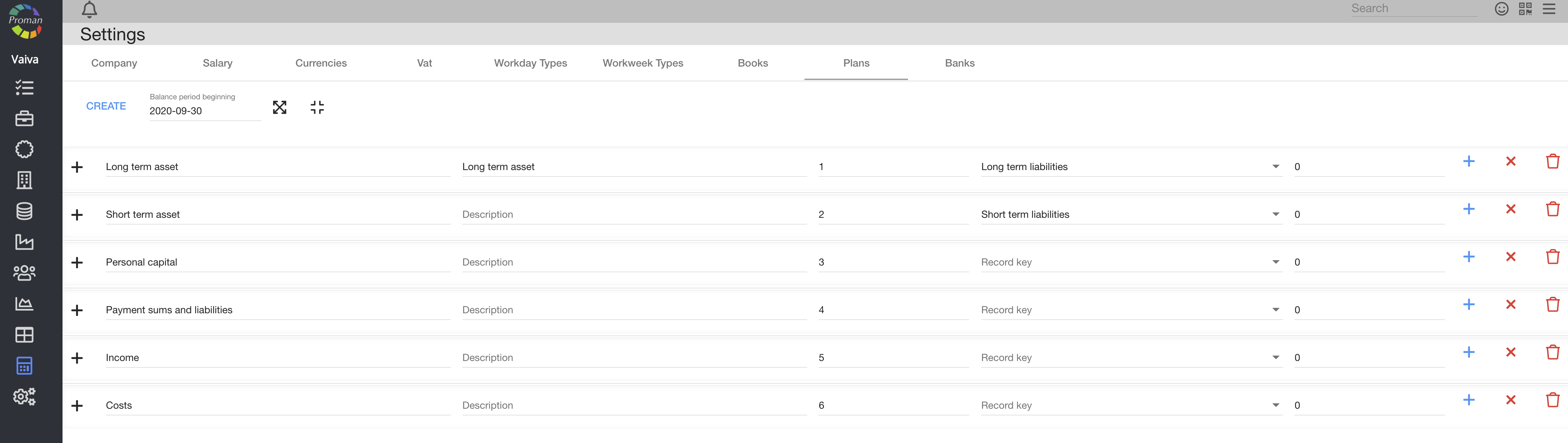
Here you can see, create (



| Banks |

Here you can see, create (