Production
The production process is all or part of the order submitted in a format that the company can produce. The production process consists of production process positions, parameters, operations, materials (circulation production) and material summary (prefabricated production).
The manufacturing process is linked to a specific article.
Here you can find the whole listing of your production without going deeper into orders. This list shows all production operations with order relations in one place. Here you can filter, sort, and manage entries without much trouble.
Where to see Production summary?
| How to reach "Production" directly? |
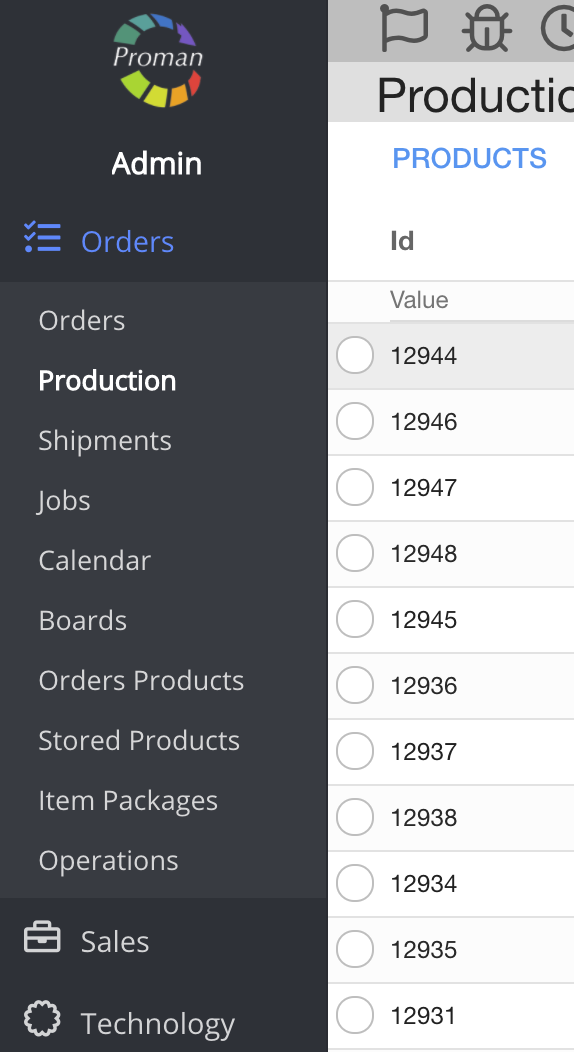
To reach "Production" directly:
1. Click on 
2. Then- 
Now you can see the production list:
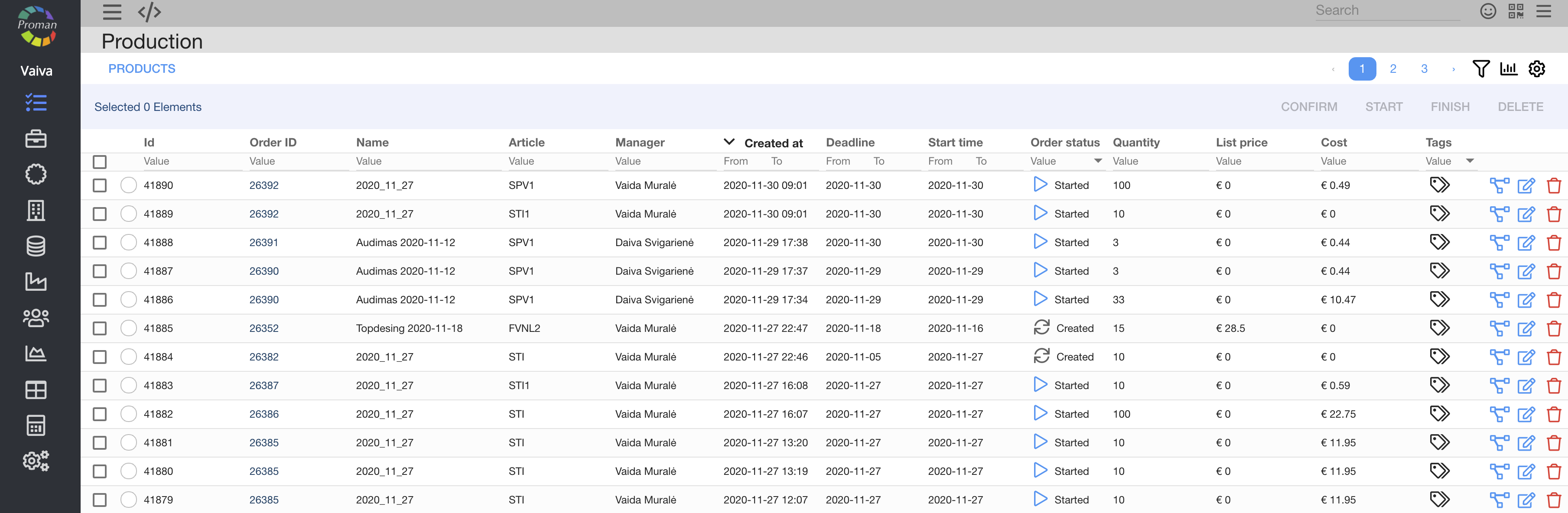
| How to reach "Production" from Order? |
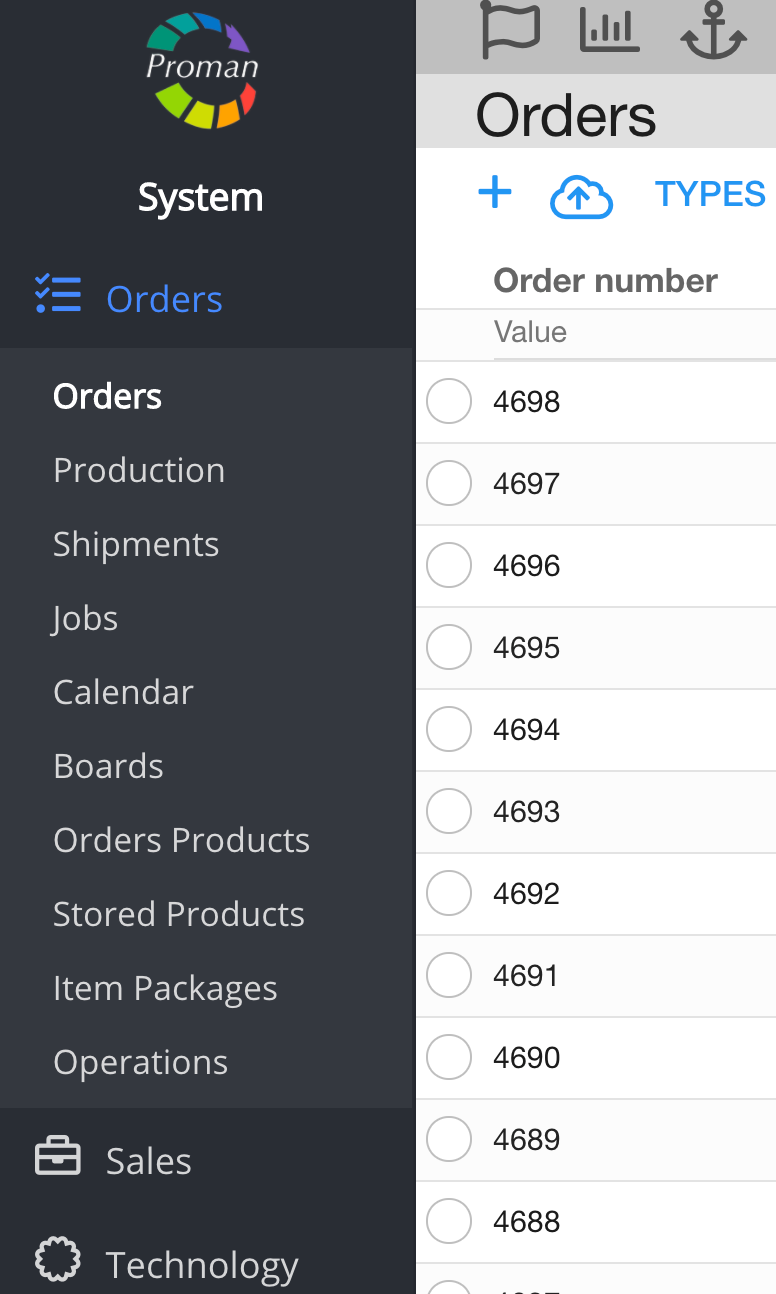
To create new Production:
1. Go to 
2. Then
3. Choose an order;
Now you can see order's options:
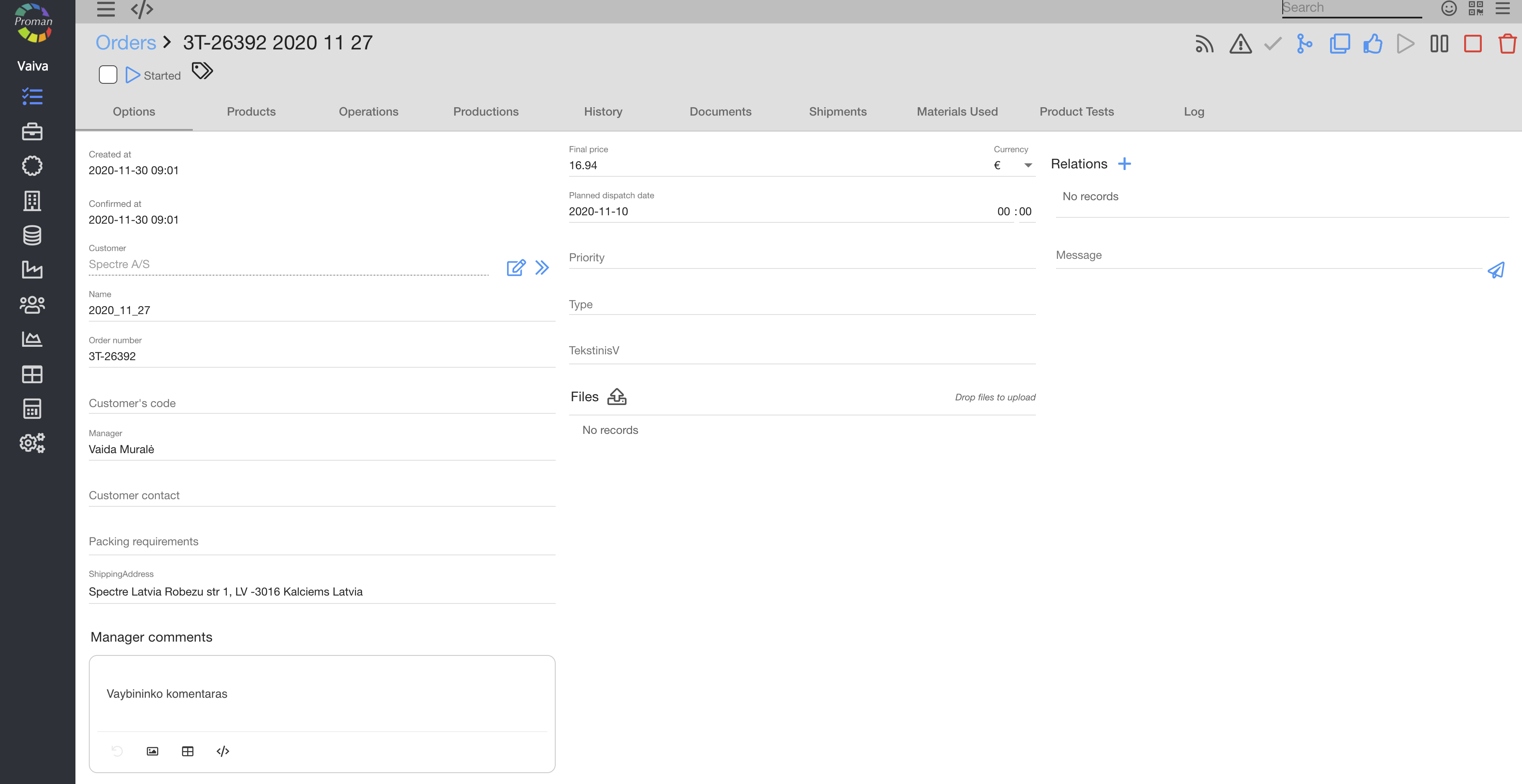
4. In the grey menu tab choose

Now you can see order's production:
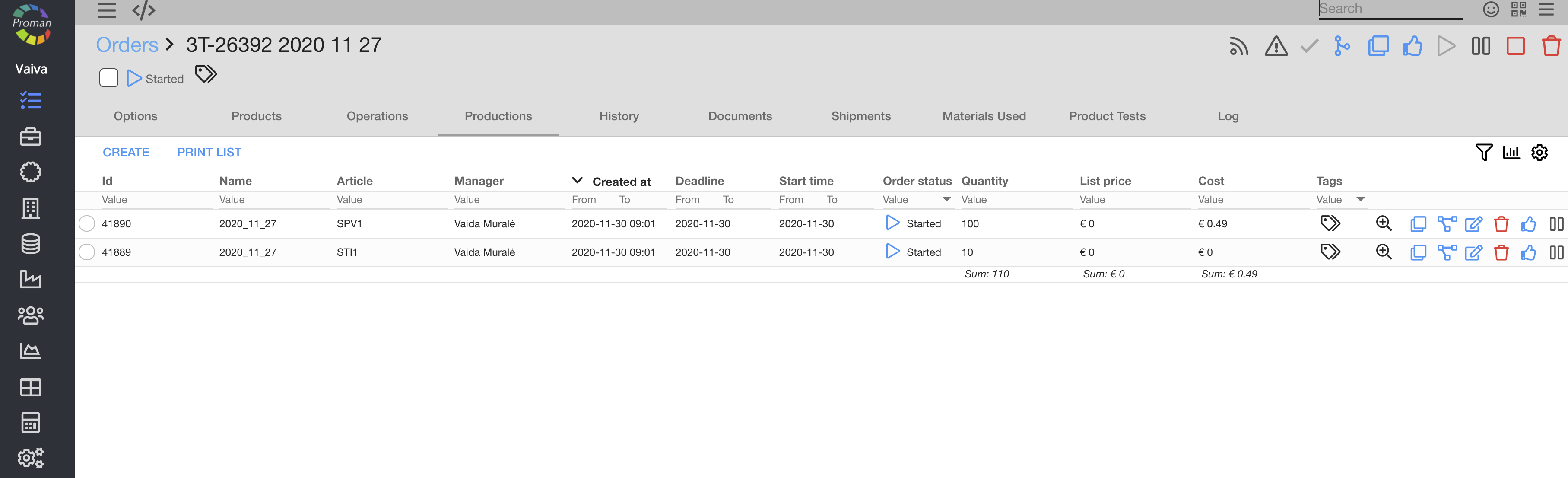
Basic order functionality: |

| Button | What does it indicate? |
 | You can tag a production |
 | You can see the production summary |
 | You can edit the production |
 | You can see the production step by step |
 | You can copy the production |
 | You can delete a production |
 | You can finish a production |
 | You can pause a production |
There is a lot hidden by the 
You can also filter productions
You can manage production with buttons in the grey menu table and near a particular production:
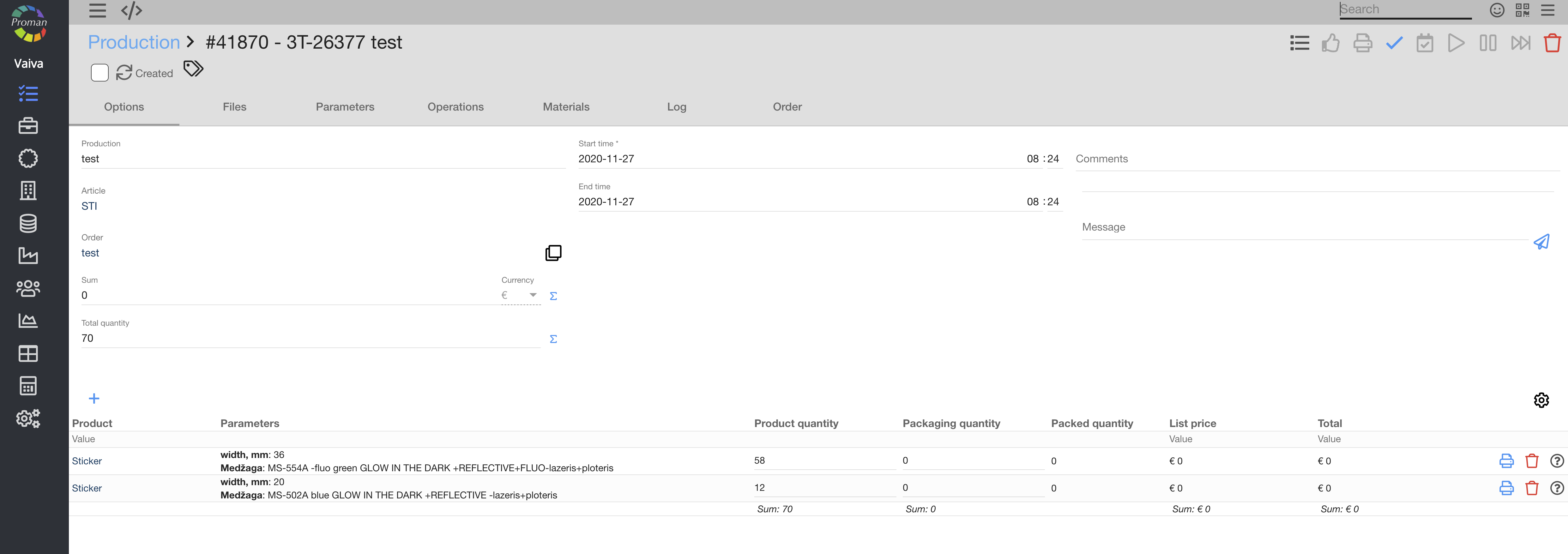
Menu button in grey table |
After creating a production, you can see these active buttons:
Active button | What does it indicate? |
You can come back to the order production list | |
You can confirm the production | |
Delete a production |


When you confirm the Production (clicked on 
Active button after press | What does it indicate? |
You can come back to the order production list | |
You can print a production context template | |
You can cancel a production | |
You can reserve production time or cancel it (click on | |
You can start a production | |
Delete a production |


 )
)When you start the production (clicked on 
Active button after press | What does it indicate? |
You can come back to the order production list | |
You can finish a production | |
You can pause a production | |
You can force finish a production | |
Delete a production |


Options |
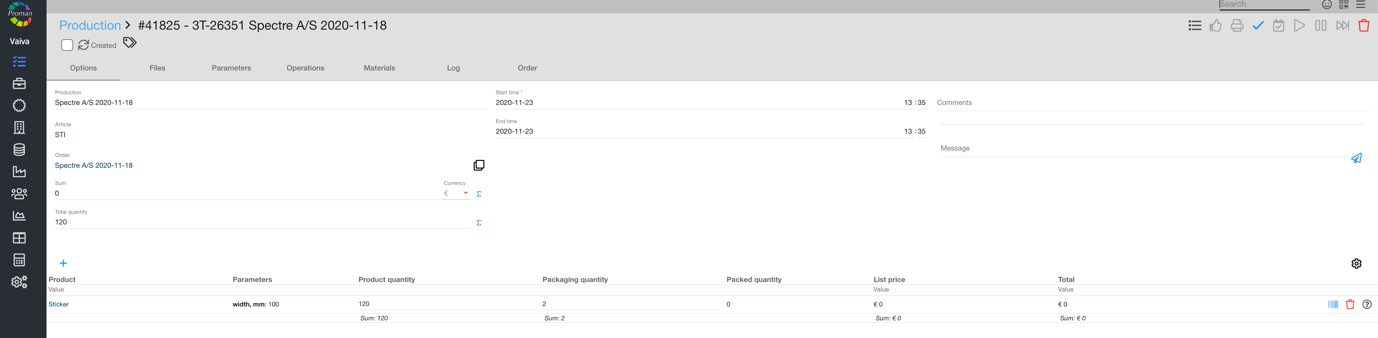
Here you can change production's name, sum, total quantity, start time, end time, leave a comment or a message.
Files |
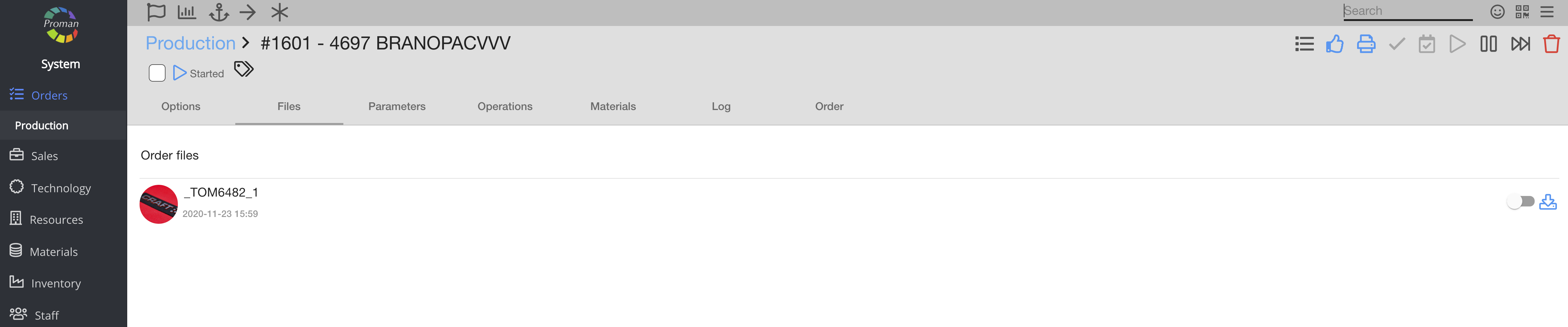
Here you can manage and download all order files. Switch them on or off to manage visibility to others.
Parameters |
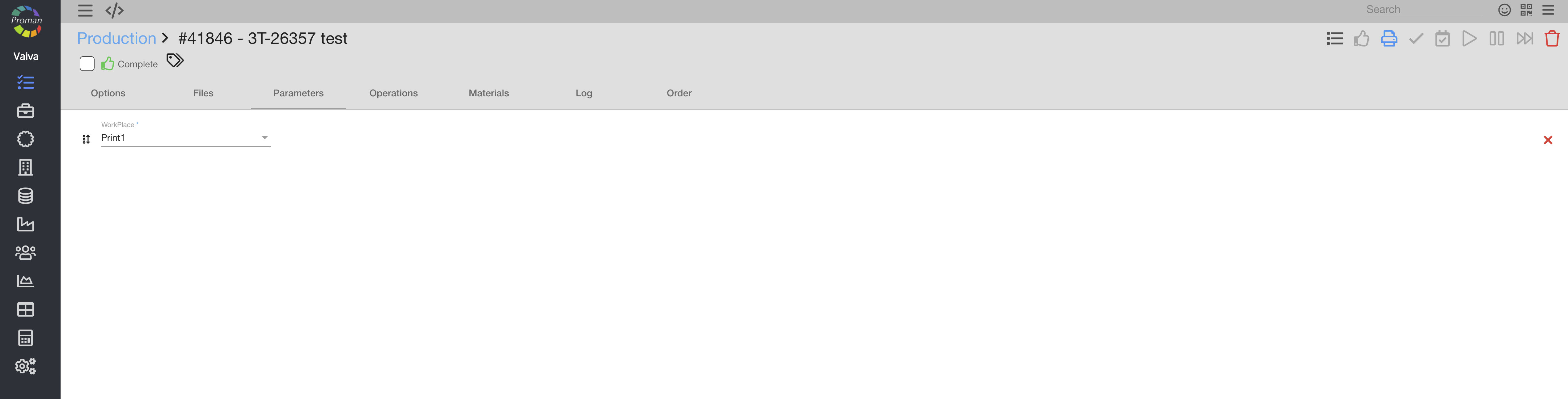
You can set all parameters used in the production. These parameters affect how the production is being handled in the "processing".
If they are not necessary, you can delete them (click on
Production Operation |
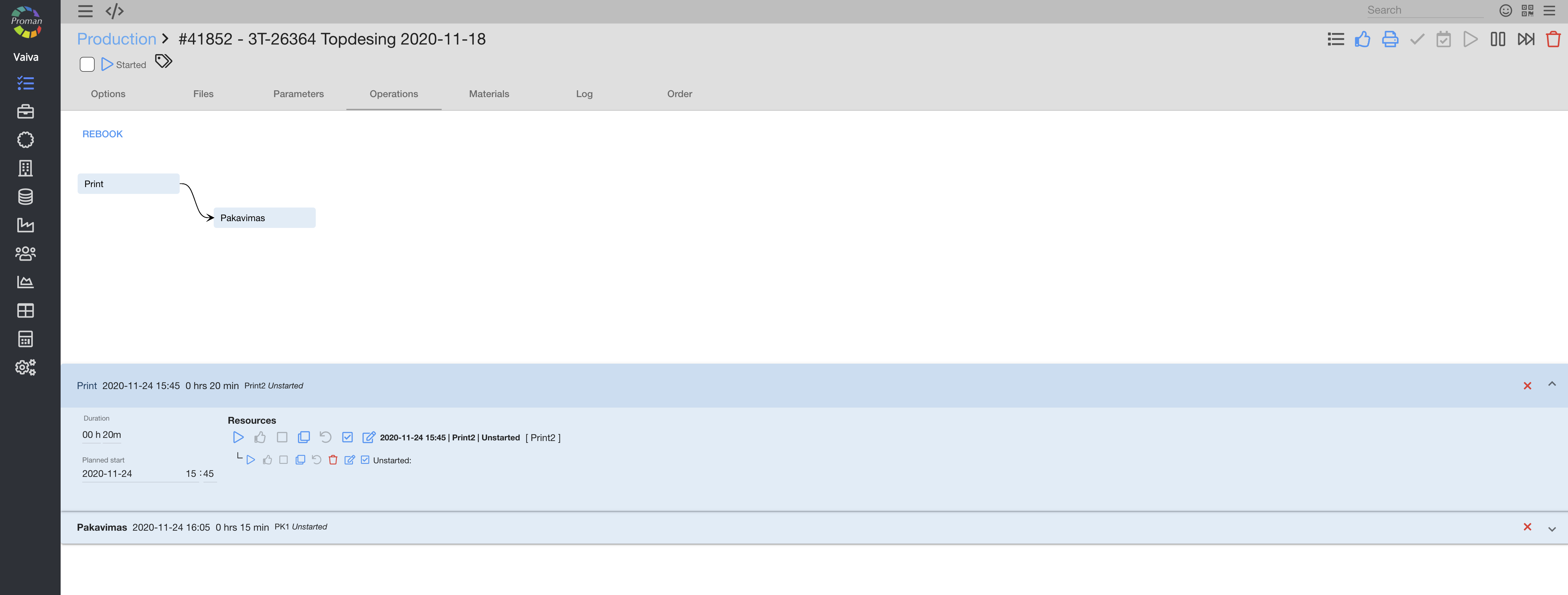
By selecting operations, you can see actions that are going to be useful to complete this production. Please note, that all planned operations are graphically displayed on "Production" → "Calendar".
If you want to start a production operation, you must confirm (
Materials |
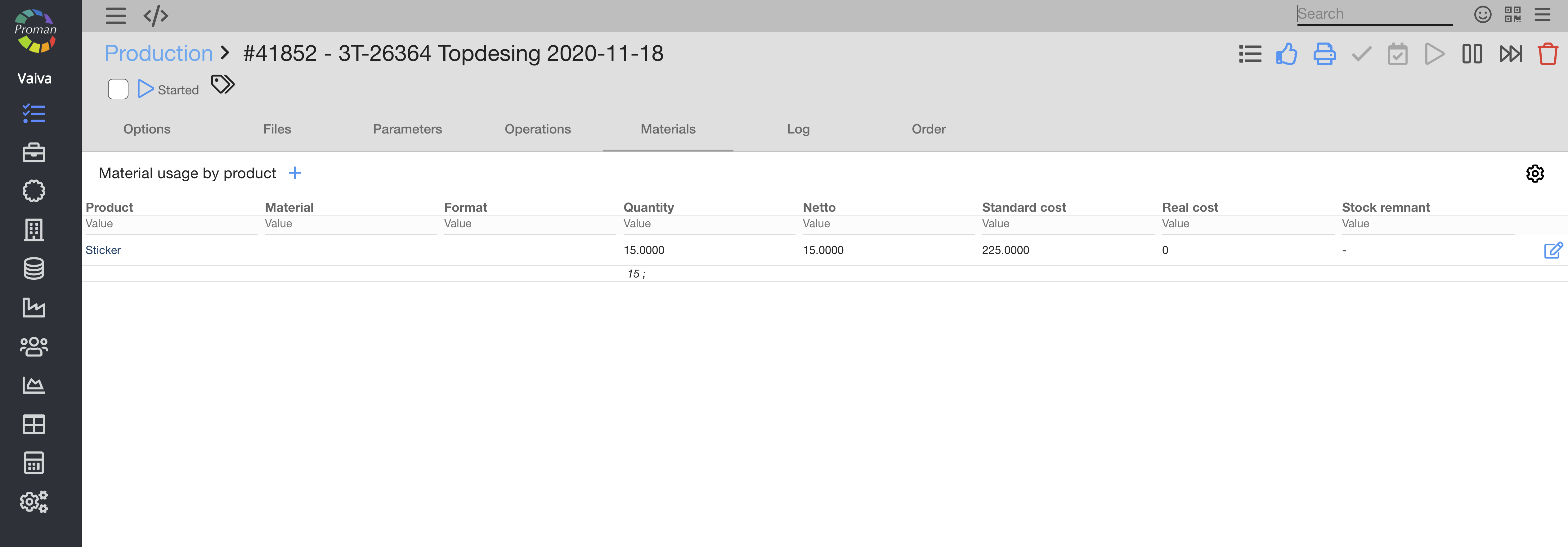
You can view what materials are being used in this production.
Log |
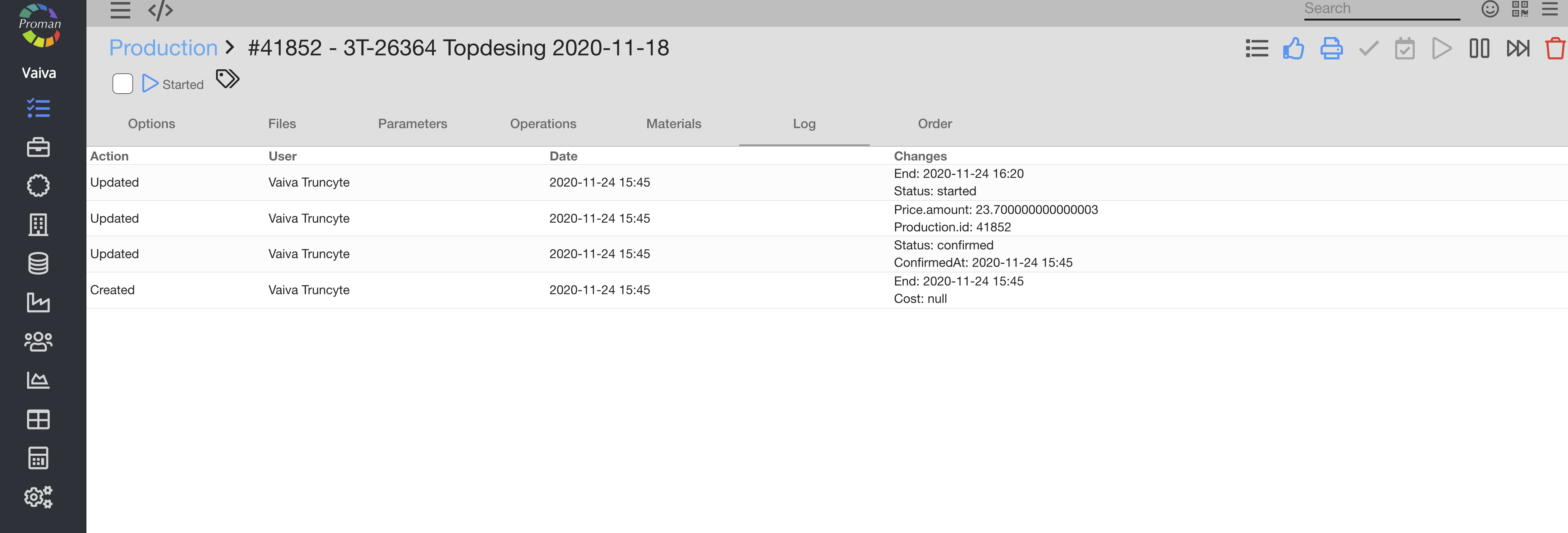
Here you can view all actions with data from the order production.
Order |
By selecting the order, you are being brought back to the order settings.
Production status |
| Status | What does it indicate? | When does it appear? |
| Created | You have just create a production, but it's not confirmed or started yet | When you create a new production |
| Confirmed | You have confirmed the production, but it's not started yet and operations are not yet created | When you click on  in the grey table menu in the grey table menu |
| Reserved | You have reserved time for operations, but the employee can't see or start operations | When you click on  in the grey table menu in the grey table menu |
| Started | You have started the production, operations are created and employee see and can start operations | When you press  in grey table menu buttons in grey table menu buttons |
| Planning | It's the process, when SmartOn is planning the operations | When you click on  in the grey table menu or in the grey table menu or  in Operations in Operations |
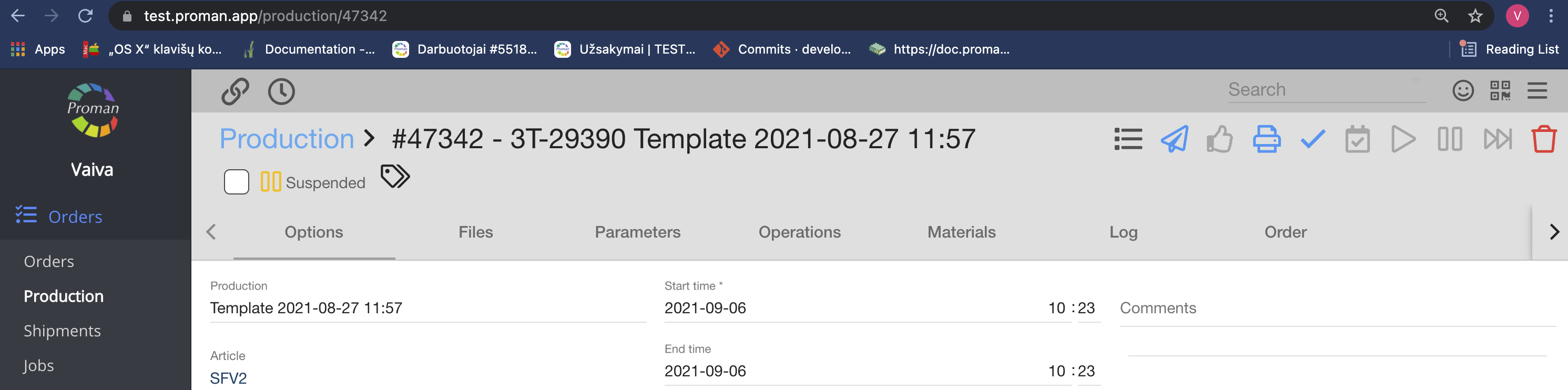
| Suspended | You have suspended the production and the employee can't see or start operations | When you click on  in the grey table menu in the grey table menu |
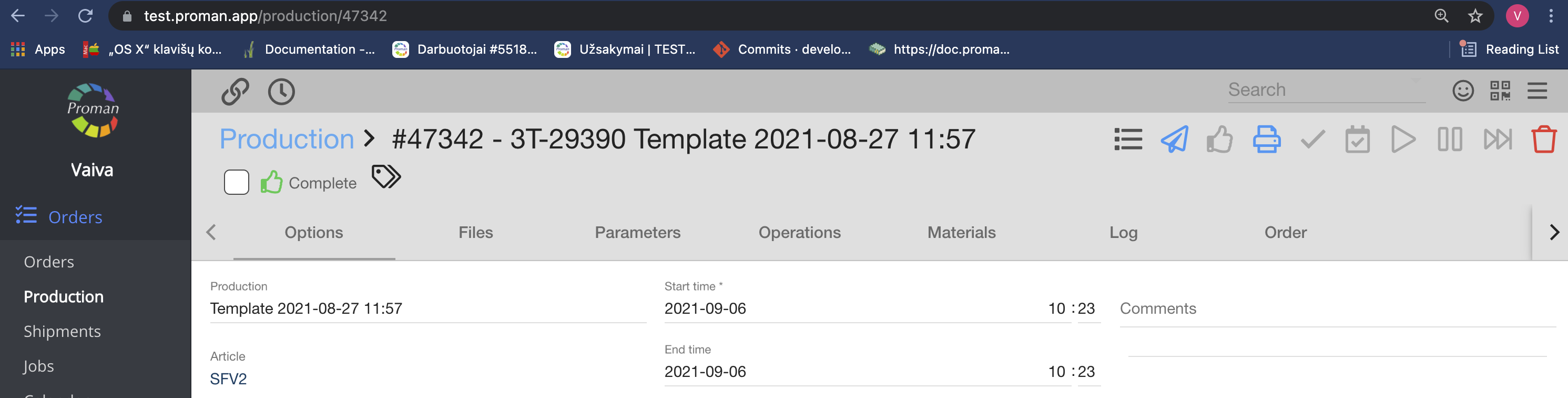
| Completed | You have completed the production and all operations are completed | When you click on in the grey table menu in the grey table menu |
Created
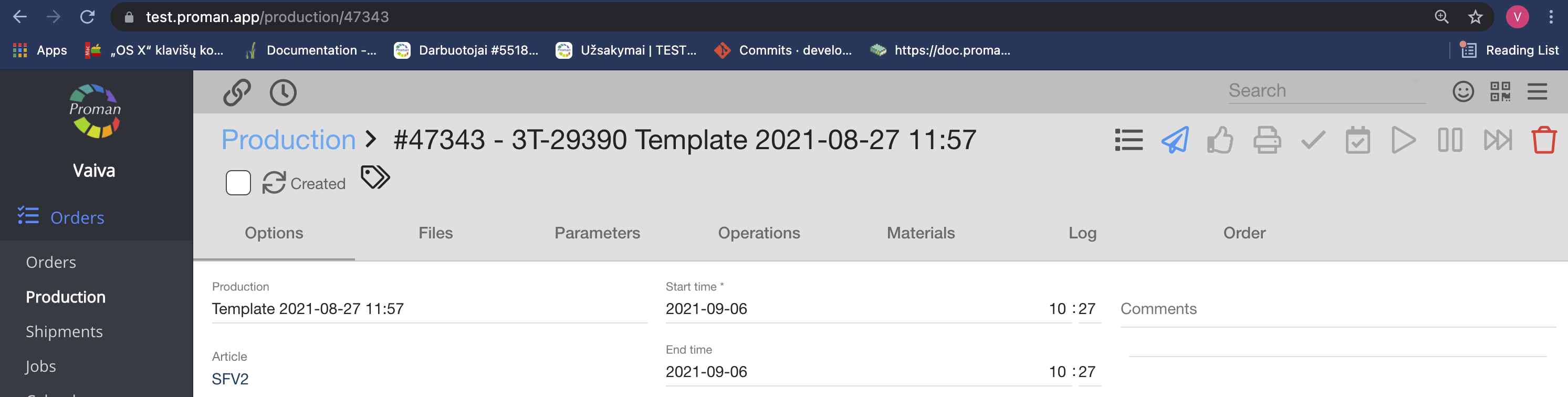
Confirmed
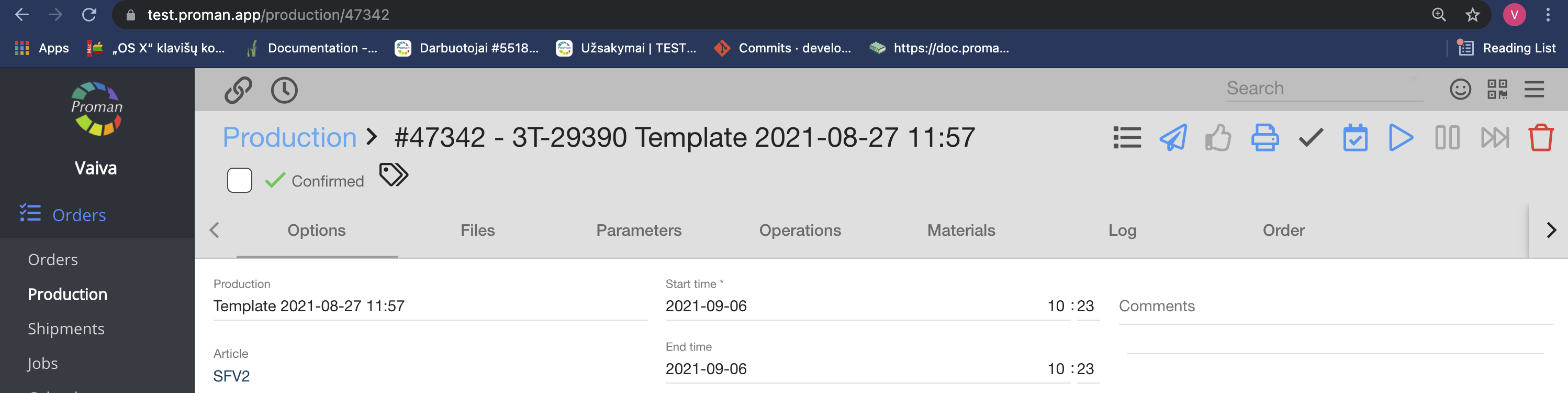
Reserved
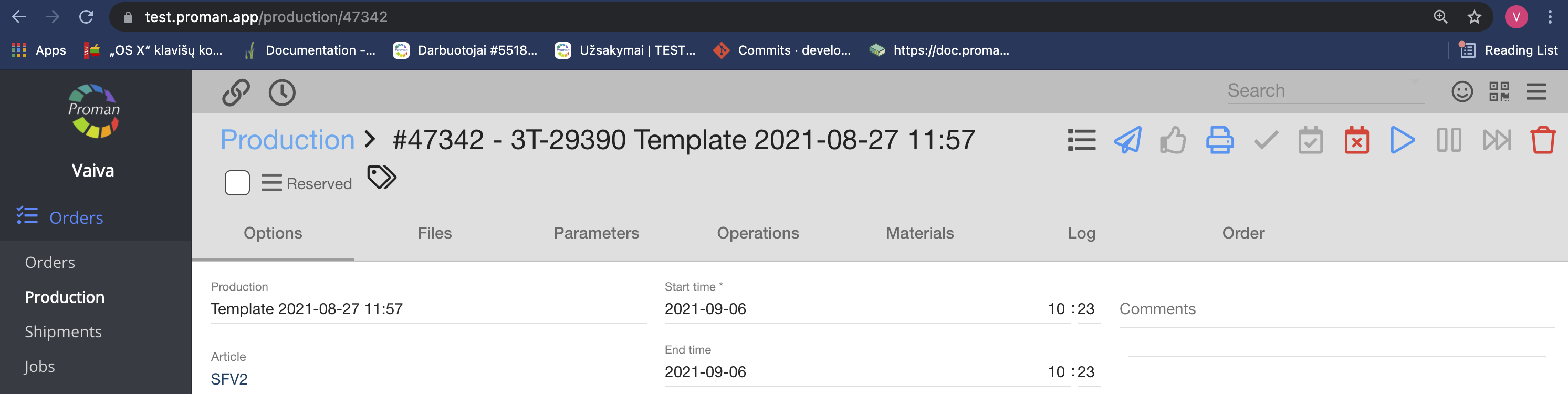
Started
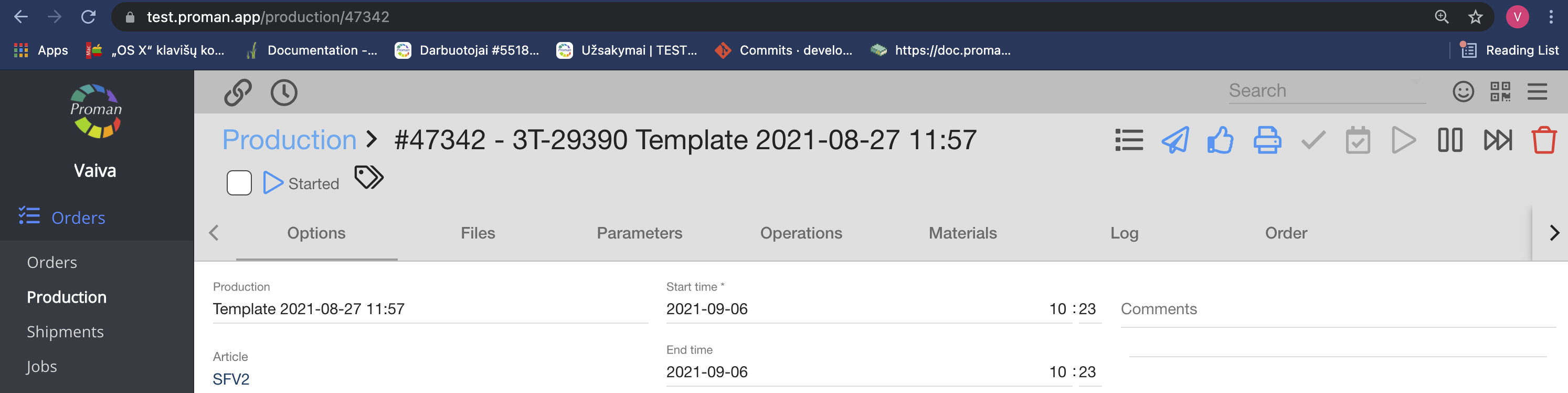
Planning

Suspended
Completed
 Keywords KeywordsProduction plan – evaluation of all specified operations in production and other parameters or factors which are then used to ensure quality and status of the production flow. Material – any substance, with its set of chemical composition, natural or generated from chemical elements or compounds. Parameter – a physical or technical measure which describes the product, process (operation), or equipment feature. |