Templates
To avoid extra manual work, we can create templates. We could use dynamically data to all our documents we need (for example Invoice, Order, Product, ...).
How to create a template?
| 1. Create a template. To create one, you need to click on "+" |
Dashboard -> Settings -> Templates -> |
| In the dialog table enter a name, its type (usually html) and context. |
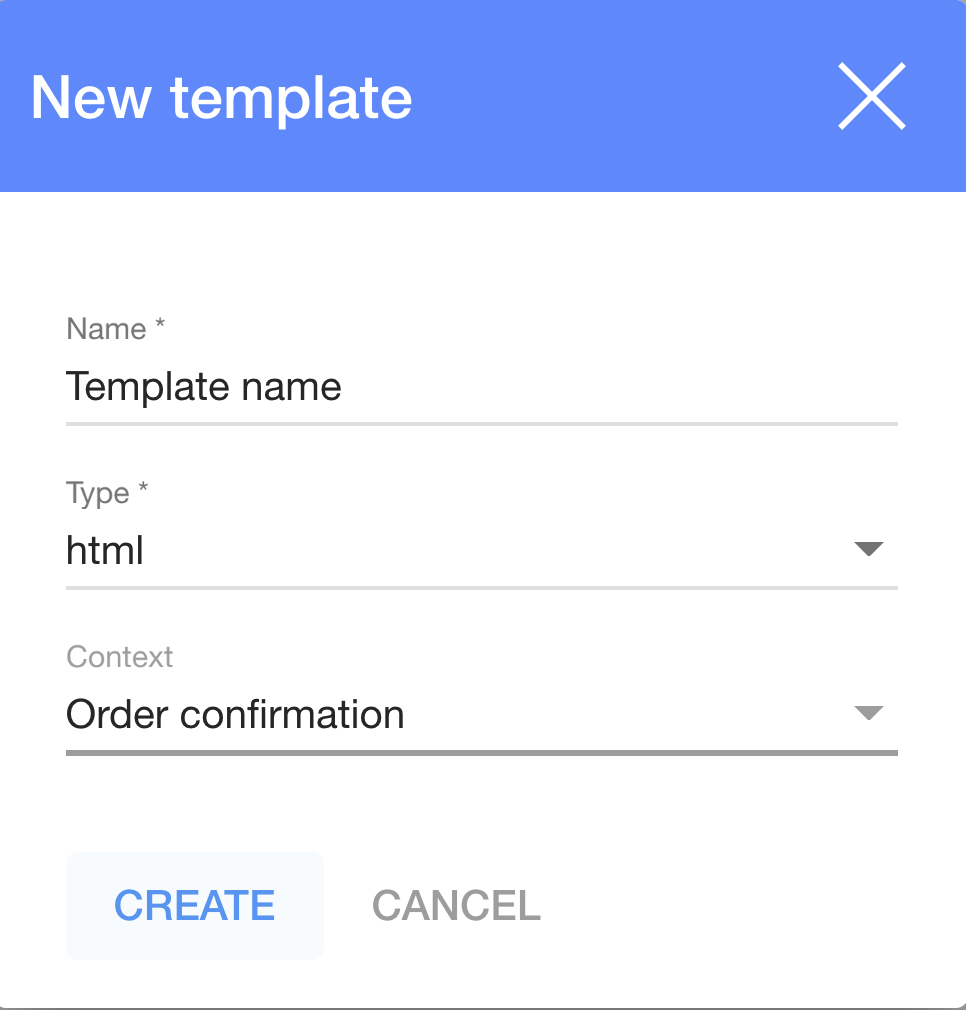 More information about the "Context'" we can find here |

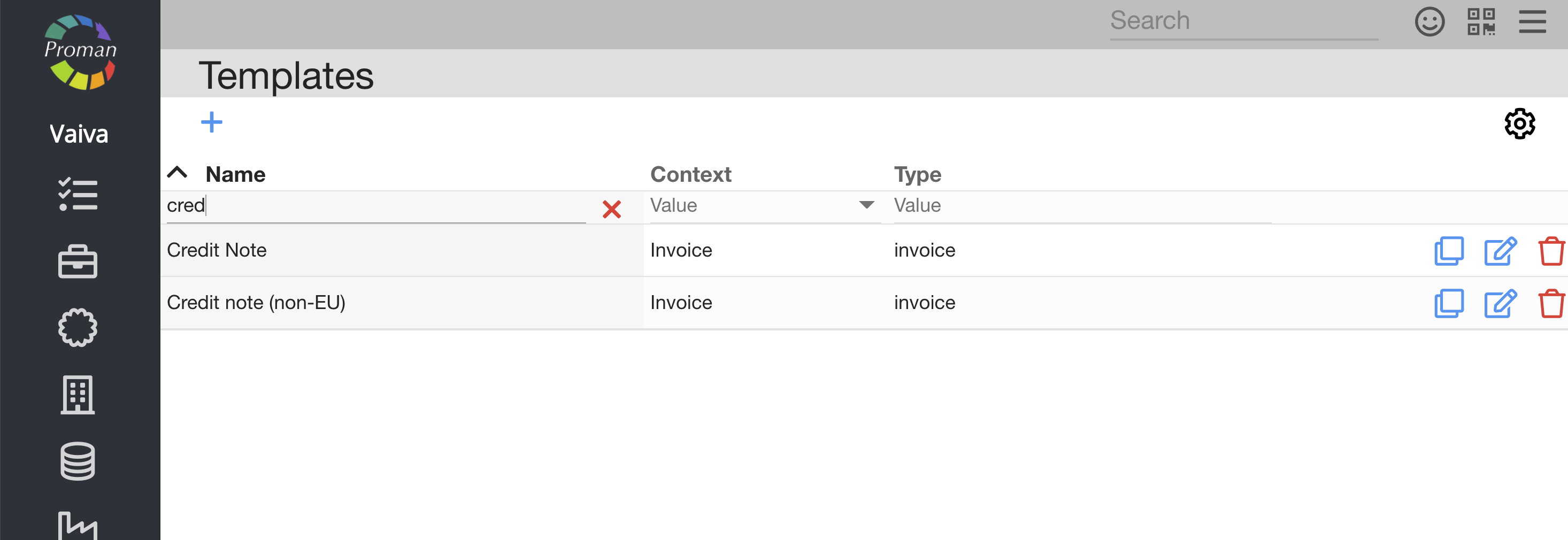
Then click on  | |
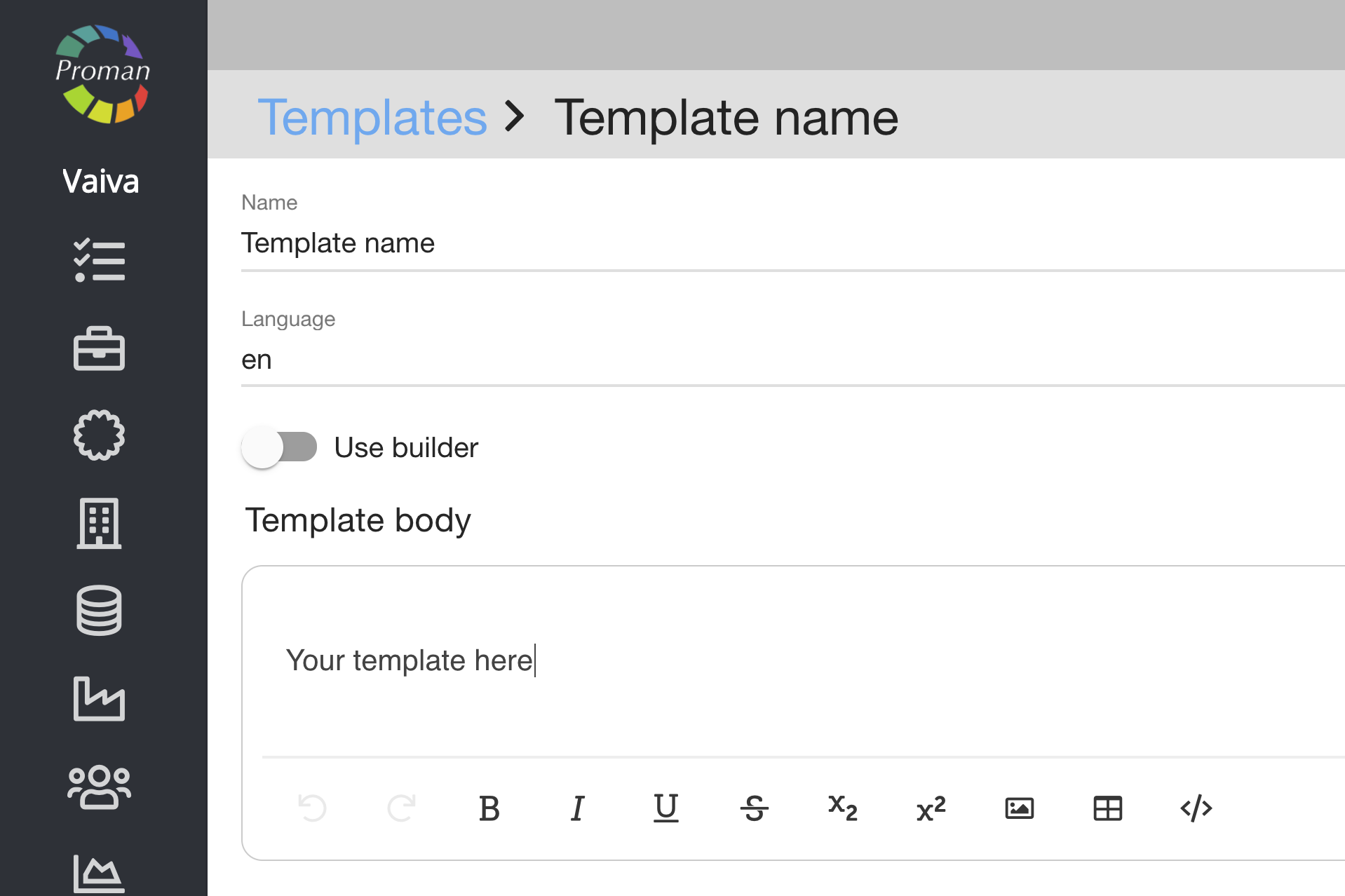 | How to use dynamical data? We need to click on  icon to switch to HTML mode and dynamically use data fields. Data fields must be entered in double curly braces {{ }}. icon to switch to HTML mode and dynamically use data fields. Data fields must be entered in double curly braces {{ }}.For example, if we want to use Account No we enter: {{ system.organisationAccount }}* Another example , if we want to use Bank code we enter: {{ system.organisationBankCode }}* |
* Choose a field you want to reach data with a template:
Note: To save a template, click on
