Documents
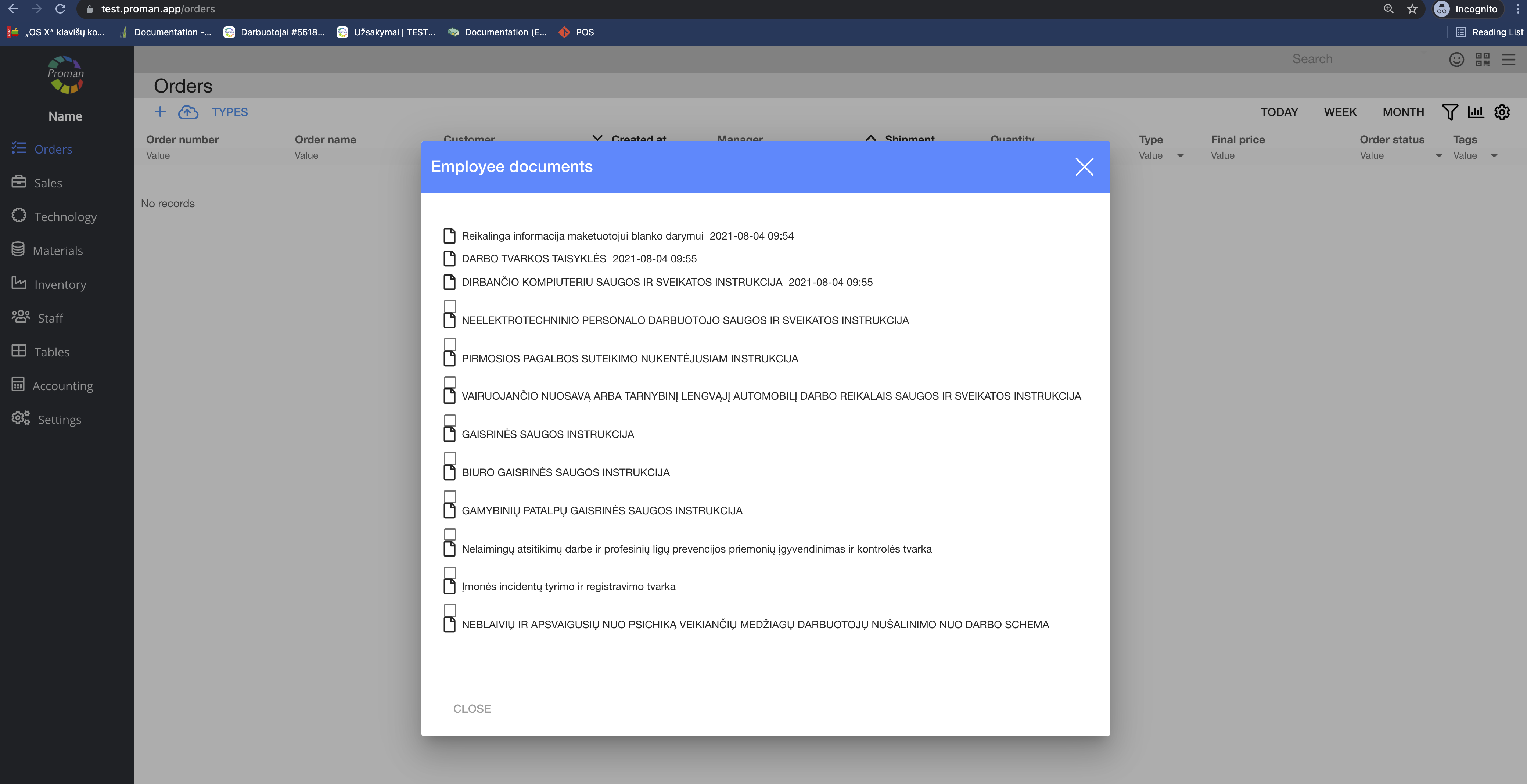
Here you can attach documents of employees by specialisation. These documents are necessary to read for an employee, that logs in to PROMAN for the first time.
| How to find documents of employees? |
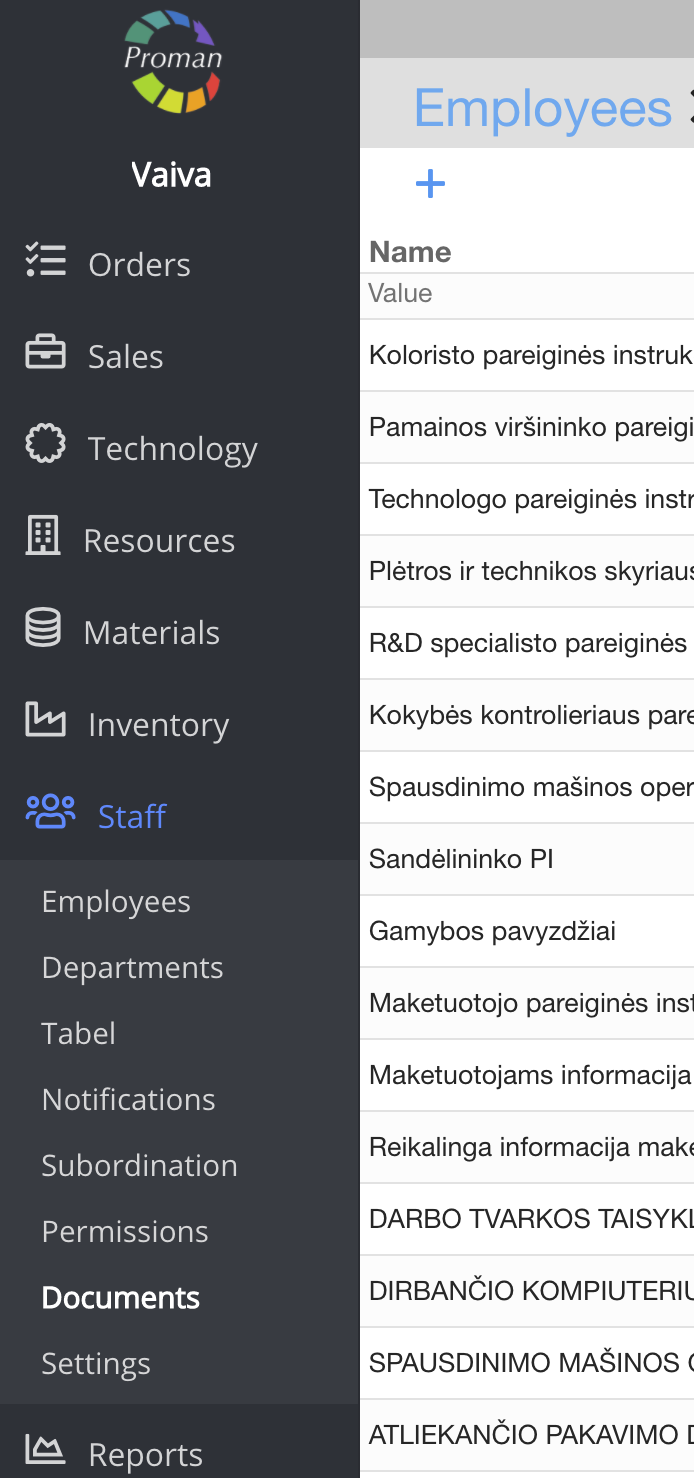
To find Documents of the employees:
1. Go to 
2. Then-

Now you can see the documents of employees:
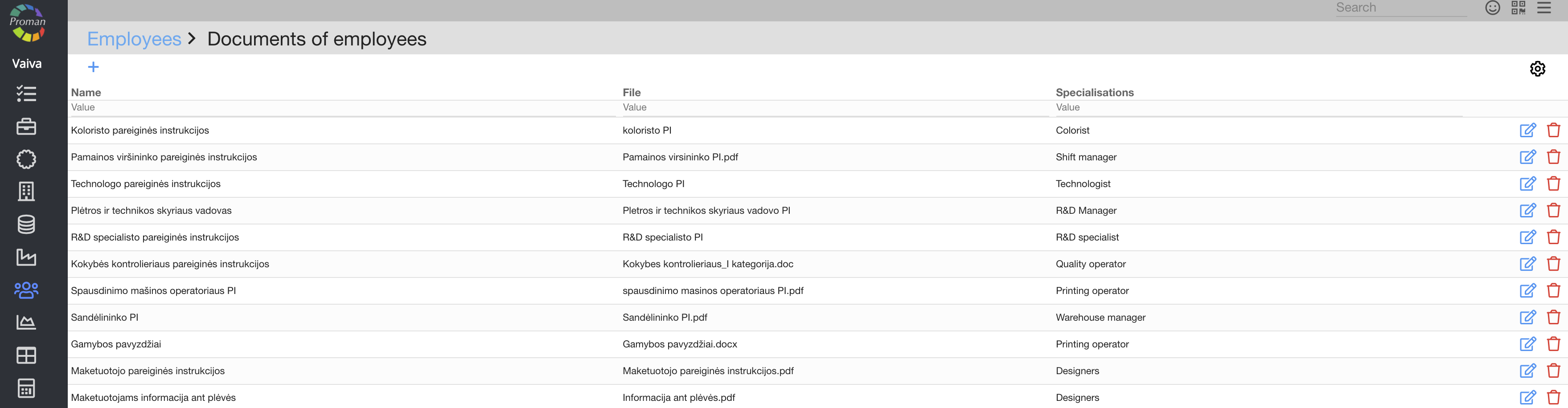
Here you can see, edit (

| How to create new documents? |
1. Click on


2. In the dialog table:
2.1. Enter a name,
2.2. Upload the document;
2.3. Choose a read period;
2.4. Check what Specialisations need the document
3. Click

Now, people with this specialisation will see this document when they log in to PROMAN for the first time: