Payments
Here you can see, create, import, edit and remove organisation's payments: bank transactions, invoices, purchases, employees, cash payments, cash registers, payments and coupons
SwedBank integration to Smarton
| How to find "Payments"? |
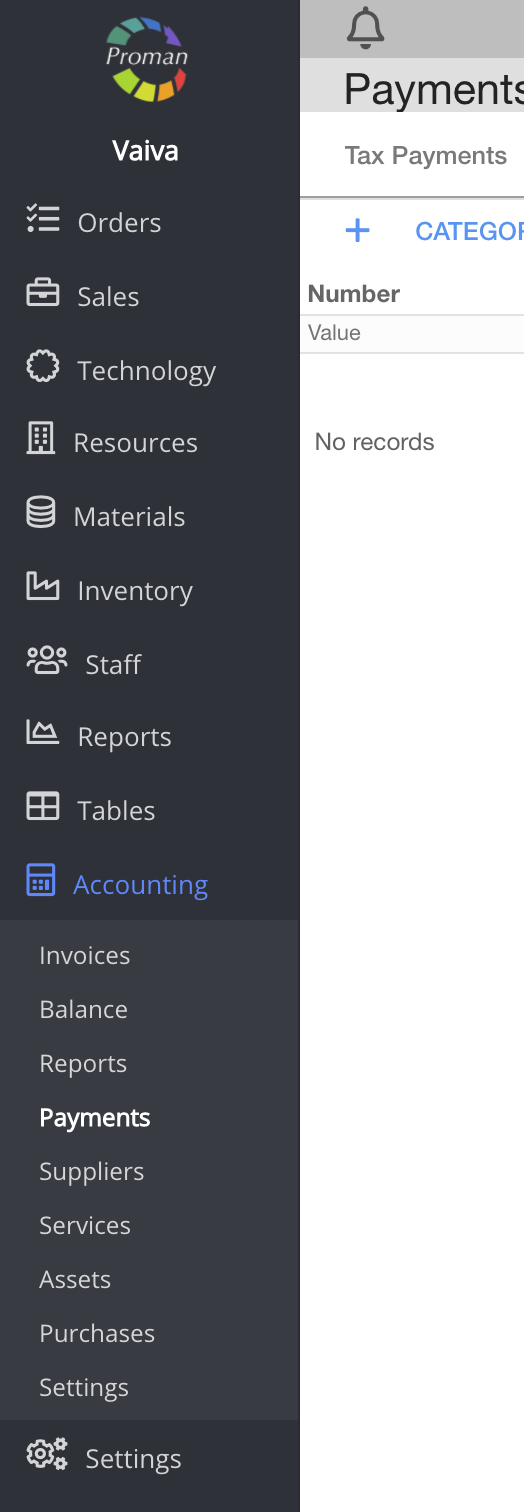
To find "Payments":
1. Go to
2. Then-

Now you can see the payment list:

Here you can see, create (




For more information on how to create a new purchase, visit here
| Cash registers |

Here you can form daily report (



| Payment types |
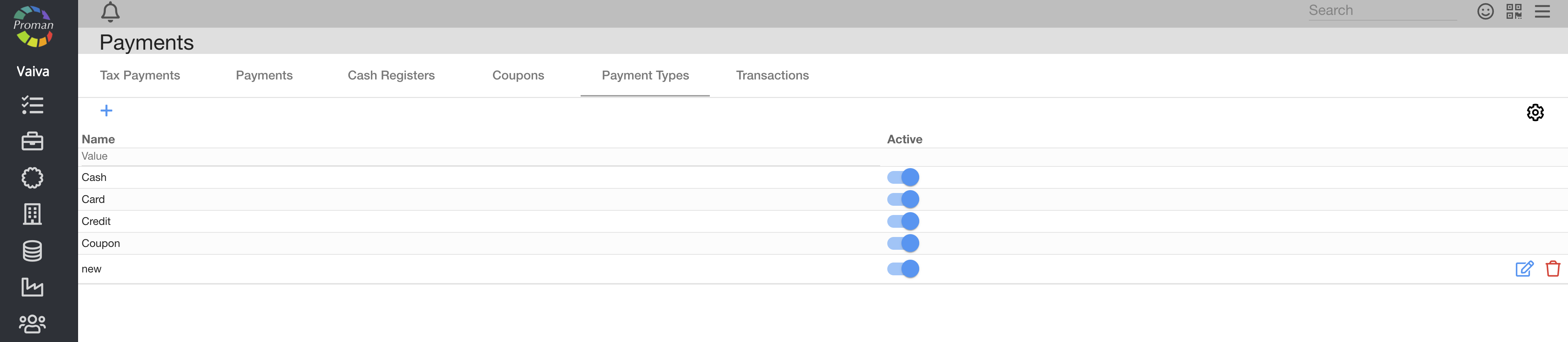
Here you can see, create (
| Transactions |

Here you can see (
Proman has the opportunity to use bank information and settle invoices. There are some rules:
- The customer must use invoice affix and invoice number in the payment, for example TTT1231;
- Payment sum must be the same as the invoice sum
Notes:
To see the invoice affix: go to 


For more information, visit here (Accounting, Settings, Company)
| Coupons |
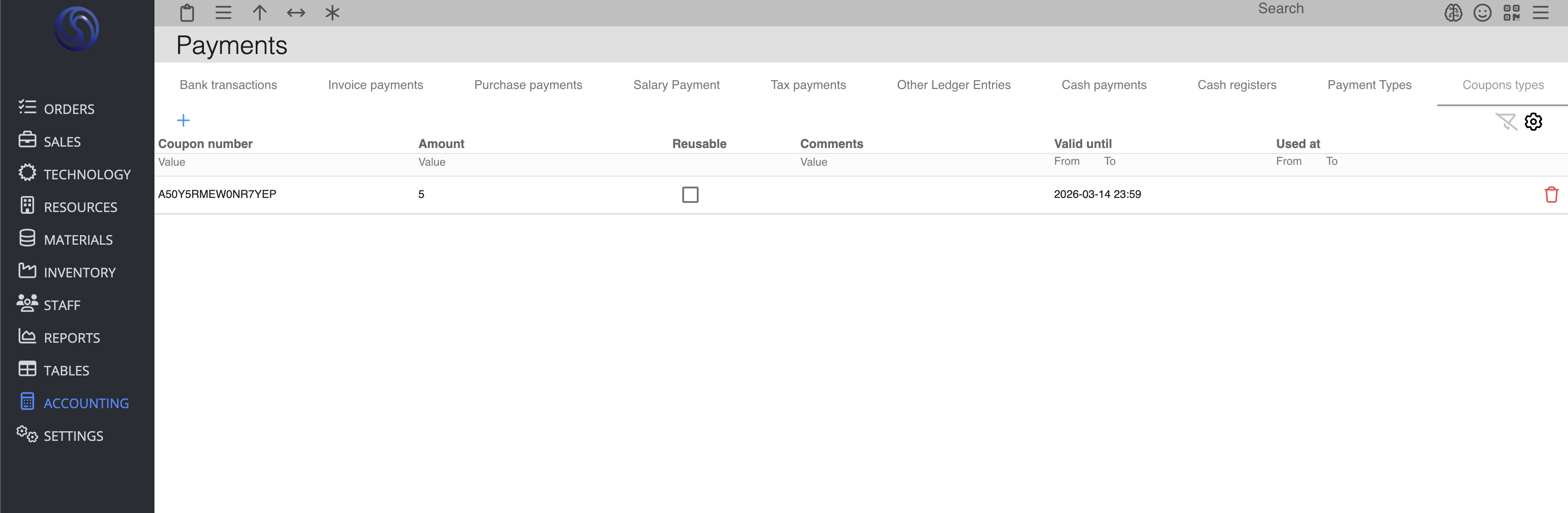
Here you can see all coupons created through the POS system