Integrations
Here you can set up all integration settings, for example: entry sensors, payment terminals, MQTT, cameras, tokens and E- shops.
| How to find integrations? |
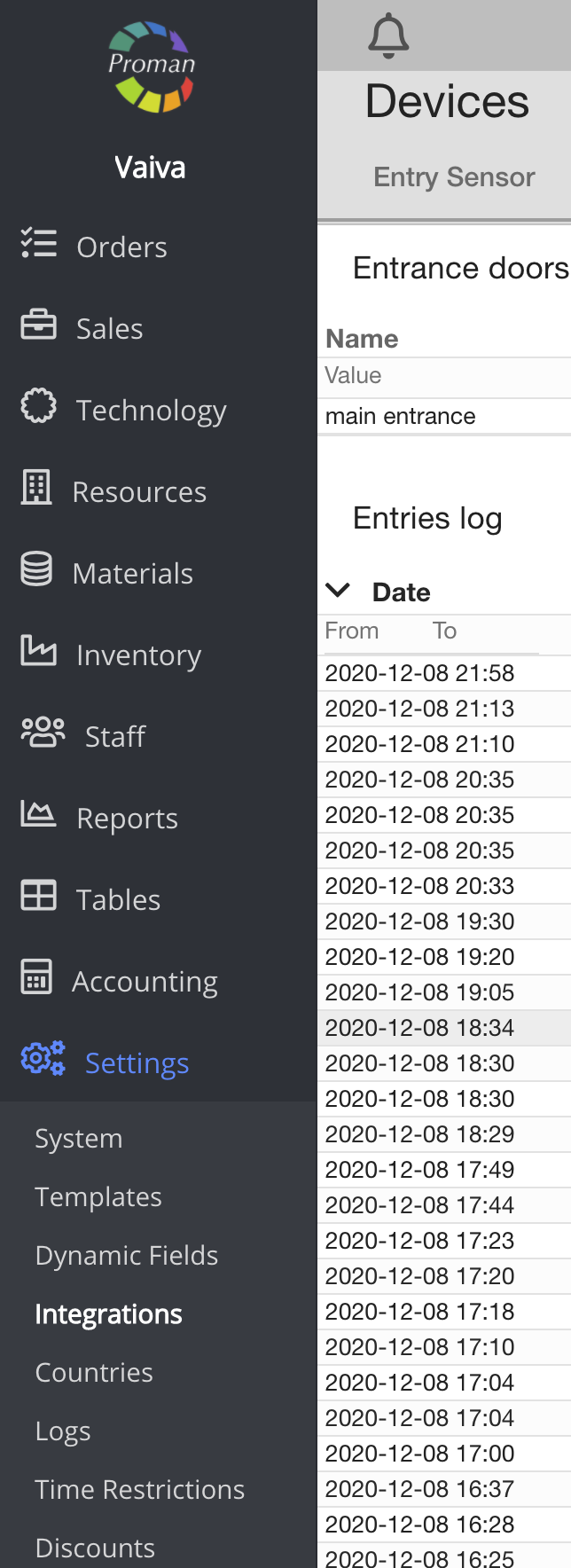
1. Go to Settings:
1.1. Go to

1.2. Then-

Now you can see the integration settings
| Payment terminals |
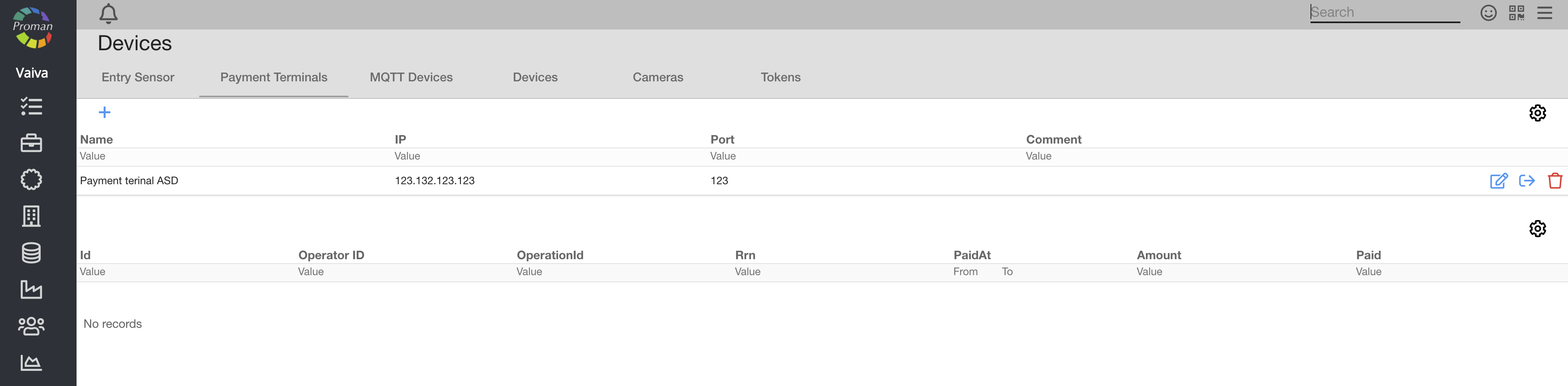
Here you can see, create (


| MQTT Devices |

Here you can see, create (
| Devices |
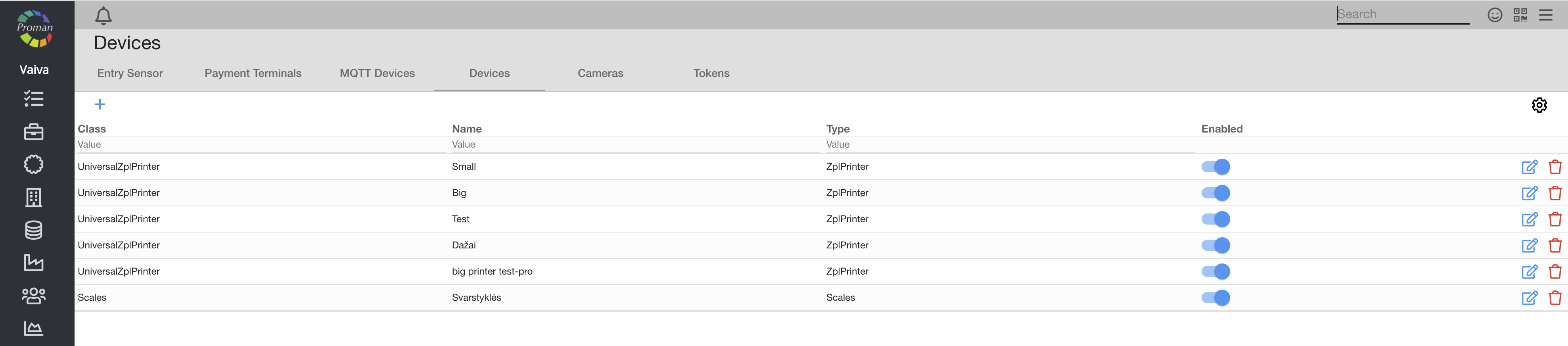
Here you can see, create (
| How to add a fiscal block? |
1. To add a fiscal block, click on
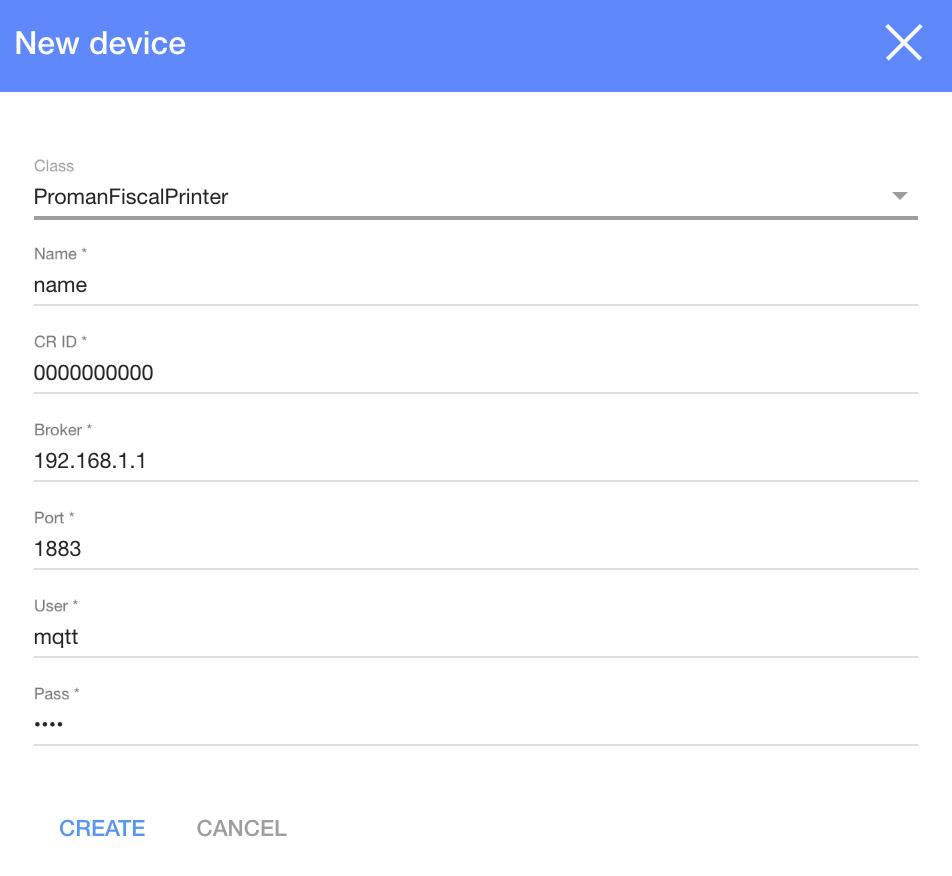
2. In the dialog table choose:
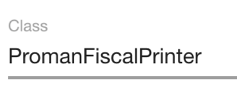
3. Enter a fiscal printer number in (CR ID)
4. Click

| How to add a POS printer? |
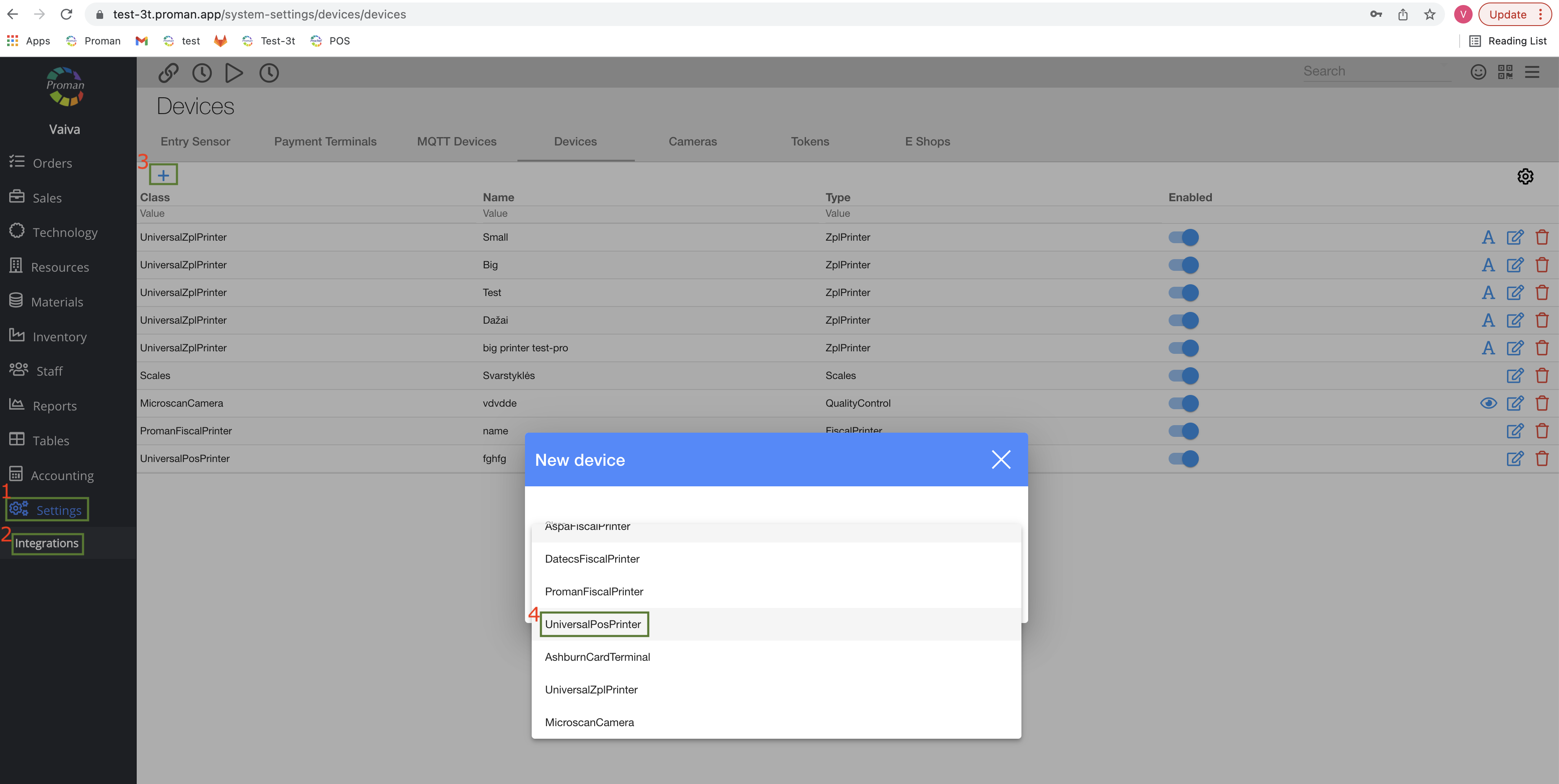
1. Go to
2. Then-
3. Click on
4. Choose a printer
| Cameras |
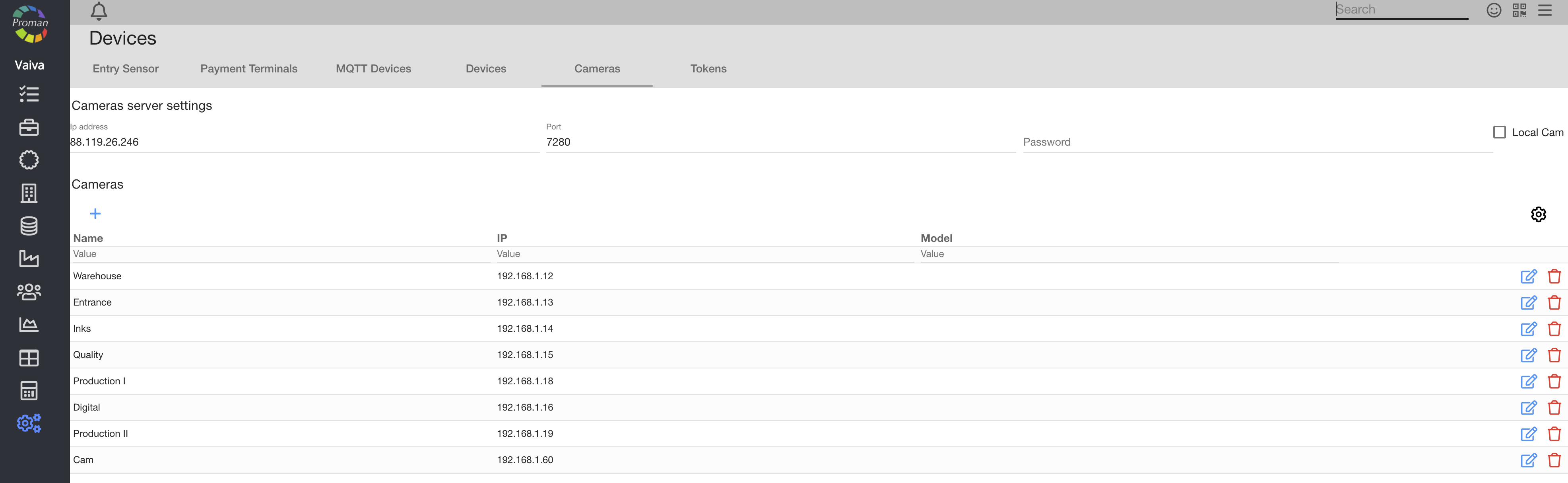
Here you can see, create (
| Tokens |

Here you can see, create (
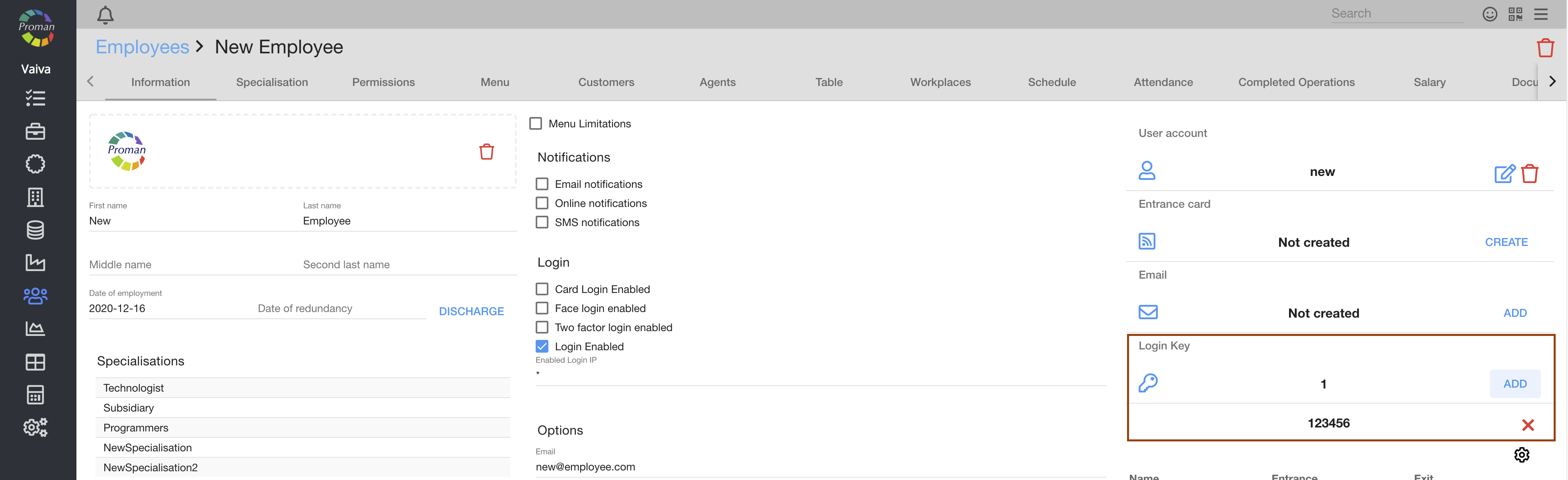
You can see the login keys in the employee information (Organization or Customer)