Balance
Here you can see and edit the balance as well as the general ledger
| How to find the "Balance"? |
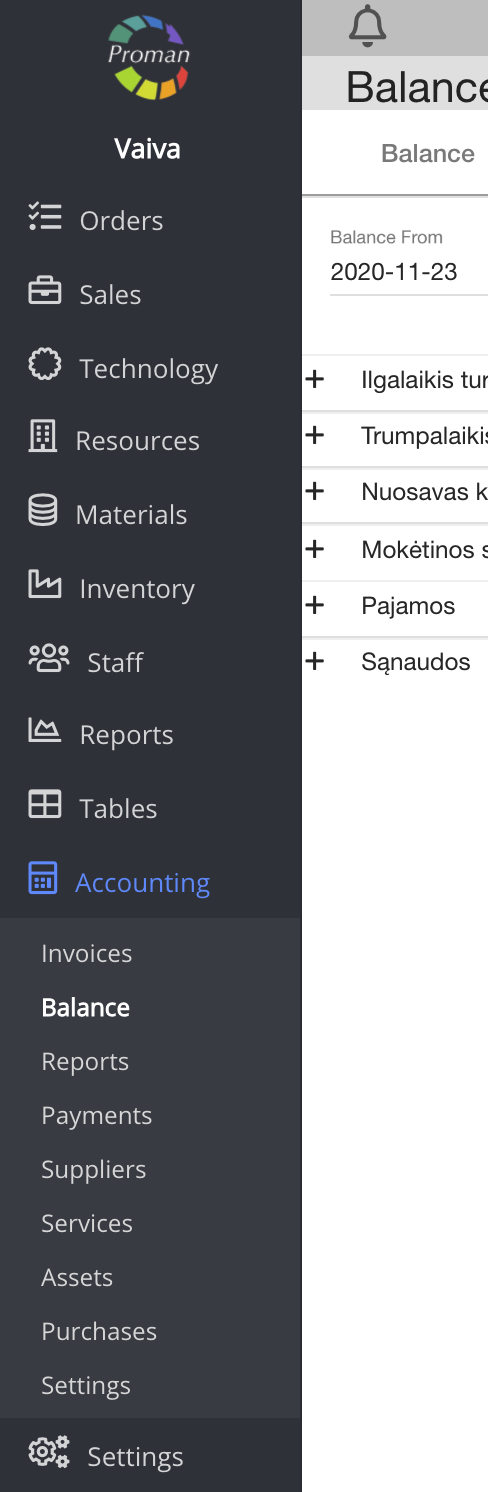
To find Balance:
1.1. Go to

1.2. Then-

Now you can see the list of balance :
| Button | What does it indicate? |
 | You can see all balances (every row) |
 | You can compress the balance rows |
 | You can choose to see bottom records |
| How to send incomes/outcomes to balance automatically? |
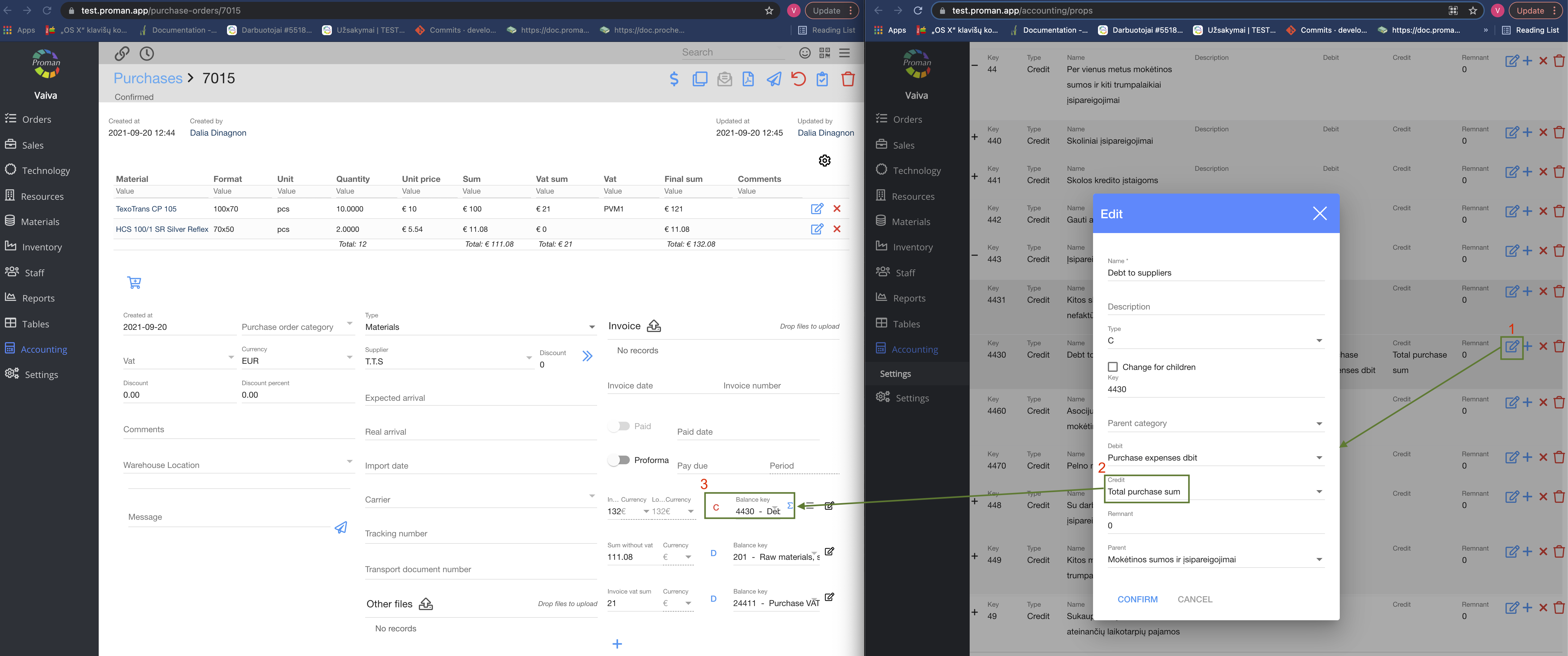
1. Go to "Accounting"
2. Then- "Settings"
3. Check the balance key
4. Now go to "Accounting"- "Purchases"
5. Choose a purchase
6. Enter the correct balance key
Note:
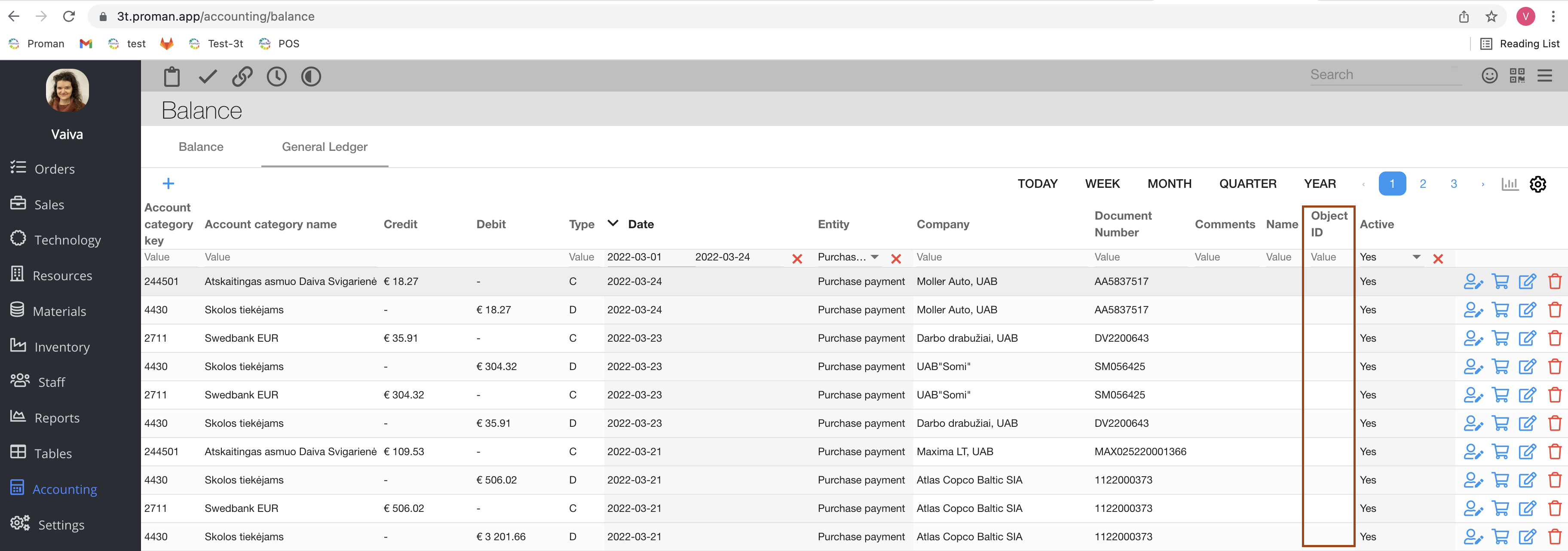
Here, the object ID is not a purchaseOrder, but the purchaseOrder payment with an id different from the Id column will not be shown in the future, you should target by document number