
 English
Materials Purchases
Here you can purchase materials and receive them to the warehouse.
How to create a purchase, add the materials, confirm it and receive the goods, step by step: How to create a material purchase.
How to find "material purchases"? |
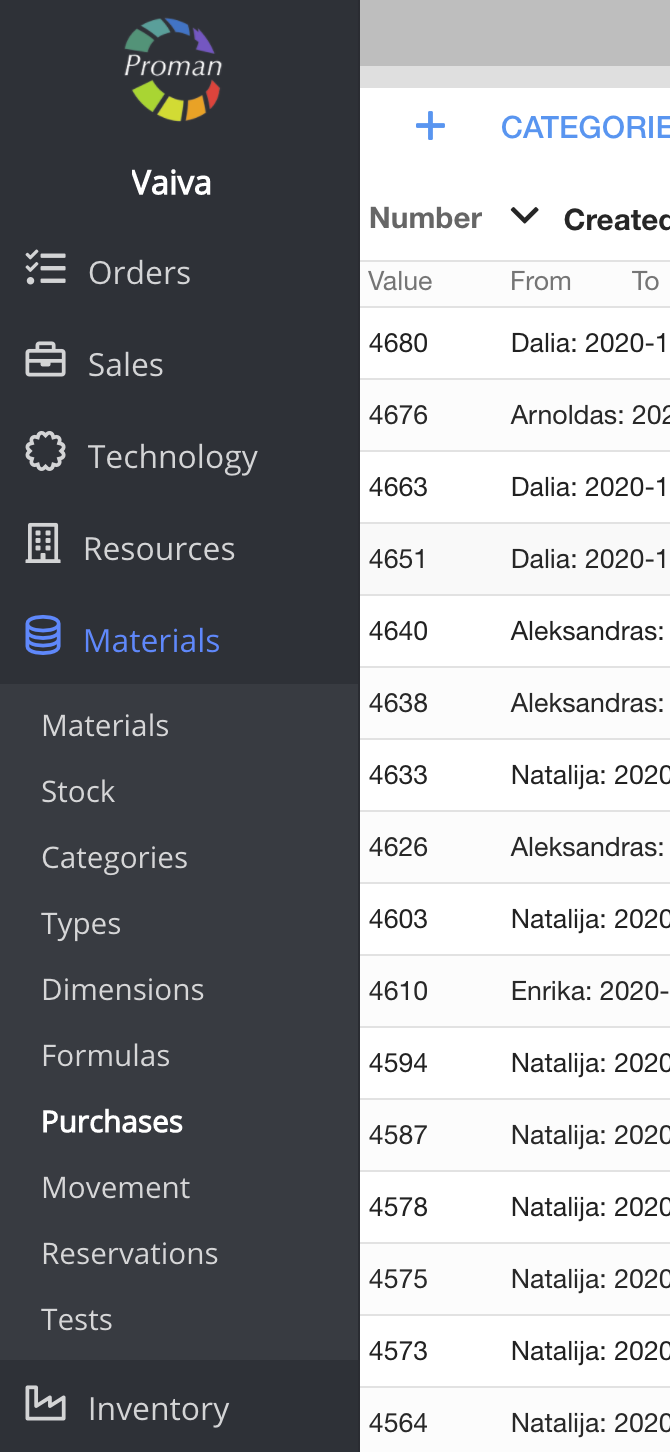
To find materials purchases:
1. Go to 
2. Then- 
Now you can see the "material purchase" list:

Here you can see, create new Material (


