Projects
Sales opportunities are the main tool for managing customers' relations. It is used for tracking all opportunities with existing or possible clients. This way your marketing team can manage and improve marketing. Each opportunity is represented by a card that can be then dragged across all set sales opportunities stages.
| How to to find "Projects"? |
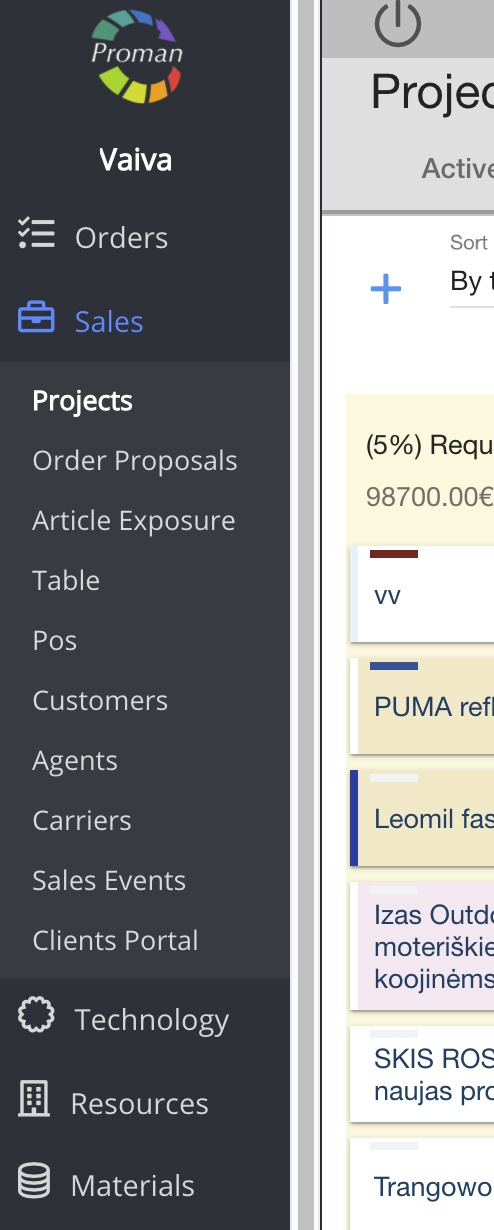
To find Projects:
1. Go to 
2. Click on 
Now you can see the active project list:
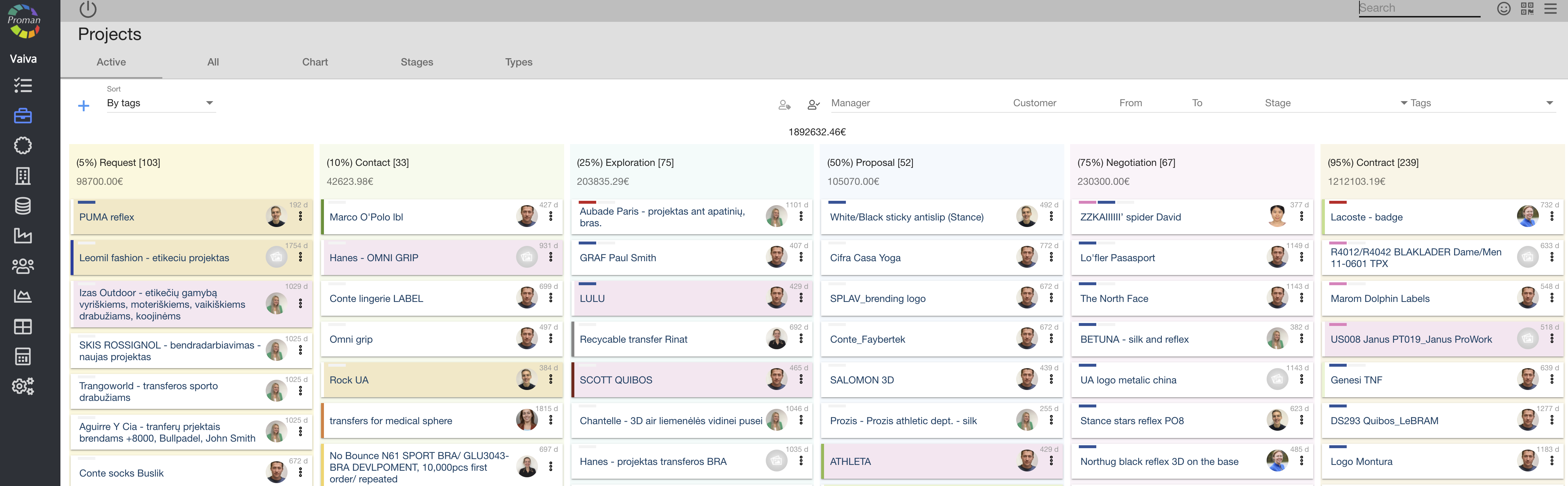
Menu tabs (at the top, grey table) |
 |
Here you can see and add (
Also you can manage projects with buttons:
| Button | What does it indicate? |
 | You can choose what kind of information you want to see (By date, By update date, By position, By tag) |
 | You can choose projects, where you are a participant |
 | You can choose yourself |
 | You can choose a customer |
 | You can choose a date (from to) |
 | You can choose a project stage |
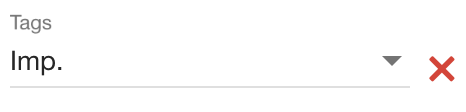 | You can choose project tags |
 |
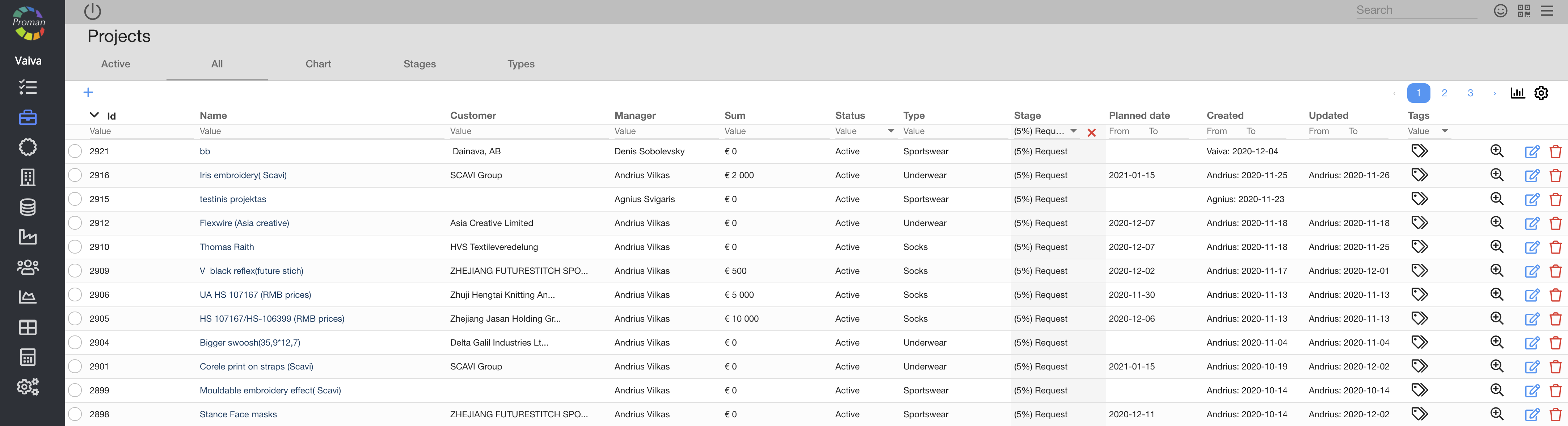
Here you can see, tag (


 |
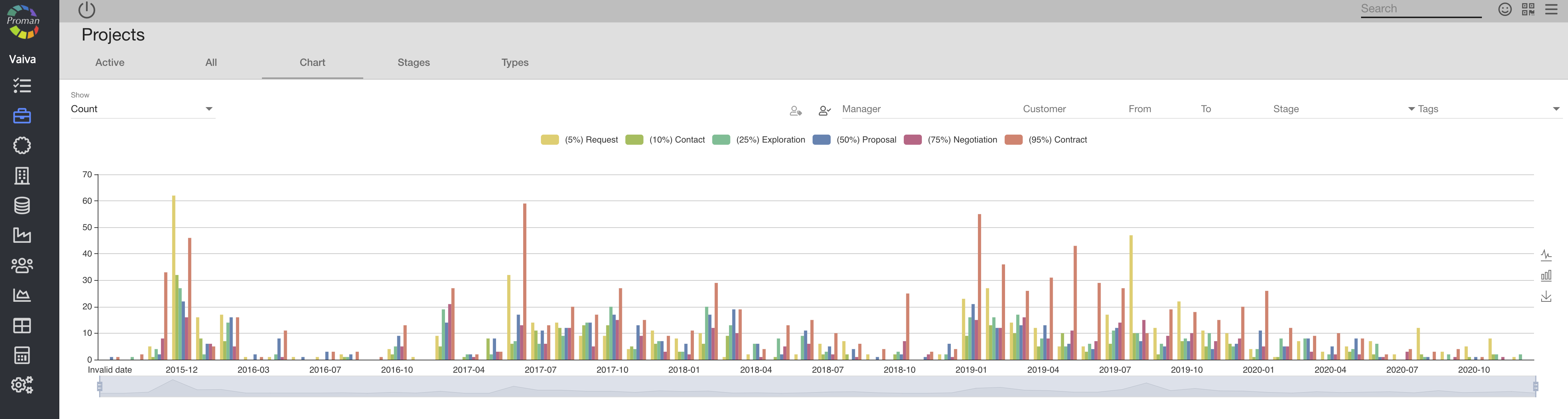
Here you can see your projects in a chart
 |
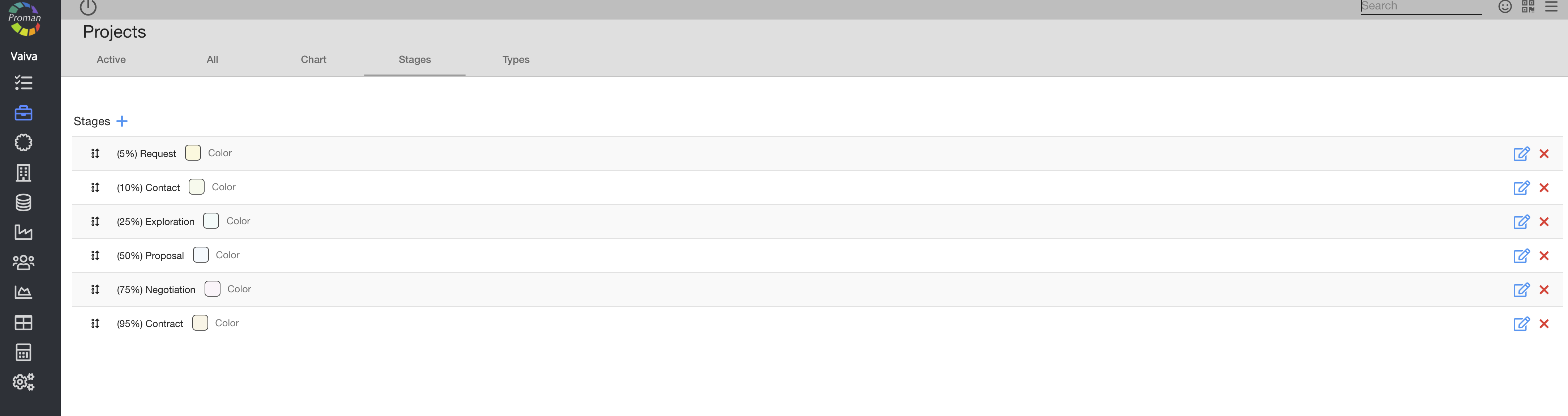
Here you can see, add (
 |
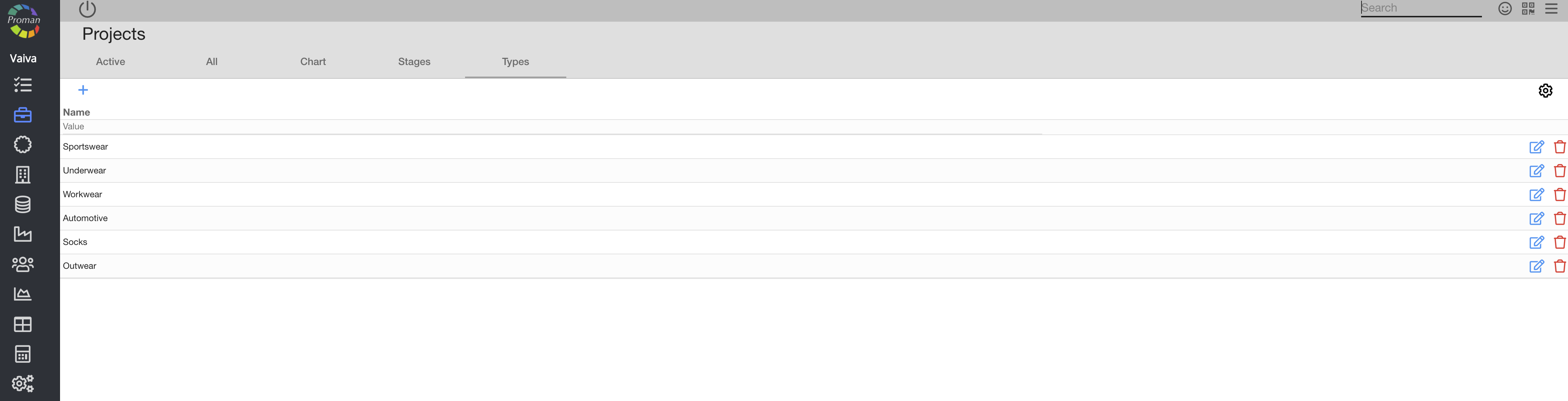
Here you can see, add (