Expressions
Expressions are useful to perform various mathematical, statistical, and logical operations. You can write expressions in multiple contexts inside the Proman system. Each context has a different scope in which different information is accessible. Expressions are mainly used to calculate numeric values which then can be measured and used in "processing" to provide reports. These reports can provide useful information to find ways of optimisation.
Expression can be set, if a parameter's type is a string or a number.
| How to create an expression? |

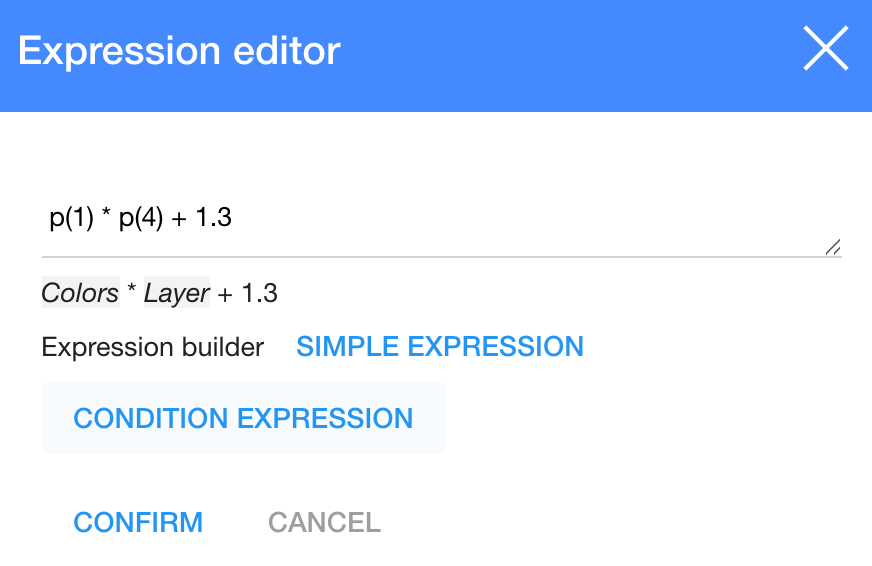
1. To set an expression, click on 
2. In the dialog table enter an expression "p(1) * p(4) + 1.3"
3. Click

p(1) * p(4) + 1.3
| Sign | What does it indicate? |
| p | It is parameters ( (p(1) - Colors) and (p(4) - Layer)) |
| (1) (4) | It is parameter's Id (you can choose parameters, press and find it in a list. and find it in a list. |
| + - * / | It is mathematical signs |
| 1.3 | It is a number you need |
On how to create a function, click here.
| How to get data from an order proposal? |
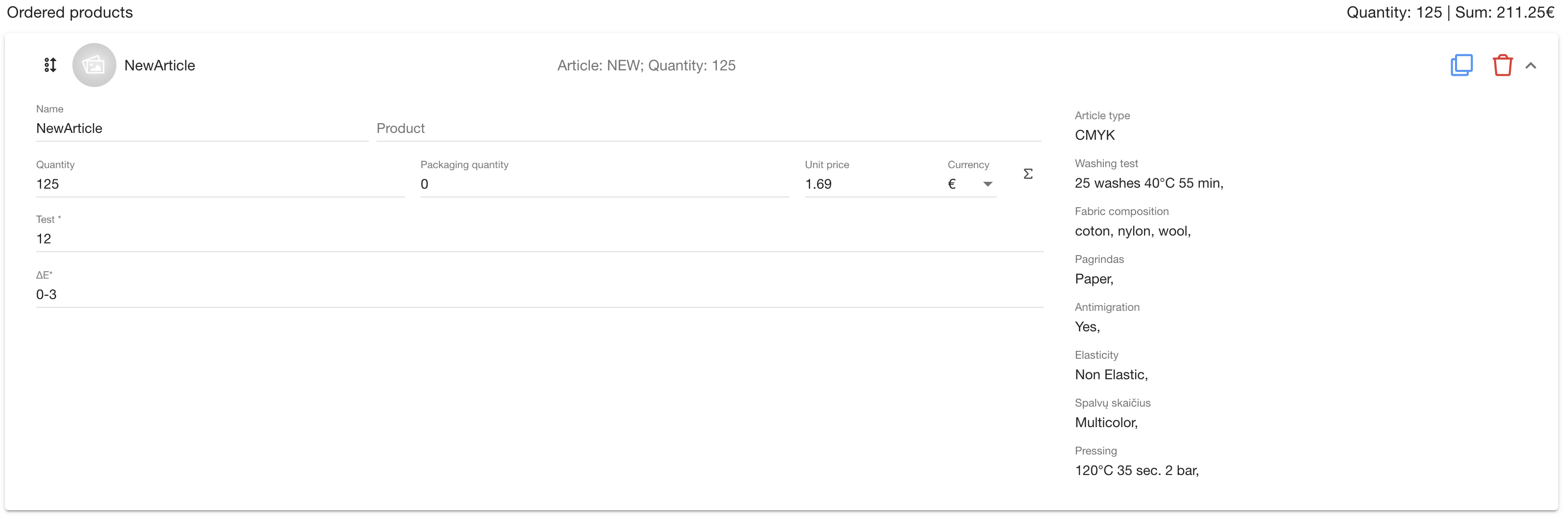
Ordered products
| Field | How to write it in expression? |
| Name | orderProposalProduct.getName() |
| Quantity | orderProposalProduct.getQuantity() |
| Package quantity | product.getPackageQuantity() |
| Unit price | orderProposalProduct.getPrice().getAmount() |
| Parameters | p(how to get id, read below) |
| Test | p(218) |
| ΔE | p(157) |
| productionOrder.getQuantity() |
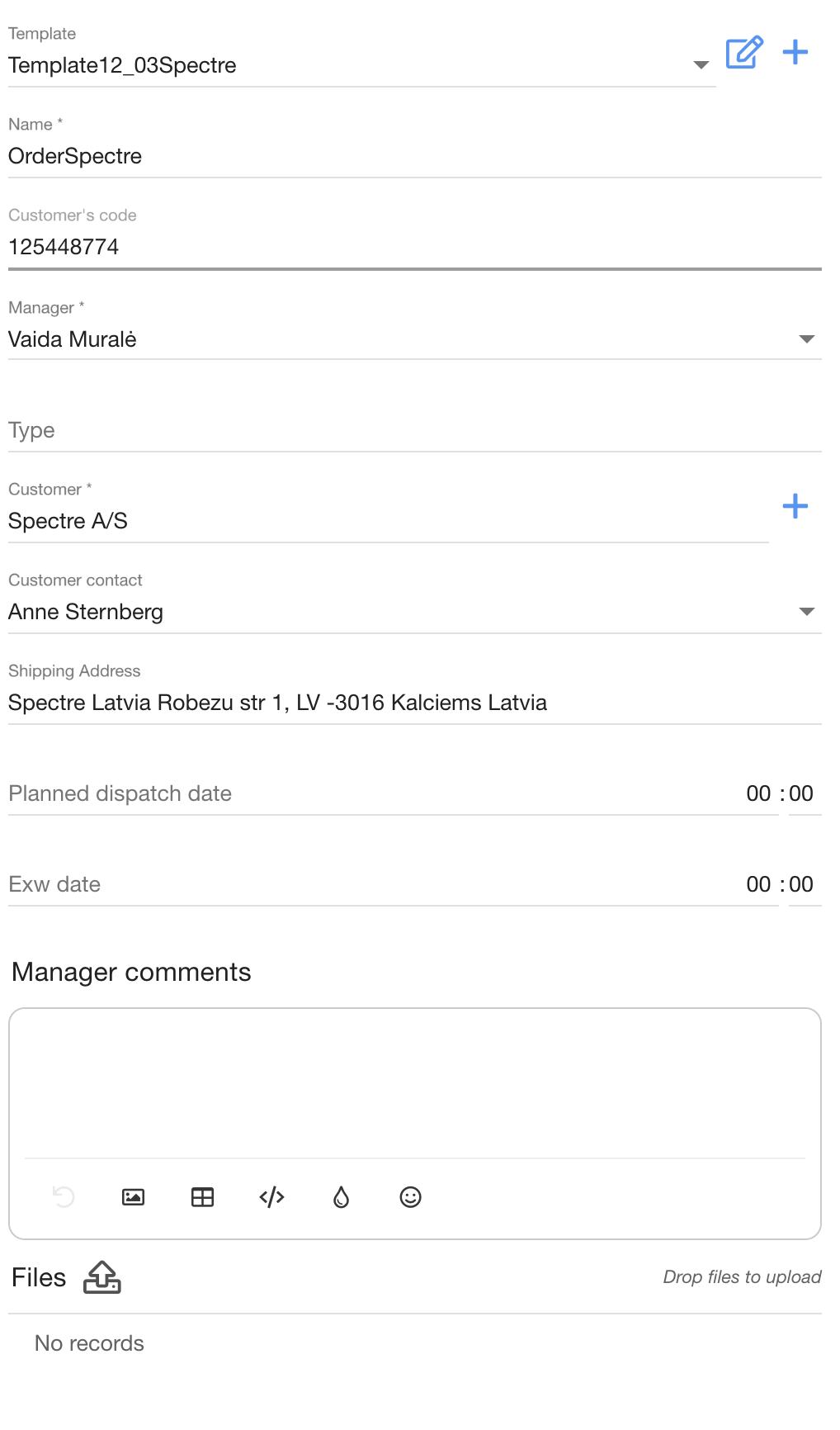
Template
| Field | How to write it in expression? |
| Order name | orderProposal.getName() |
| Customer's code | orderProposal.getCustomerNumber() |
| Customer name | orderProposal.getCustomer() |
| Customer manager name | orderProposal.getCustomerEmployee().getName() |
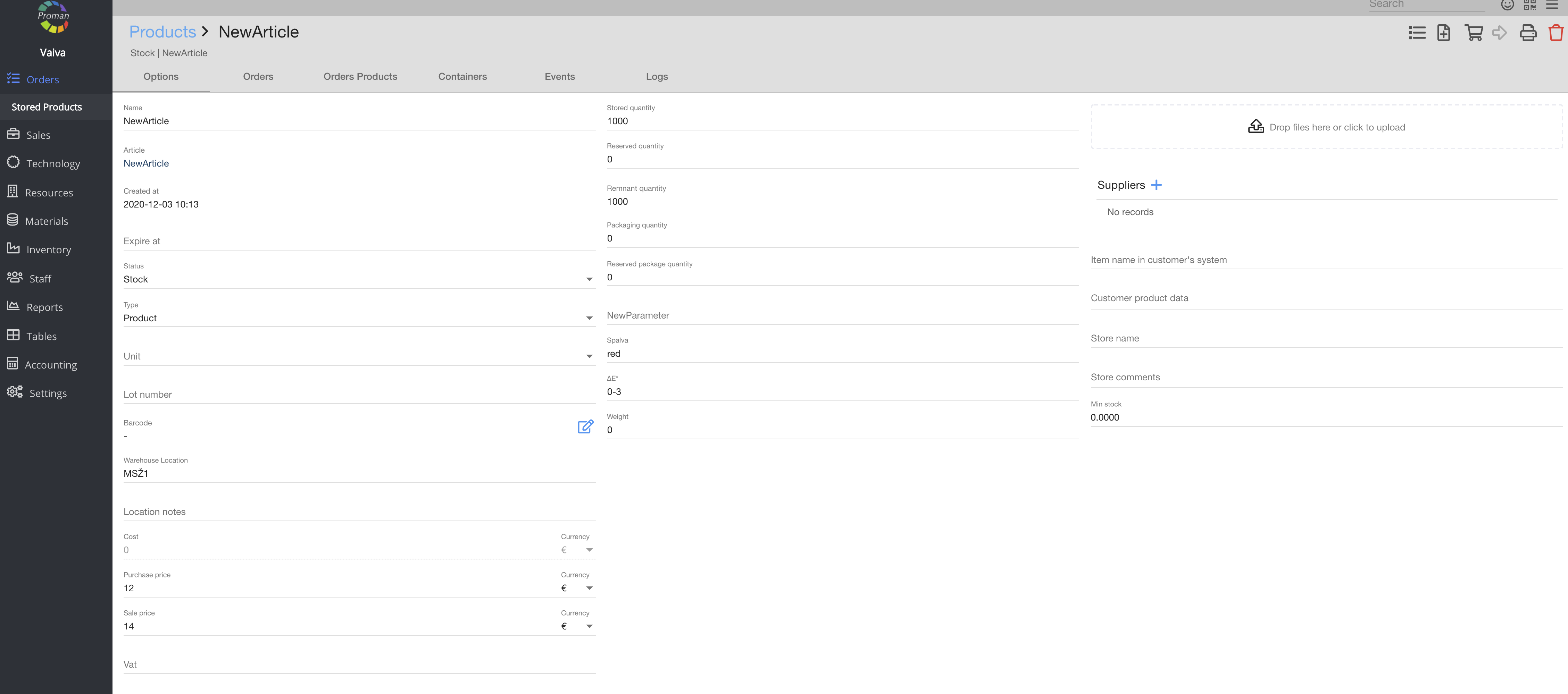
| How to get data from an order proposal product? |
| Field | How to write it in expression? |
| Sale Price | orderProposalProduct.getProduct().getSalePrice().getAmount() |
| Stored quantity | orderProposalProduct.getProduct().getStoredQuantity() |
| Product name in Order Product test | template("{% for a in order.orderProducts %}{% if test.article.id == a.product.article.id %}{{ a.product.getName() }}{% endif %}{% endfor%}") |
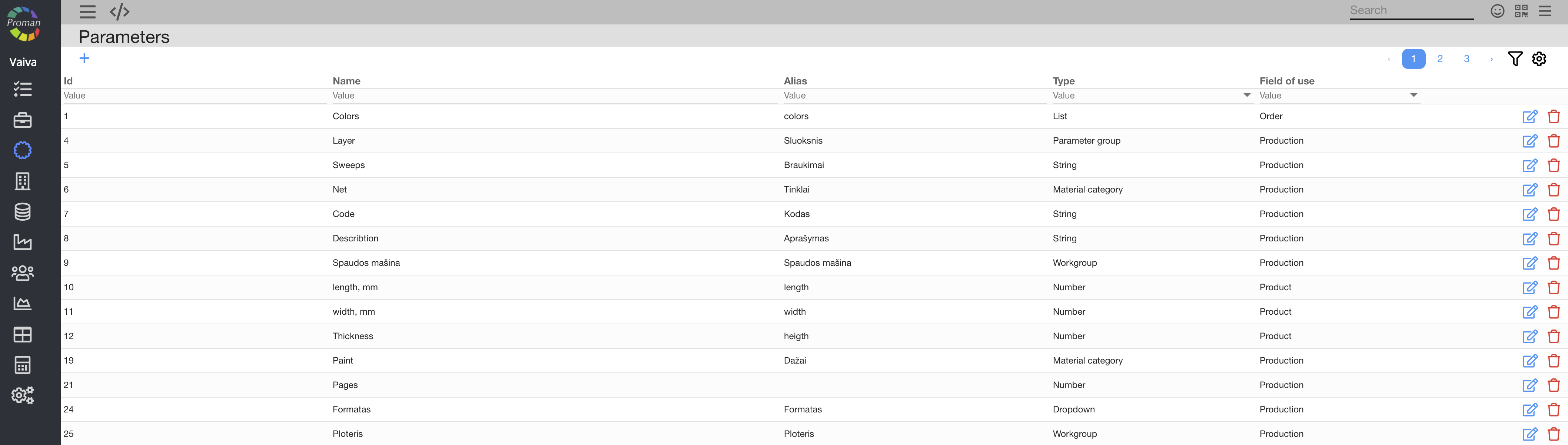
| How to get a parameter's ID? |
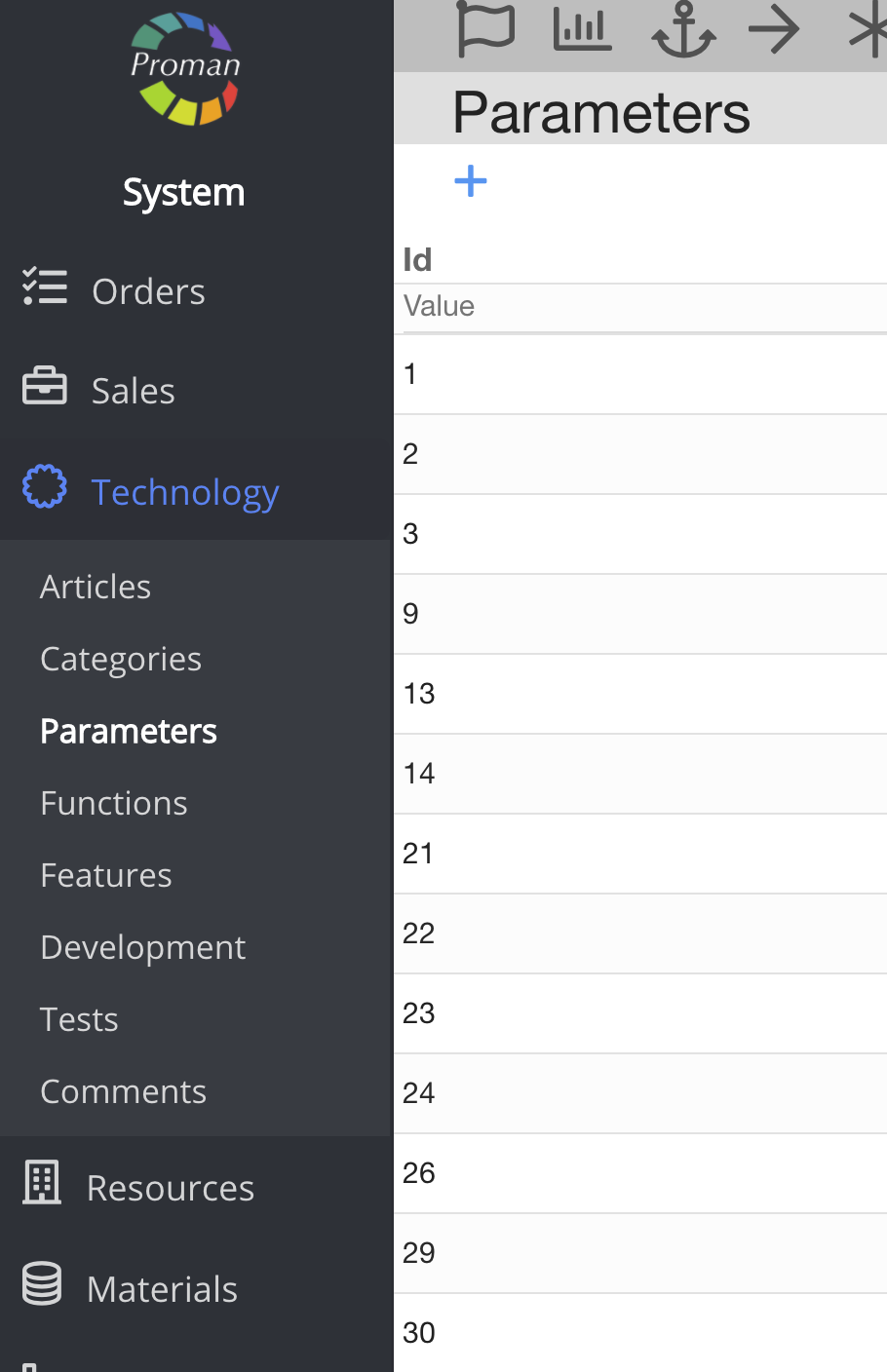
To get a parameters ID:
1. Go to 
2. Then- 
Now you can see the parameter ID and name:
| Where can you use expressions? |
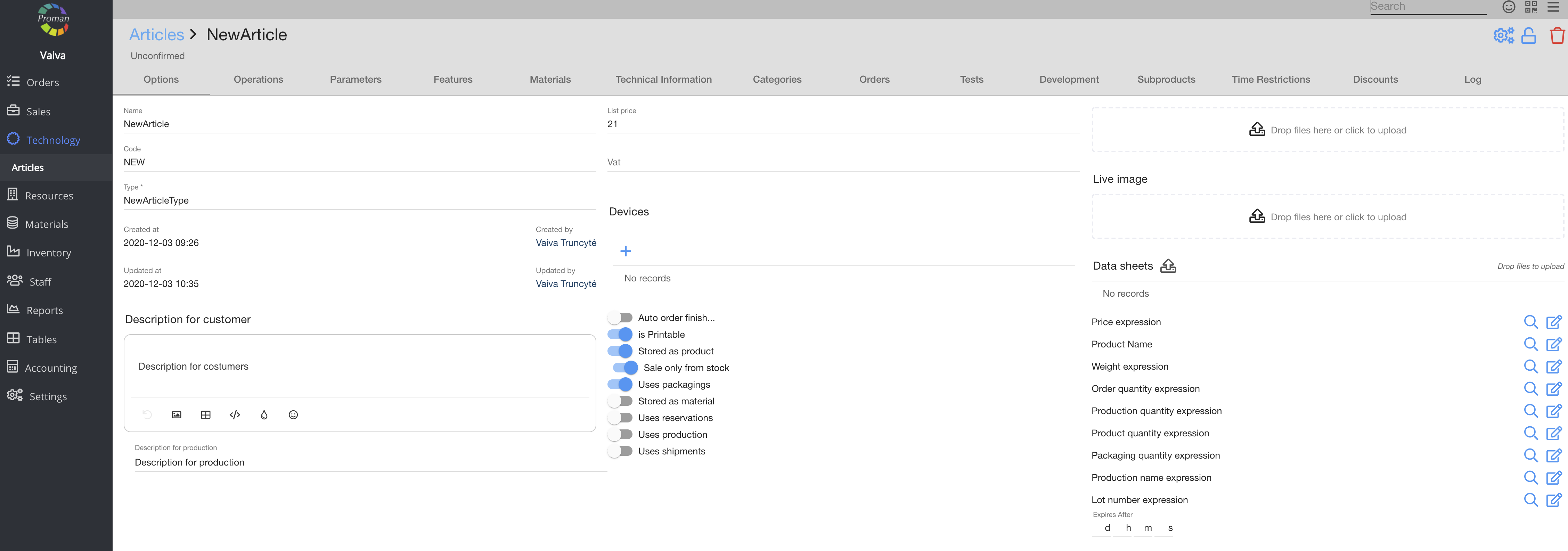
You can write an expression ( Click on 
1. In the "Article Options":
2. In the "Article Parameters" (Order Parameters, Product Parameters, Production Parameters (field should be empty 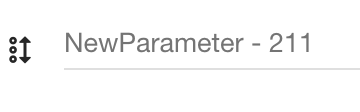
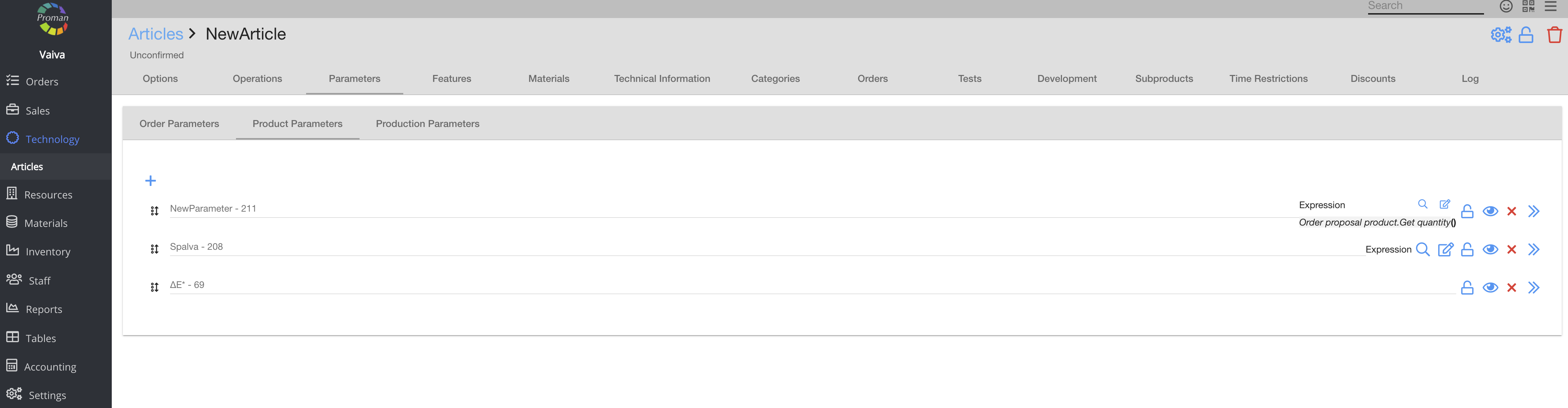
3. In workplace "Option Parameters":
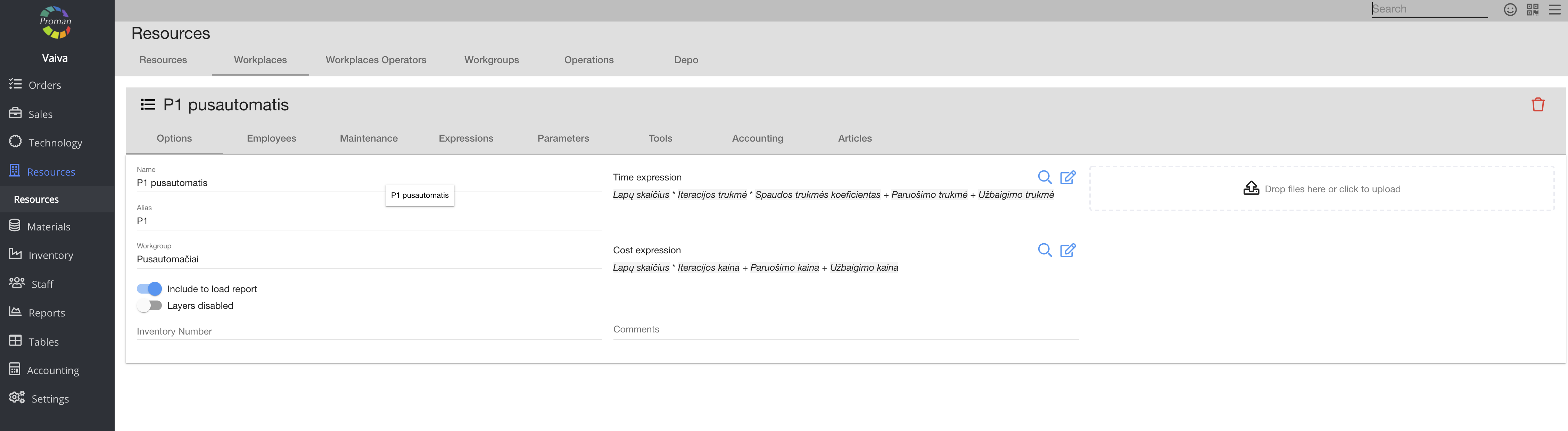
4. In material "Type options":
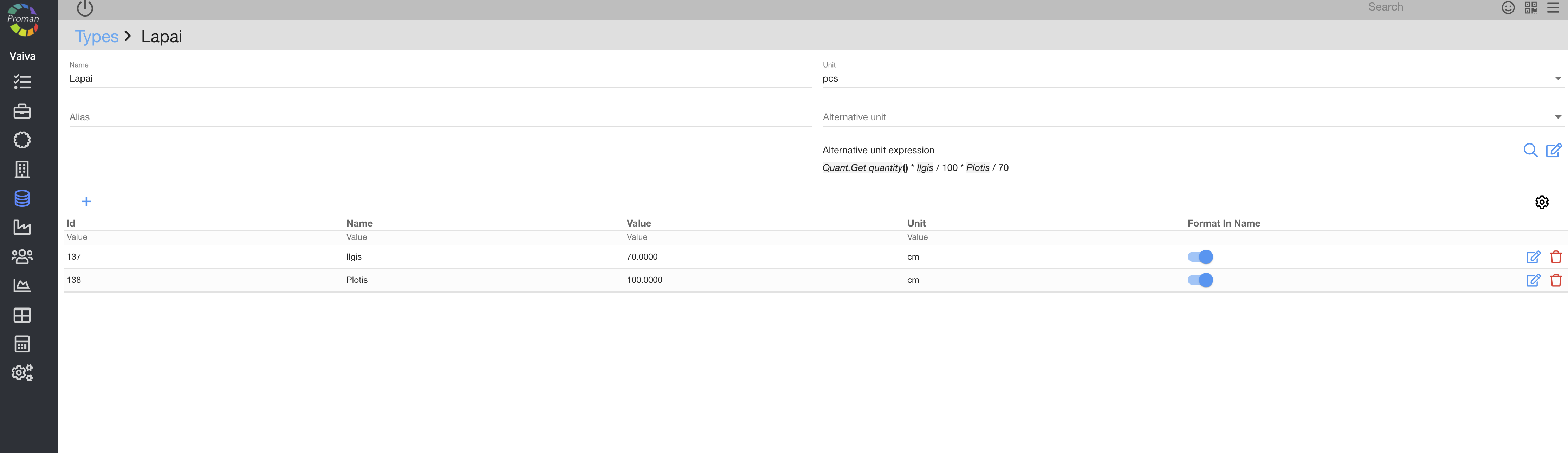
5. In staff department "Specialisations" options:
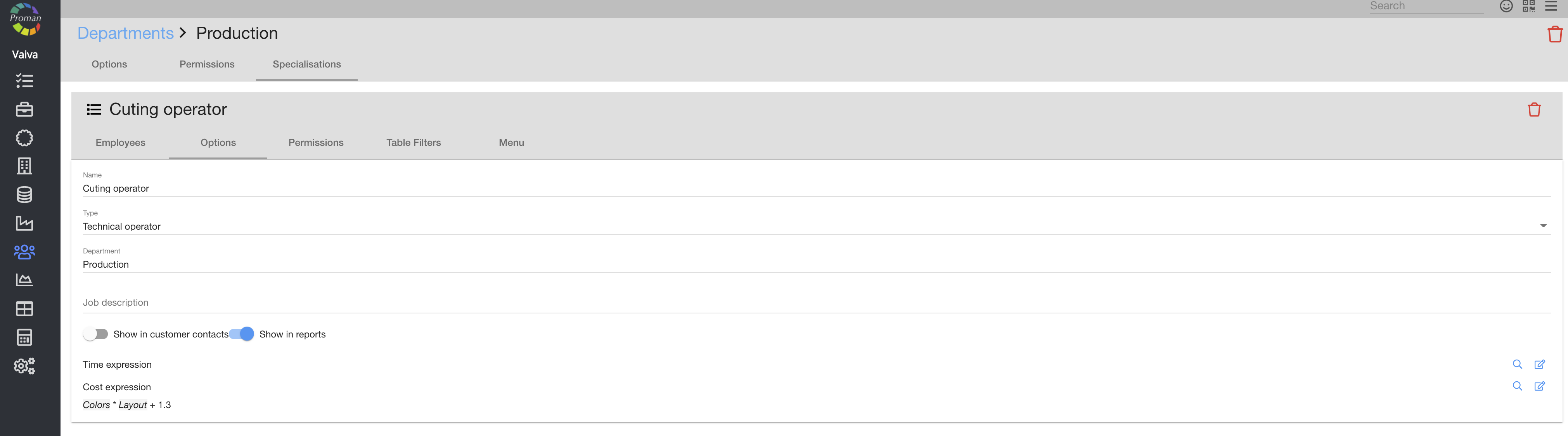
The result of this expression you can see in Staff --> Employees --> Choose employee --> Operations
| Which value you would like to get? | How to write it? |
| To get article id | production.getArticle().getId() |
Take two parameters and multiply them: p(1) * (p2)

Take part of default product quantity for production: production_product.getProductionQuantity() * 0.3

Generate unique numbering for production: year' 'month' 'ABC' '~
