Features
Features are used to add the layer of clarification to your products (articles). Each feature represents a simple "tag" in the product listing, where set features let you easier filter out information, you've been searching for. Each feature can hold multiple values, used when assigning features to products (articles). Feature values are represented as checkboxes (

| How to find Features? |
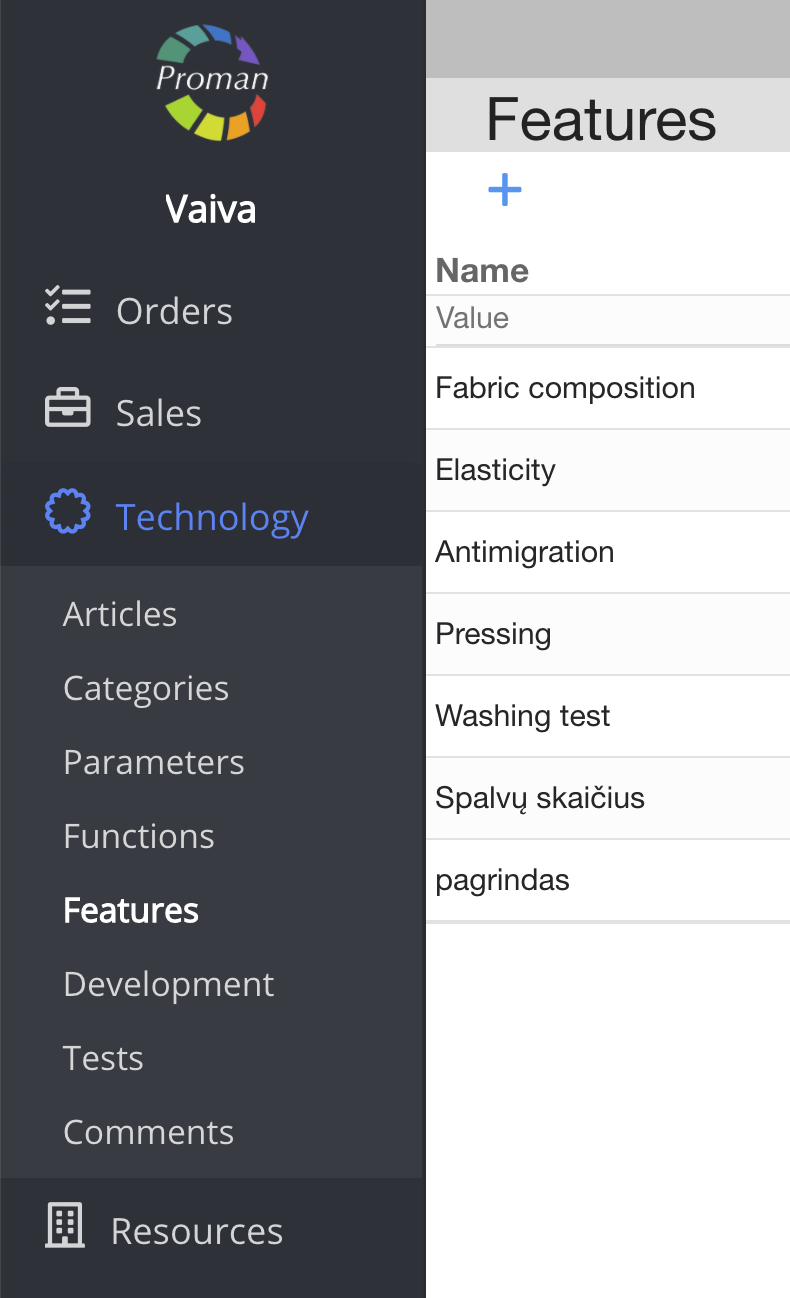
1. To find Features, you should:
1.1. Click on
1.2. Then- 
Now you can see the "Features" list
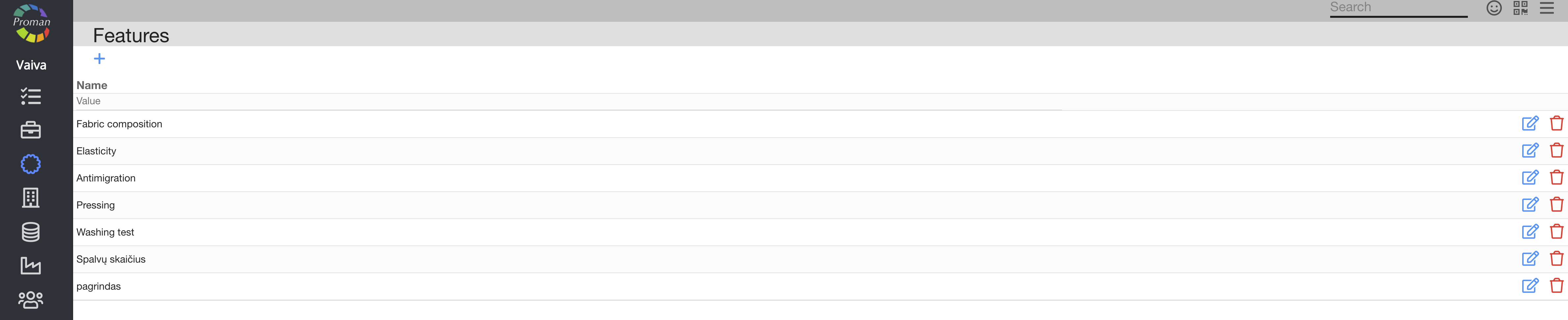
Here you can add (


| How to create a new Feature? |
1. To create a new Feature, click on
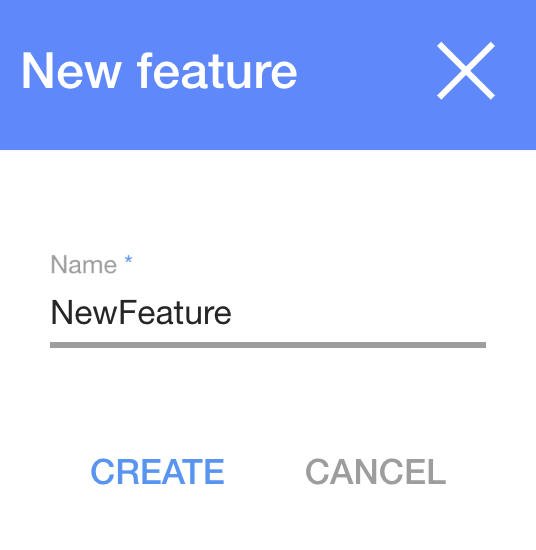
2. In the dialog table enter a name;
3. and click
Now you can see the new Feature
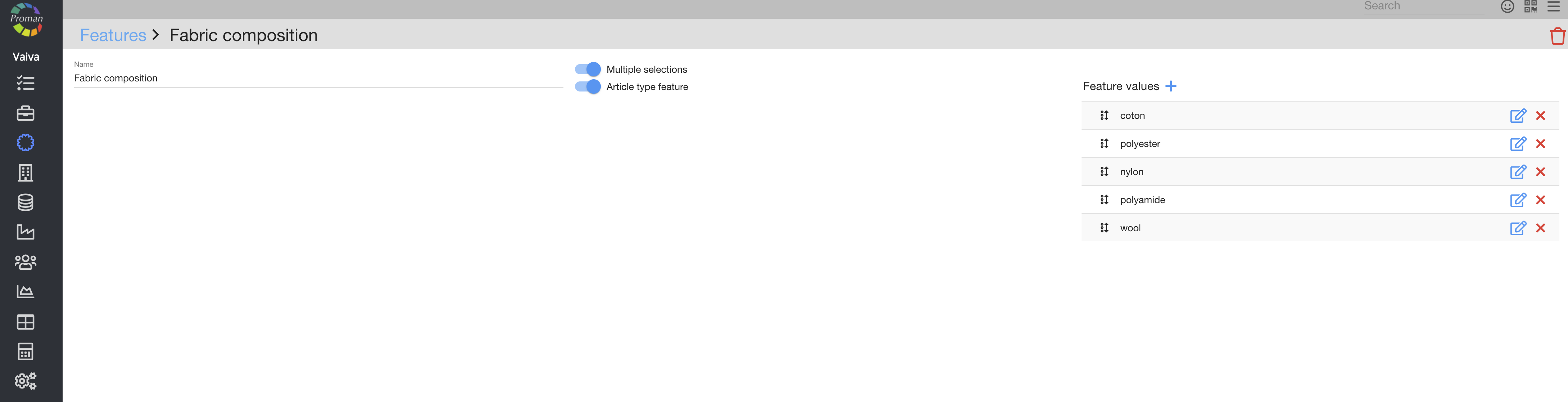
Here you can add (
| Button | What does it indicate? |
 | You can let people to choose multiple selection ( ) ) |
 | You can let people choose a type ( ) ) |
For more information about features in Article, please visit here