English
Exposition
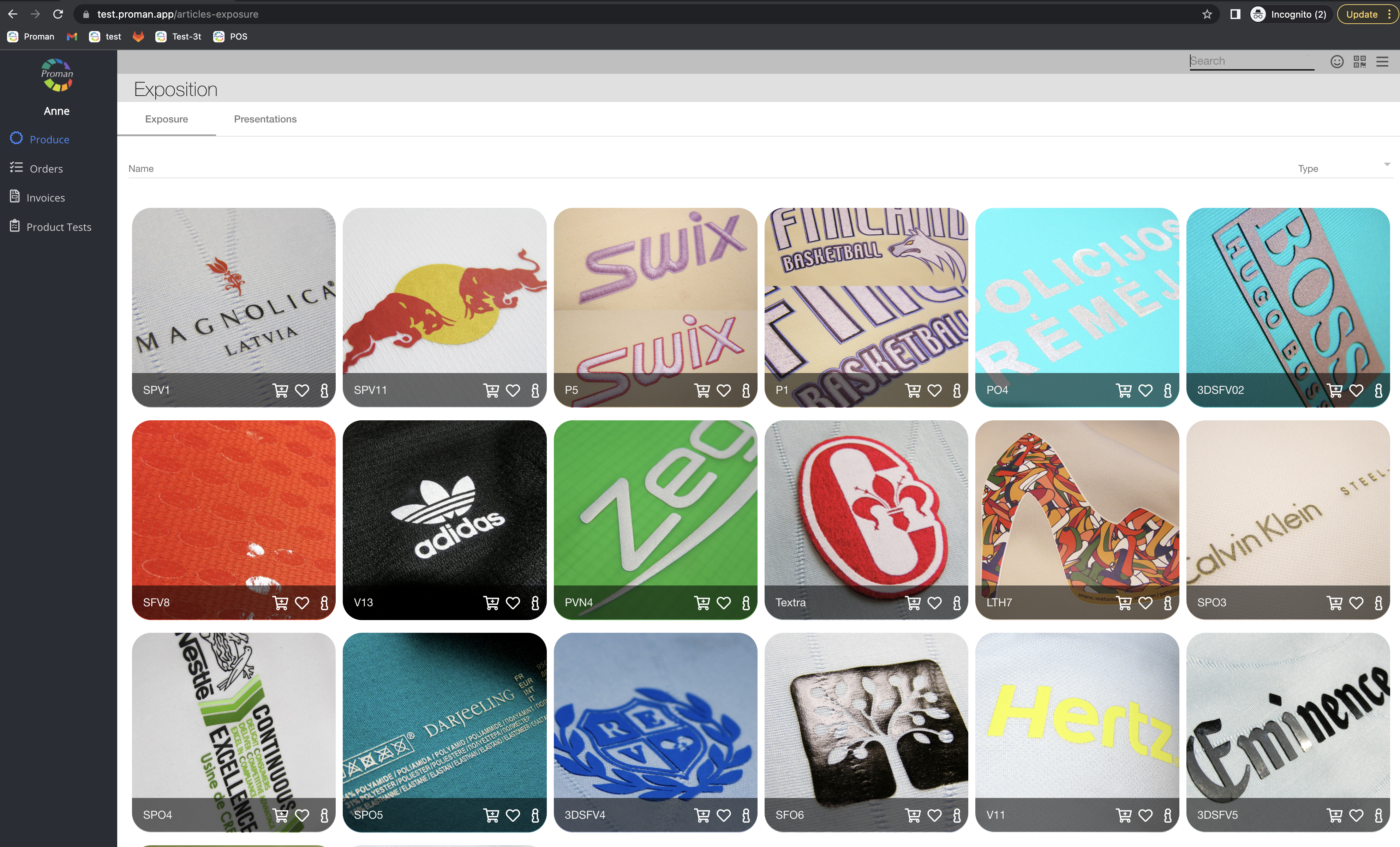
Article exposure is used as a catalog for the sales person to visually represent your production. Each item in article exposure represents your end result of services (products) you provide and if the client is interested, the sales person can then generate an offer (order) which then can be processed and planned accordingly.
How to add Permission to see Articles exposition?
Basic article exposure functionality:

- filter by product (article) name
- filter by article type (technology)
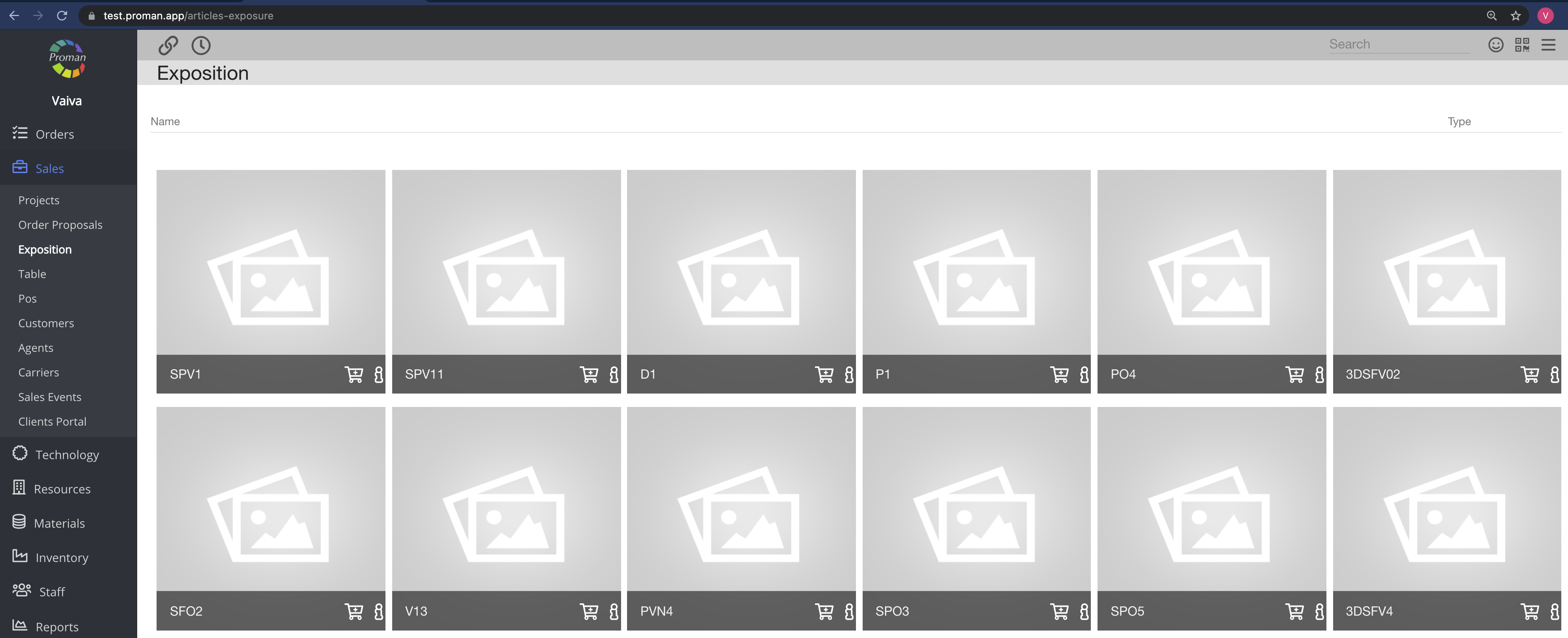
Here you could see all Articles, which are Confirmed, Create an order (

| How to add Permission to see Articles exposition? |
Customer could see Article exposition if you:
1. Add permissions to see Articles
2. Add Produce in menu settings
Note: you could do it if you have these permissions: Permissions.Edit and System Options.Edit. For more information about permissions, please visit here
How to add permissions to customer?
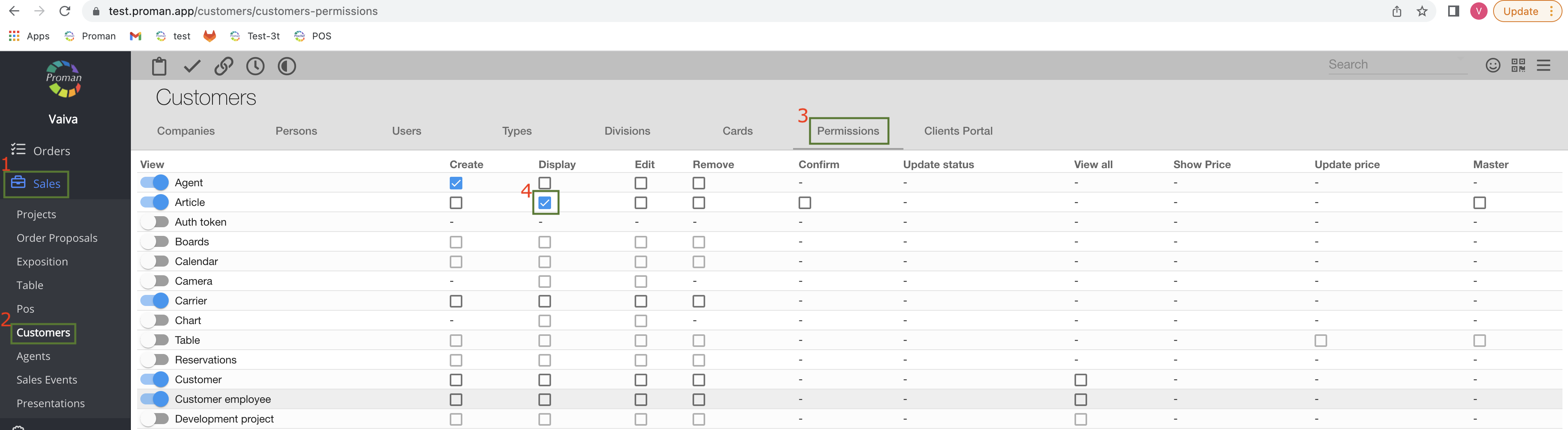
1. Press

2. Press

3. Press
4. Check button Article Display (
For more information about customer settings, please visit here
How to add Produce in menu settings to customer?
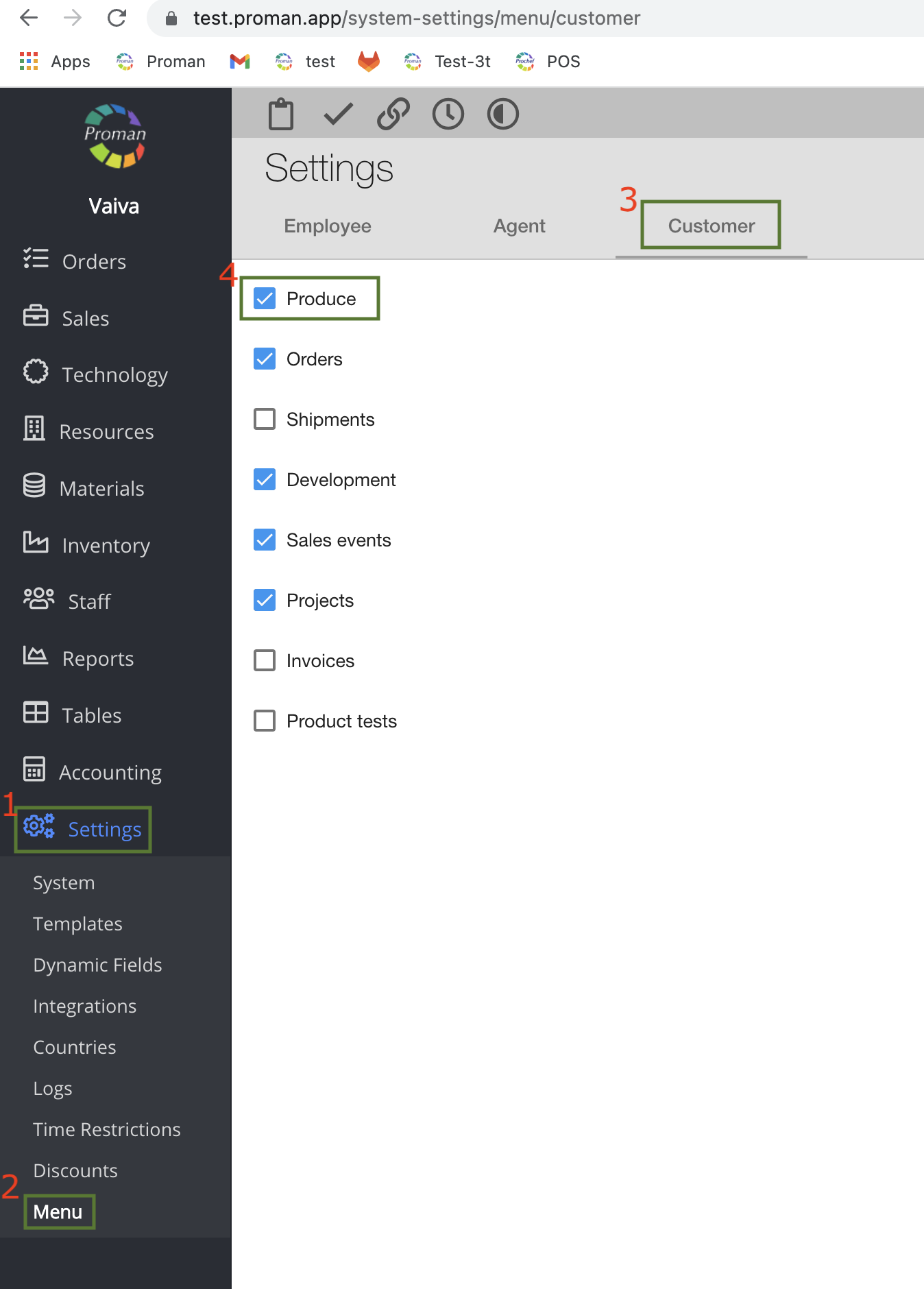
1. Press

2. Press

3. Press
4. Check button Produce (
Now customer could see Article expositions