Here you can set all SmartOn permissions for employees, for example: what they can see, manage or delete.
Combined Permissions
Dynamic
Agent
Article
Article test
Auth Token
Table
Reservations
Boards
Filter
Printer
Camera
Calendar
Carrier
Chart
Customer
Customer employee
Development project
Employee
Event
Formula
Invoice
Maintenance
Material
Material category
Purchase
Notification
Order
Order proposal
Parameter
Patient appointment
Payment report
Permission
Product
Production
Reports
Department
Sale opportunity
Sensor
Shipment
Specialisation
System options
Subcontractor
Supplier
Tag
Templates
Time options
Workgroup
Workplace
| How to find employee's permissions? |
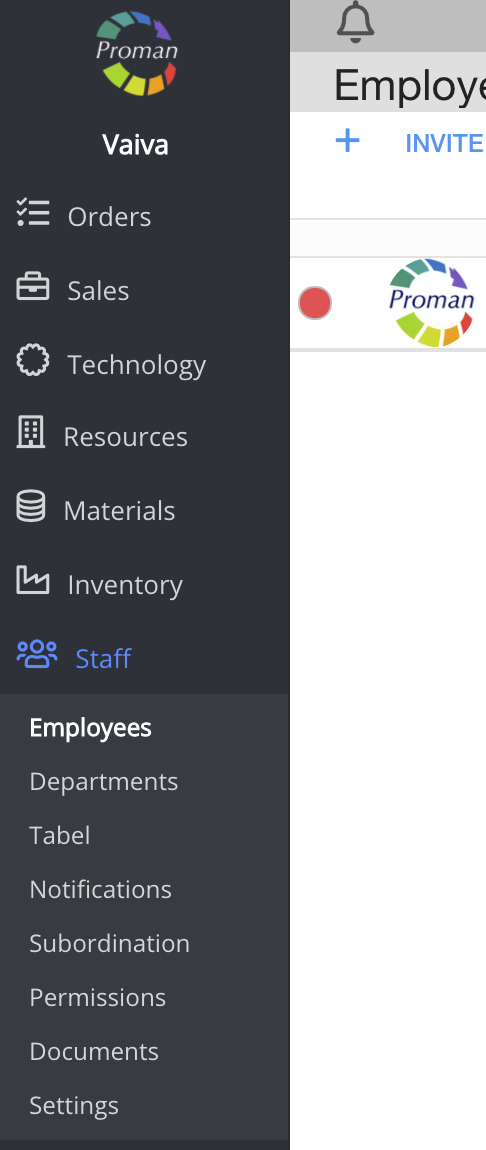
To find Employees:
1. Go to Staff:
1.1. Go to  ;
;
1.2. Then- ;
;
Now you can see the employee list:

2. Choose an employee
Now you can see employee information:
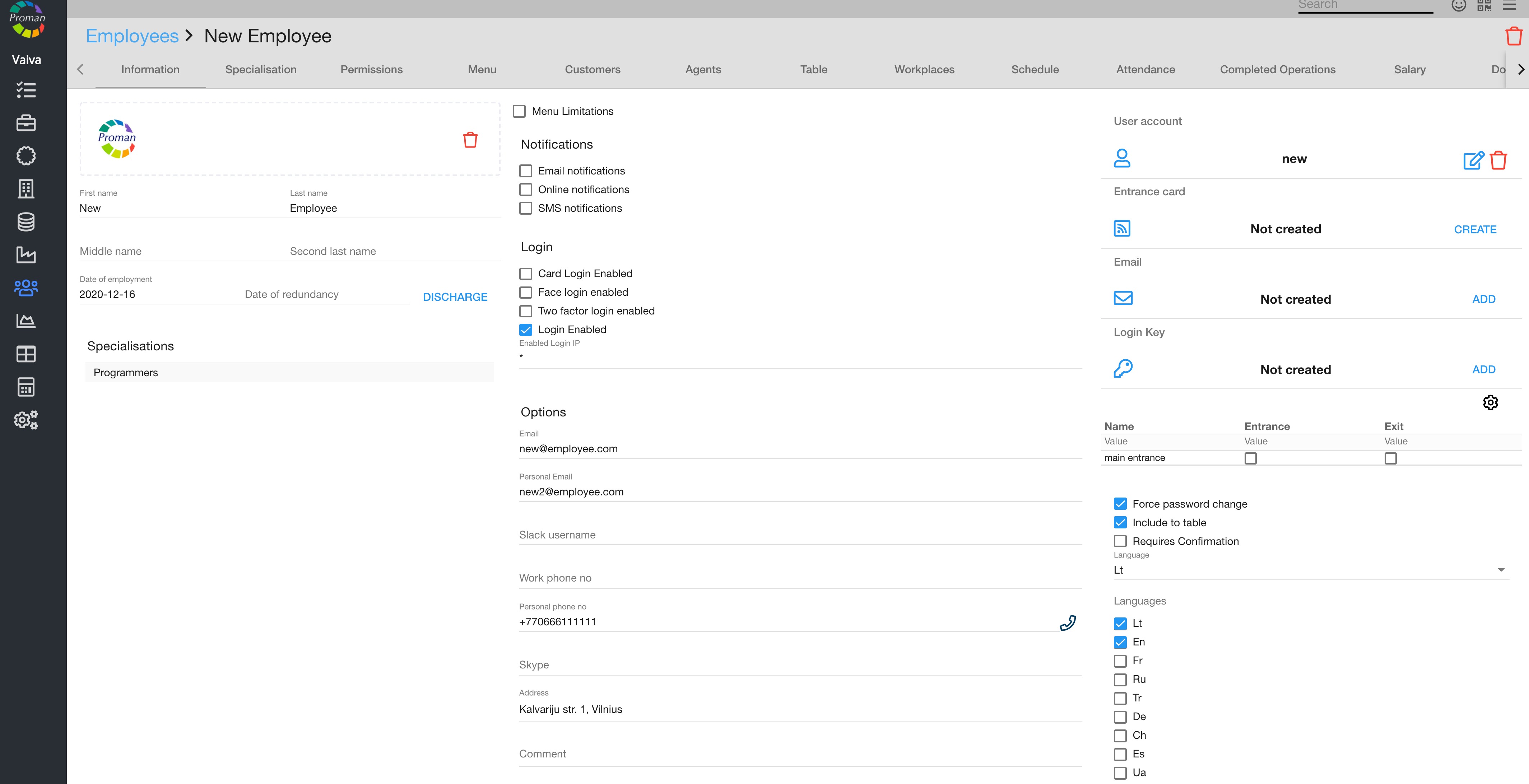
3. Click on 
Now you can see the employee permissions:
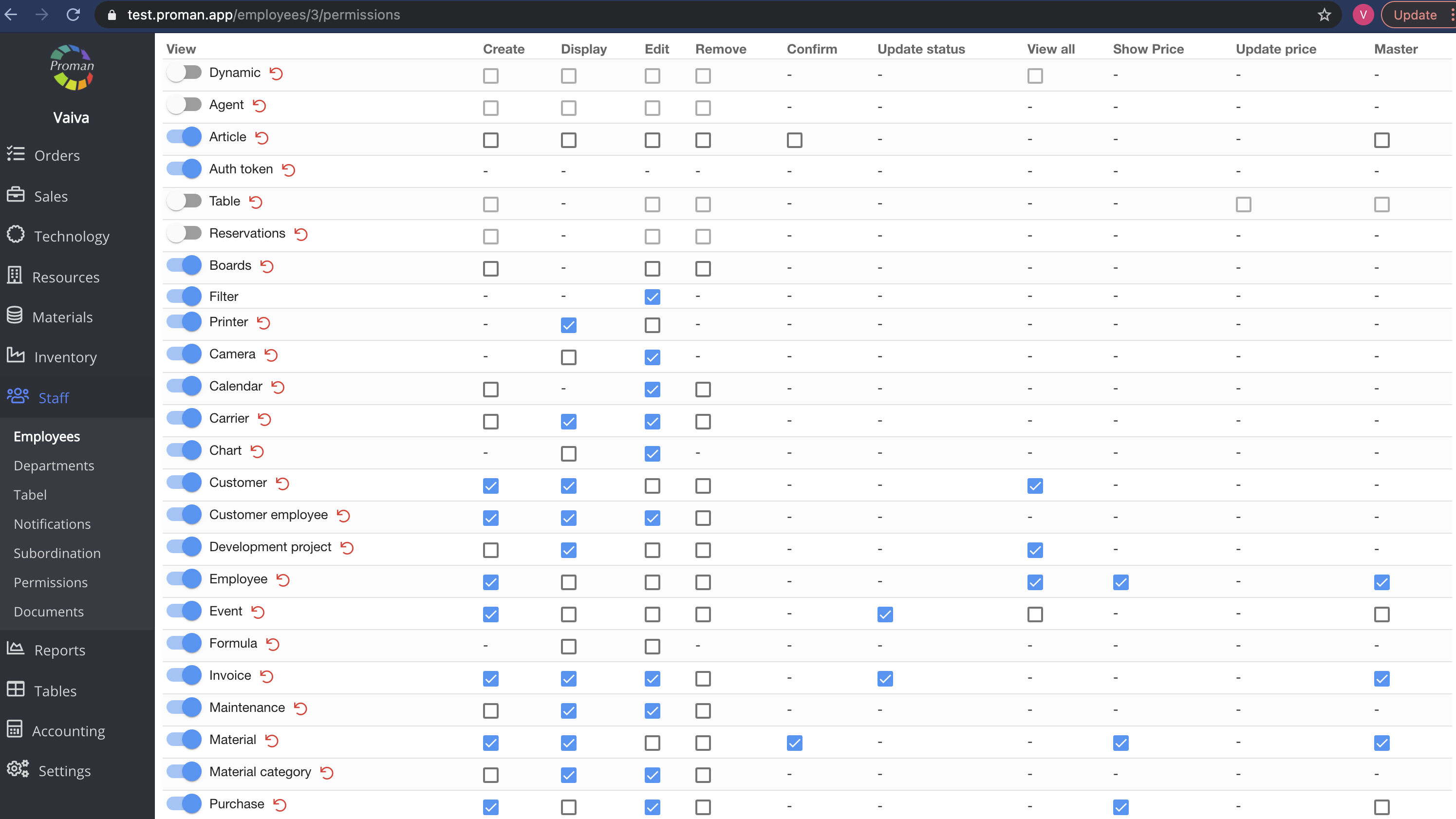
Here you can see, add ( ) and cancel (
 ) permissions for an employee
Note: If the tab is switched on ( ), the user can get particular tab data, but won't be able to see it in the Menu tab. If the tab is switched off (
 ), the user will not get particular tab data and see the particular tab (or subtab) in the user's menu.
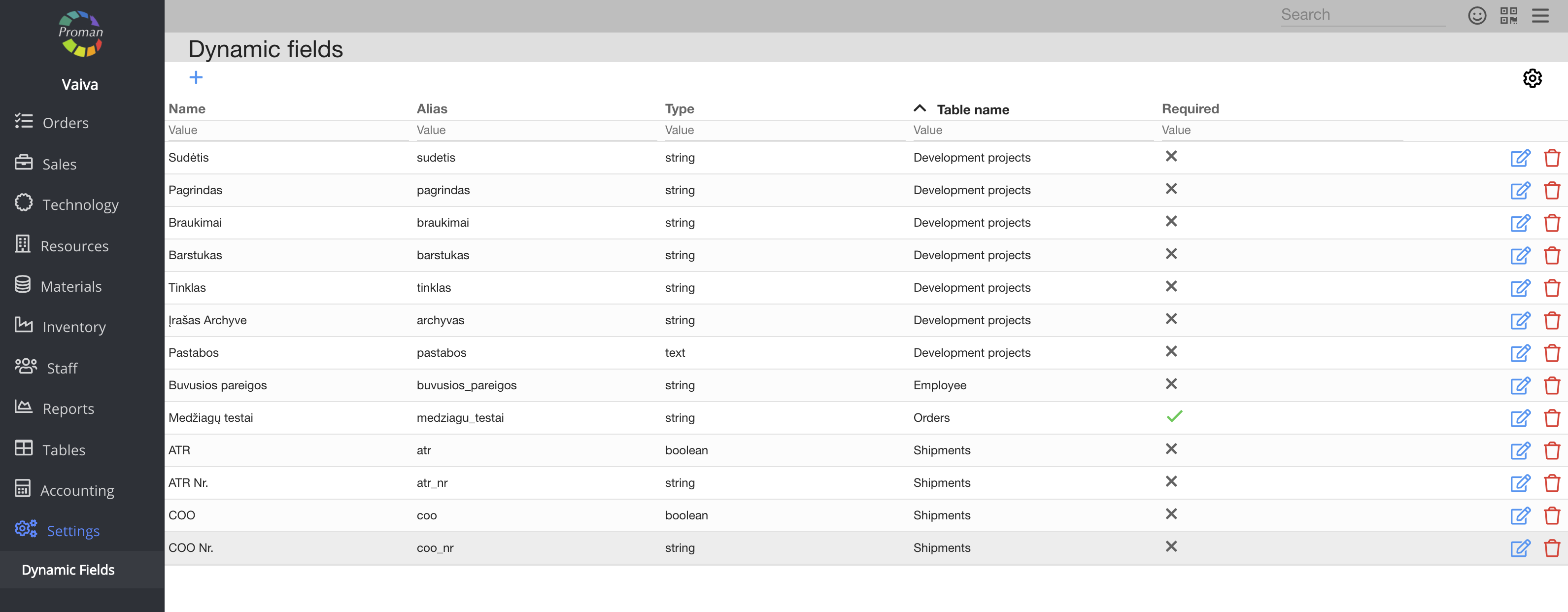
| Button | What does it indicate? |
| Create | You can give permission to create new dynamic tables |
| Display | You can give permission to see the list of dynamic tables |
| Edit | You can give permission to edit dynamic tables |
| Remove | You can give permission to remove dynamic tables |
| View all | You can give permission to see all dynamic tables |
Back to top of page
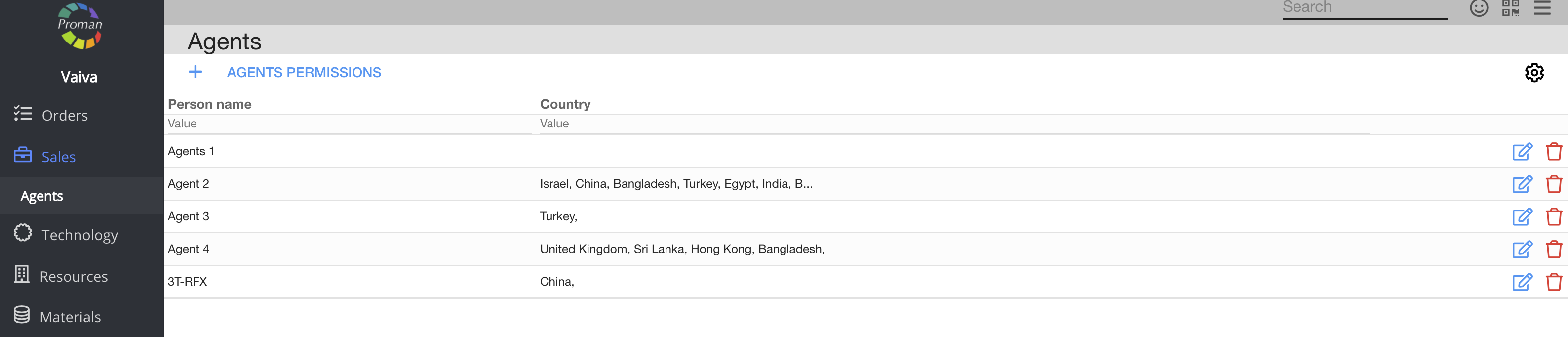
| Button | What does it indicate? |
| Create | You can give permission to create an agent |
| Display | You can give permission to see the list of agents |
| Edit | You can give permission to edit agents |
| Remove | You can give permission to remove agents |
Back to top of page
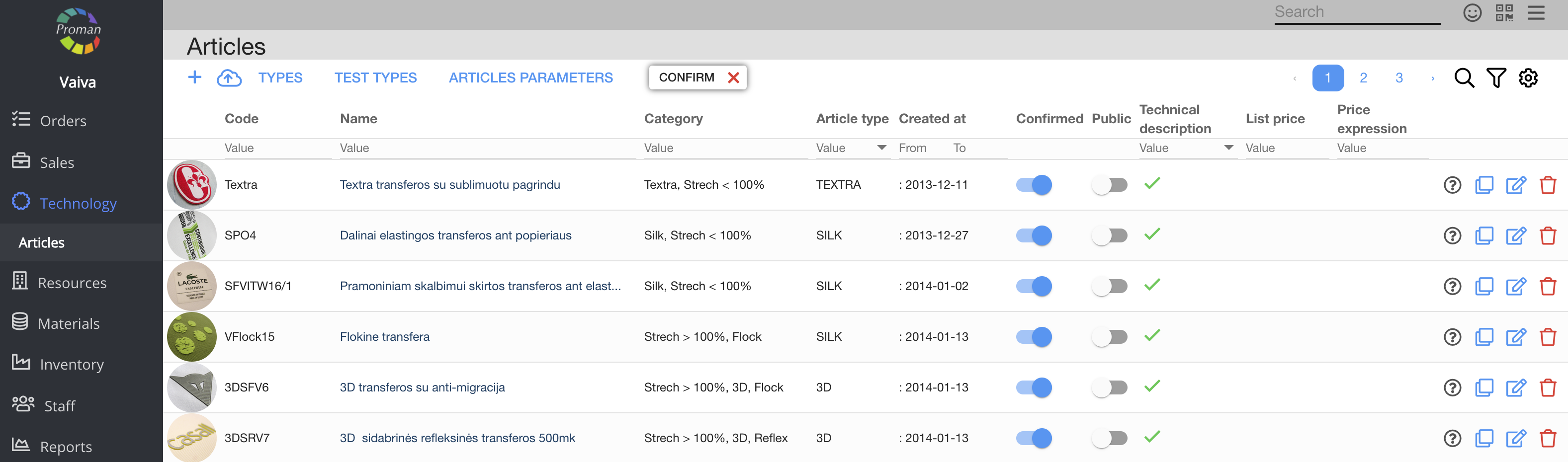
| Button | What does it indicate? |
| Create | You can give permission to create articles and article categories |
| Display | You can give permission to see the list of articles, article exposition and article categories |
| Edit | You can give permission to edit articles, article categories, manage comments (Resources --> Comments) and see or copy article tests |
| Remove | You can give permission to remove articles and article categories |
| Confirm | You can give permission to confirm articles and article categories |
| Master | You can give permission to edit an article without unlocking it |
Back to top of page
| Button | What does it indicate? |
| Create | You can give permission to create articles |
| Display | You can give permission to see the list of articles and article categories |
| Edit | You can give permission to edit articles, manage comments (resources --> comments), see and copy article tests |
| Remove | You can give permission to remove articles |
Back to top of page
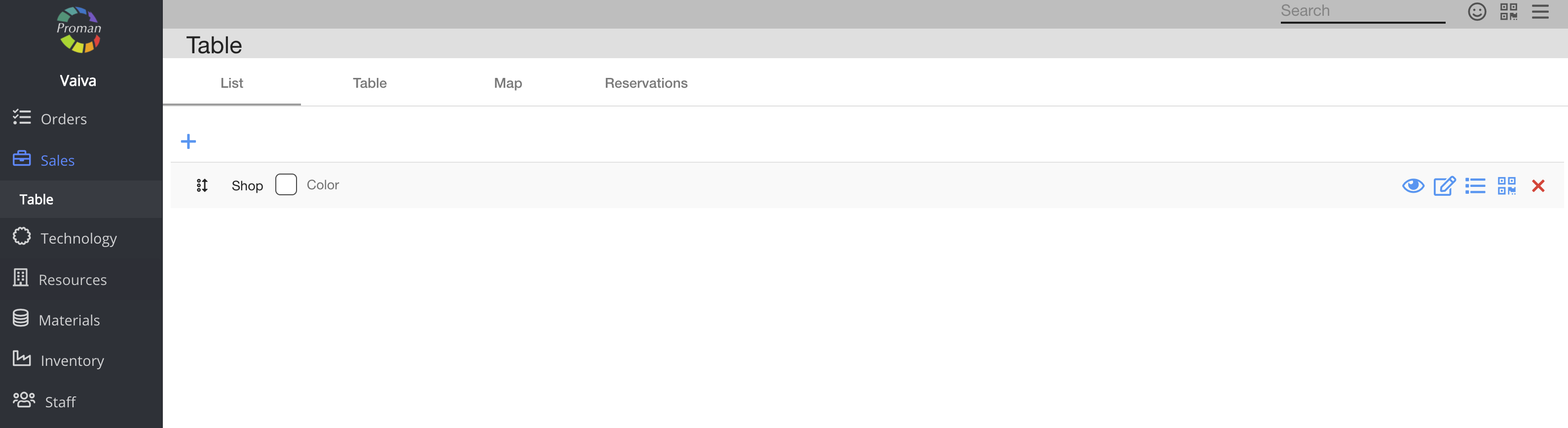
| Button | What does it indicate? |
| Create | You can give permission to create tables |
| Edit | You can give permission to edit tables |
| Remove | You can give permission to remove tables |
Back to top of page
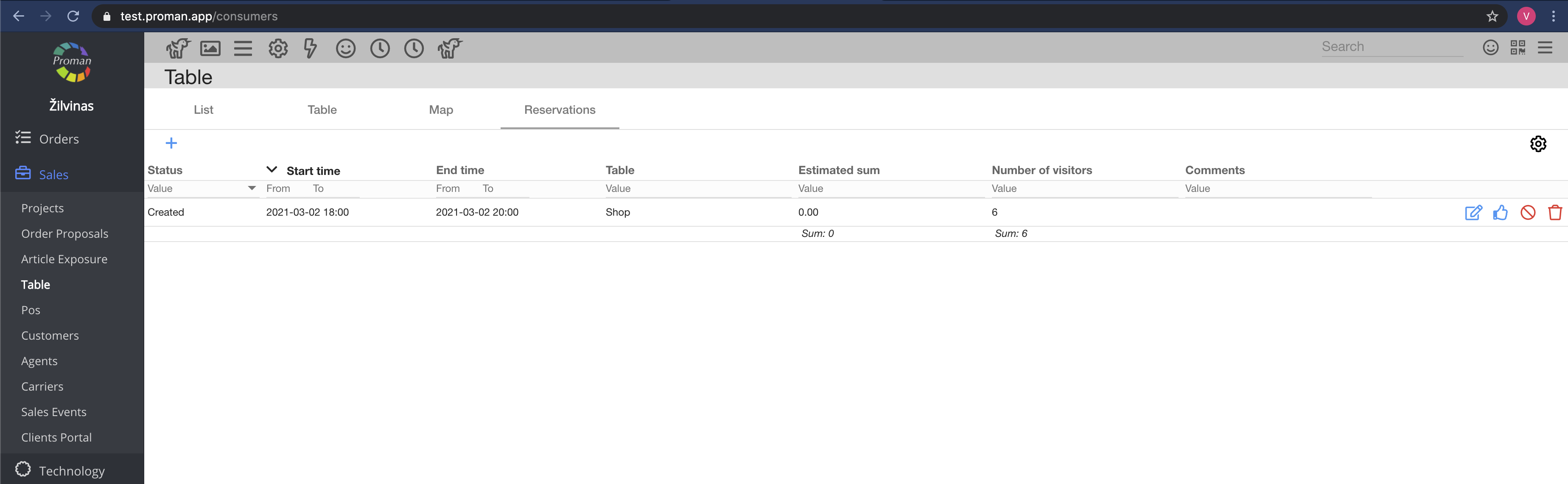
| Button | What does it indicate? |
| Create | You can give permission to create table bookings (reservations) |
| Edit | You can give permission to edit table bookings (reservations) |
| Remove | You can give permission to remove table bookings (reservations) |
Back to top of page
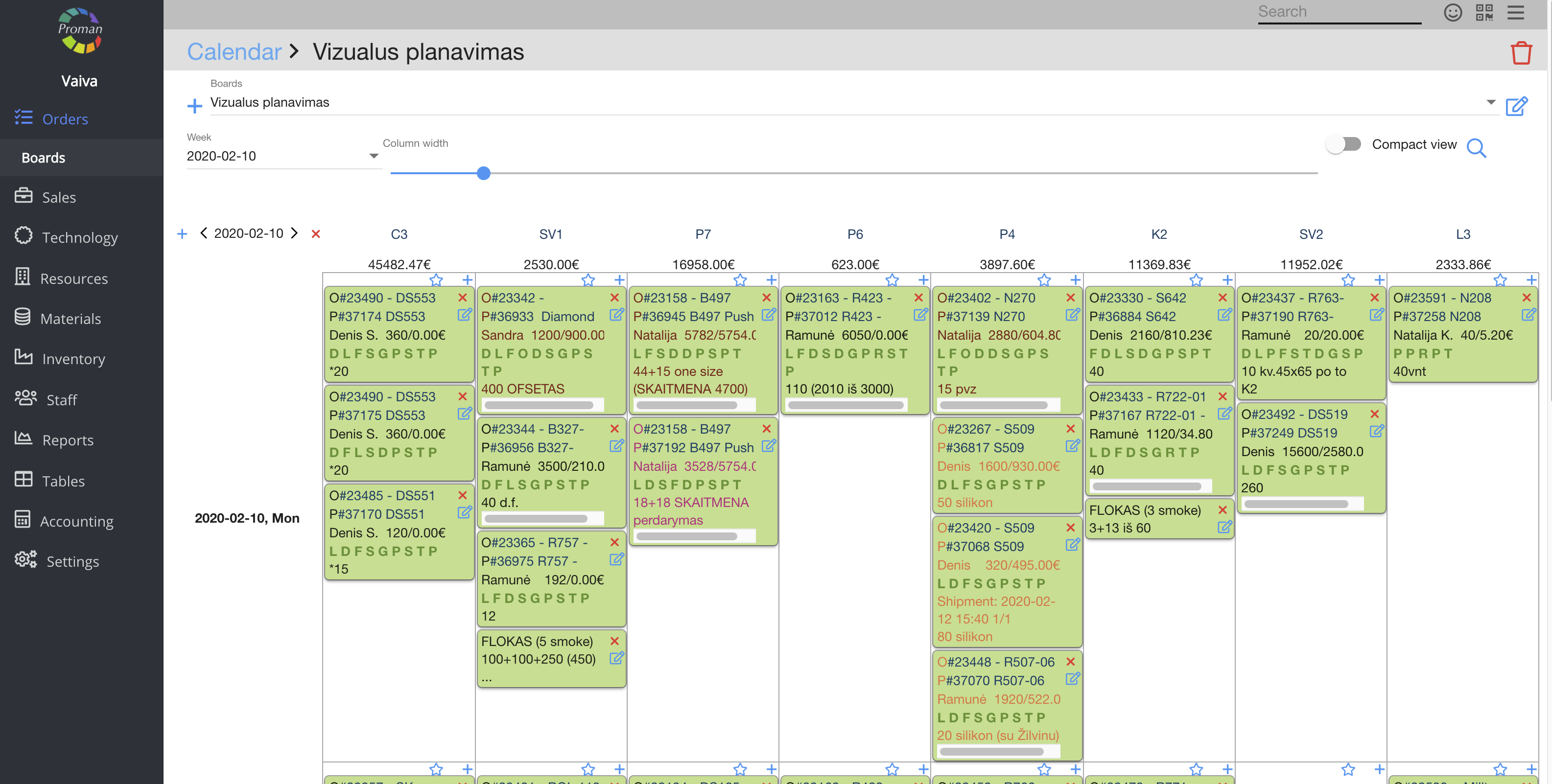
| Button | What does it indicate? |
| Create | You can give permission to create new boards |
| Edit | You can give permission to edit board settings |
| Remove | You can give permission to remove boards |
Back to top of page
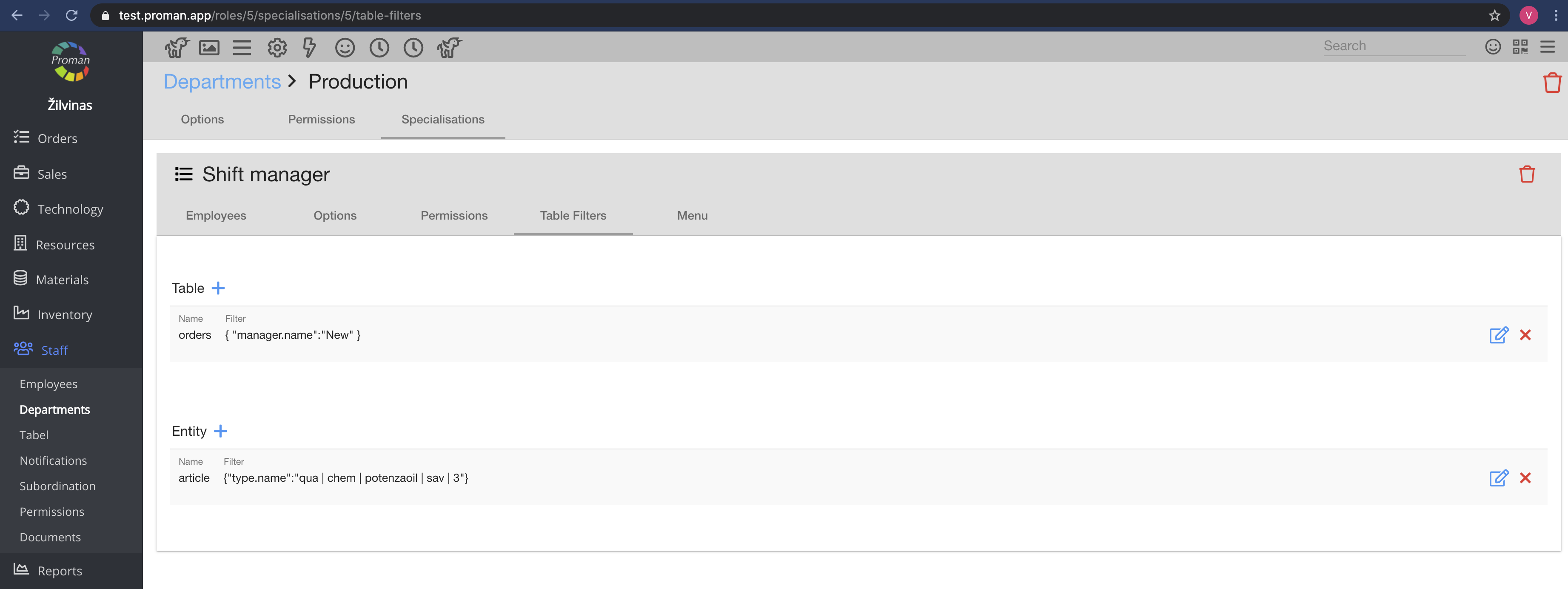
| Button | What does it indicate? |
| Edit | You can give permission to edit filters |
Back to top of page
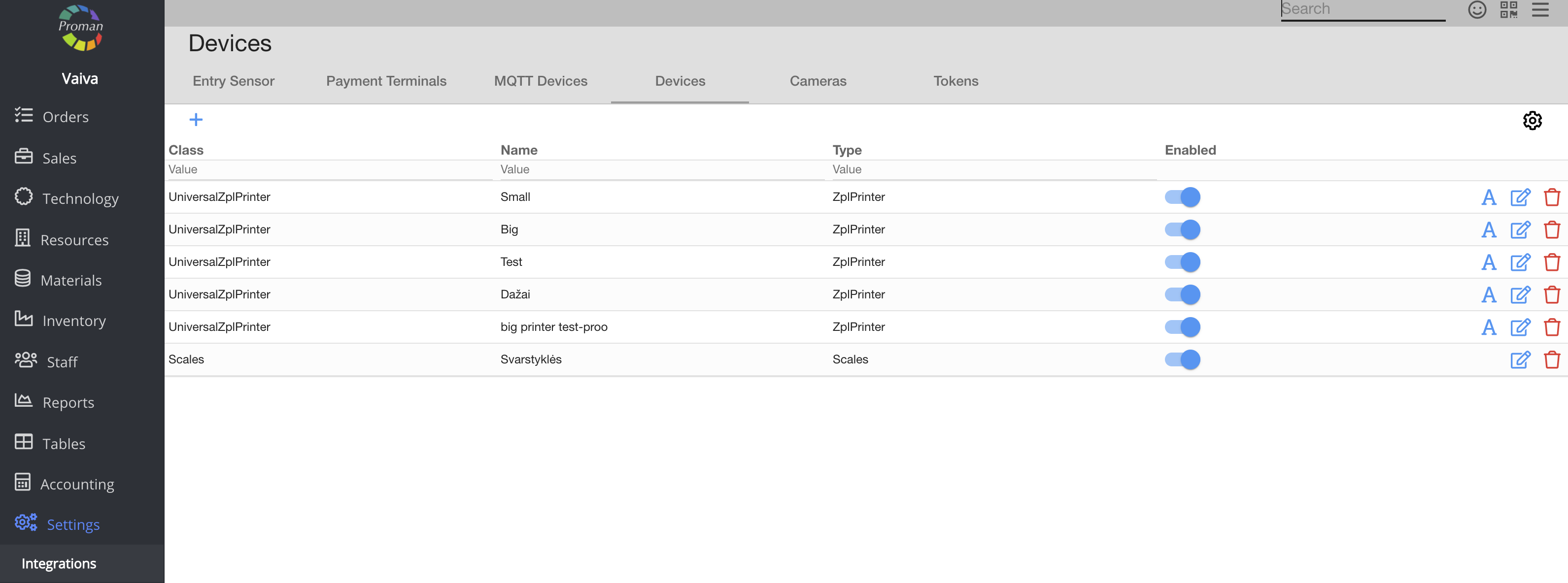
| Button | What does it indicate? |
| Display | You can give permission to see the list of printers |
| Edit | You can give permission to edit printers |
Back to top of page
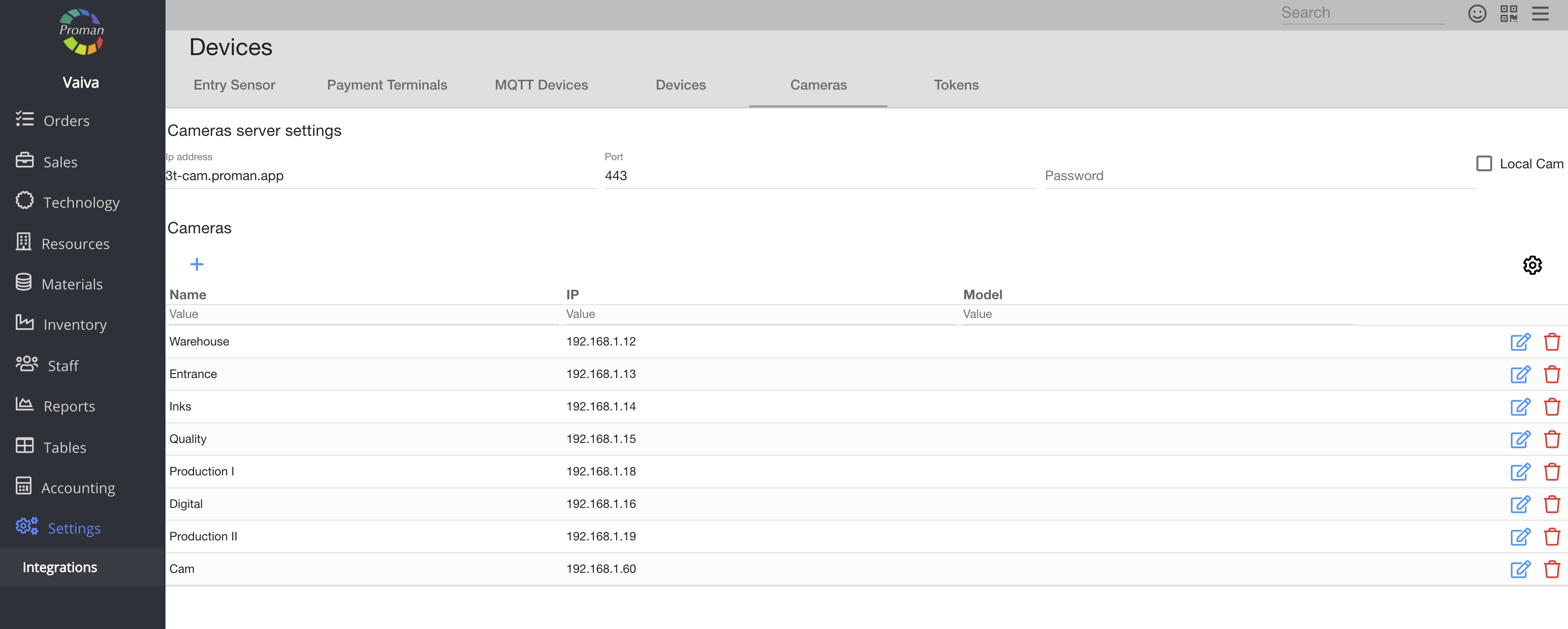
| Button | What does it indicate? |
| Display | You can give permission to see cameras (in Resources --> Cameras). But you must also give permission to edit the Workplace |
| Edit | You can give permission to edit and delete cameras (in Settings --> Integrations --> Cameras) |
Back to top of page
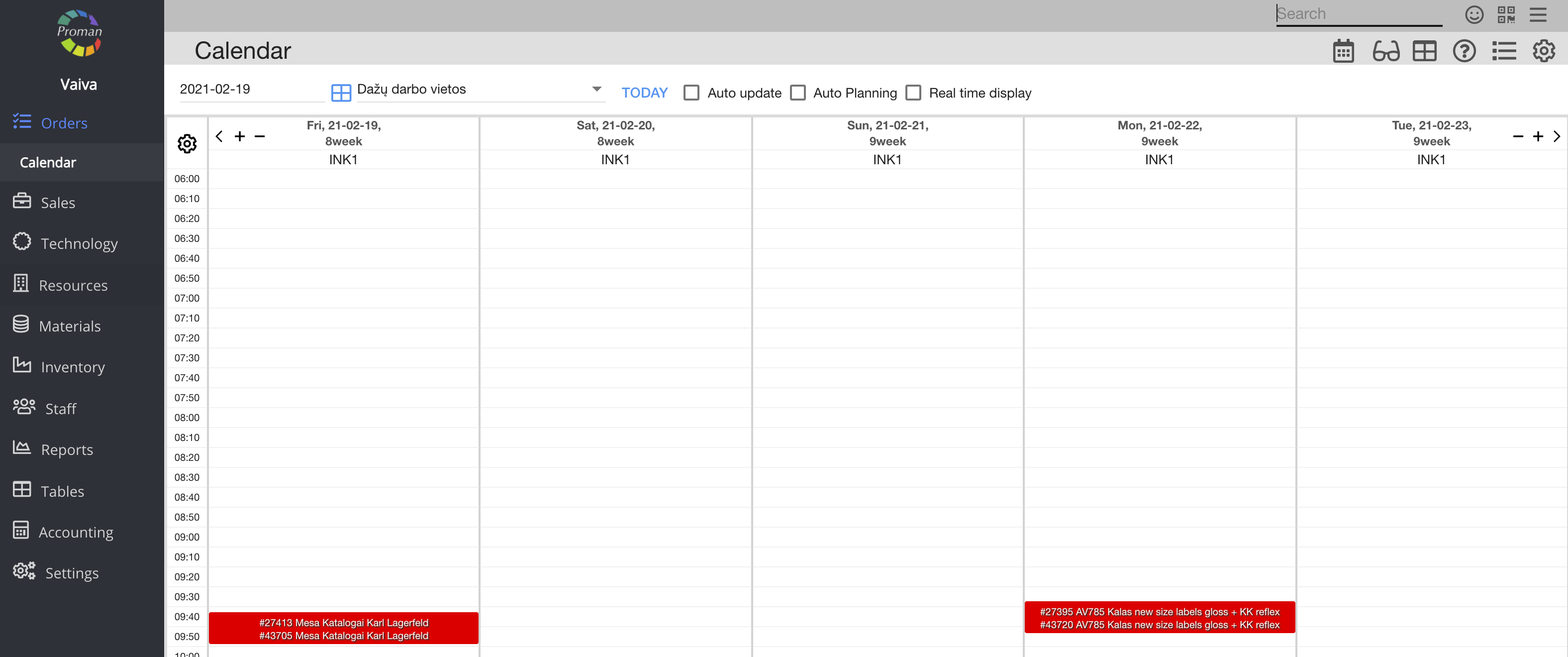
| Button | What does it indicate? |
| Create | You can give permission to create a calendar |
| Edit | You can give permission to edit calendar settings |
| Remove | You can give permission to delete the calendar |
Back to top of page
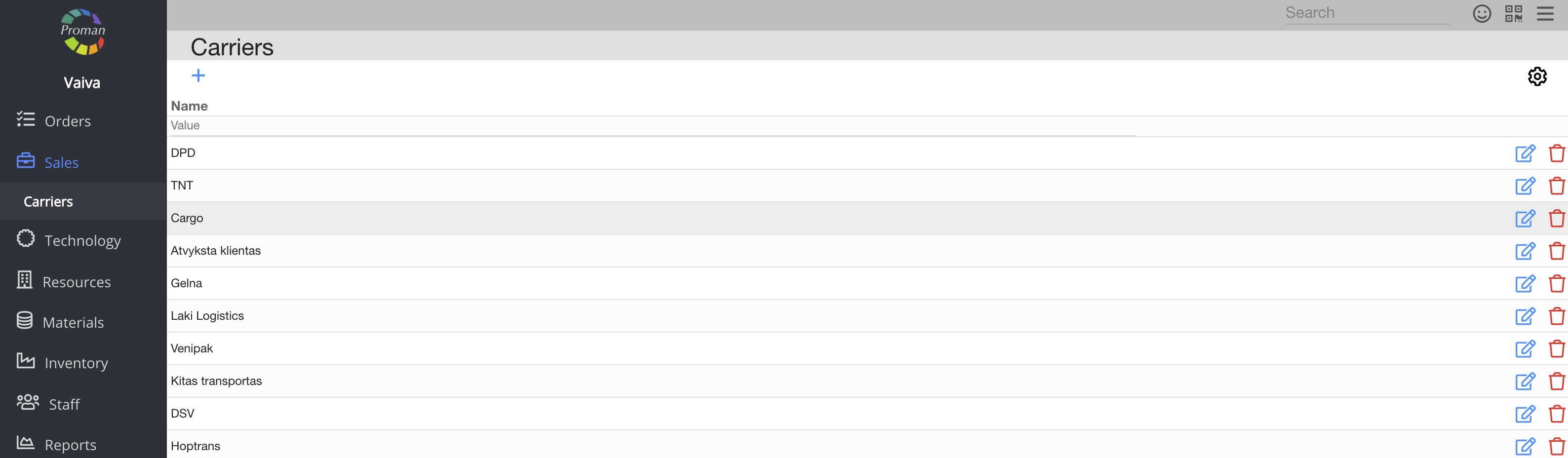
| Button | What does it indicate? |
| Create | You can give permission to create a carrier |
| Display | You can give permission to see the list of carriers |
| Edit | You can give permission to edit carriers |
| Remove | You can give permission to remove carriers |
Back to top of page
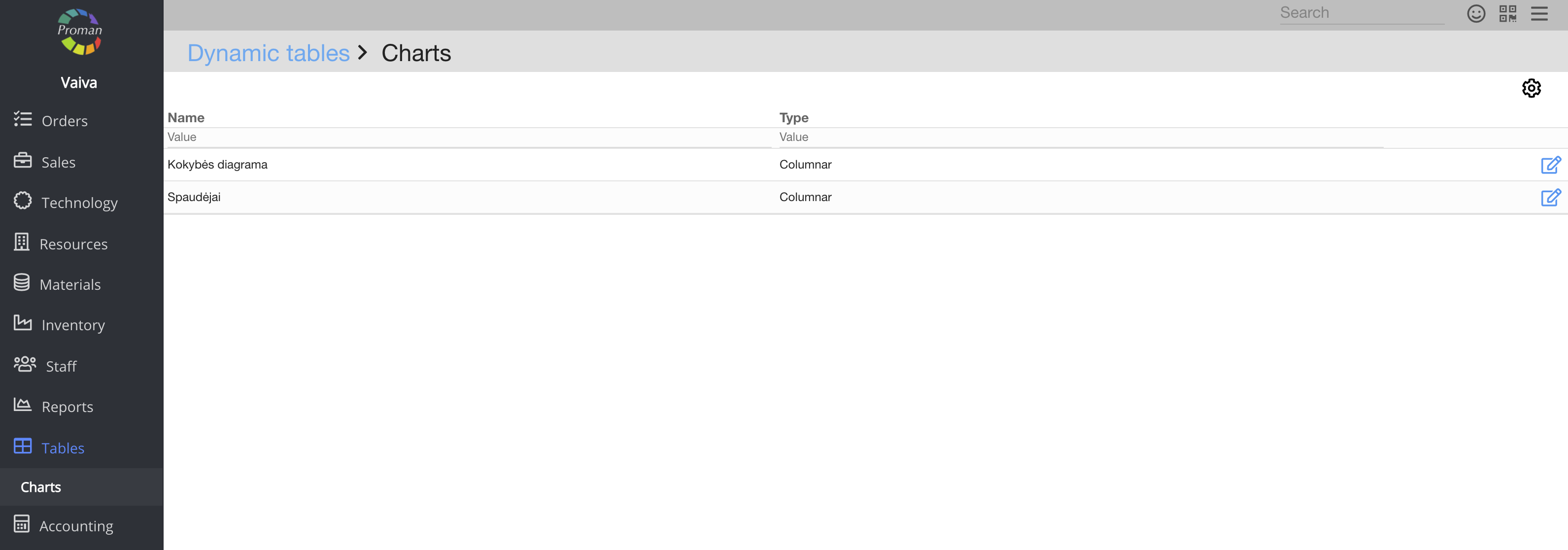
| Button | What does it indicate? |
| Display | You can give permission to see charts |
| Edit | You can give permission to edit charts |
Back to top of page
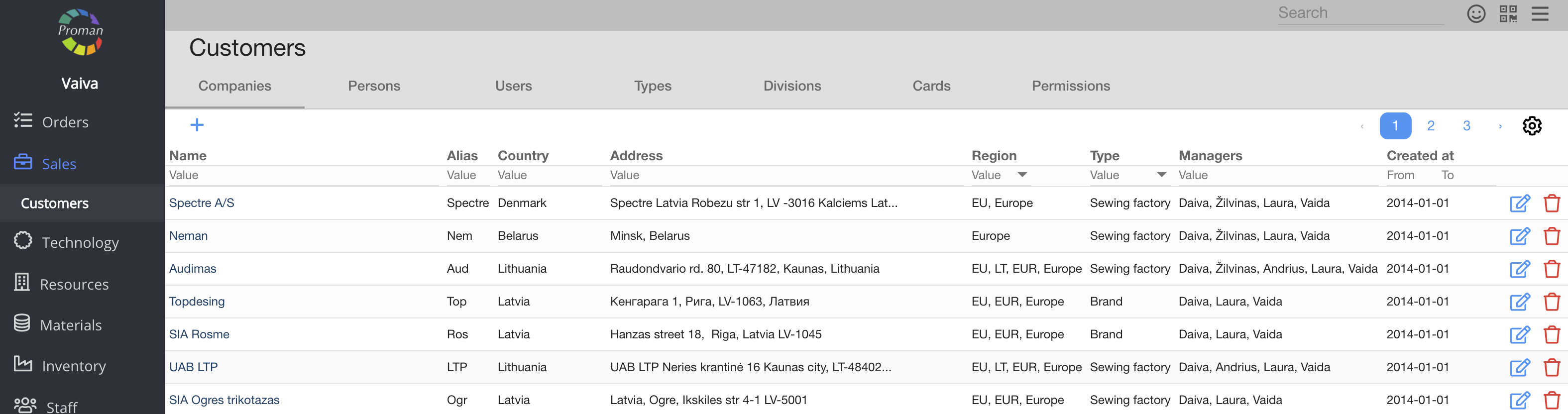
| Button | What does it indicate? |
| Create | You can give permission to create customers |
| Display | You can give permission to see the list of customers |
| Edit | You can give permission to edit customers |
| Remove | You can give permission to remove customers and customer documents |
| View all | You can give permission to see all customers |
Back to top of page
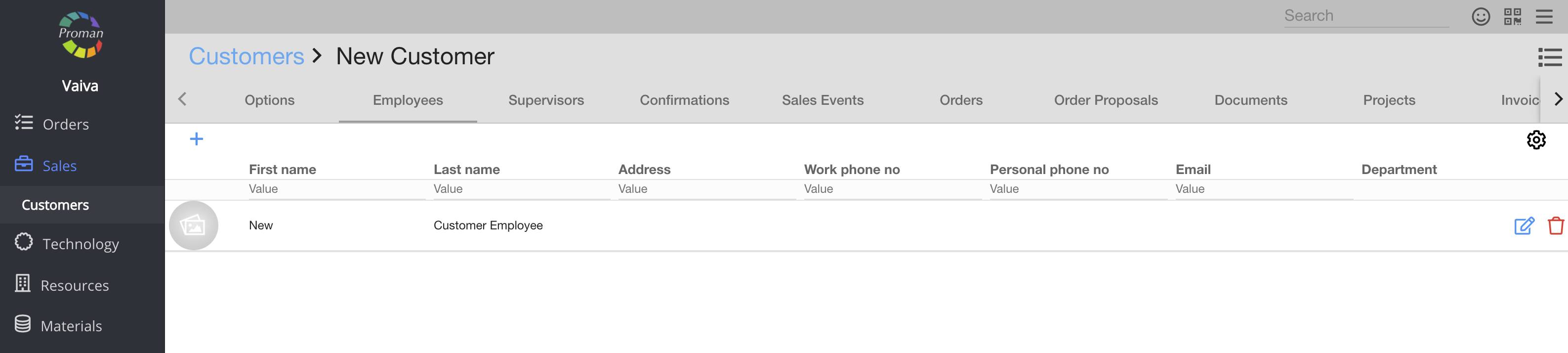
| Button | What does it indicate? |
| Create | You can give permission to create a customer employee |
| Display | You can give permission to see the list of customer Employees |
| Edit | You can give permission to edit customer employees |
| Remove | You can give permission to remove customer employees |
Back to top of page
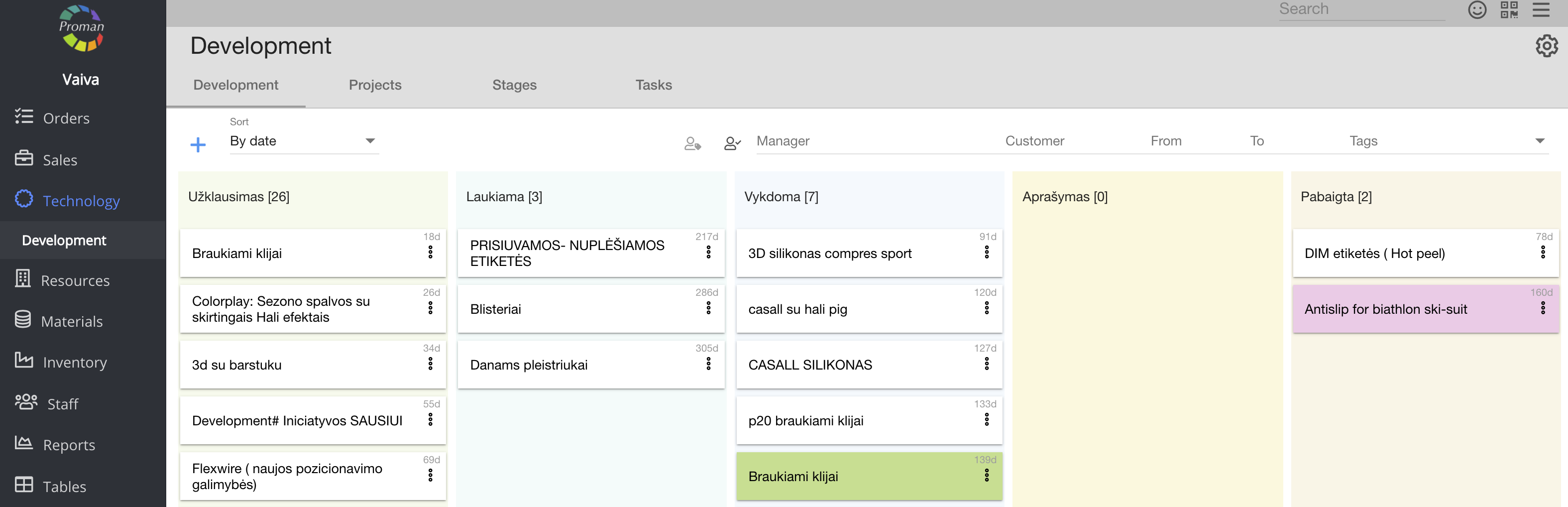
| Button | What does it indicate? |
| Create | You can give permission to create a development project |
| Display | You can give permission to see the list of development projects |
| Edit | You can give permission to edit development projects |
| Remove | You can give permission to remove development projects |
| View all | You can give permission to see all development projects |
Back to top of page
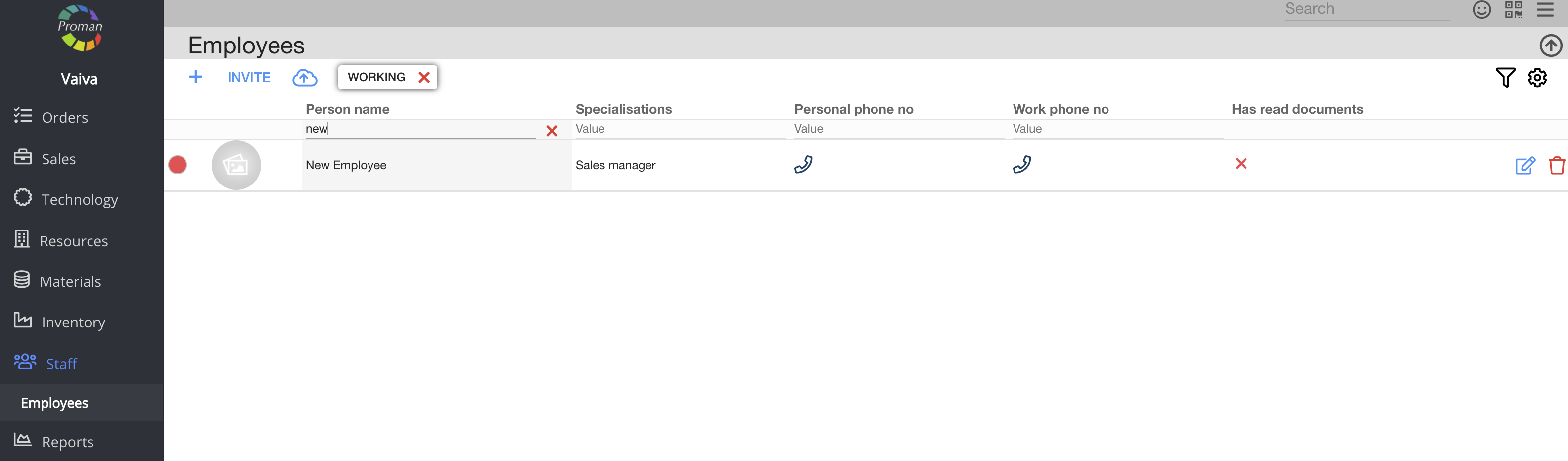
| Button | What does it indicate? |
| Create | You can give permission to create an employee |
| Display | You can give permission to see the list of employees |
| Edit | You can give permission to edit the employees |
| Remove | You can give permission to remove employees or to see employees' discharge date |
| View all | You can give permission to see all employees and see personal email in the employee table |
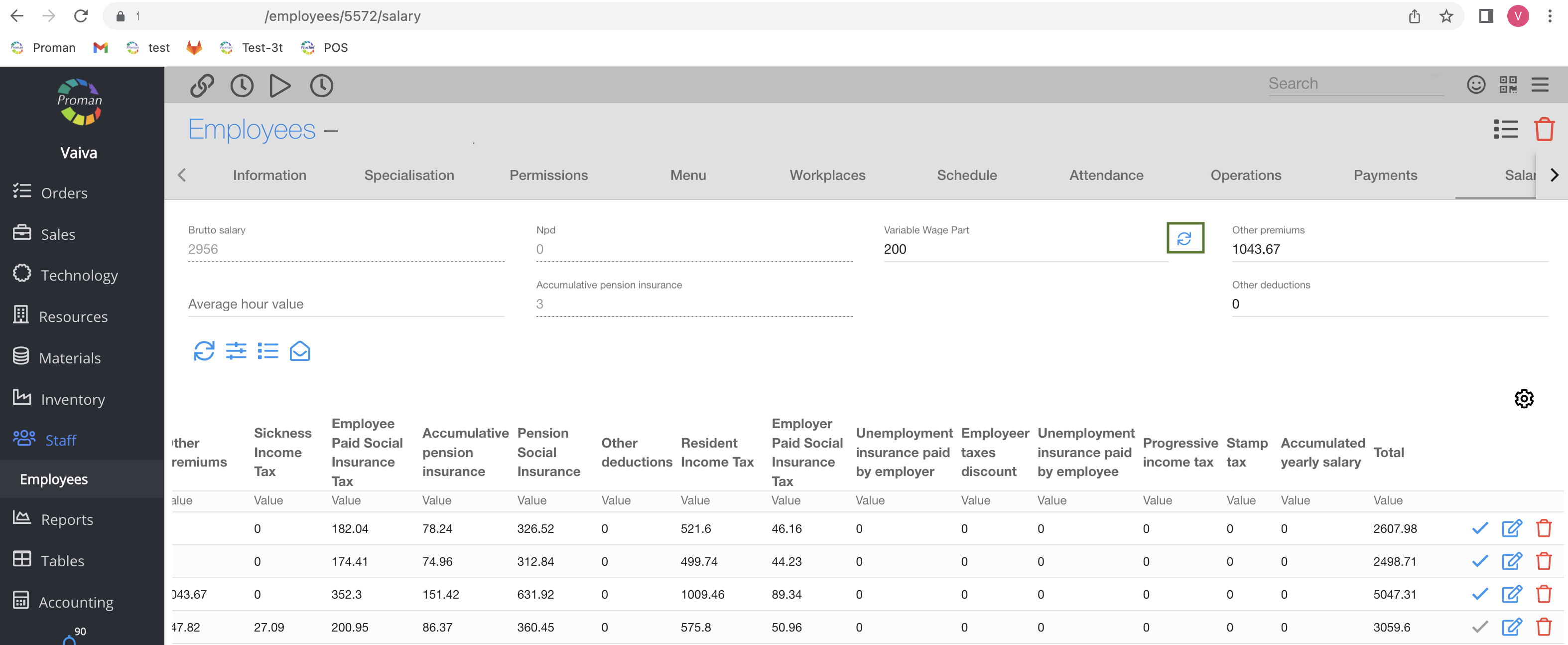
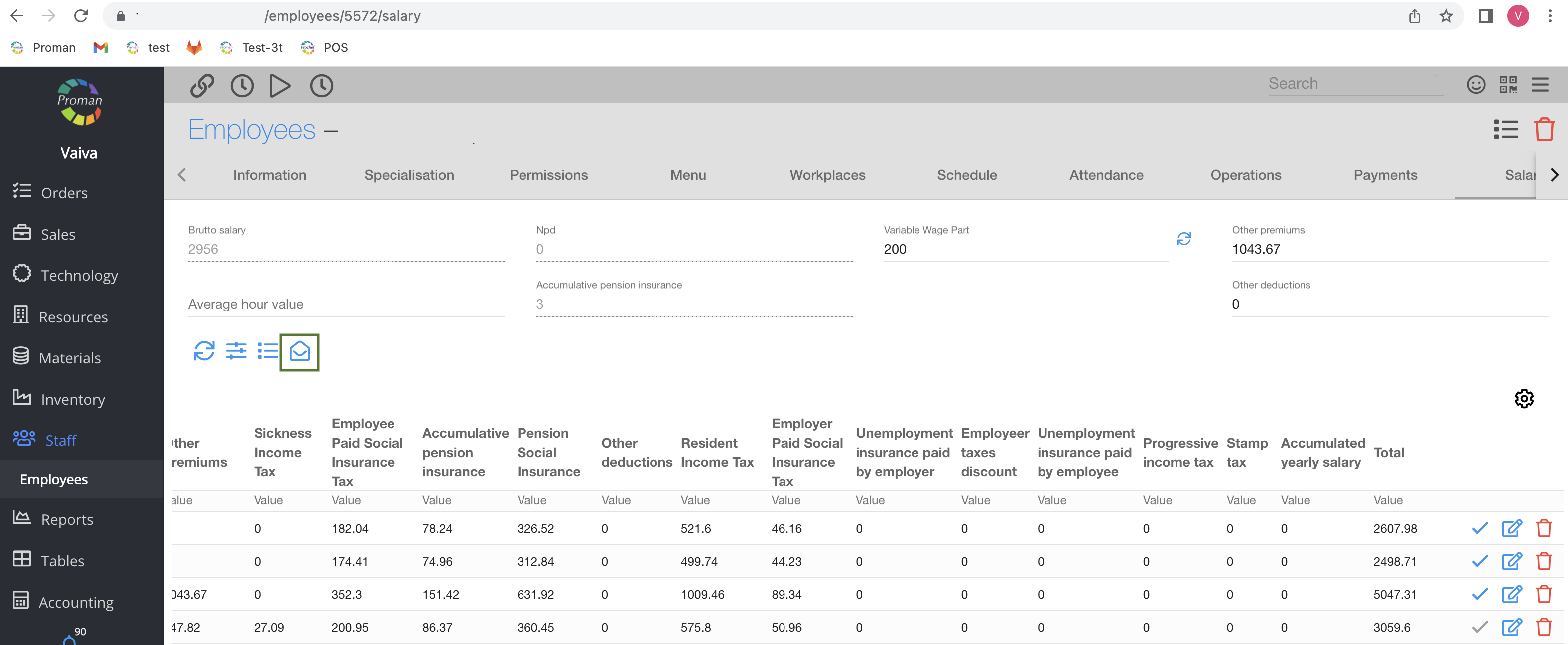
| Show Price | You can give permission to see and edit all employee salaries |
| Master | You can give permission to:
1. See tabel even if you are not specialisation's director
2. See possibility to enable login (for an employee)
3. Lock the tabel
4. See employee documents (and contract data)
5. Discharge employees
6. Confirm the salary (in case nobody can recalculate salary) |
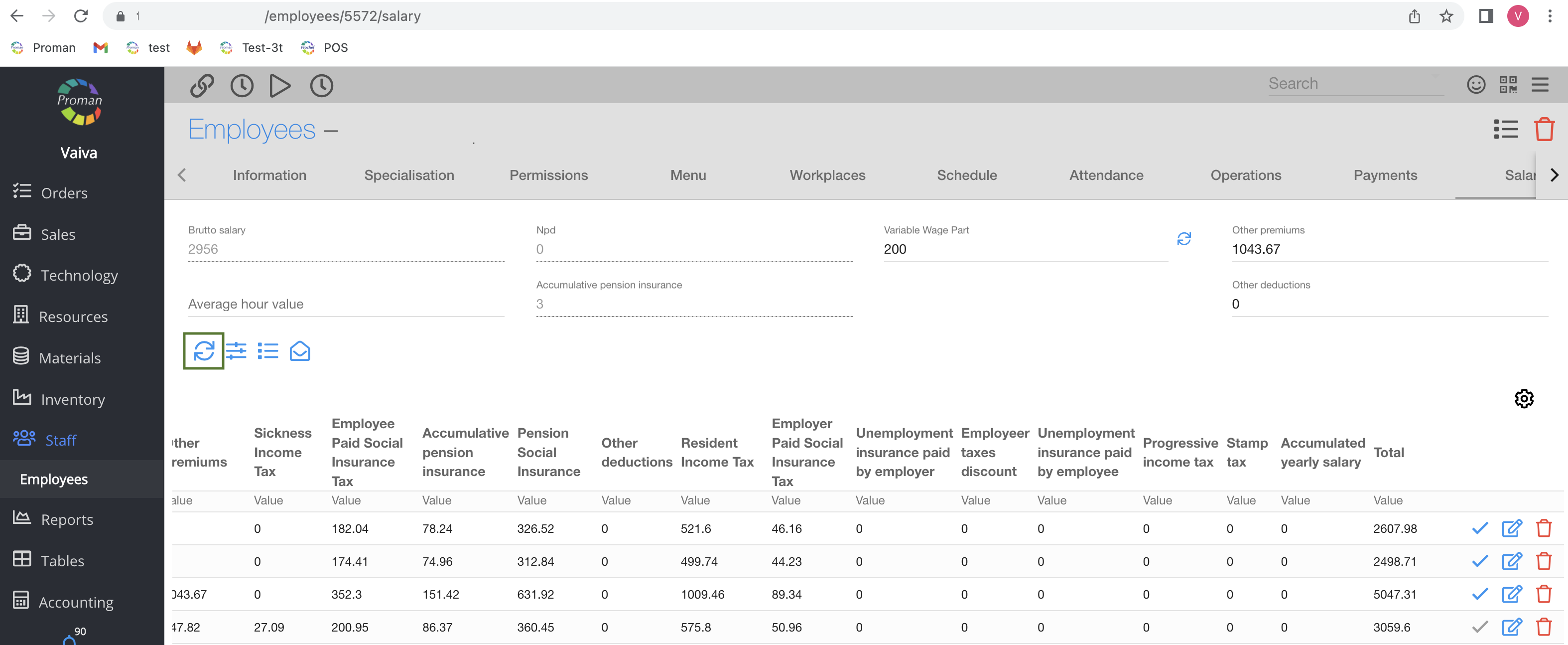
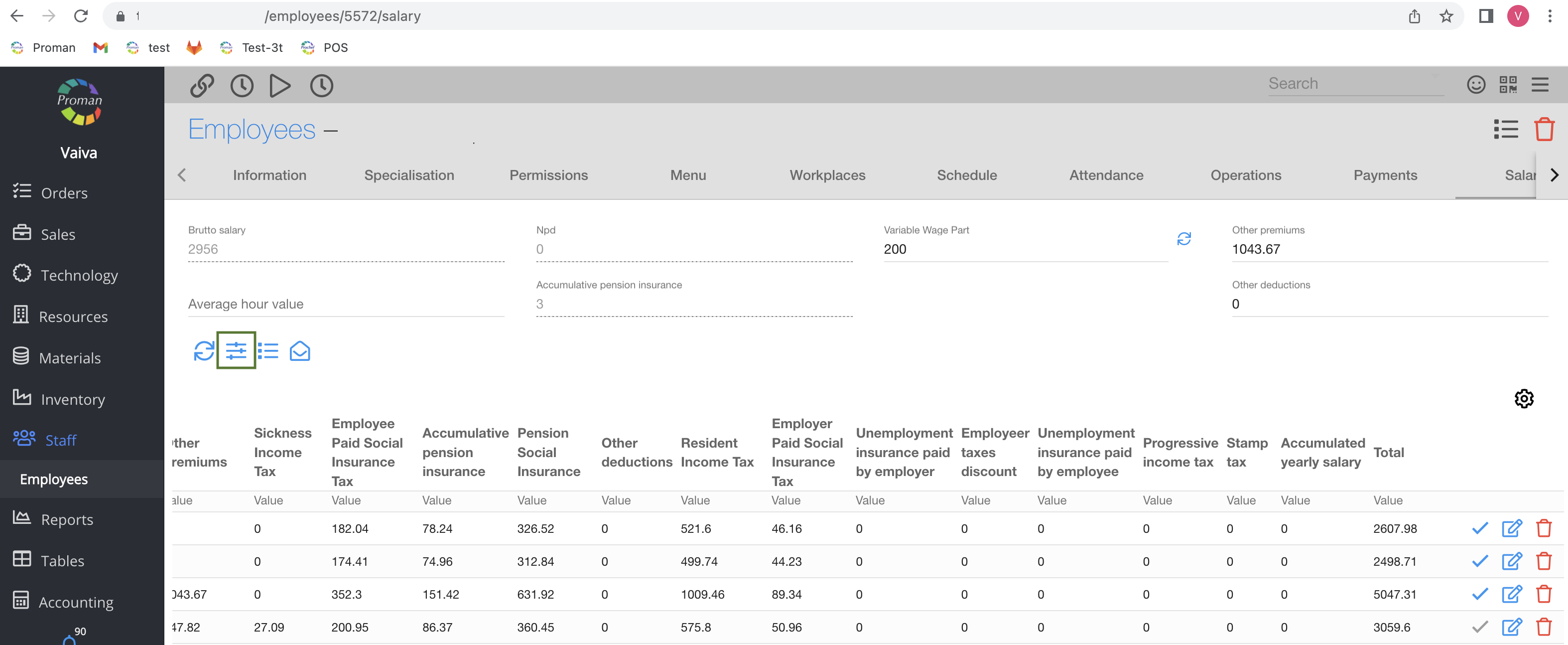
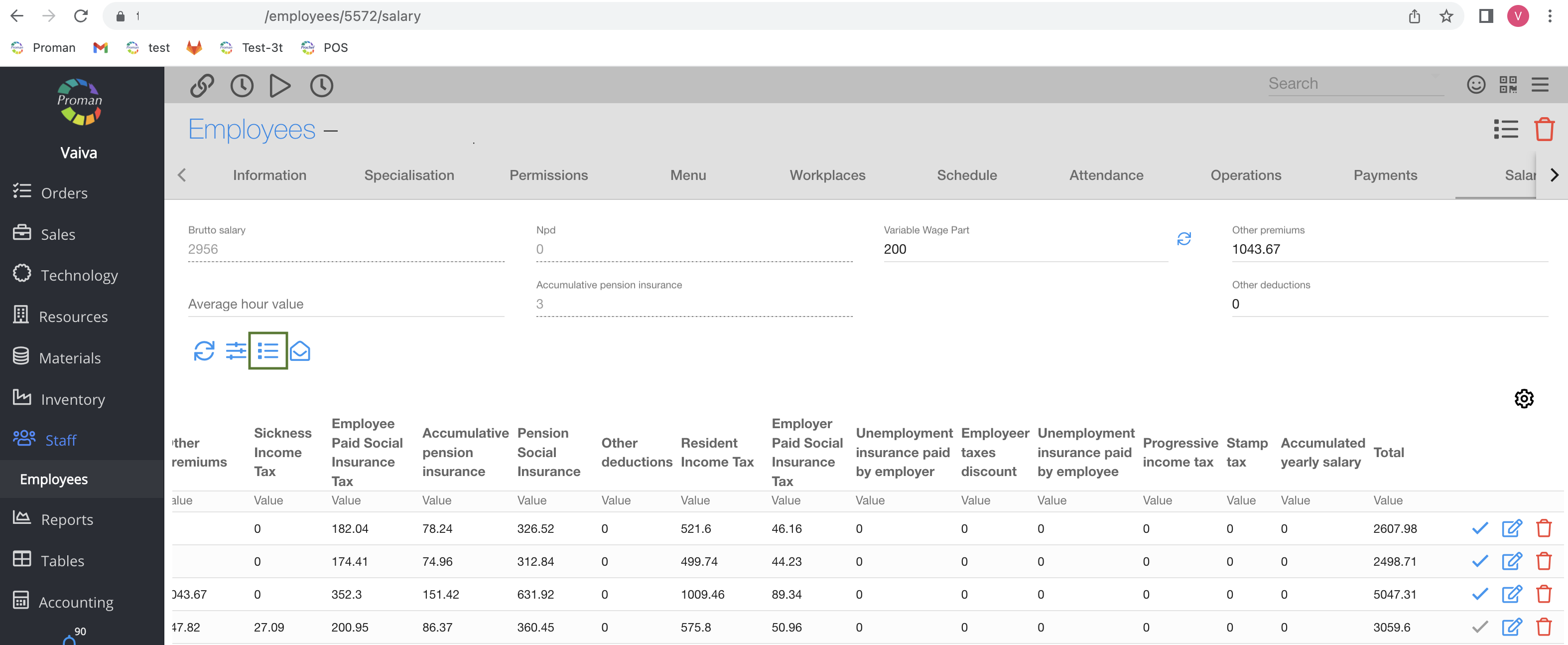
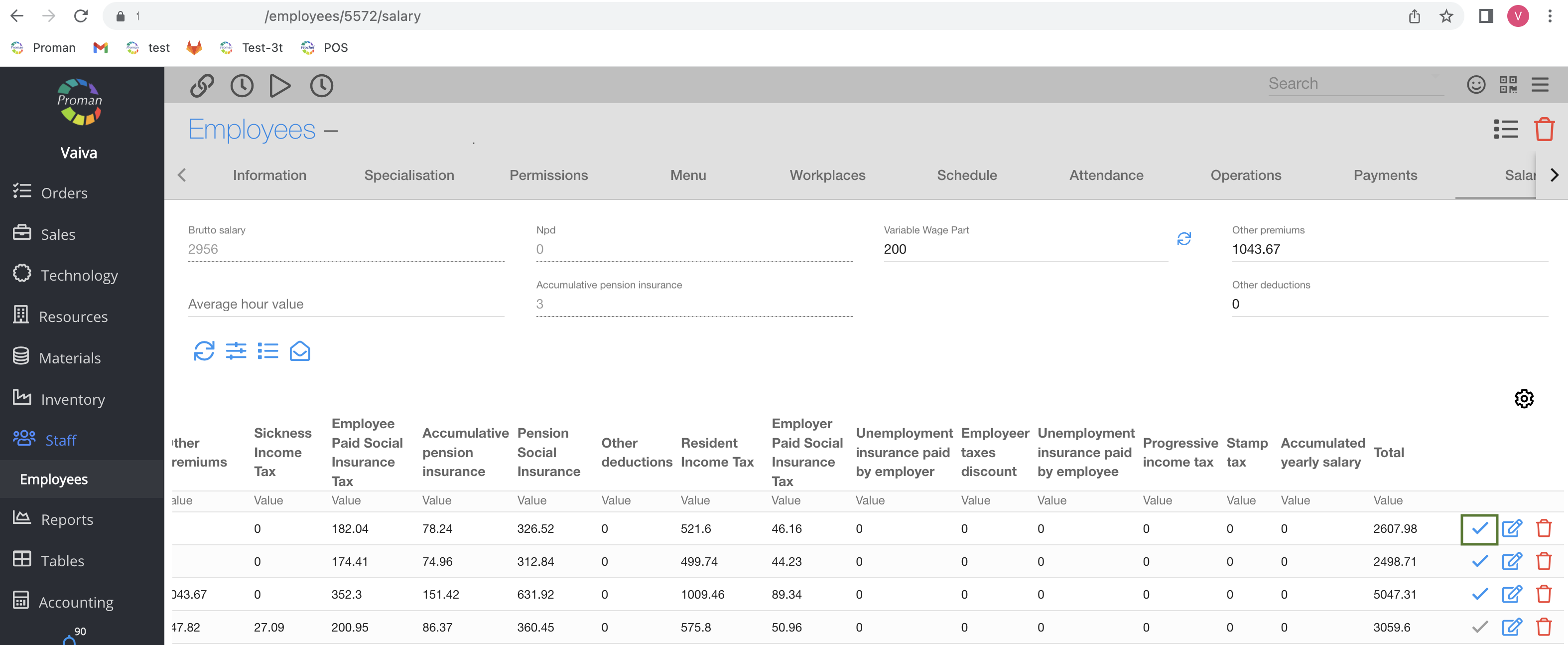
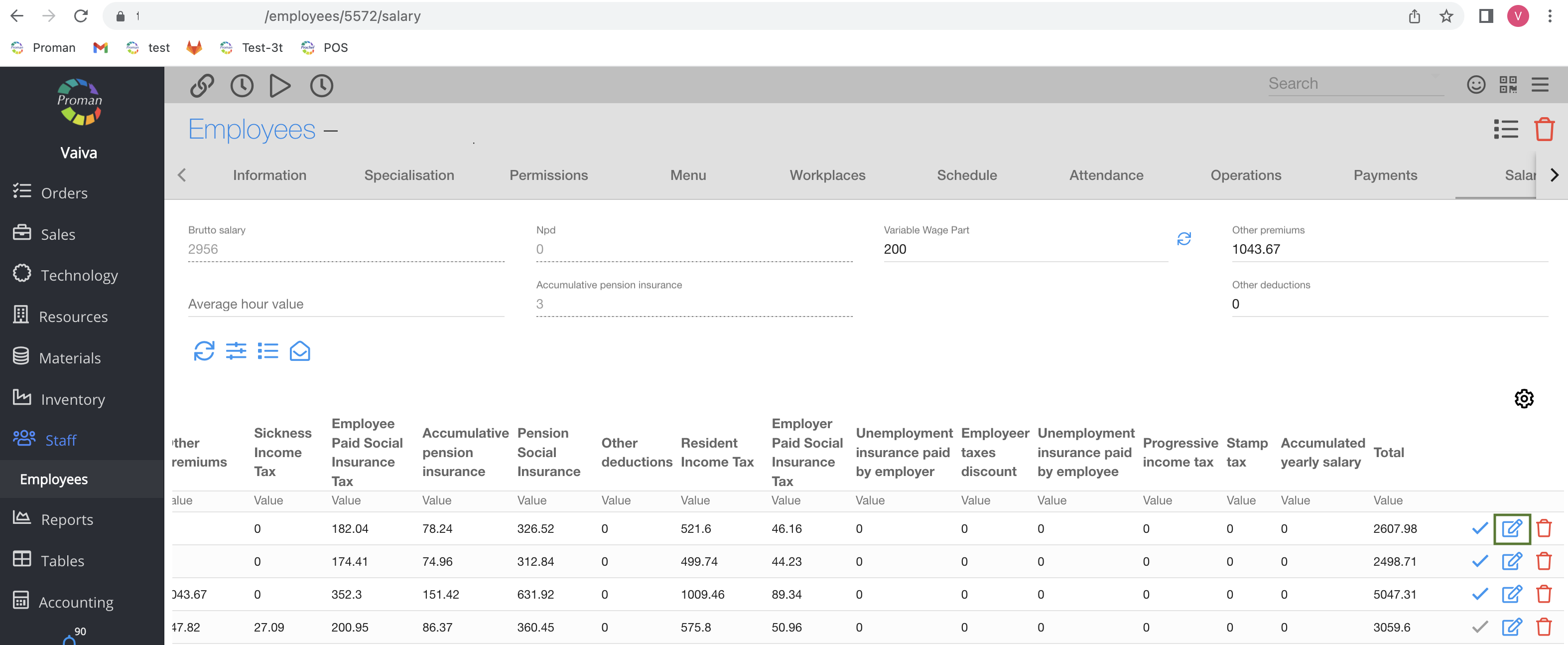
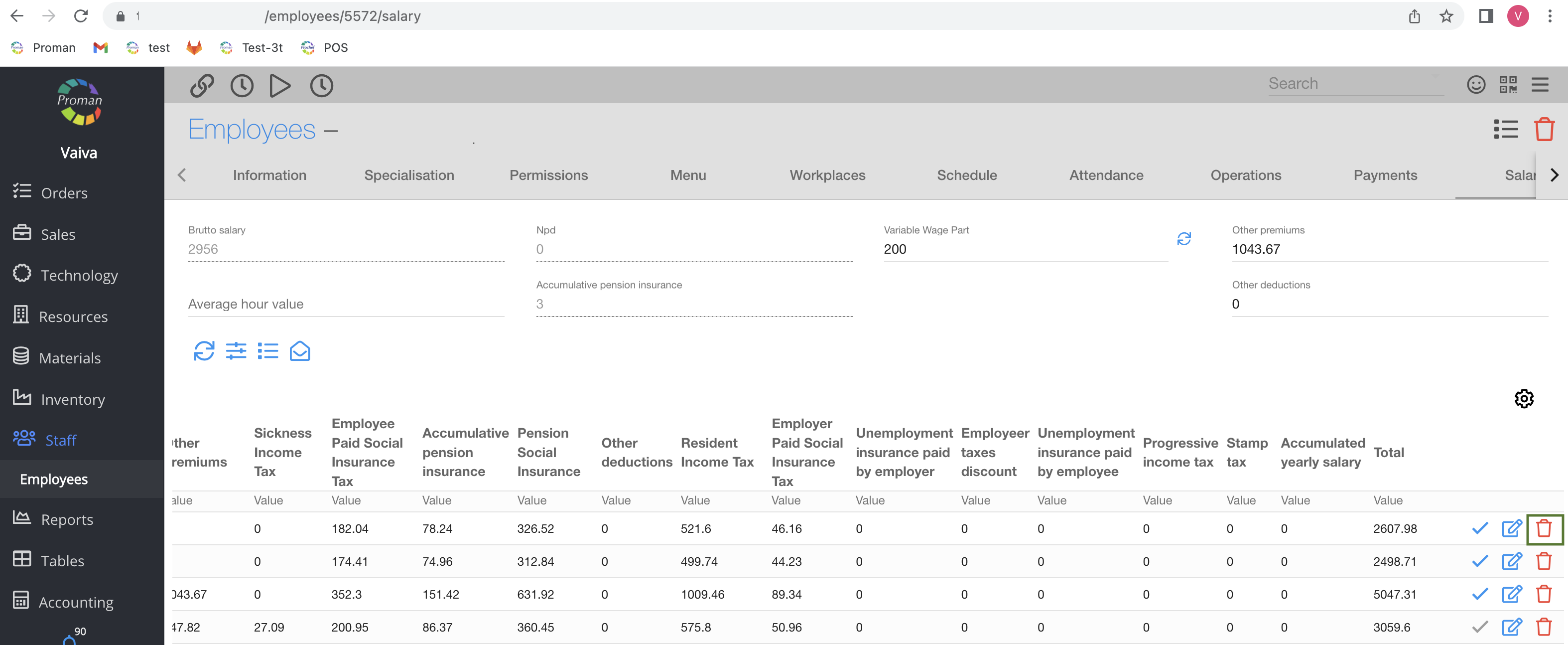
| How to calculate an employee salary? |
https://yourdomain.app/employee/1/salary
Back to top of page
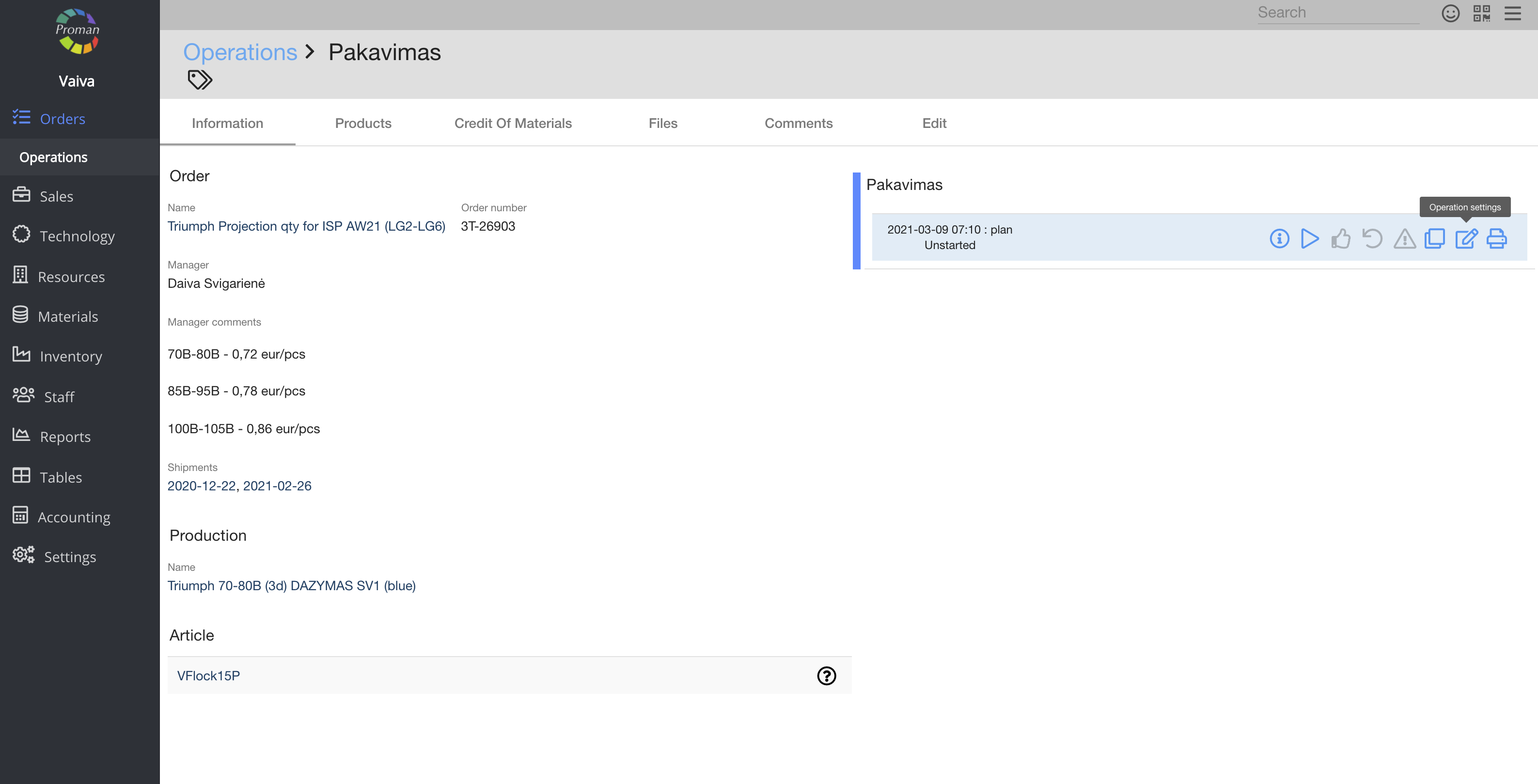
| Button | What does it indicate? |
| Create | You can give permission to create an event, see all operations in jobs and choose an employee in jobs |
| Display | You can give permission to see the list of events, jobs and calendar |
| Edit | You can give permission to edit events |
| Remove | You can give permission to remove events |
| Update status | You can give permission to update the status of events (you can see event status in the list of operations) |
| View all | You can give permission to see all events and start other operations |
| Master | You can give permission to update the date time of an events |
Back to top of page
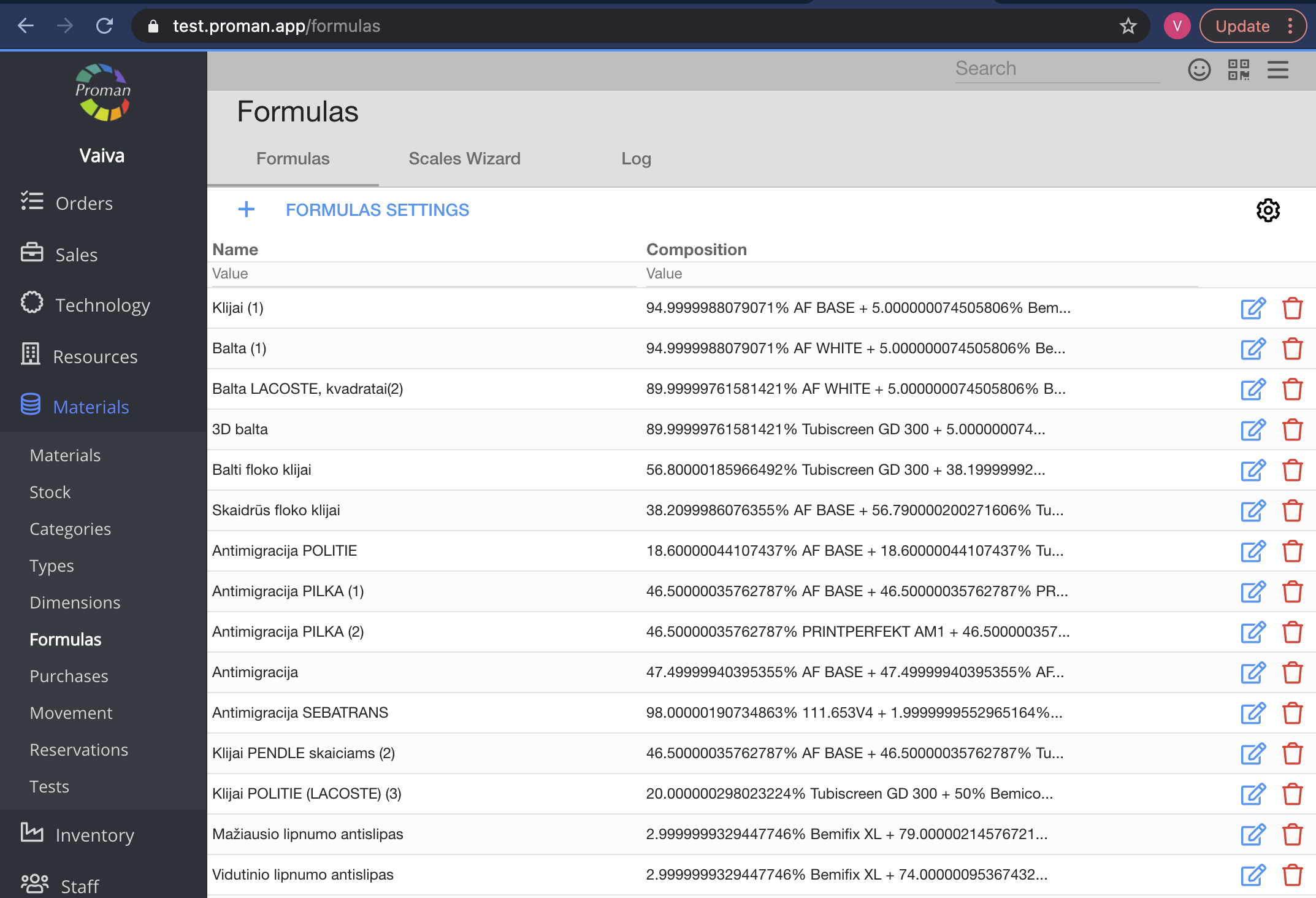
| Button | What does it indicate? |
| Display | You can give permission to see the list of formulas |
| Edit | You can give permission to edit formulas |
Back to top of page
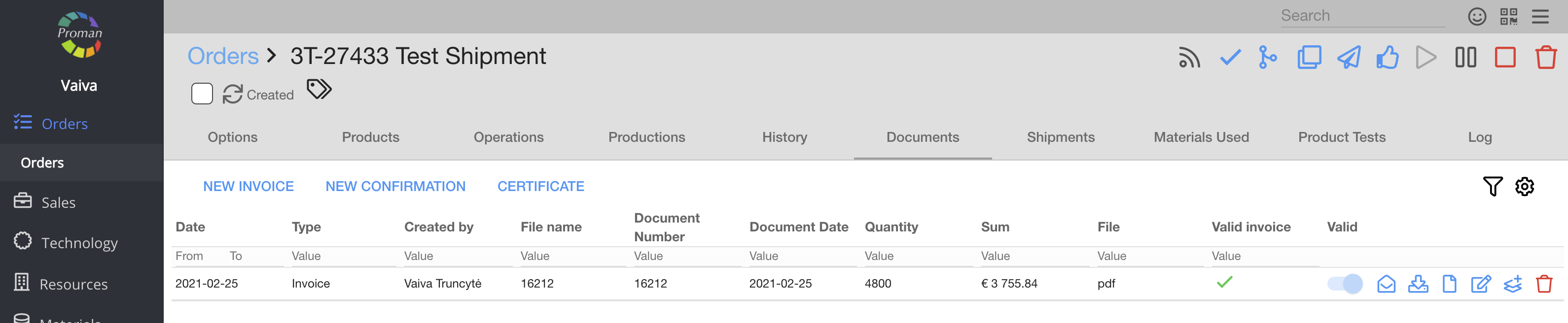
| Button | What does it indicate? |
| Create | You can give permission to create invoices |
| Display | You can give permission to see the list of invoices |
| Edit | You can give permission to edit the payment of invoice |
| Remove | You can give permission to remove invoices |
| Update status | You can give permission to update the status of invoices (you can see the invoice status in the list of invoices) |
| Master | You can give permission to:
1. Delete assets
2. See VAT and choose it in the invoice
3. See invoice products
4. Edit the invoices
5. Delete invoices |
How to manage the invoice?
|
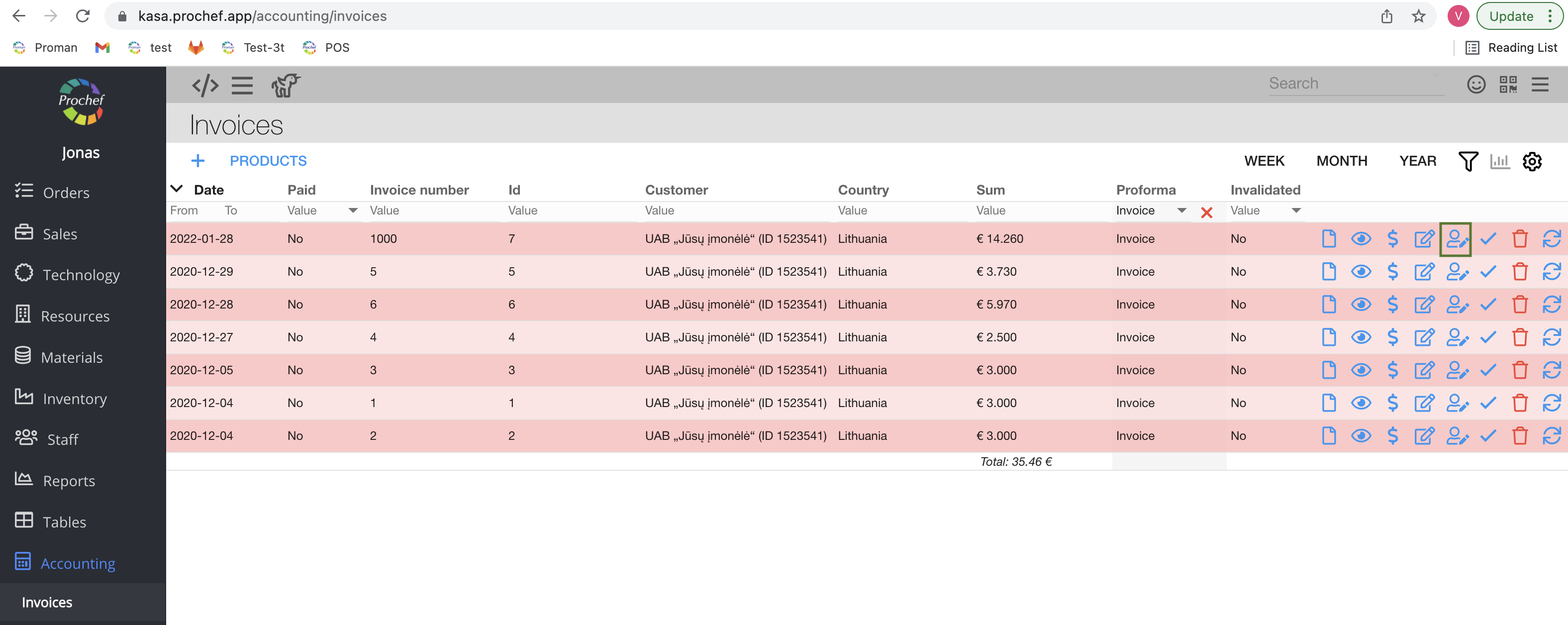
Where to find the invoice products?
https://yourdomain.app/accounting/invoices
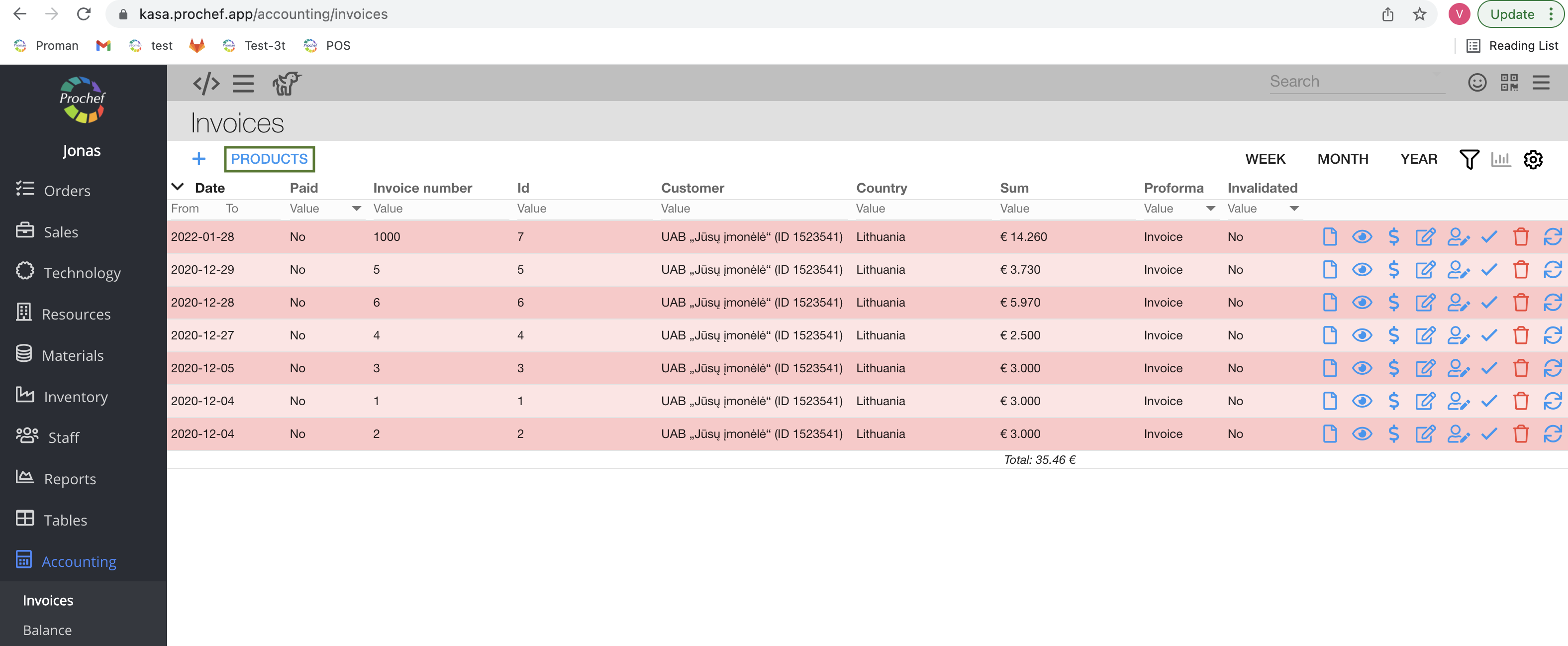
How to edit the Invoice?
https://yourdomain.app/accounting/invoices
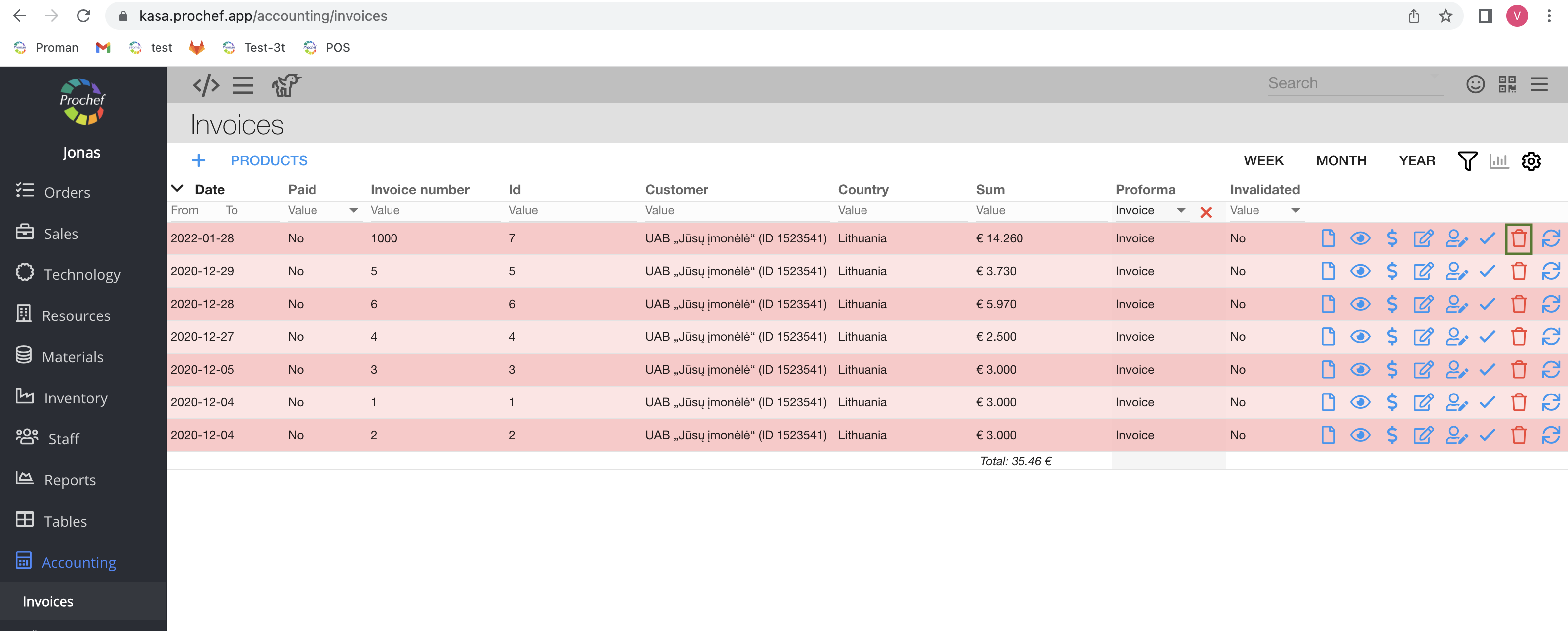
How to remove the invoice?
https://yourdomain.app/accounting/invoices
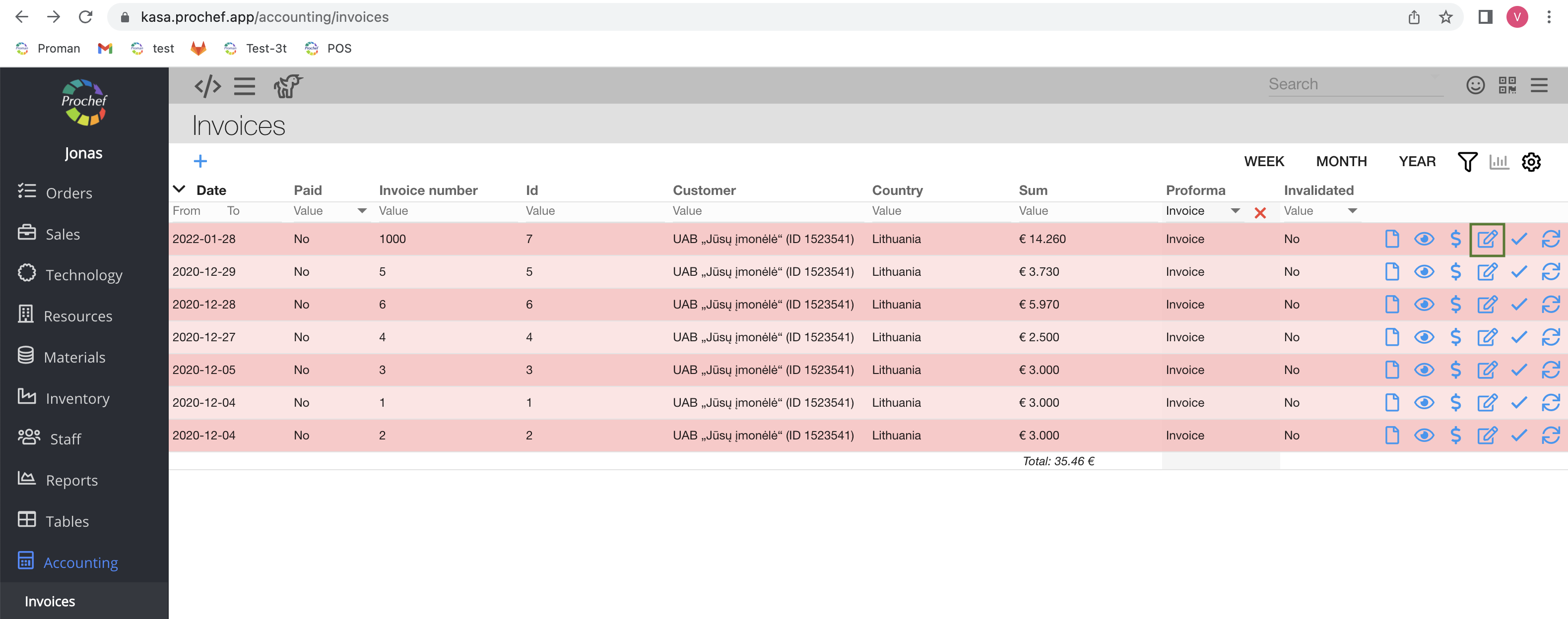
How to edit the payment of invoices?
https://yourdomain.app/accounting/invoices
Back to top of page
| Button | What does it indicate? |
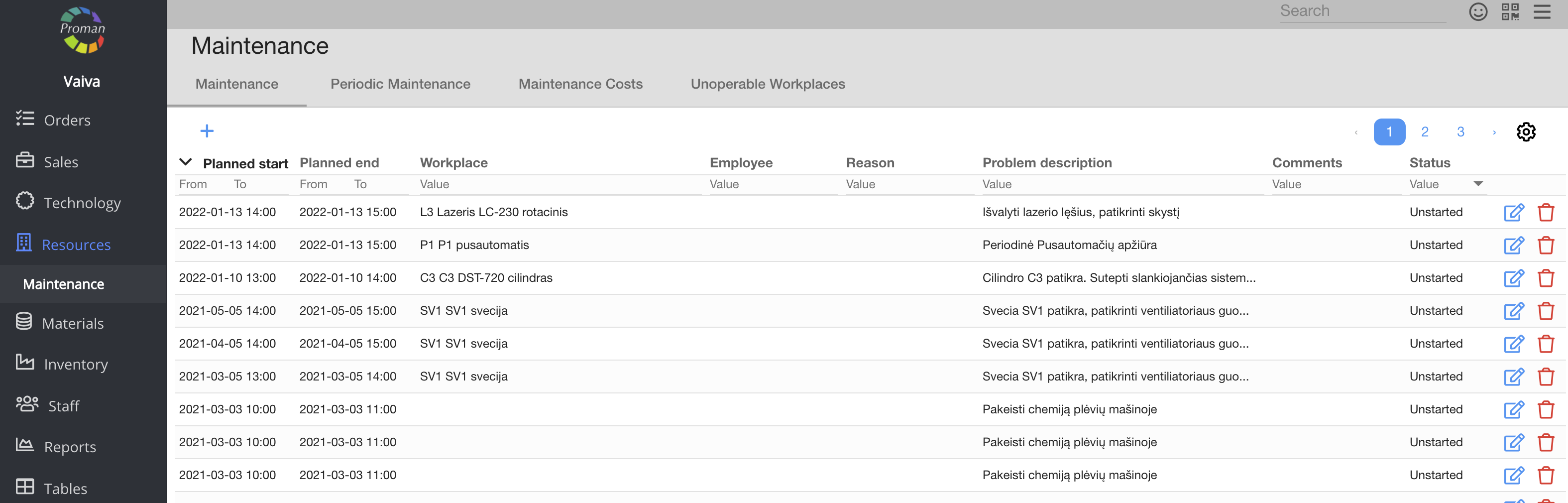
| Create | You can give permission to create maintenance |
| Display | You can give permission to see the list of maintenance |
| Edit | You can give permission to edit maintenance |
| Remove | You can give permission to remove maintenance |
Back to top of page
| Button | What does it indicate? |
| Create | You can give permission to create a material |
| Display | You can give permission to see the list of materials |
| Edit | You can give permission to edit materials and inventorization |
| Remove | You can give permission to remove materials |
| Update status | You can give permission to credit materials in operations and return products from a POS order
|
| Show price | You can give permission to see material price |
| Master | You can give permission to:
1. Change material movement,
2. Send material to an inventory or inventory to a material,
3. See and change formulas |
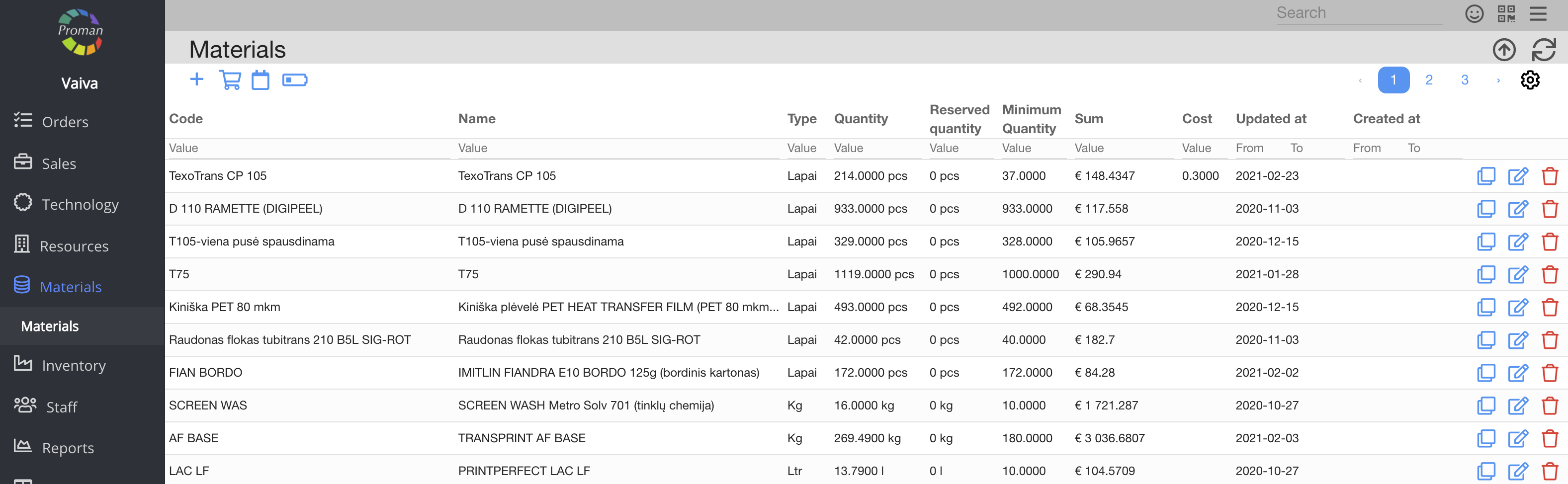
| How to show the material price? |
Materials table https://yourDomainName.app/materials
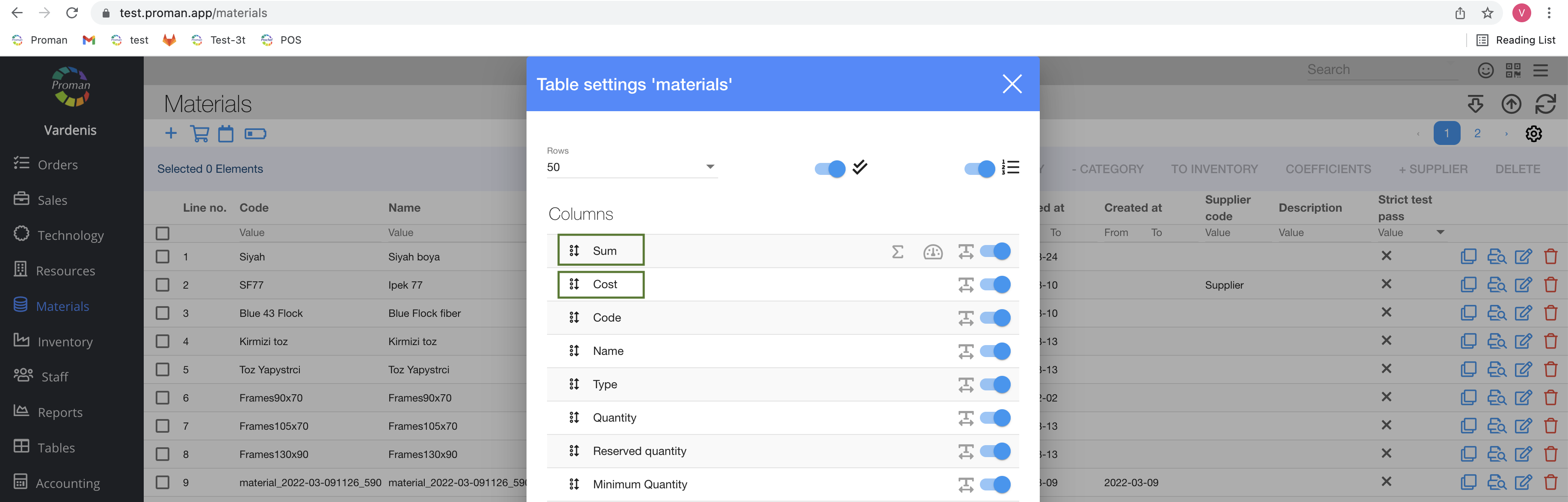
1. Sum;
2. Cost
Materials table https://yourDomainName.app/materials/3
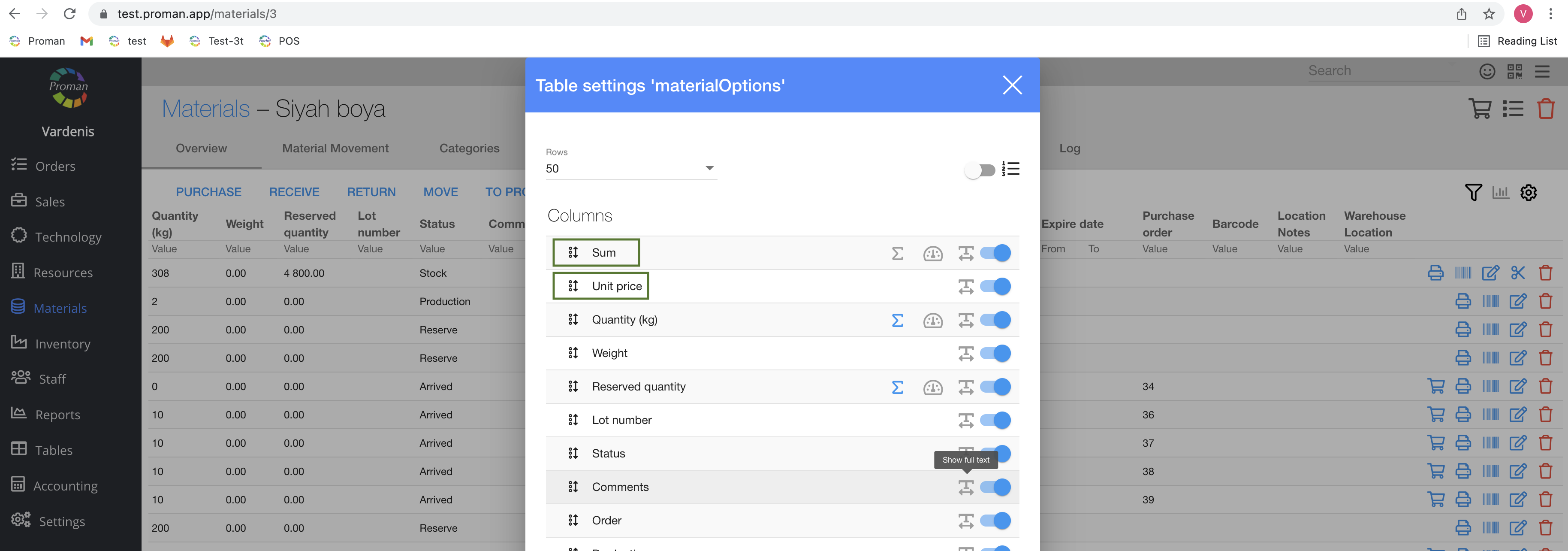
1. Sum;
2. Unit price
Back to top of page
| Button | What does it indicate? |
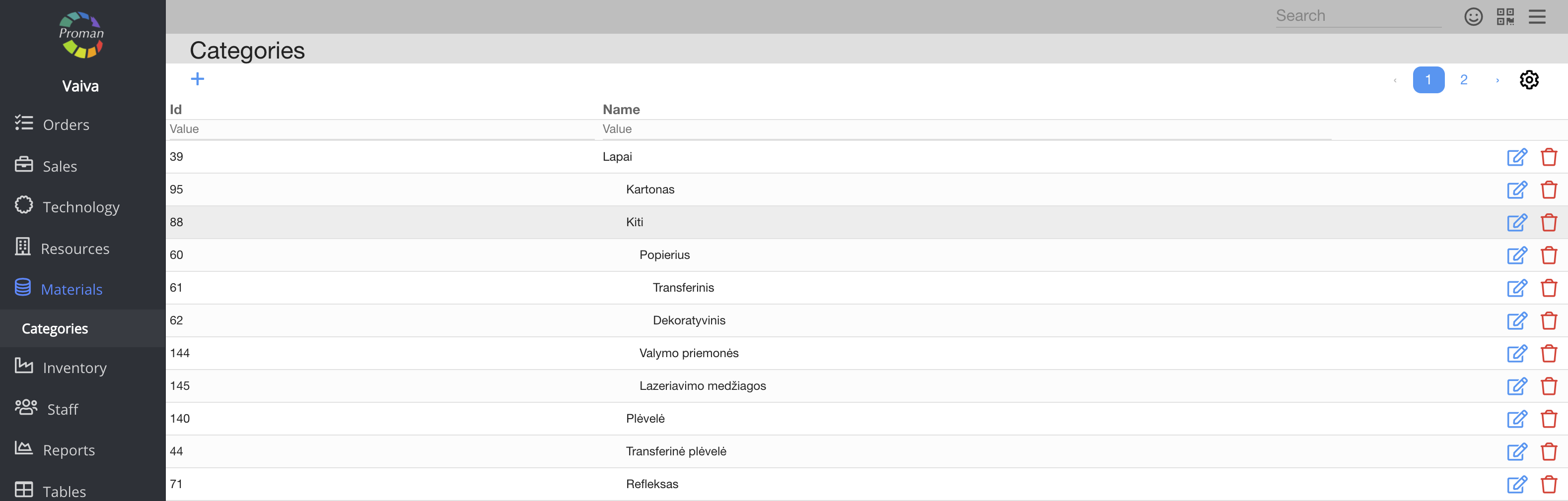
| Create | You can give permission to create a material category |
| Display | You can give permission to see the material category |
| Edit | You can give permission to edit the material category |
| Remove | You can give permission to remove the material category |
Back to top of page
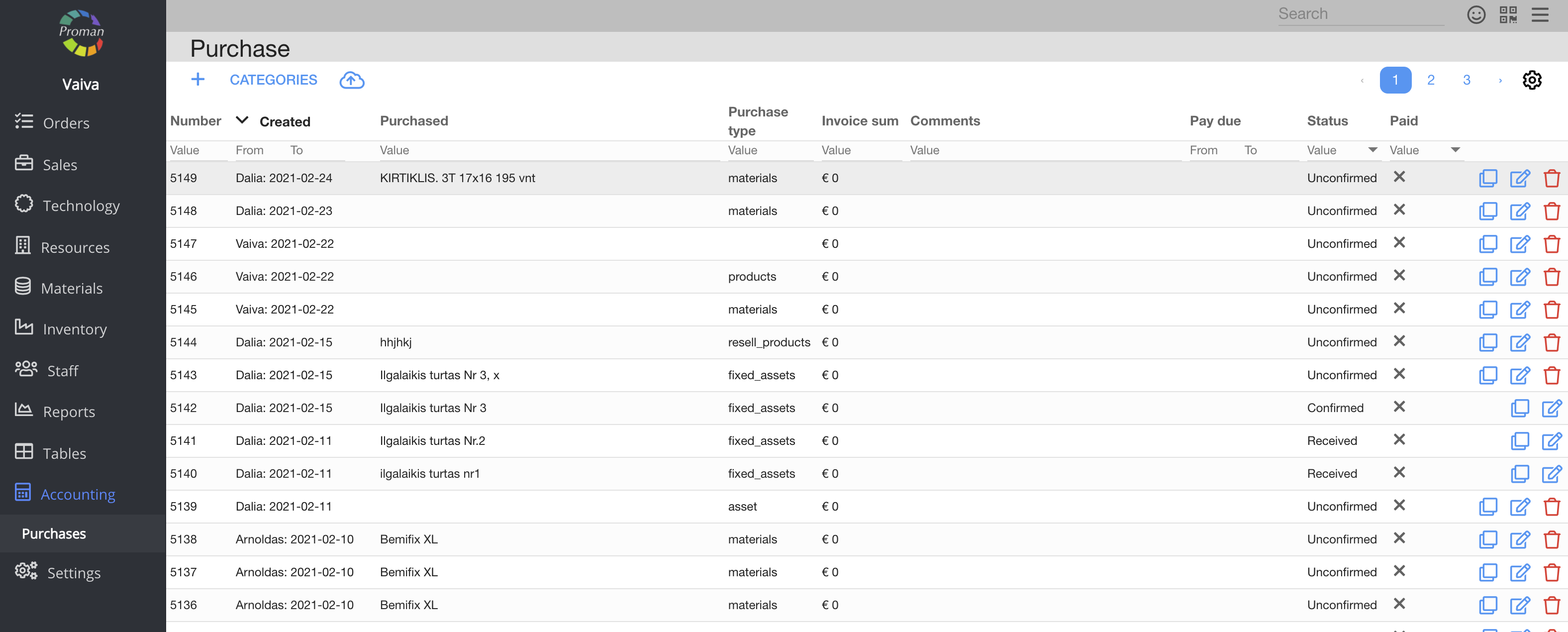
| Button | What does it indicate? |
| Create | You can give permission to create a purchase |
| Display | You can give permission to see purchases |
| Edit | You can give permission to edit the purchases |
| Remove | You can give permission to remove purchases |
| Show price | You can give permission to see all prices in the purchase |
Back to top of page
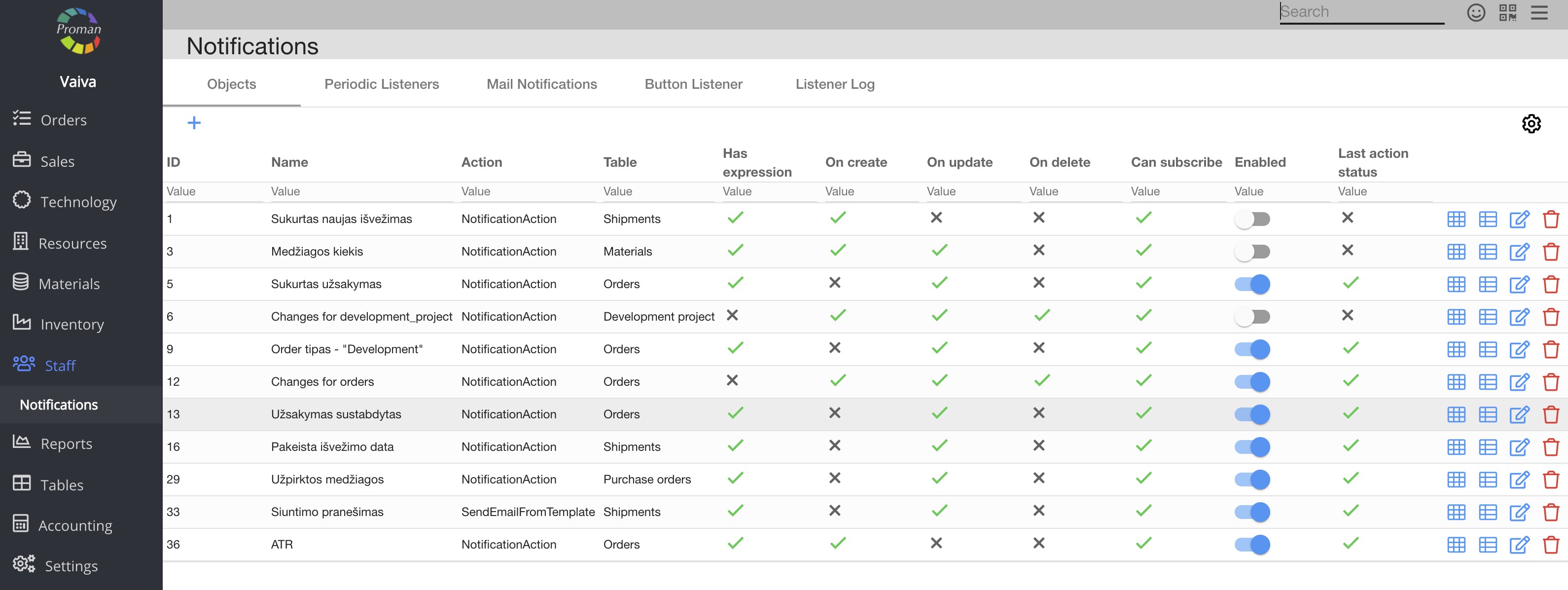
| Button | What does it indicate? |
| Create | You can give permission to create and edit notifications |
Back to top of page
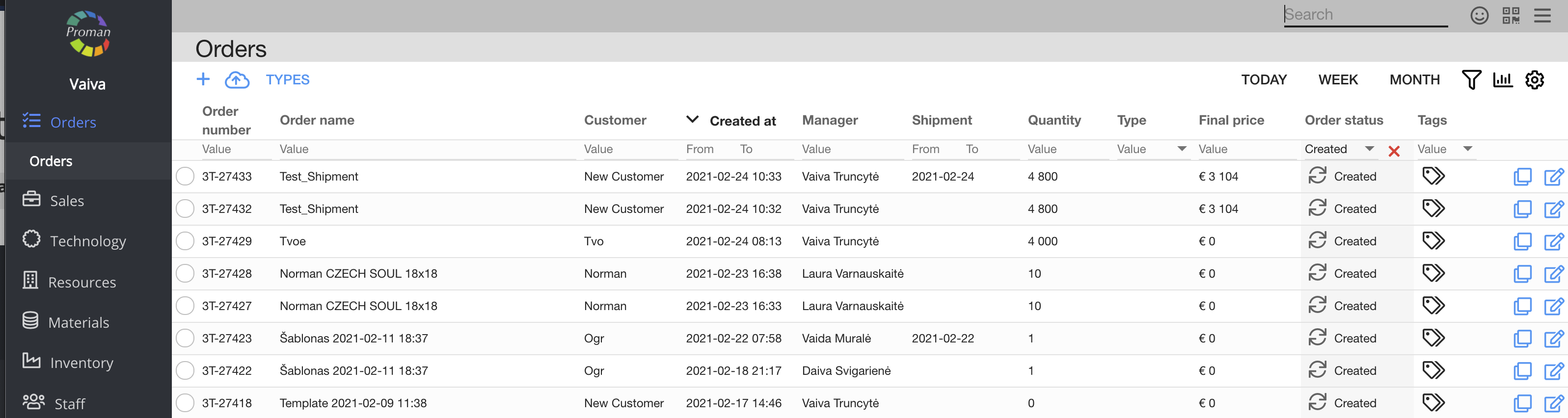
| Button | What does it indicate? |
| Create | You can give permission to create an order proposal (otherwise the employee can't even see icons  and and  ) ) |
| Display | You can give permission to:
1. See the order and order proposal tabs in Proman (otherwise employees can't see the Order tab in Proman and do anything with orders (despite other permissions)),
2. See order files in events (Operations)
3. See order type in calendar operations |
| Edit | You can give permission to edit orders and add files to orders |
| Remove | You can give permission to remove ( ) the order (otherwise the icon will be inactive ( ) the order (otherwise the icon will be inactive ( ) ) |
| Confirm | You can give permission to confirm ( ) the order (otherwise the icon will be inactive ( ) the order (otherwise the icon will be inactive ( )) )) |
| Update status | You can give permission to update the status of the order (you can see order status in the orders table) |
| View all | You can give permission to a sales manager to see the order list (otherwise the employee can't even see the order list) |
| Show price | You can give a permission to see the order product price |
| Update price | You can give permission to update order's product price |
| Master | You can give permission to:
1. Start/finish production
2. Create a new purchase
|
Back to top of page
| Button | What does it indicate? |
| Create | You can give permission to create an order proposal (otherwise the employee can't even see the icons and ) |
| Display | You can give permission to see the Order and Order proposal tabs in Proman (otherwise the employees can't see the order tab in Proman and do anything with the orders (despite other permissions)) |
| Edit | You can give permission to edit order and add files to order |
| Remove | You can give permission to remove () the order (otherwise the icon will be inactive () |
| Confirm | You can give permission to confirm () the order (otherwise the icon will be inactive ()) |
| Update status | You can give permission to update the status of the order (you can see order status in the orders table) |
| View all | You can give permission to a sales manager to see the order list (otherwise the employee can't even see the order list) |
| Show price | You can give permission to see the order product price |
| Update price | You can give permission to update Order's product price |
| Master | You can give permission to:
1. Start/ finish a production
2. Create a new purchase
|
Back to top of page
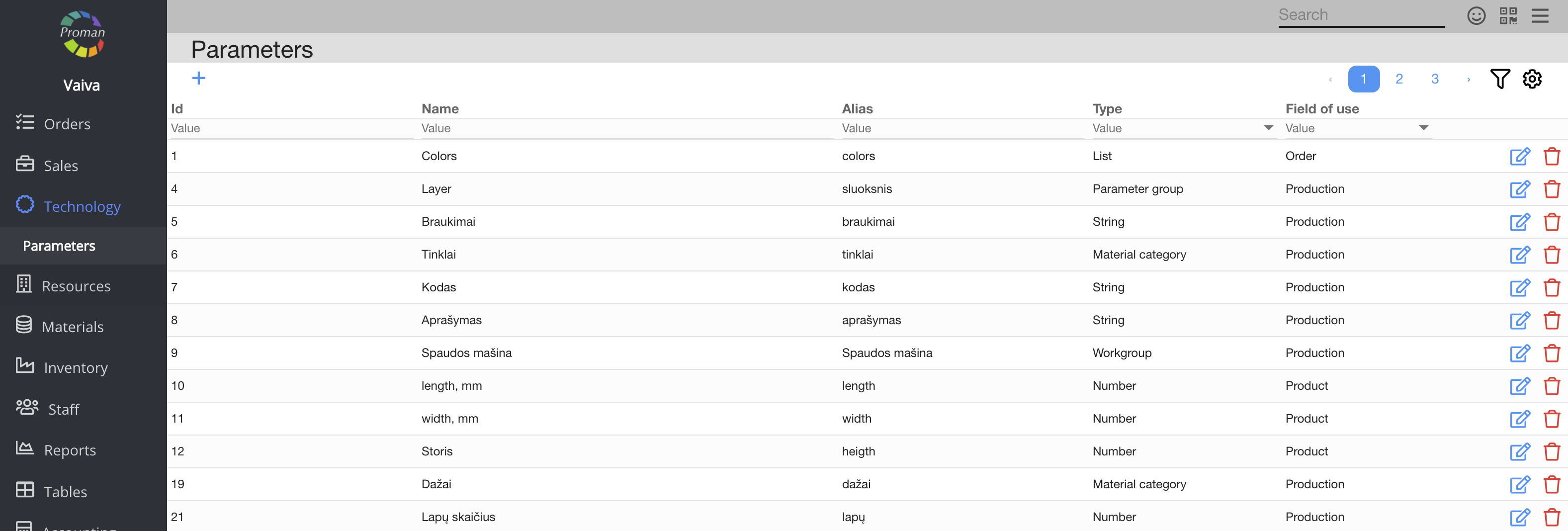
| Button | What does it indicate? |
| Create | You can give permission to create parameters |
| Display | You can give permission to see the list of parameters, functions and features. If the employees don't have this permission, they can't see parameters in the event (Operation). |
| Edit | You can give permission to edit parameters |
| Remove | You can give permission to remove parameters |
| Master | You can give permission to change the range of parameter's values |
Back to top of page
| Button | What does it indicate? |
| Create | You can give permission to create an appointment |
| Edit | You can give permission to edit |
| Remove | You can give permission to remove |
Back to top of page
| Button | What does it indicate? |
| Create | You can give permission to create |
| Display | You can give permission to see the list of reports |
| Edit | You can give permission to edit |
| Remove | You can give permission to remove |
Back to top of page
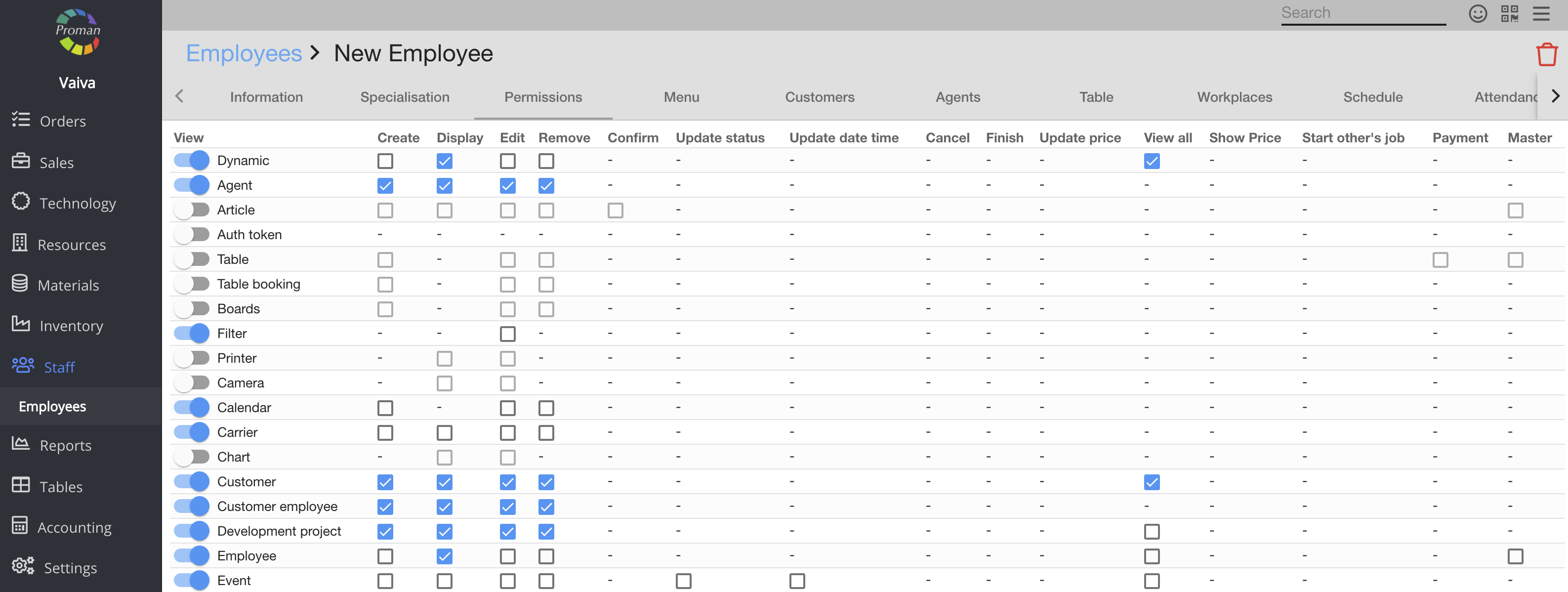
| Button | What does it indicate? |
| Edit | You can give permission to edit permissions and constraint the menu |
Back to top of page
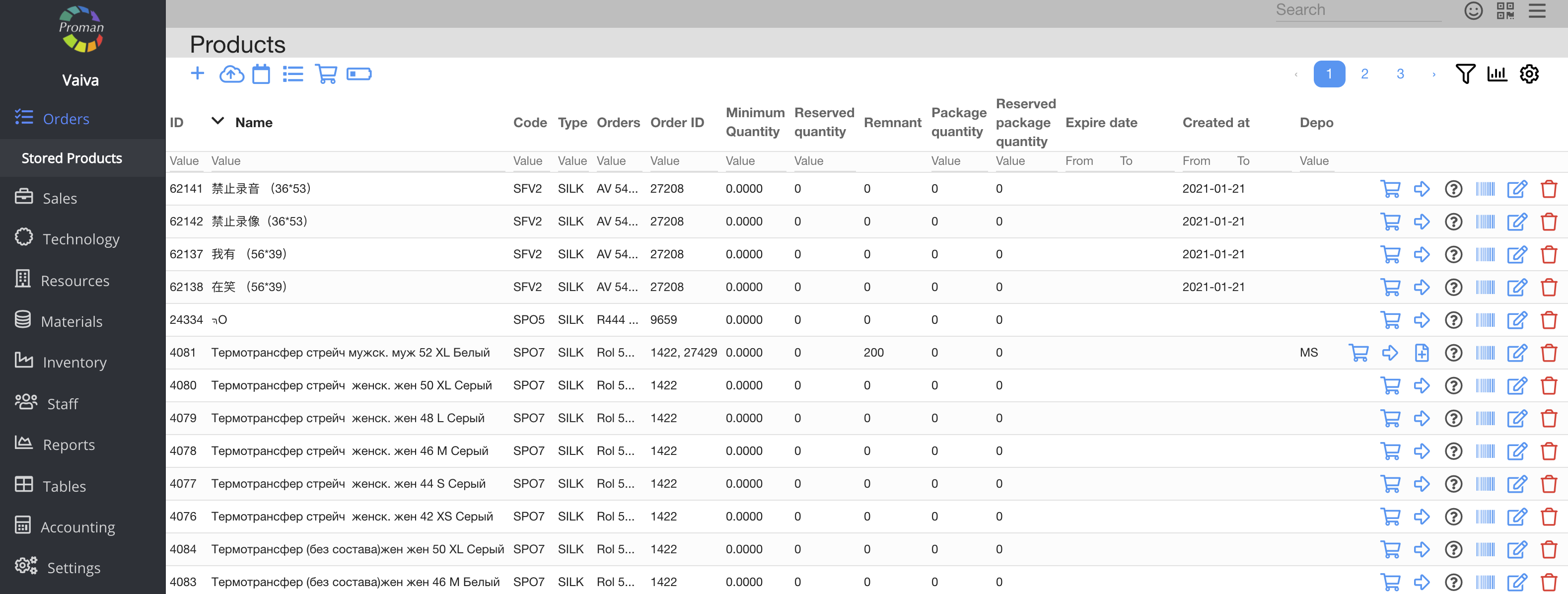
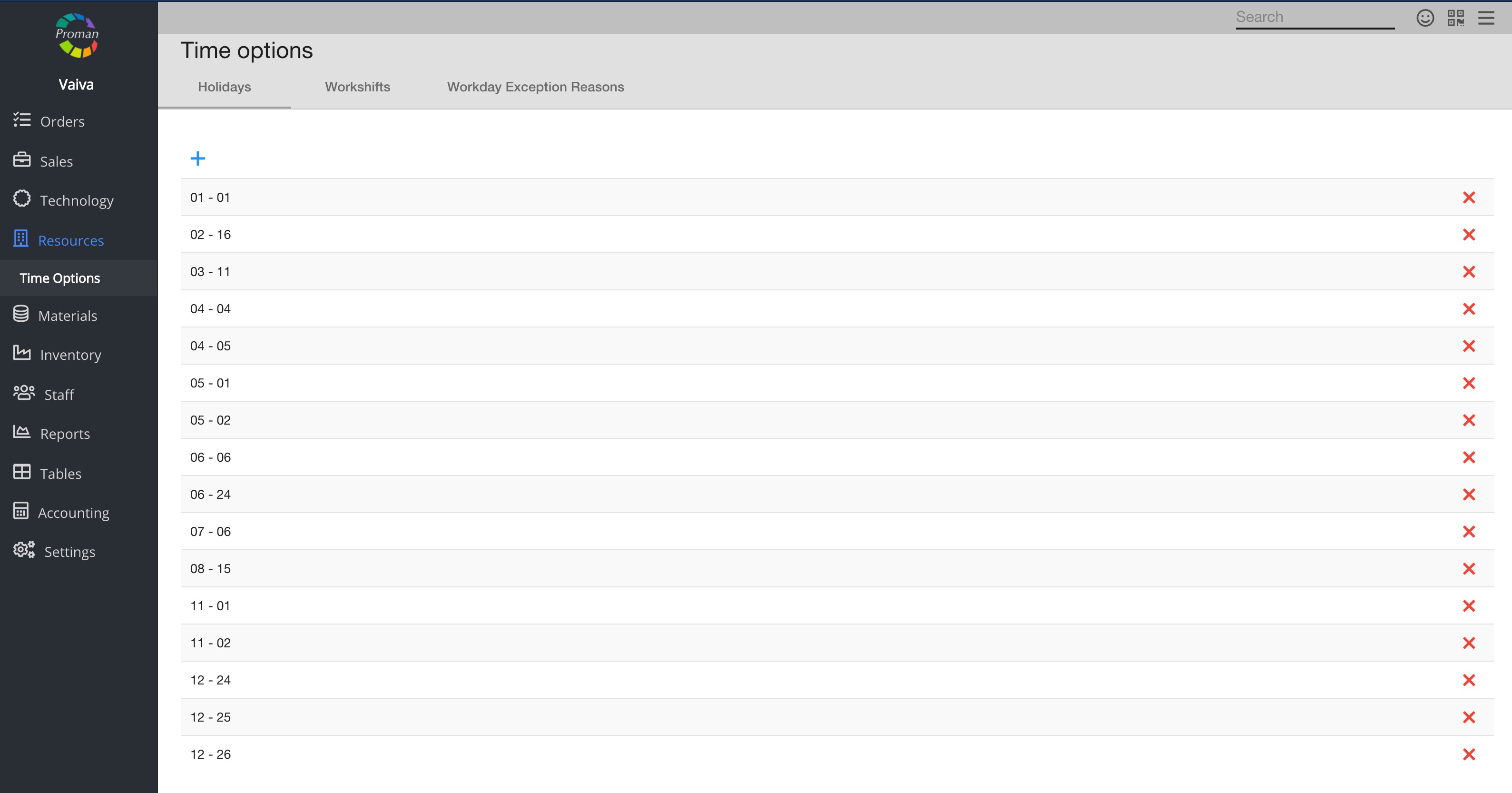
| Button | What does it indicate? |
| Create | You can give permission to create a product (otherwise the employee can't see this icon ) |
| Display | You can give permission to see the stored product tab in Proman (otherwise employees can't see the stored product tab in Proman and do anything with the product (despite other permissions)) |
| Edit | You can give permission to edit the product (otherwise the employee can't see the icon (In Stored product)), confirm or unconfirm product and go to shipment from order (In Stored product)), confirm or unconfirm product and go to shipment from order |
| Remove | You can give permission to delete products (otherwise the employee can't see the icon (In stored product)) (In stored product)) |
| Show price | You can give permission to see the product sale price |
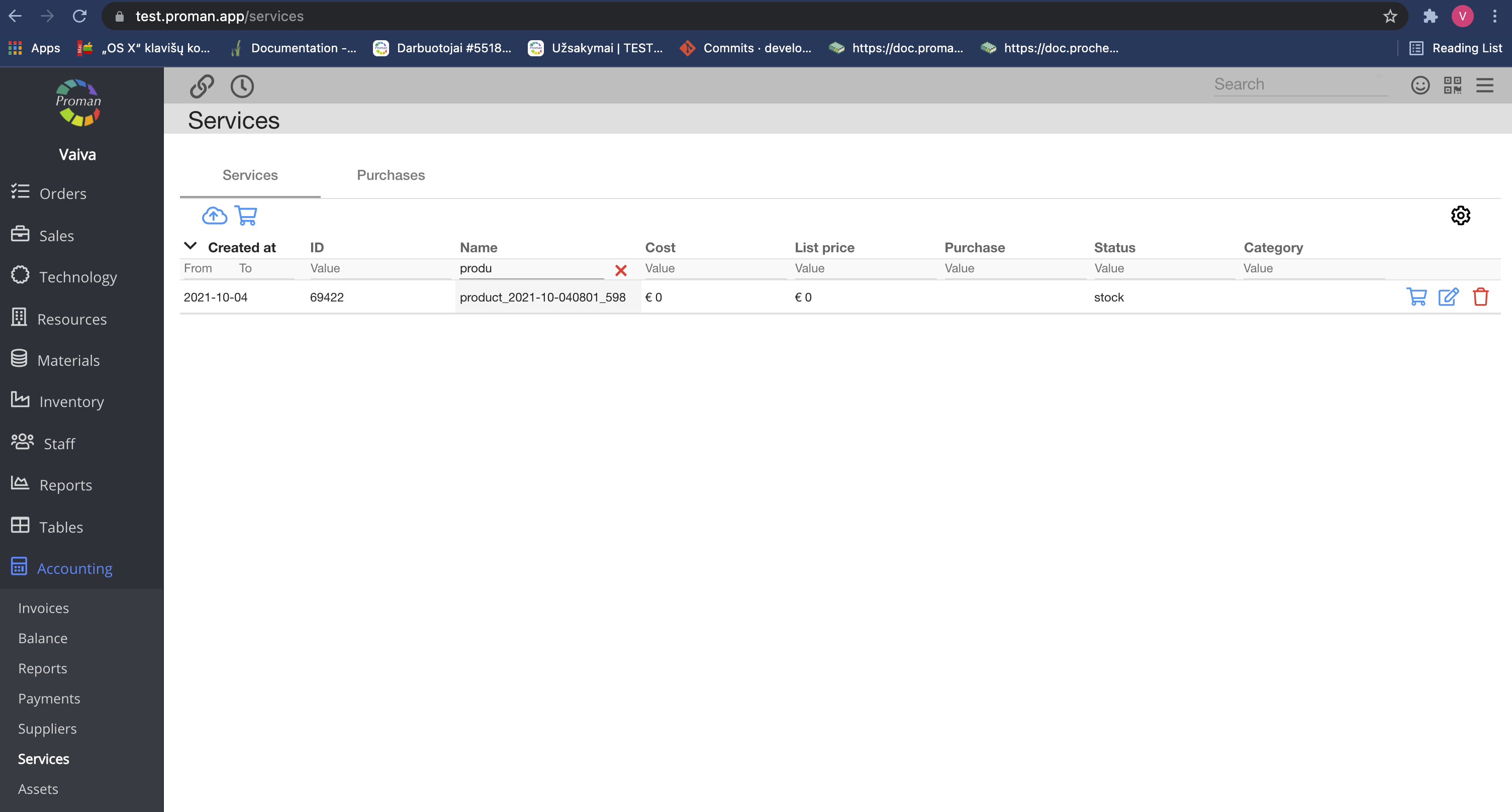
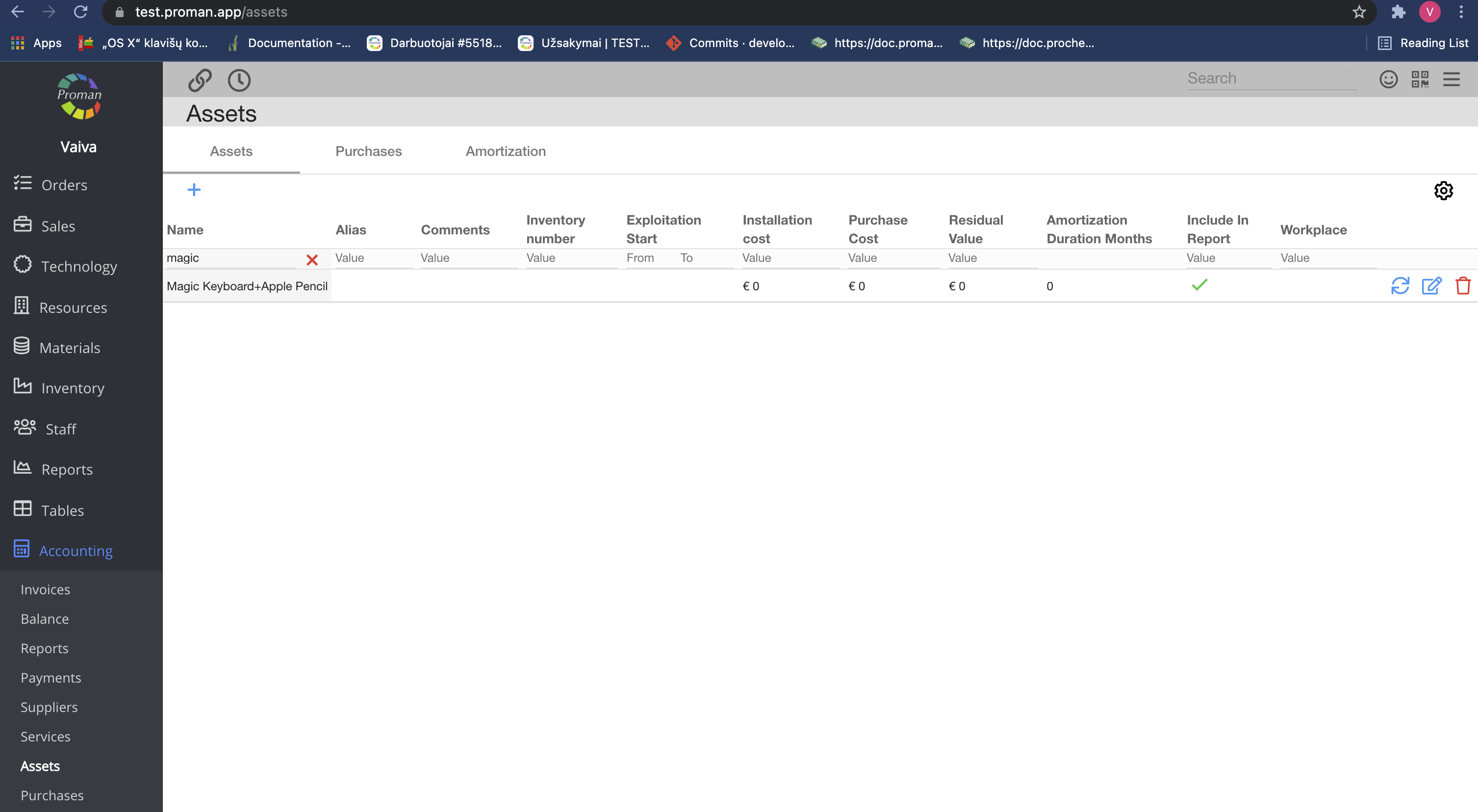
| Master | You can give permission to:
1. To change Product in Order
2. To see Services (the second picture above)
3. To see Assets (the third picture above)
4. To see Times Options (the third picture above)
5. To change product even if product is confirmed
6. To go to product by link after Order confirmation
7. To change Shipment date |
Back to top of page
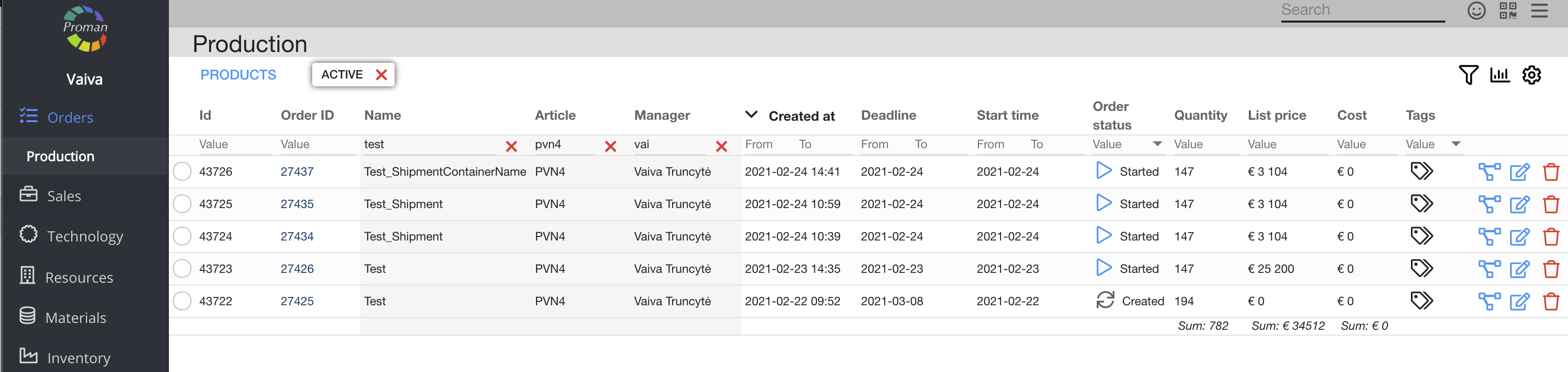
| Button | What does it indicate? |
| Create | You can give permission to create productions |
| Display | You can give permission to see the list of productions |
| Edit | You can give permission to edit the production and operations |
| Remove | You can give permission to remove productions |
| Confirm | You can give permission to confirm production |
| Update status | You can give permission to update status of the production (to start or to finish), revert and cancel operations |
| Show price | You can give permission to see the production price |
Back to top of page
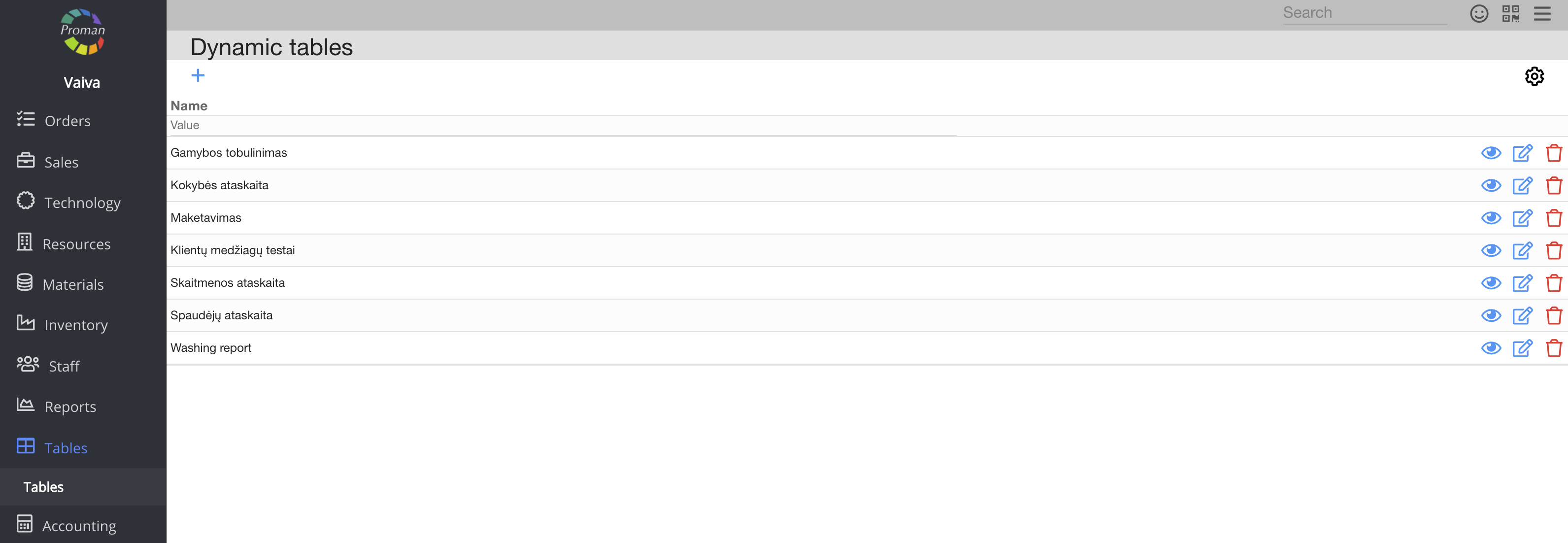
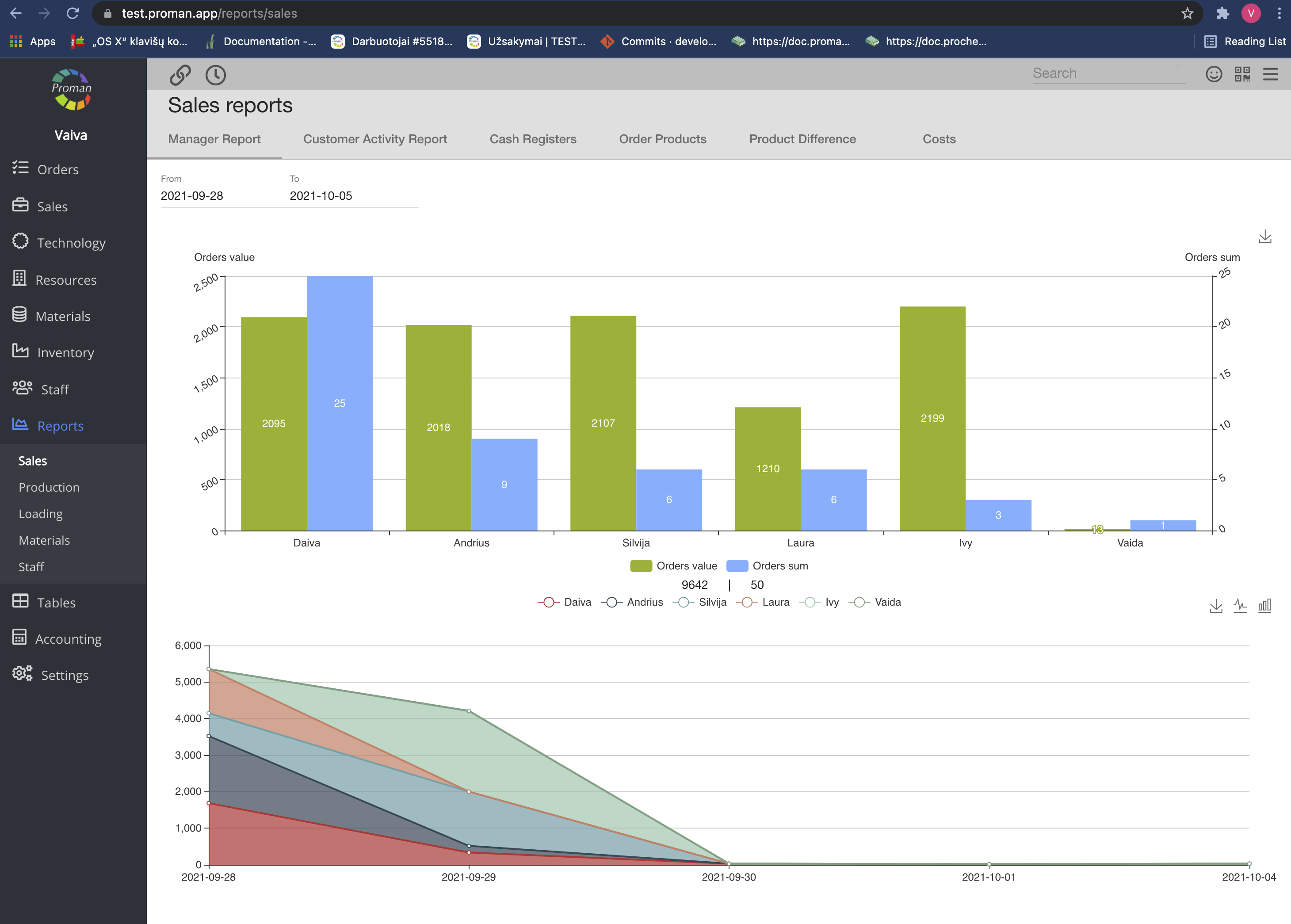
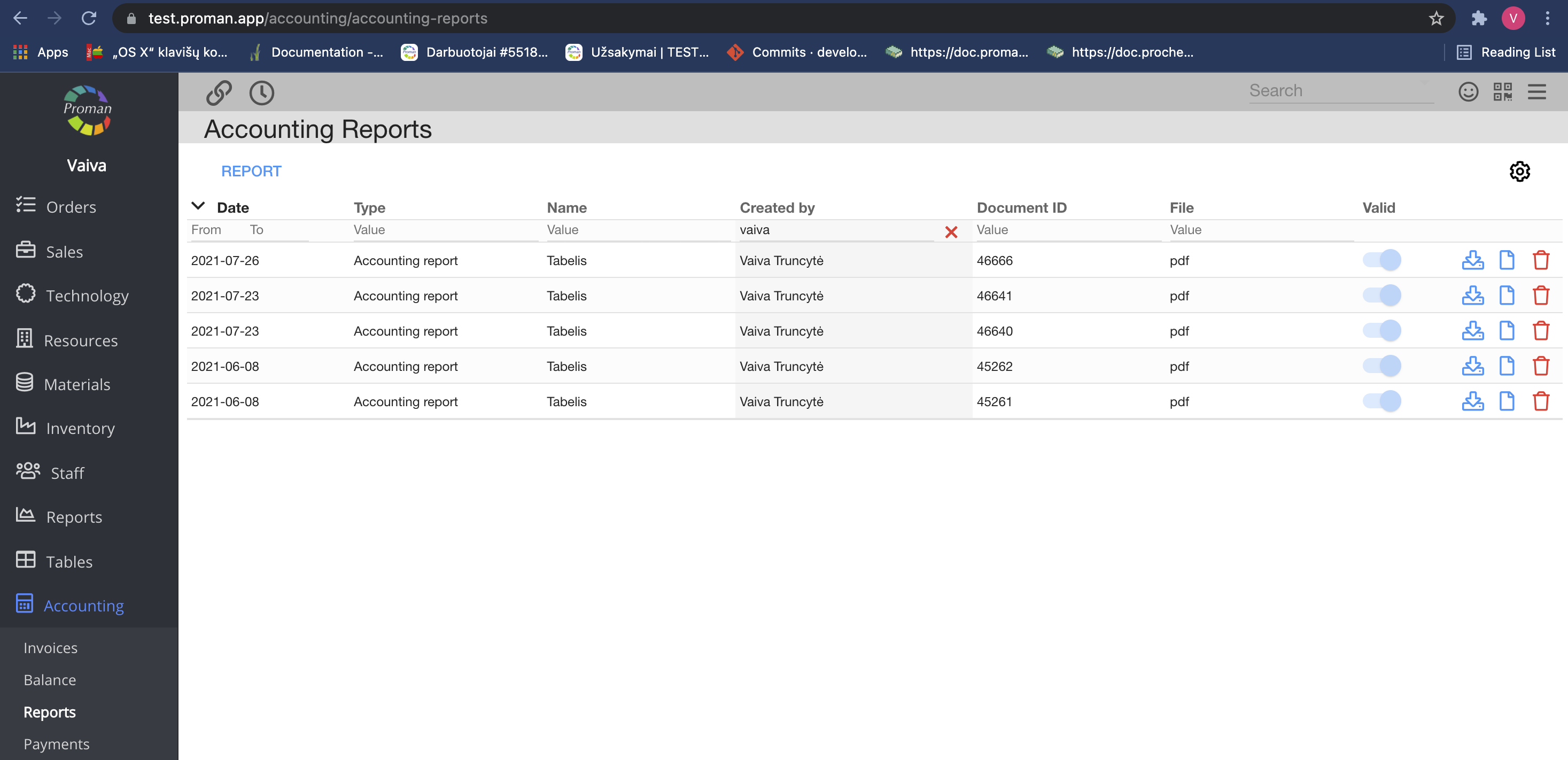
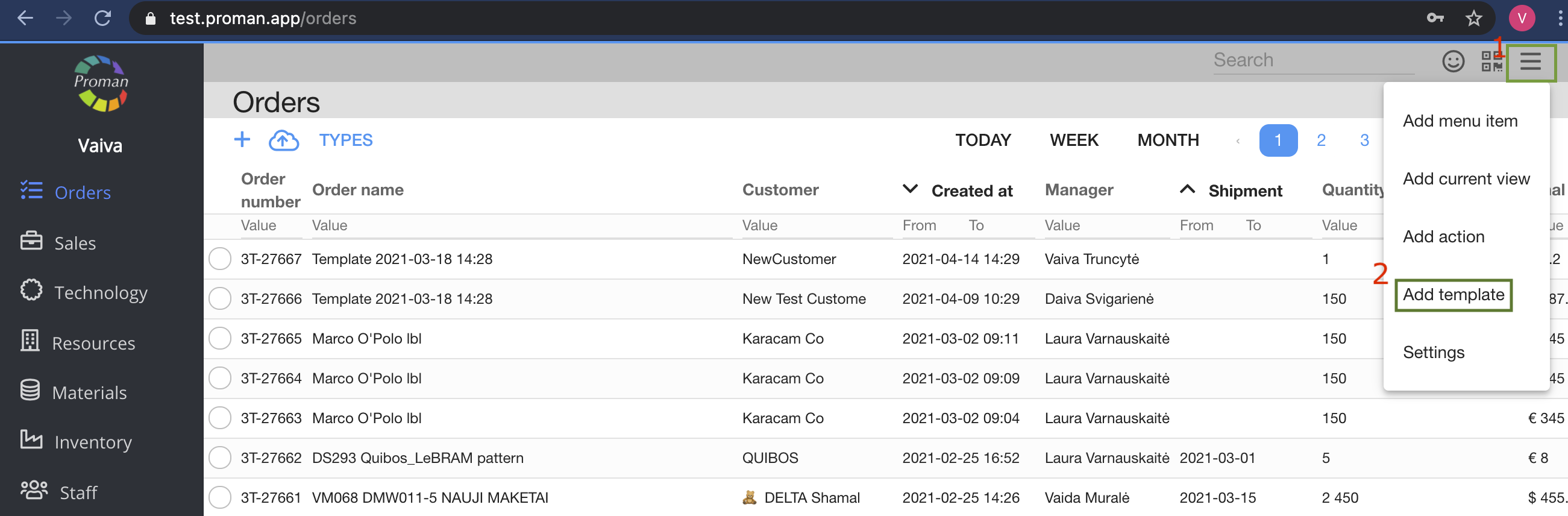
| Button | What does it indicate? |
| Create | You can give permission to create tables (Reports - Dynamic Tables) |
| Edit | You can give permission to edit tables (Reports - Dynamic Tables) |
| Remove | You can give permission to remove tables (Reports - Dynamic Tables) |
| View all | You can give permission to view all tables (Reports - Dynamic Tables) |
| Master | You can give permission:
1. To view Reports (the second picture above)
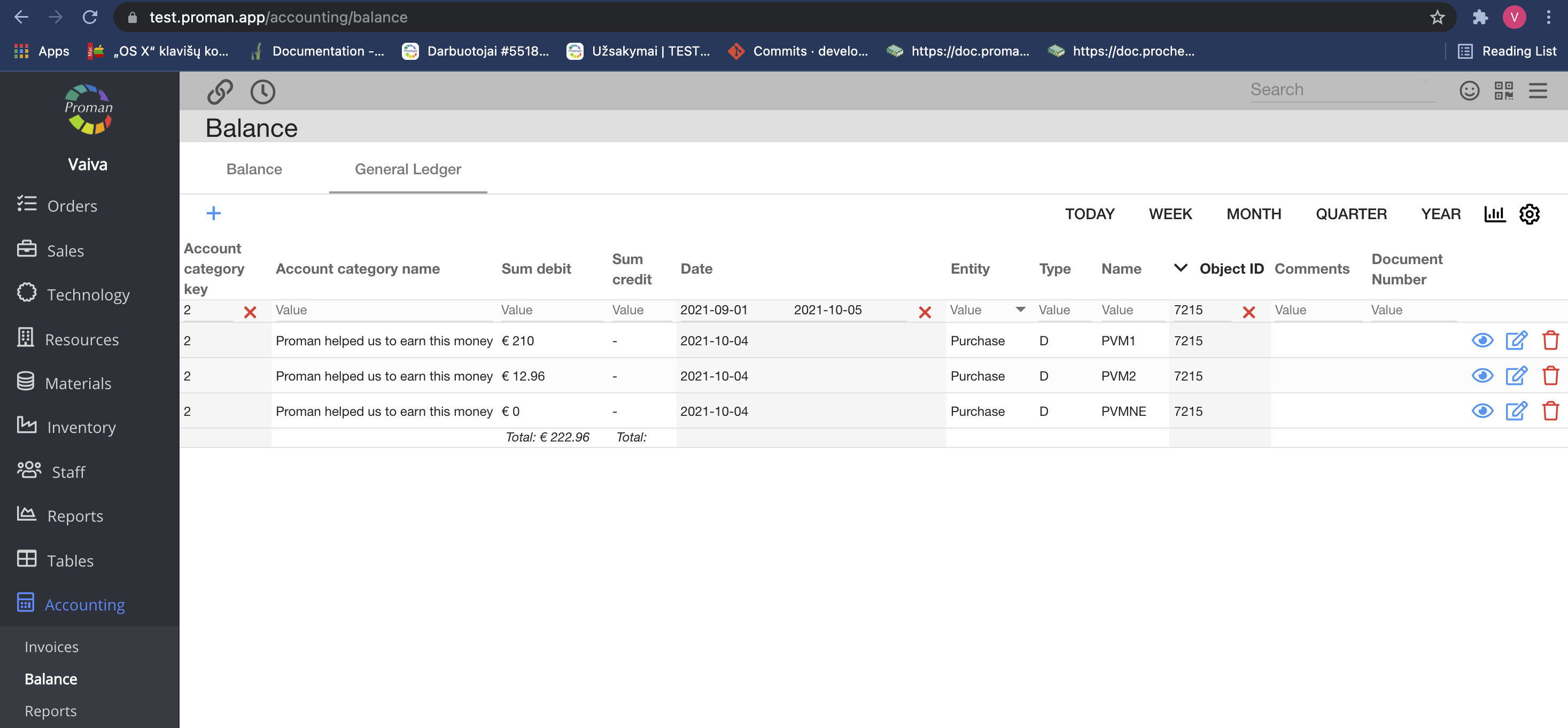
2. To view Accounting Reports (the third picture above)
3. To view Accounting Balance (the fourth picture above)
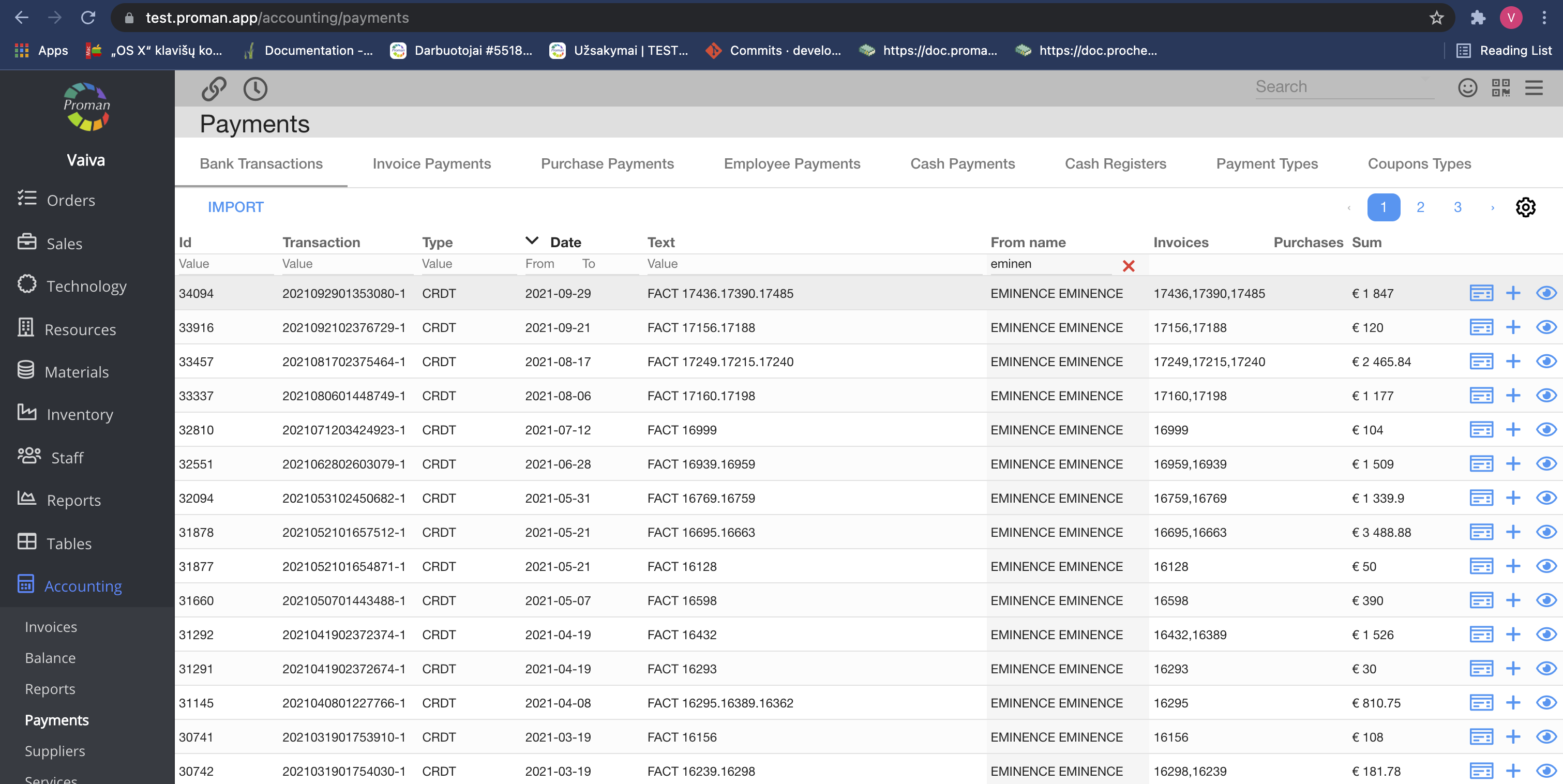
4. To view Accounting Payments (the fifth picture above)
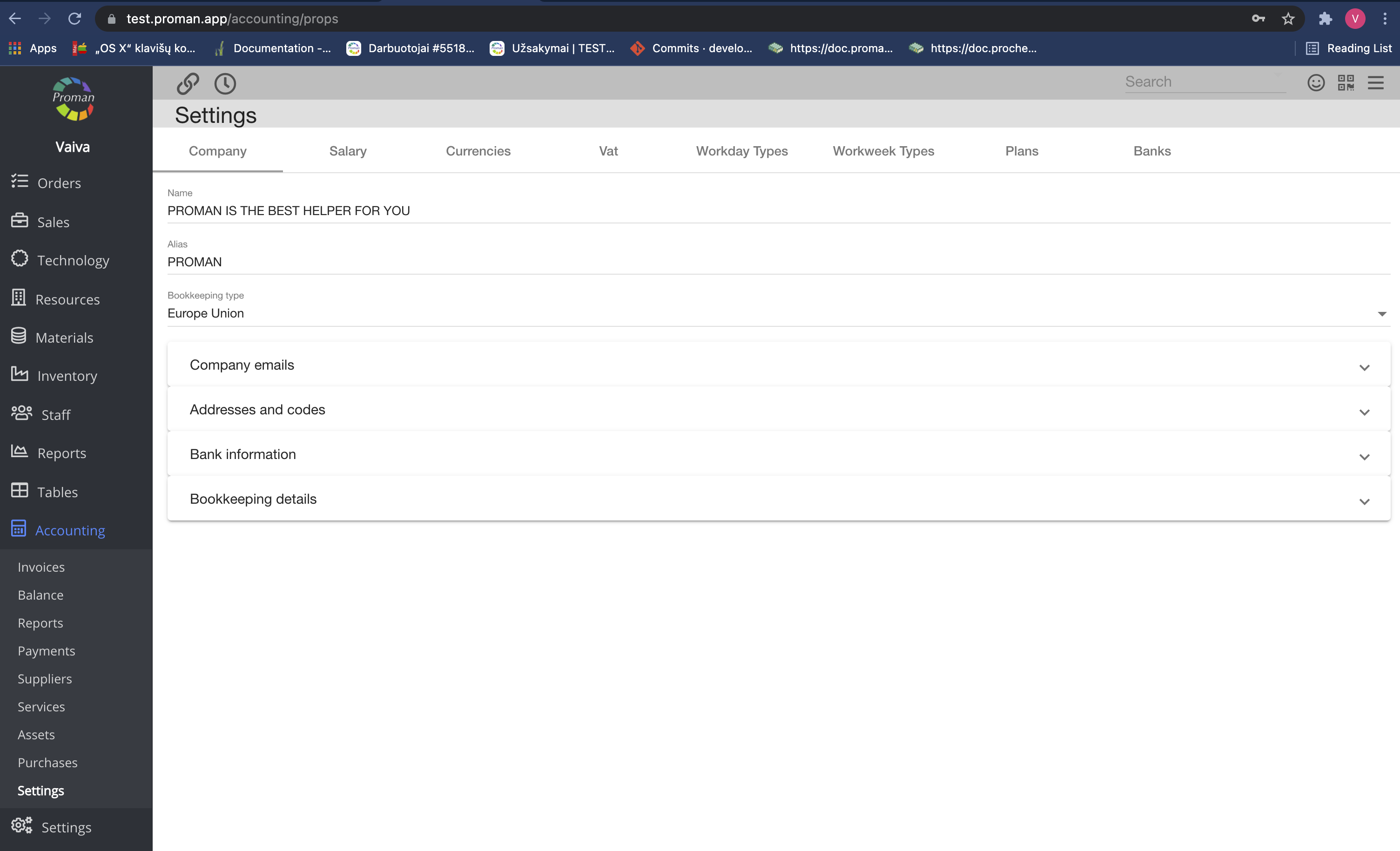
5. To view Accounting Settings (the sixth picture above)
6. To add POS daily report action Context Template on the top (the seventh picture above) |
Back to top of page
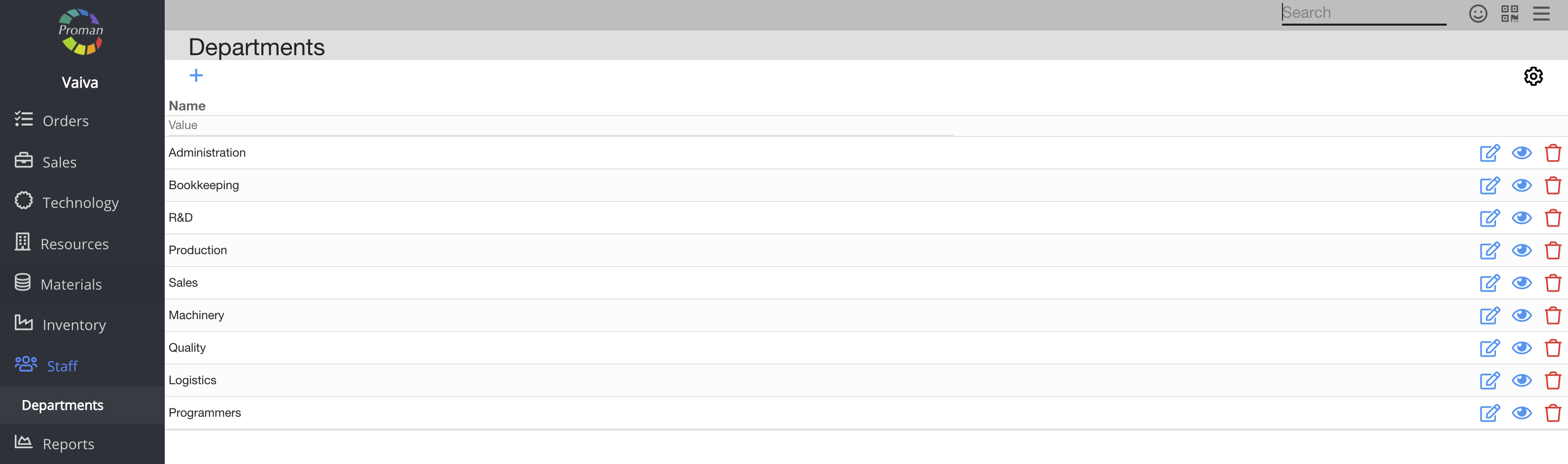
| Button | What does it indicate? |
| Create | You can give permission to create departments |
| Display | You can give permission to see list of departments |
| Edit | You can give permission to edit departments |
| Remove | You can give permission to remove departments |
Back to top of page
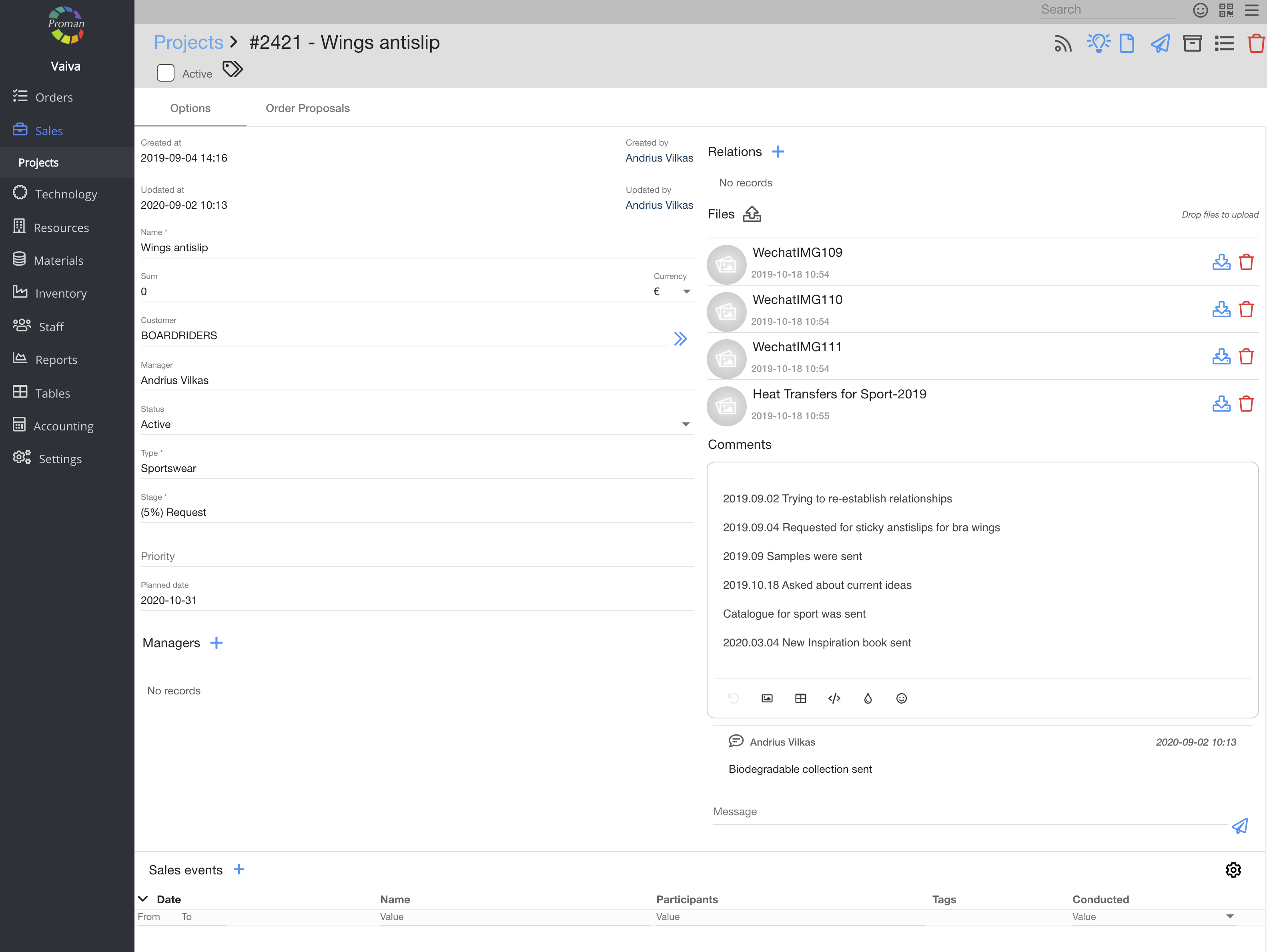
| Button | What does it indicate? |
| Create | You can give permission to create a sales opportunity |
| Display | You can give permission to see the list of sales opportunities |
| Edit | You can give permission to edit sales opportunities |
| Remove | You can give permission to remove sales opportunities |
| View all | You can give permission to see all sales opportunities, otherwise you can see only your own projects, projects you are assigned to and projects that you created (in development) |
| Show price | You can give permission to see prices of sales opportunities |
Back to top of page
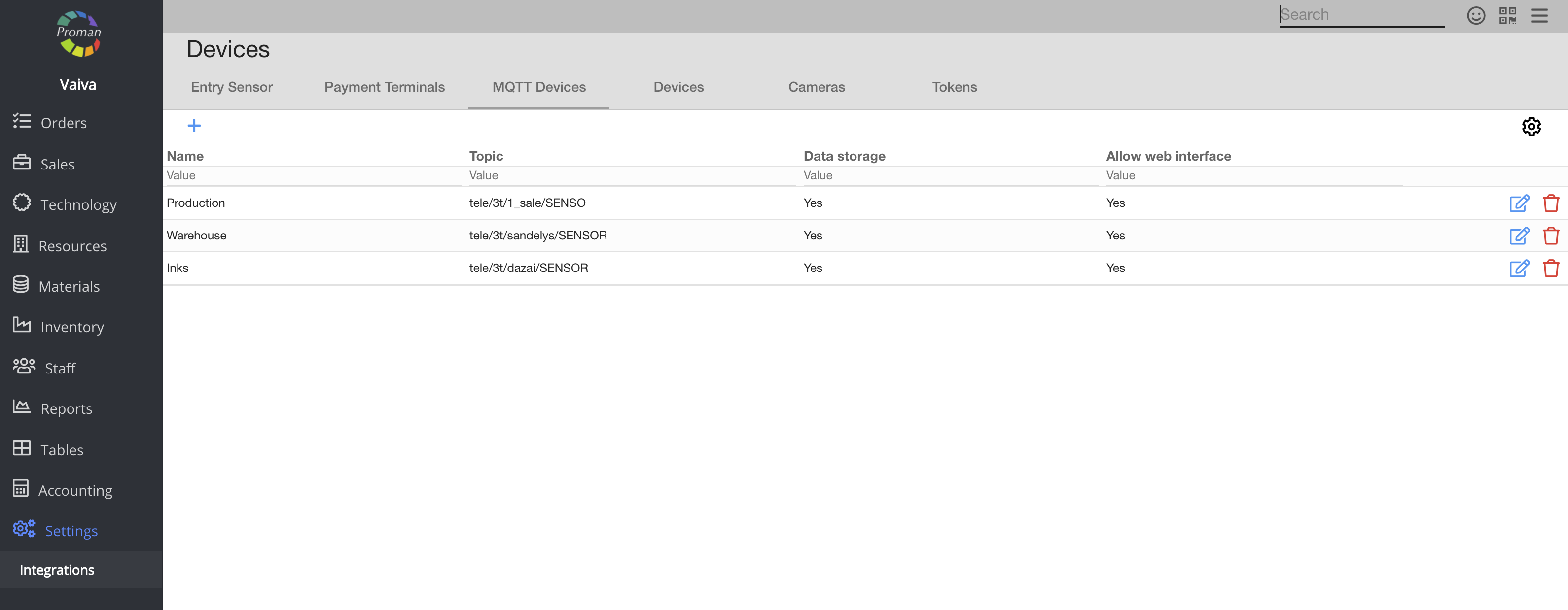
| Button | What does it indicate? |
| Display | You can give permission to see the list of sensors |
| Edit | You can give permission to edit sensors |
Back to top of page
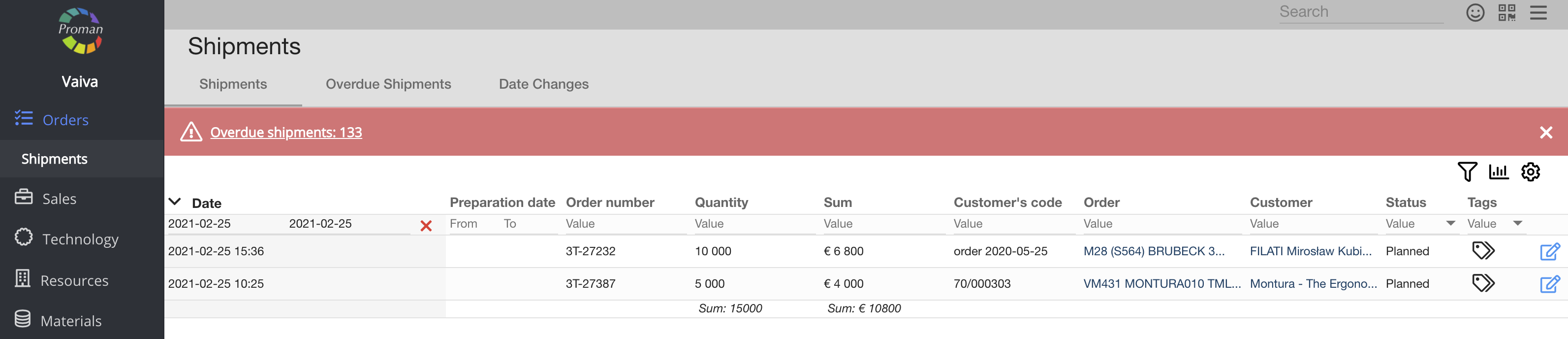
| Button | What does it indicate? |
| Create | You can give permission to create shipments |
| Display | You can give permission to see the list of shipments |
| Edit | You can give permission to edit shipments |
| Remove | You can give permission to remove shipments |
| Update status | You can give permission to update date time of a shipment |
| Show price | You can give permission to see shipment price in shipments Table and in Shipment, including the shipment fee. |
Back to top of page
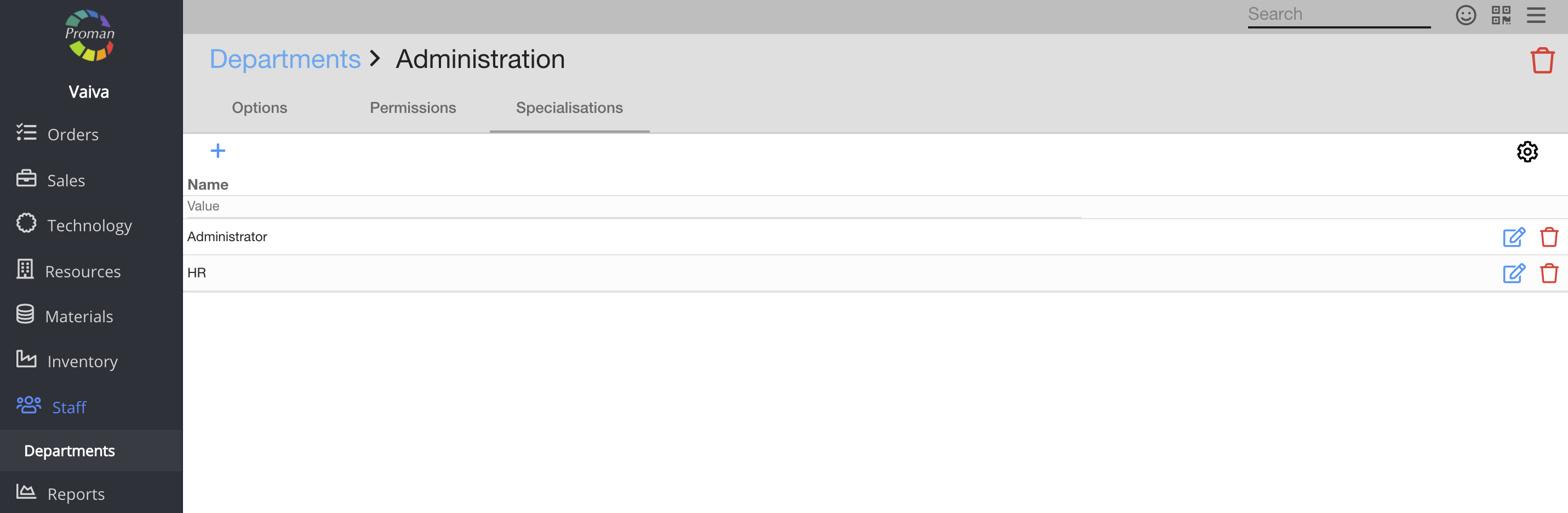
| Button | What does it indicate? |
| View | You can give permission to see the list of Specialisations in the employee tab (second one in the grey field) |
| Create | You can give permission to create a specialisation |
| Display | You can give permission to see the list of specialisations |
| Edit | You can give permission to edit specialisations |
| Remove | You can give permission to remove specialisations |
Back to top of page
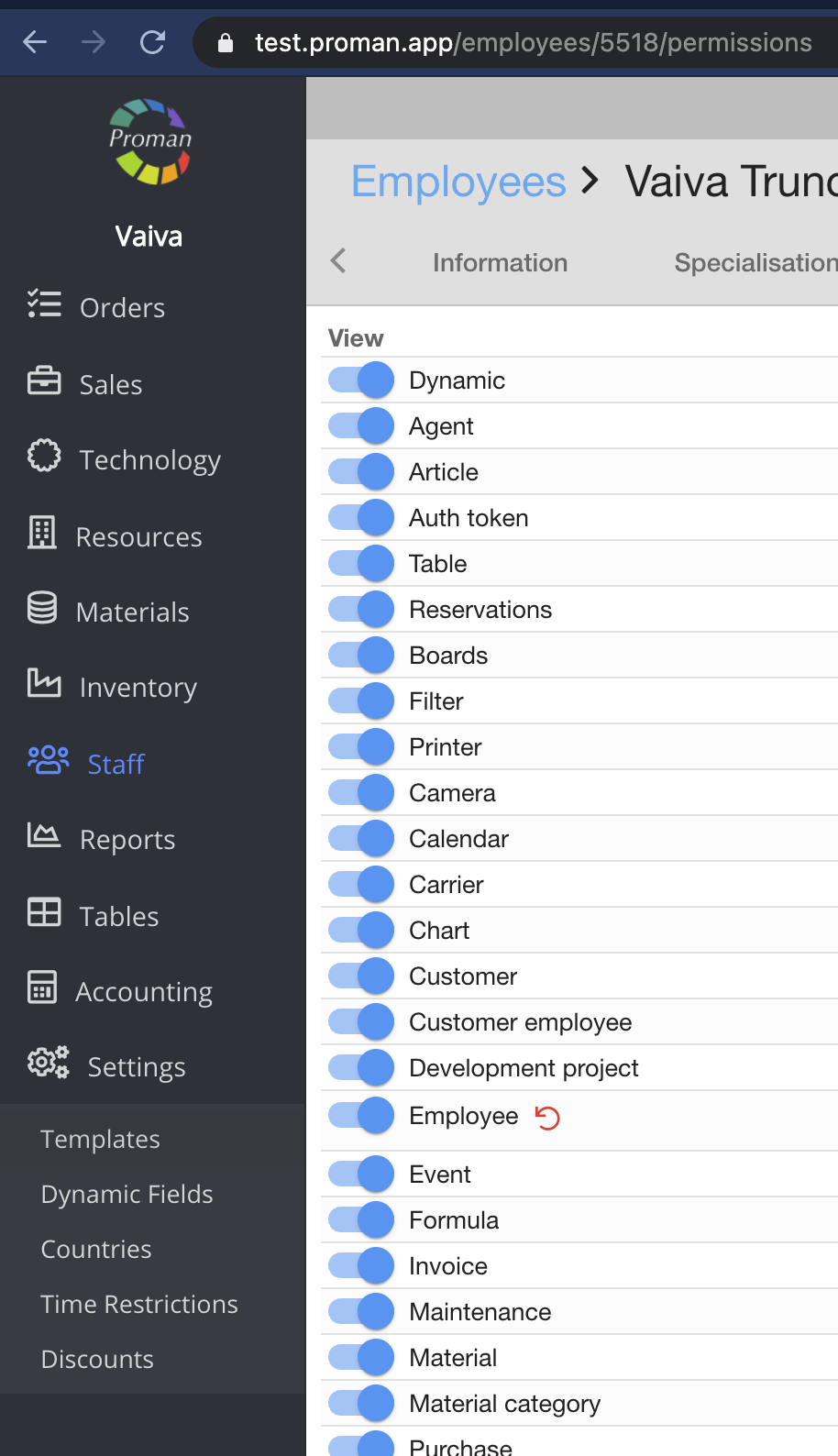
| Button | What does it indicate? |
| Edit | You can give permission to see and edit:
1. System;
2. Integrations;
3. Logs;
4. Menu |
Back to top of page
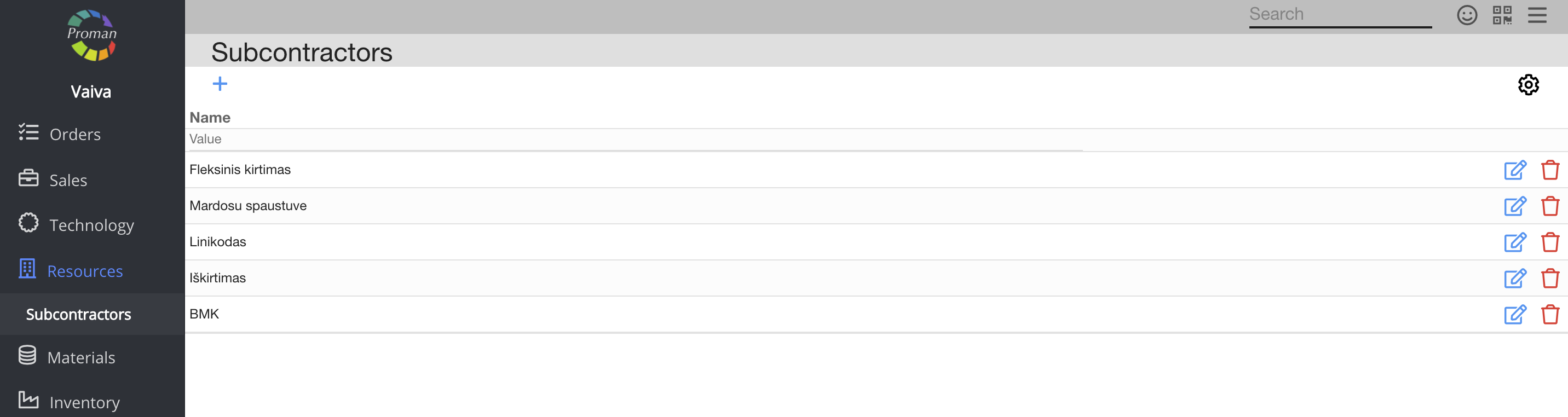
| Button | What does it indicate? |
| Create | You can give permission to create a Subcontractor |
| Display | You can give permission to see the list of subcontractors |
| Edit | You can give permission to edit the subcontractor |
| Remove | You can give permission to remove the subcontractor |
Back to top of page
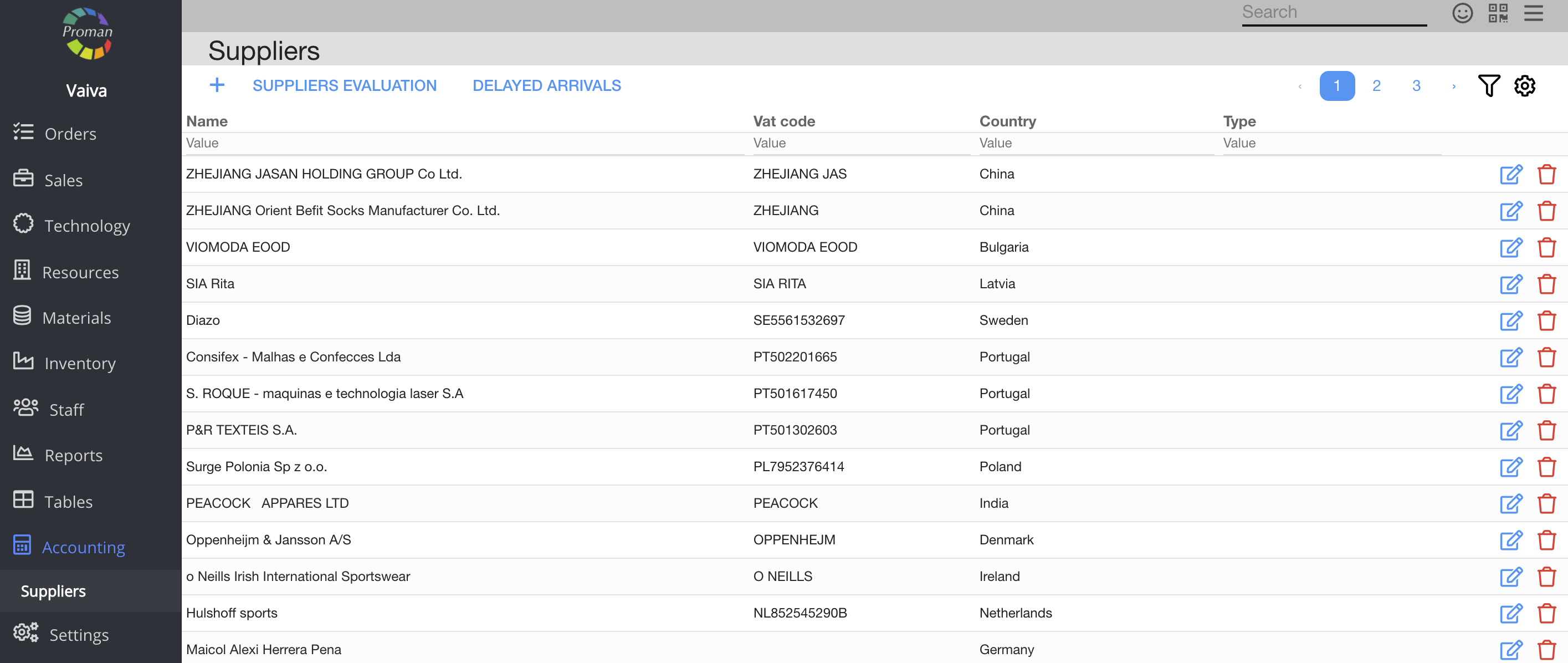
| Button | What does it indicate? |
| Create | You can give permission to create suppliers |
| Display | You can give permission to see the list of suppliers |
| Edit | You can give permission to edit suppliers |
| Remove | You can give permission to remove suppliers |
Back to top of page
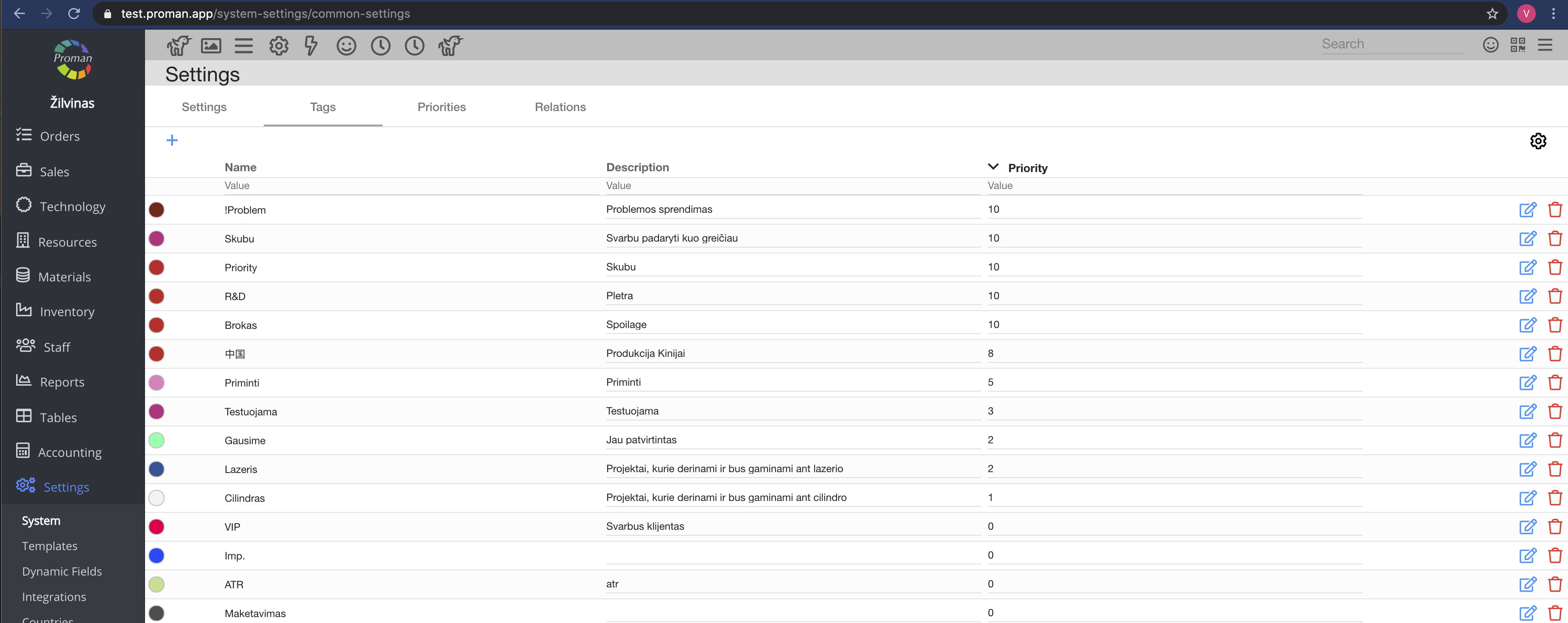
| Button | What does it indicate? |
| Edit | You can give permission to edit tags |
Back to top of page
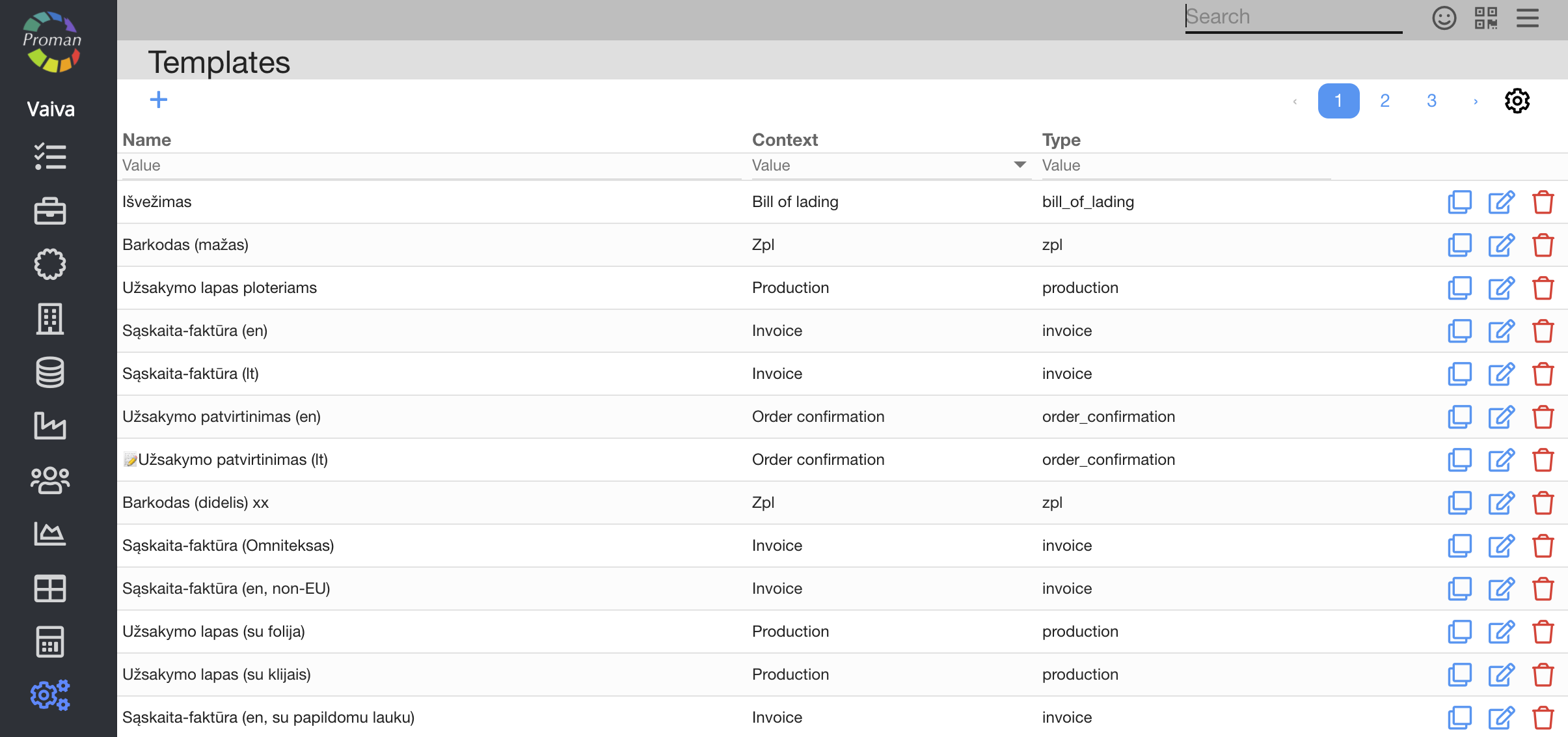
| Button | What does it indicate? |
| View | If a customer wants to create templates, you must turn on this permission |
| Create | You can give permission to create templates |
| Edit | You can give permission to edit templates |
| Remove | You can give permission to remove templates |
Back to top of page
| Button | What does it indicate? |
| Create | You can give permission to create article tests |
| Edit | You can give permission to edit the article tests |
| Create+Edit | You can give permission to copy the article tests |
| Remove | You can give permission to remove article tests |
| Button | What does it indicate? |
| Display | You can give permission to see the list of time options |
| Edit | You can give permission to edit the time option |
Back to top of page
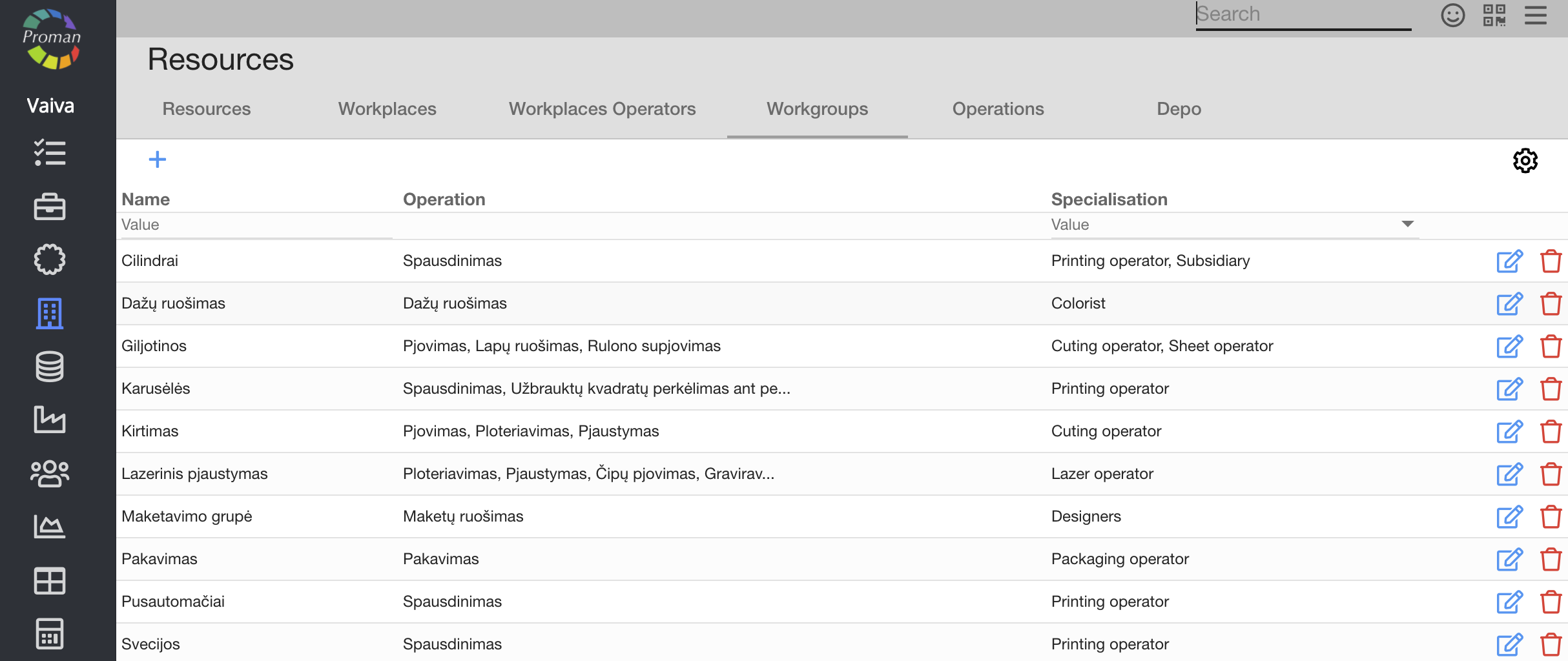
| Button | What does it indicate? |
| Create | You can give permission to create a workgroup |
| Display | You can give permission to see the list of workgroups |
| Edit | You can give permission to edit the workgroup |
| Remove | You can give permission to remove the workgroup |
Back to top of page
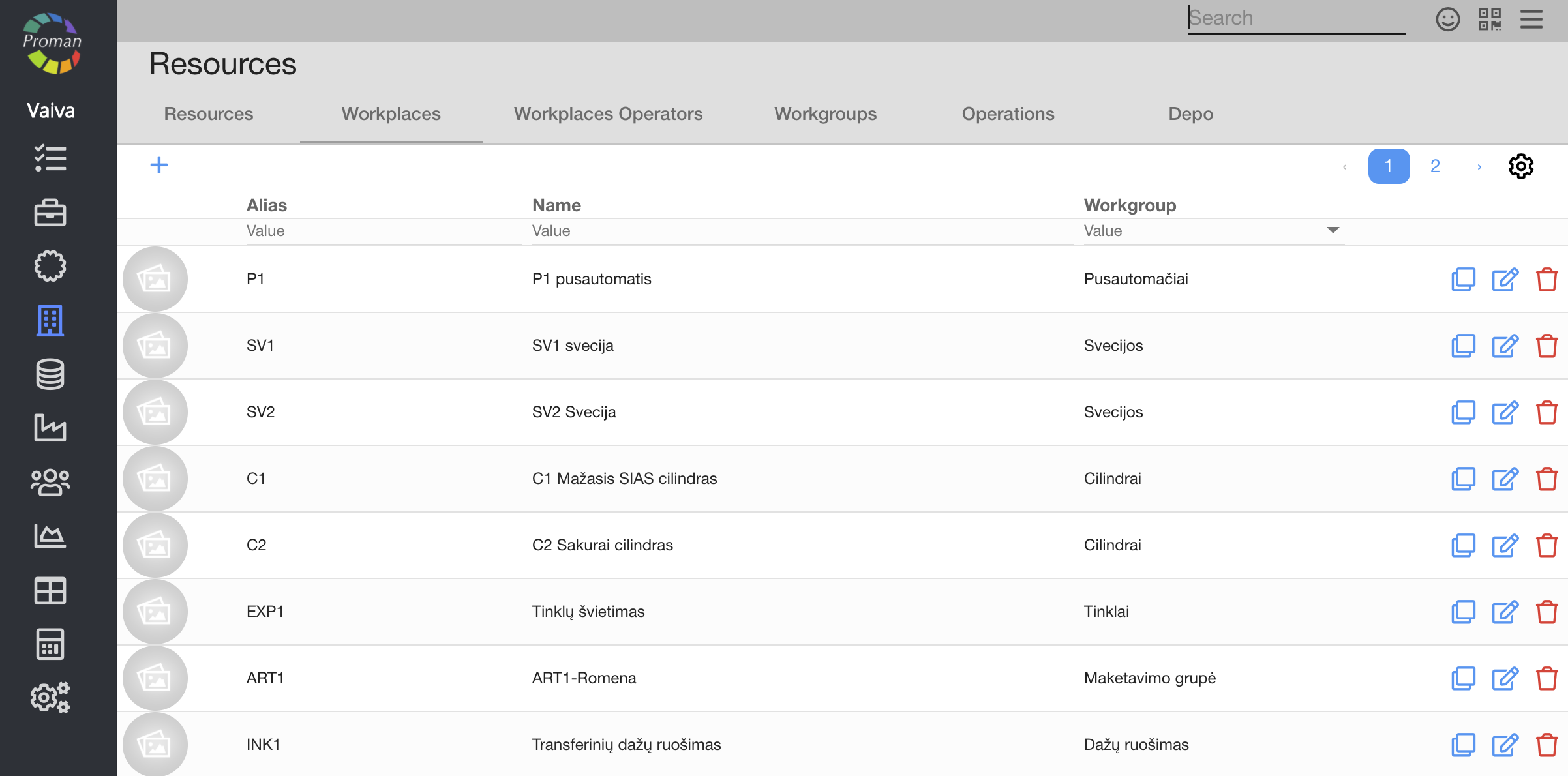
| Button | What does it indicate? |
| Create | You can give permission to create workplaces and operations |
| Display | You can give permission to see the list of workplaces and the resource tab |
| Edit | You can give permission to:
1. Edit a workplace;
2. See resource tabs: Resources, Premises and Cameras |
| Remove | You can give permission to remove workplaces and operations |
Back to top of page
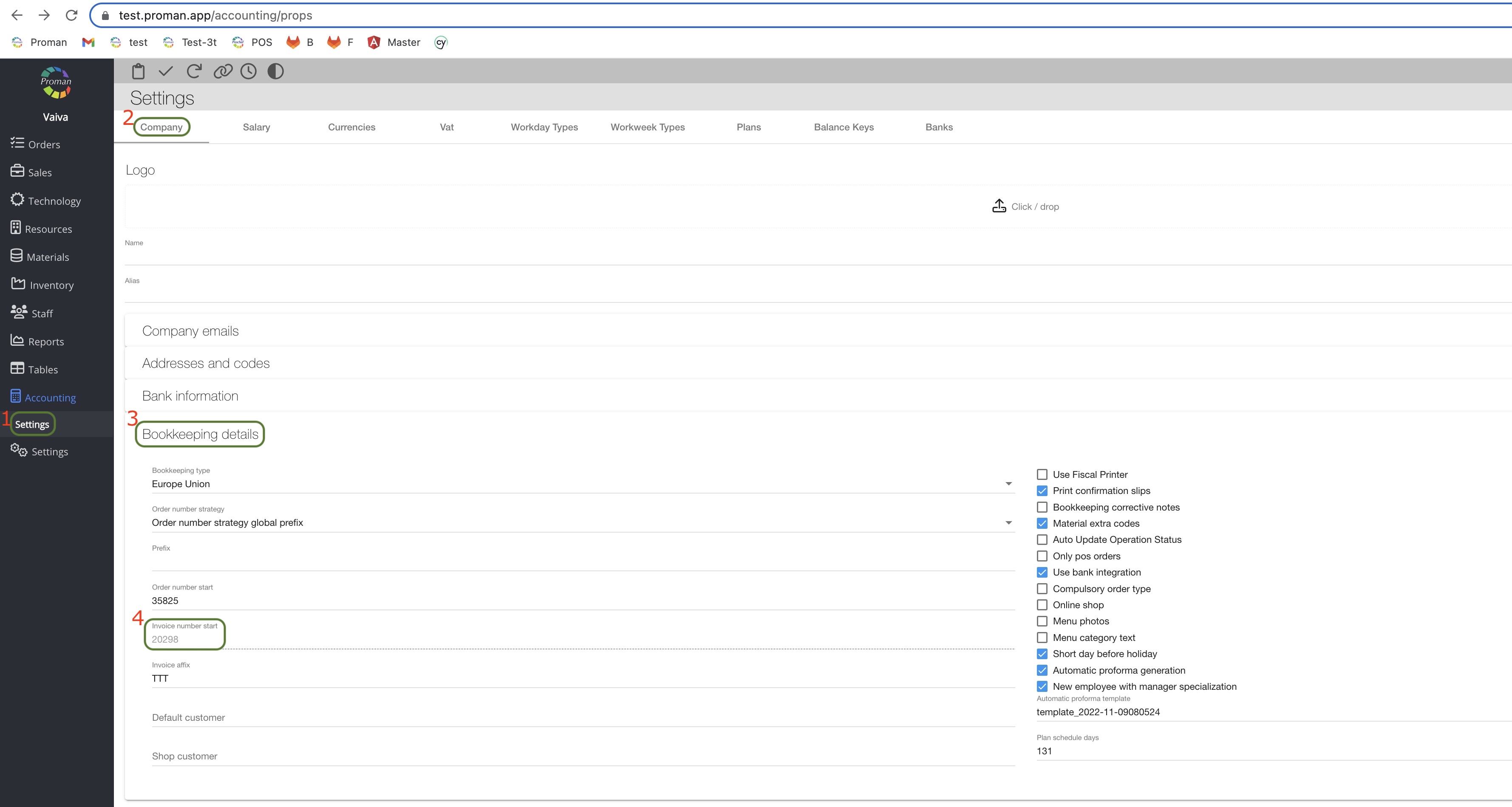
| Permission first | Permission second | What does it indicate? |
Invoice Master
| Payment report Master
| You can give permission to change the invoice number
|
Back to top of page
| Permission first | Permission second | What does it indicate? |
Material Display
| Material Edit | You can give permission to stock quants in operation
|
Back to top of page
FAQ about Employee permissions
| If I create a list of employees without a proper role today and create those roles tomorrow, will I need to change permissions for each employee in this new role? |
Yes, employee permissions are related to specialisation. If you add employees to a specialisation, they will have permissions from those specialisations. However if you remove a specialisation from an employee, he will not have those permissions.