English
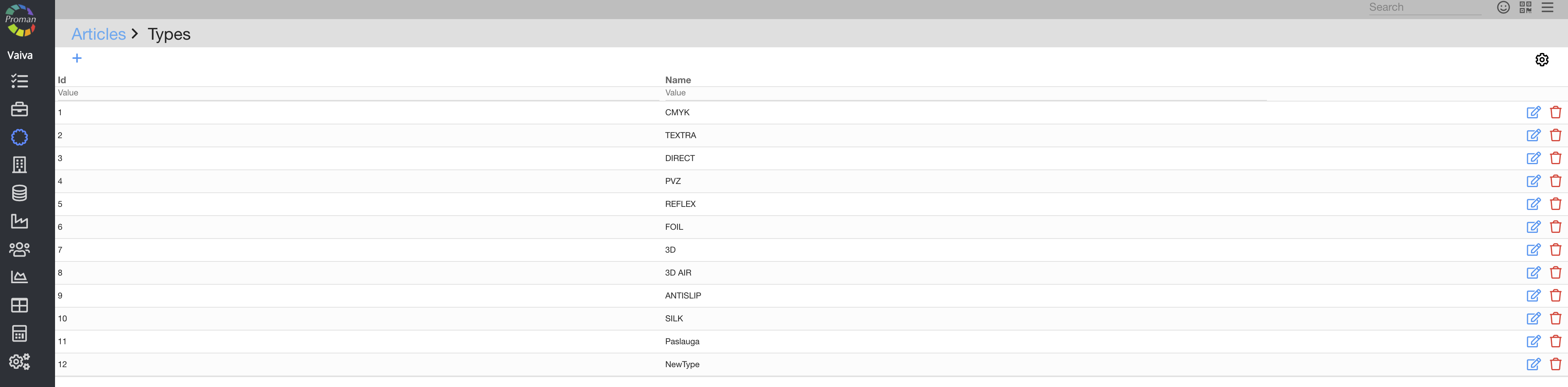
Article Types
An article is a product prototype. For more information about article, please visit here.
You can group articles (product prototypes) by a certain type. This will allow you to assign settings to several articles of that type (product prototypes) at the same time (you will not have to do it for each product separately). Another important thing is that you will receive accurate reports on purchases, sales, production costs of articles (product prototypes). This means that the data will not be duplicated.
What is the difference between article (product prototype) type and category?
Article (prototype product) can get only one type and it can have multiple categories, for example: A strawberry milkshake can have one type "Shakes" but multiple categories: "Drinks", "Cold drinks", "Produced on site" or "Semi-finished product", "Cows dairy products" or "Vegan dairy products". This possibility to add only one type for article (product prototype) and several categories for it let you get accurate reports of article (product prototype).
Note: if you decide to change the type of Article (prototype product) you can do it easily.
How to create new Article type? |
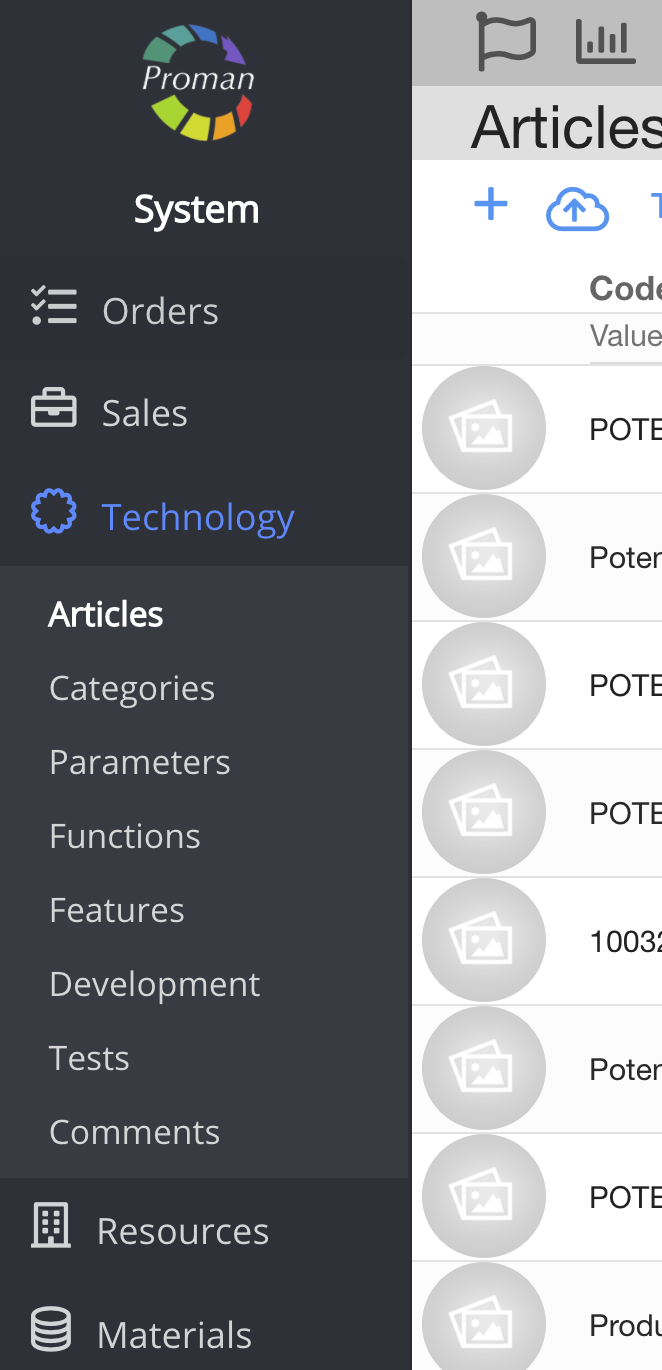
1. To create new Article, you should:
1. Go to Technology:
1.1. Press 
1.2. Press 
Now you can see Article List:
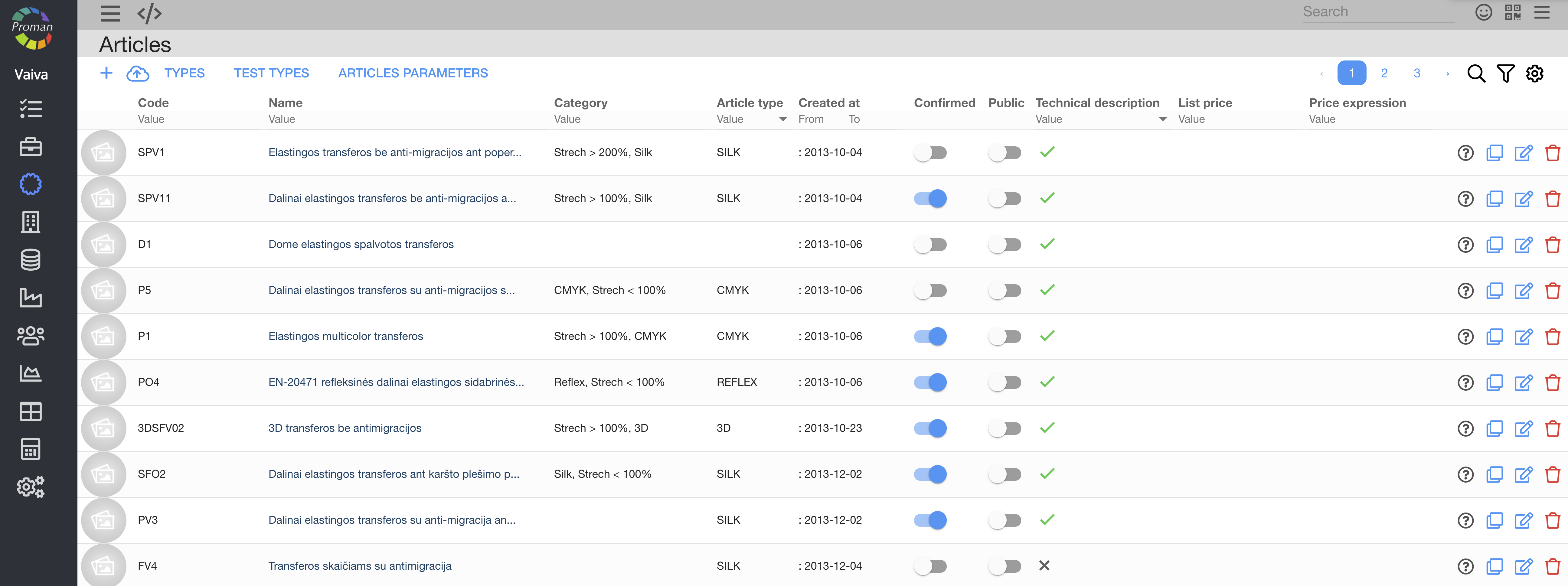
2. Press 

Now you can see Article Type list
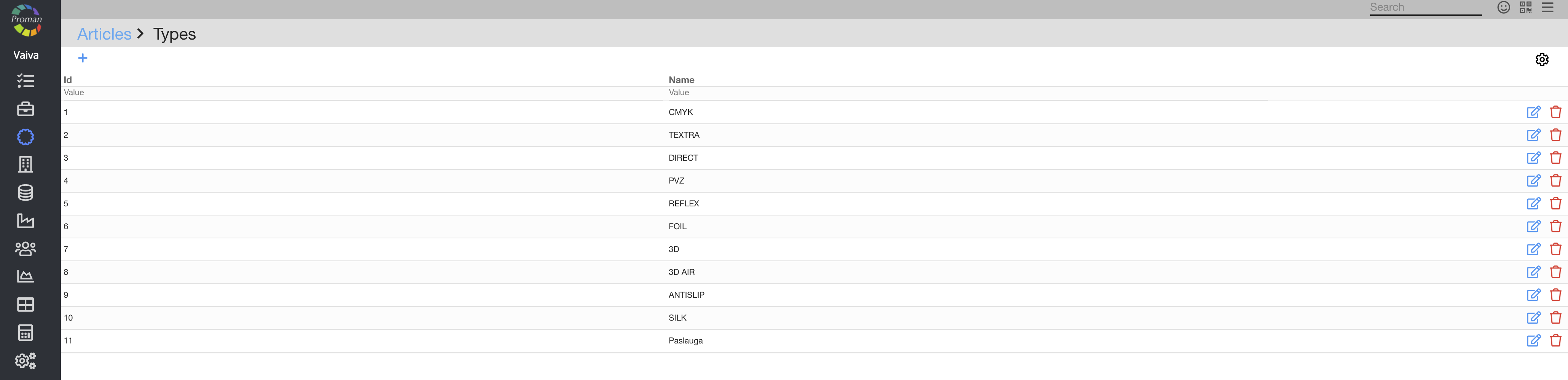
Here you can create (


3. Press
Now you can see dialog table
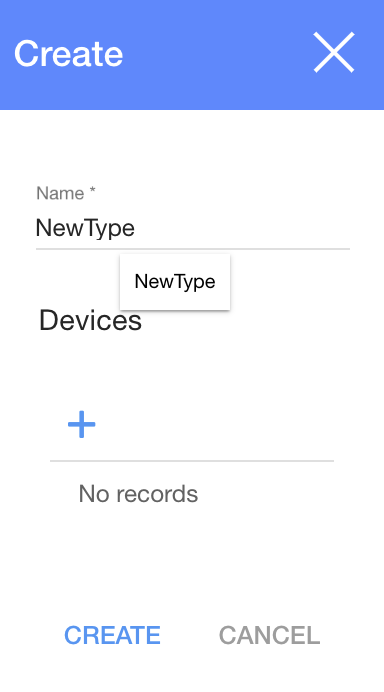
4. Enter name, add devices (optional) and press

Now you can see it in Article Type list