Create employee login
How to set up Face recognition Login?
How to change Employee password?
| How to find employees? |
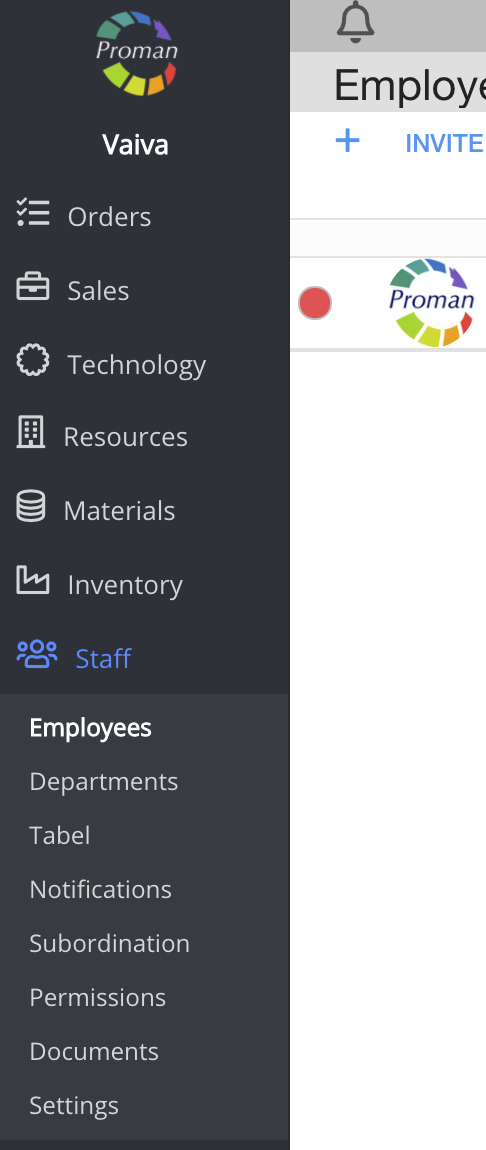
To find Employees:
1. Go to Staff:
1.1. Click on 
1.2. Then- 
Now you can see the employee list:

2. Go to an employee:
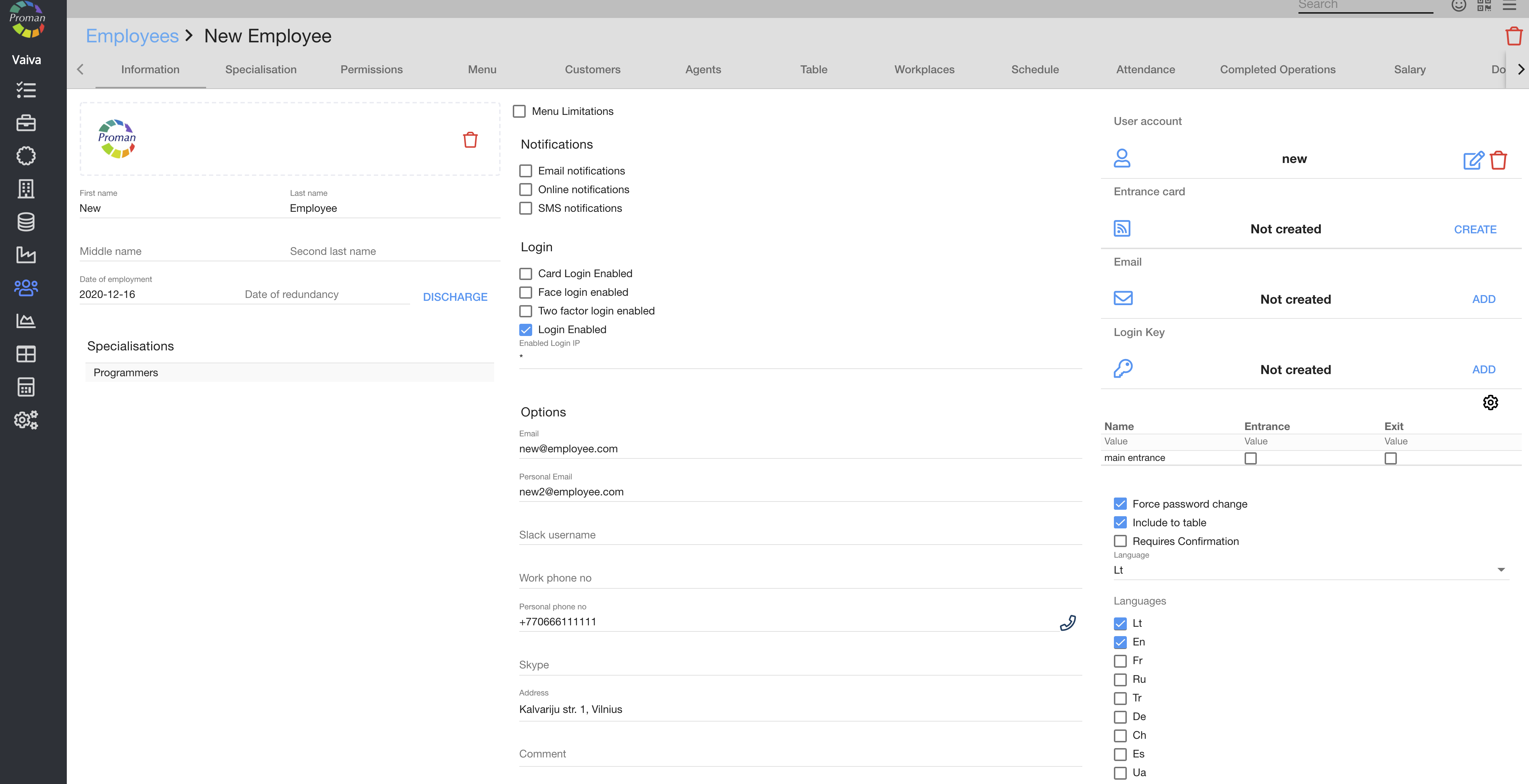
| Button | What does it indicate? |
 | You can choose how to contact a customer employee |
 | You can choose a department from the department list |
| How to create User account? |

To create a user account:
1. Click on

Now you can see fields for a username and password
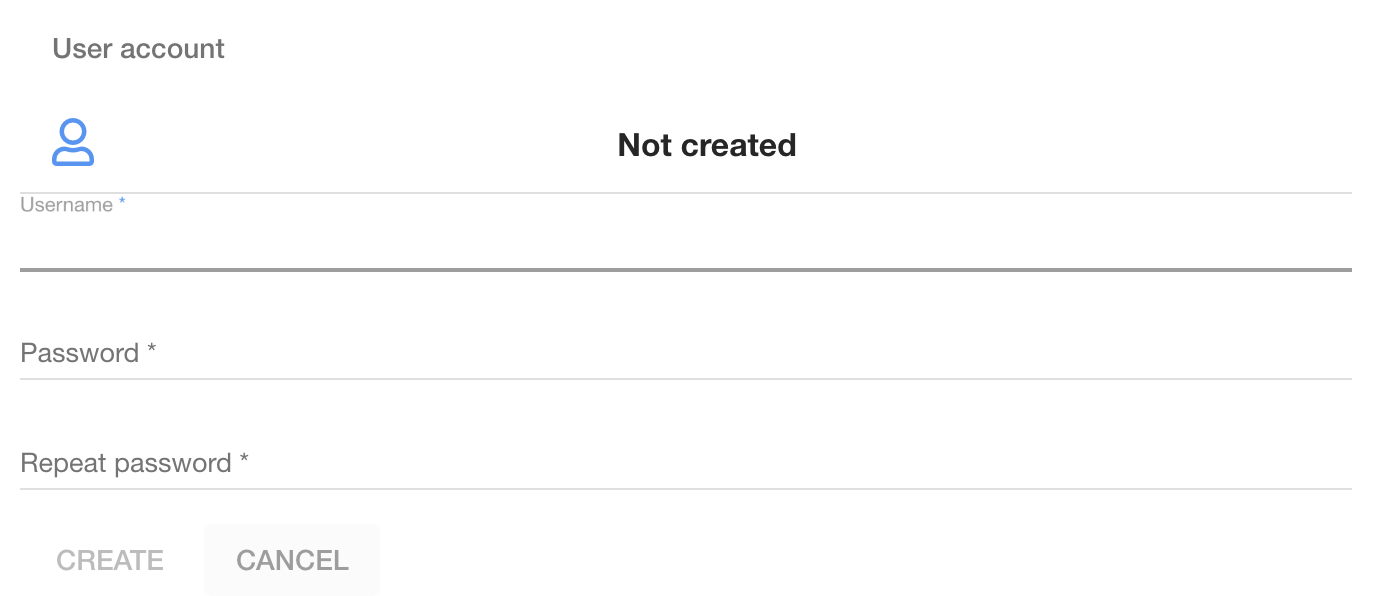
2. Enter a username and a password
3. Click on
| How to create Entrance card? |
To create a user account:
1. Connect a card reader device;
2. Take a new card;
3. Set up a login card in:
3.1. Click on 

Now you can see the card:
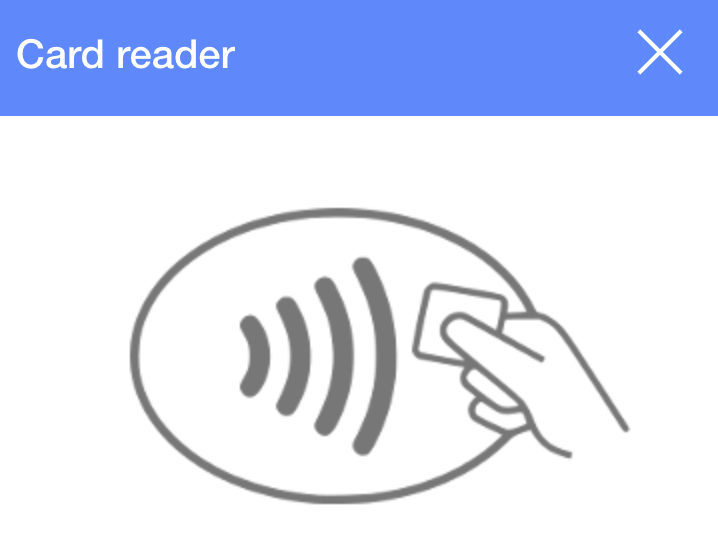
3.2 Touch the device with a card;
3.3. Check "Entrance" (
Now you can see the entrance card number

| How to add an email account? |
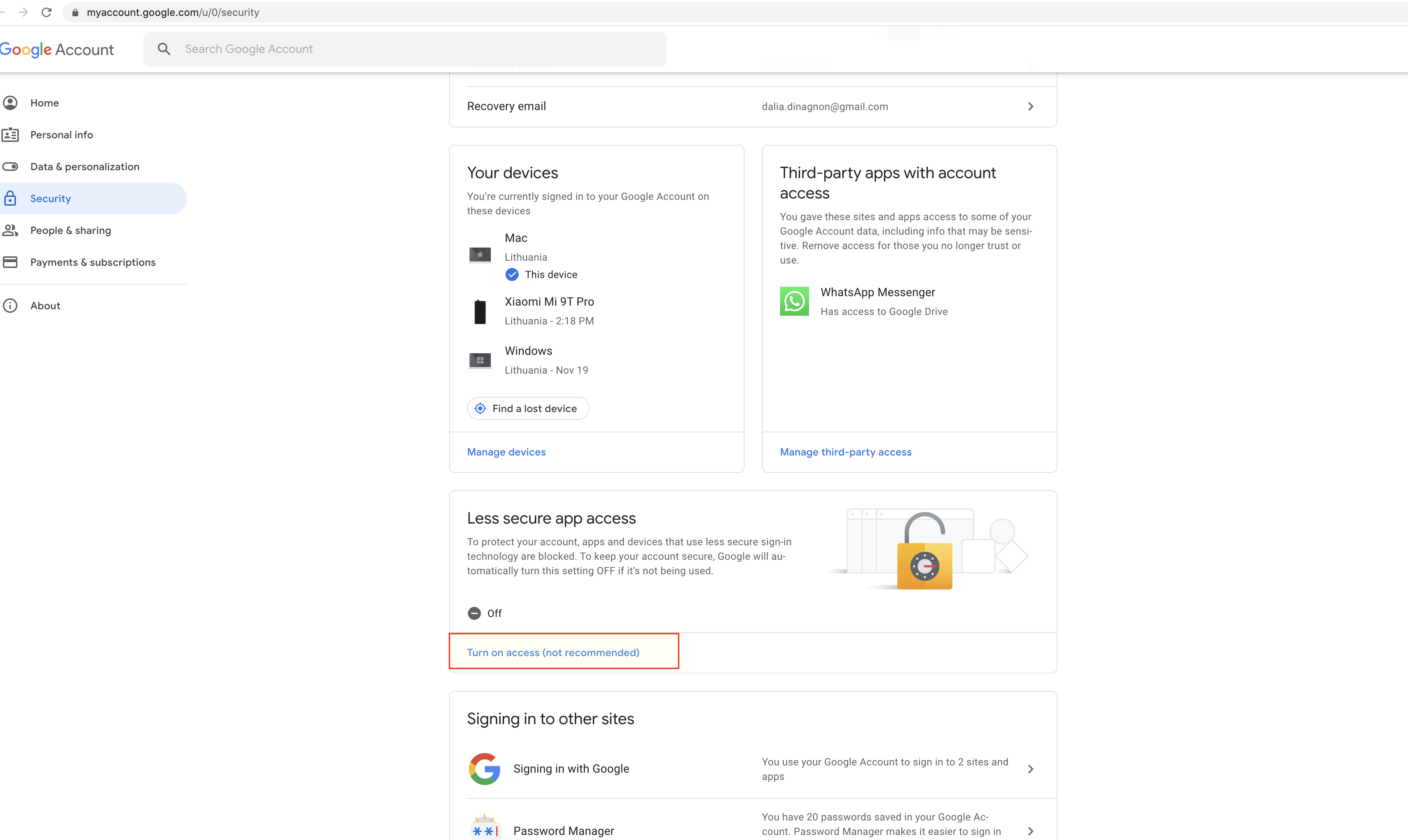
1.You need to change the gmail Security settings https://myaccount.google.com/
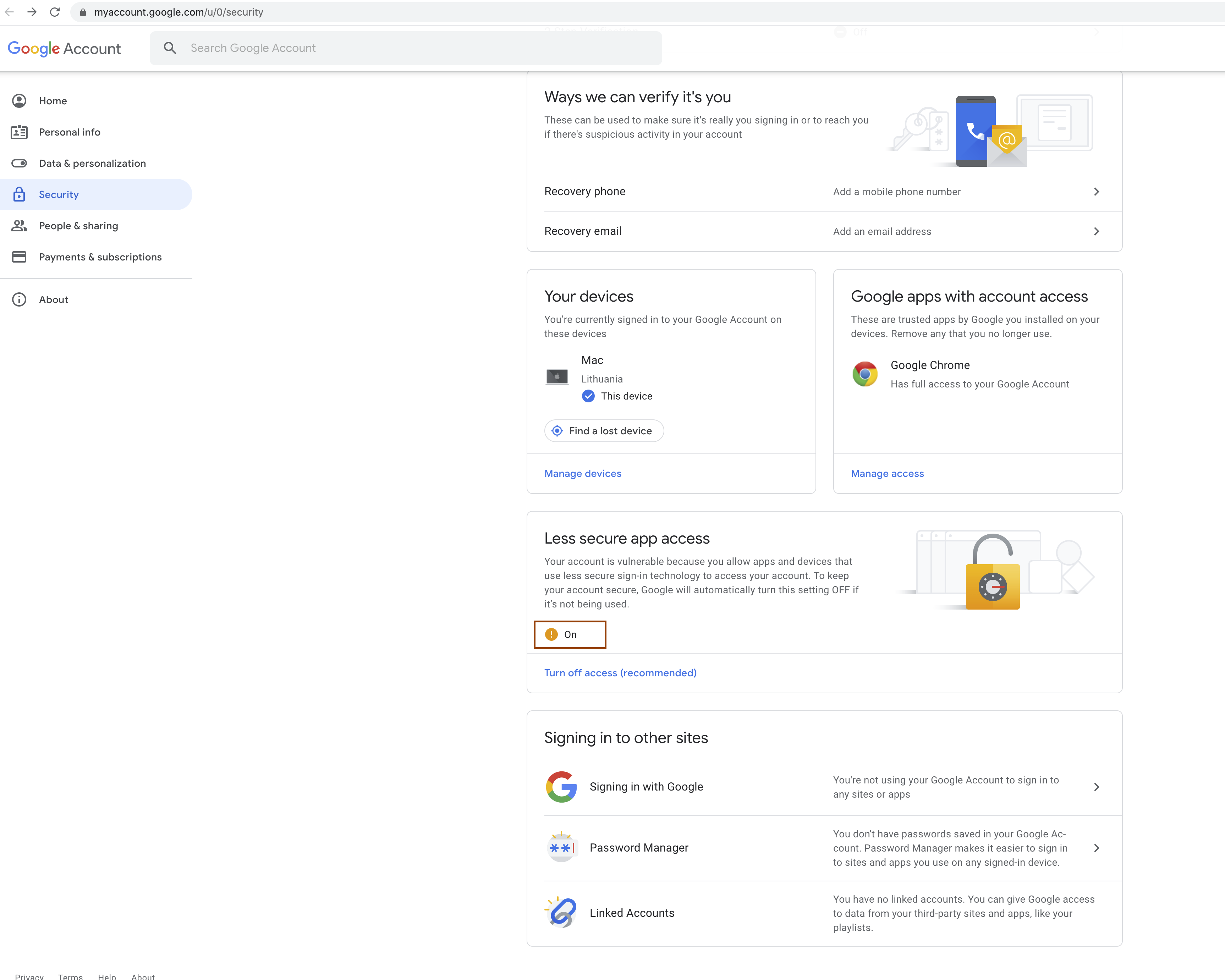
1.1. Find "Less secure app access" and click on "Turn on access (not recommended)"
Note: You won't be able to see this image if you have a 2 step verification. You should disable it.
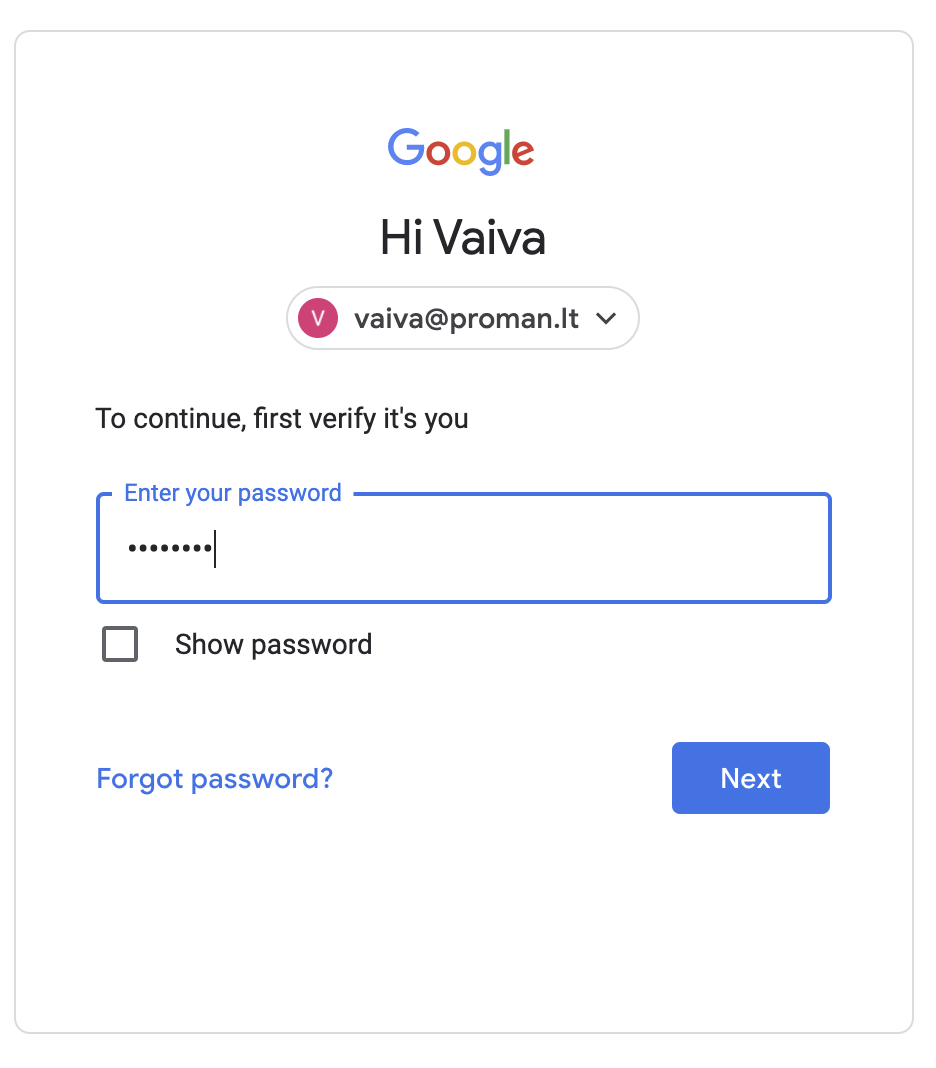
1.2. Confirm your password
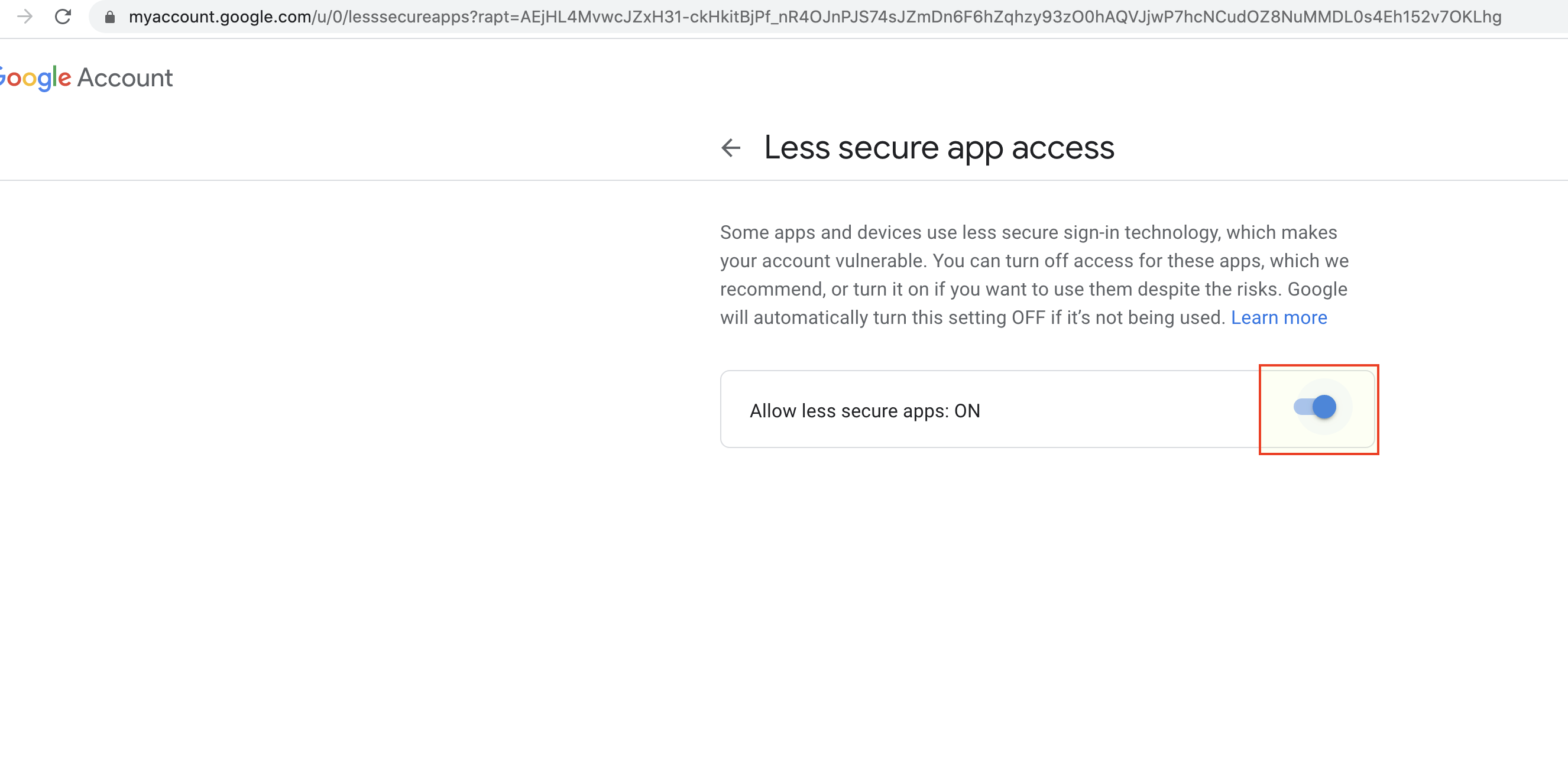
1.3. Now you can turn on "Less secure app access" (
2. Now you can add an email to SmartOn

2.1. Click on
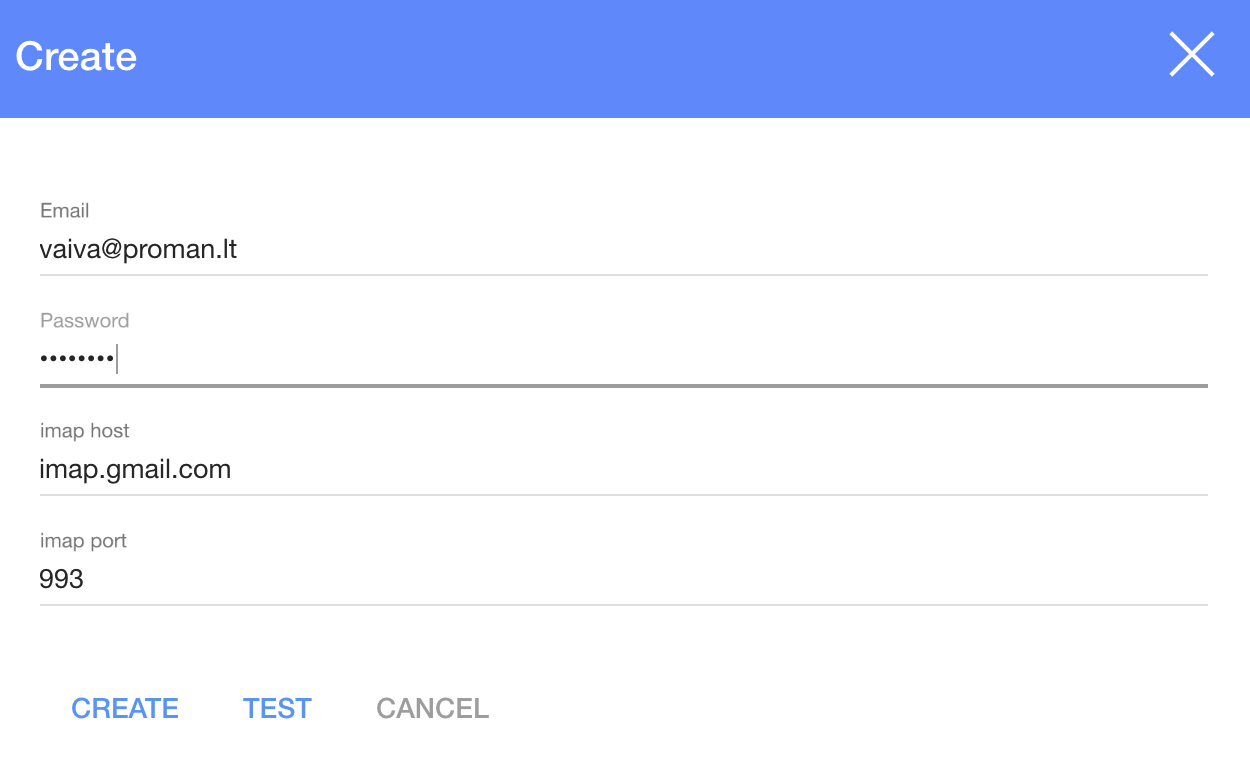
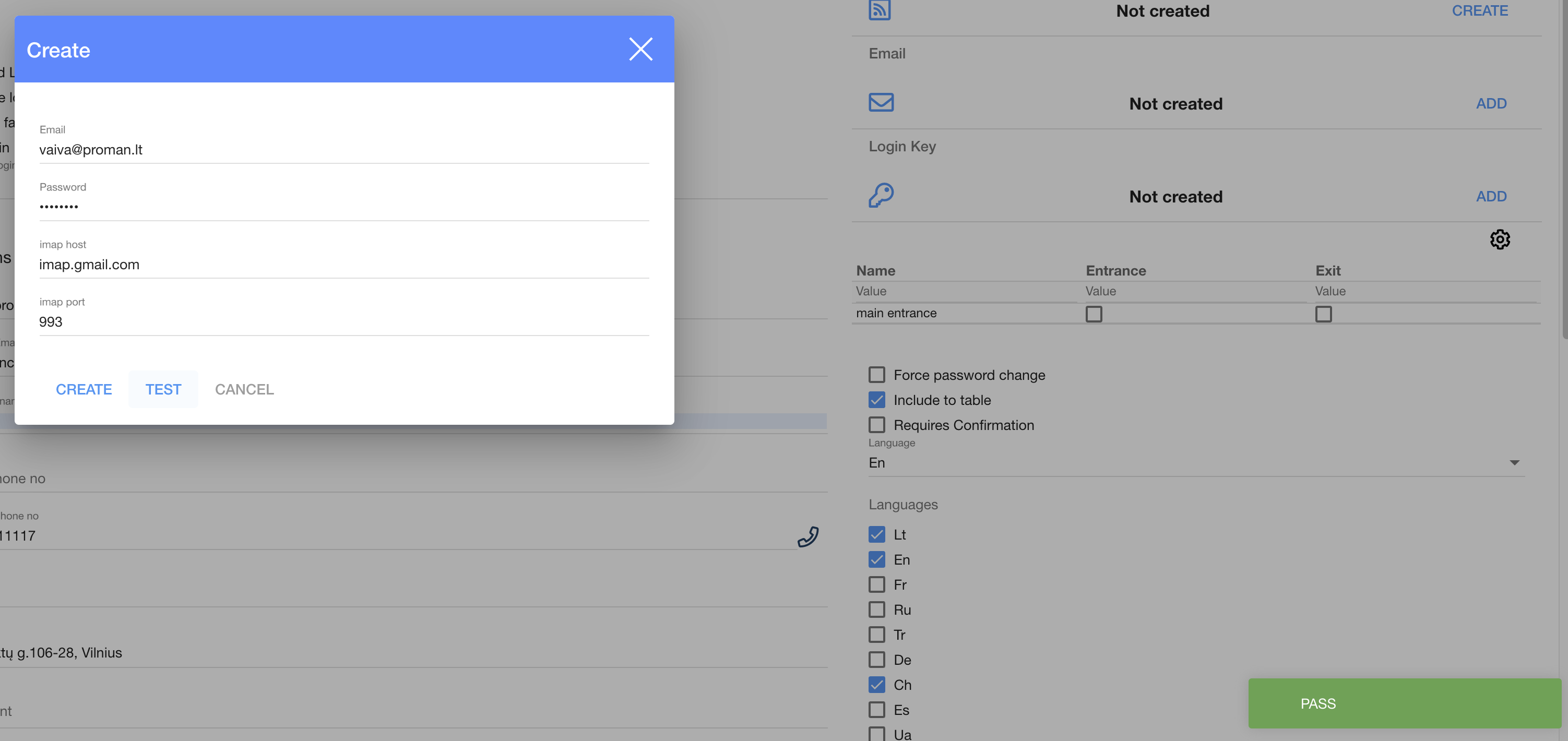
2.2. In the dialog table enter
2.2.1. Your email;
2.2.2. Enter email password;
2.3. Click on

Now you can see the email confirmation (at the bottom right side)
2.4. Click on
Now you can see the confirmed email
| How to set up Login Key? |
To set up a login key, you need:
1. Connect a card reader device;
2. Take a new card;
3. Set up a login card in the SmartOn app:
3.1. Click on

Now you can see the card:
4. Touch the device with a card;
Now you can see the login key number
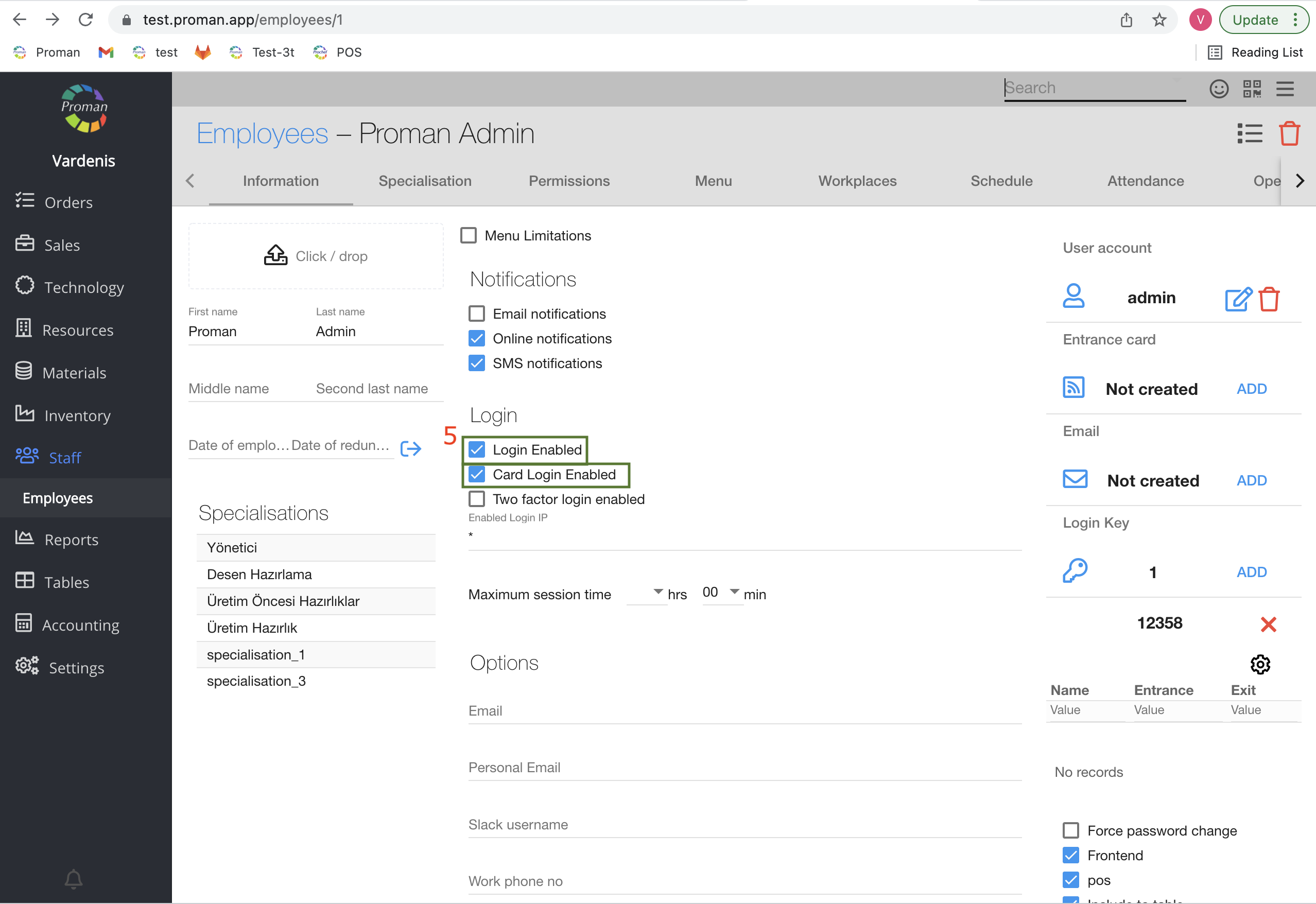
5. Switch on the possibility to "login" and "login" with card
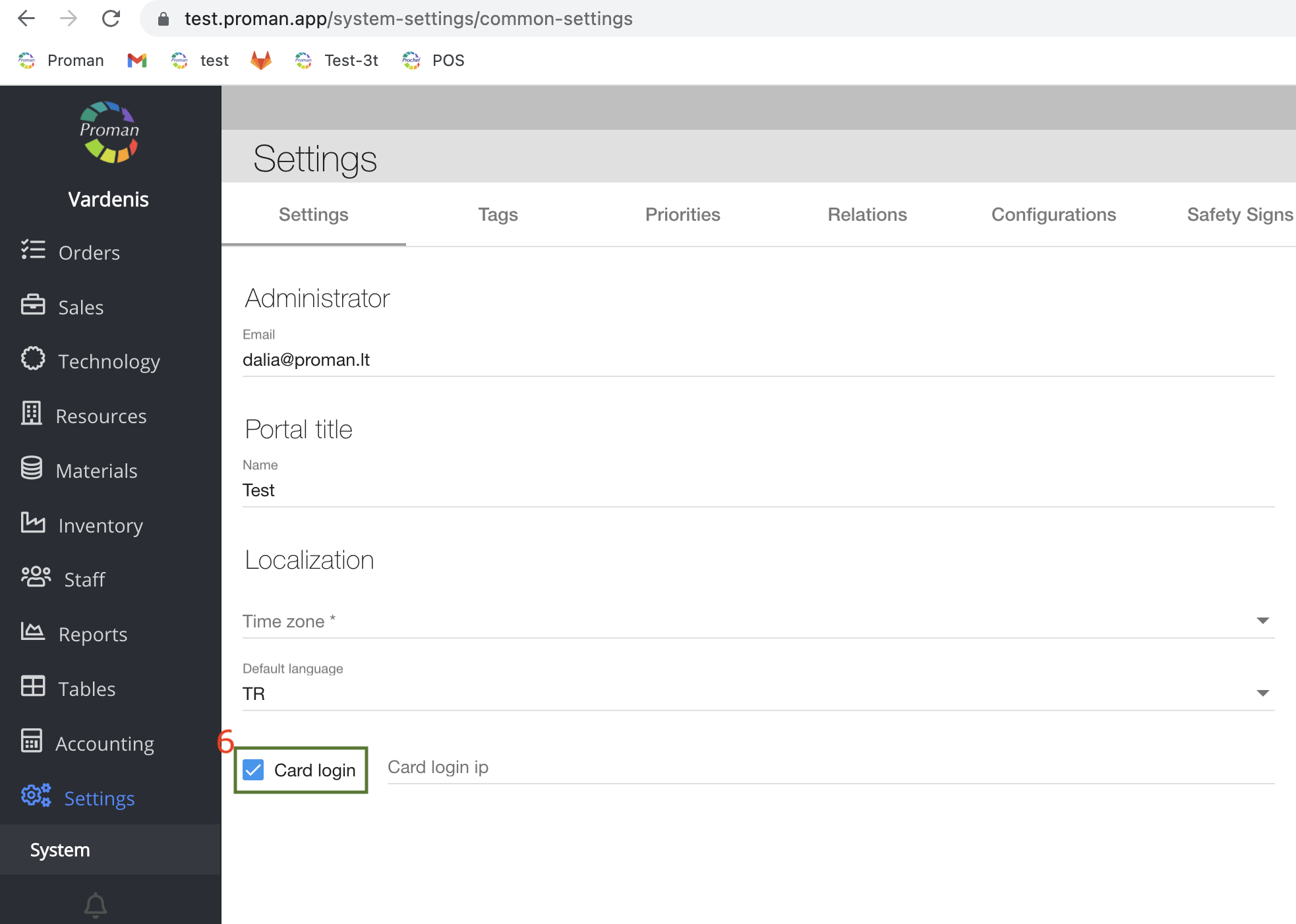
6. Switch on possibility to login with card:
6.1. Go to "Settings"
6.2. Then- "System"
7. Now, go back to the login page;
8. And touch the device with a card
| How to set up a face recognition Login? (using a camera) |
To login to the SmartOn app with a face (using camera):
1. In Employee Information Notifications, check
2. Upload an employee photo;
3. Go to the SmartOn login page;
4. Click on

5. When you are ready to take a selfie, Click on

| How to change the account password? |
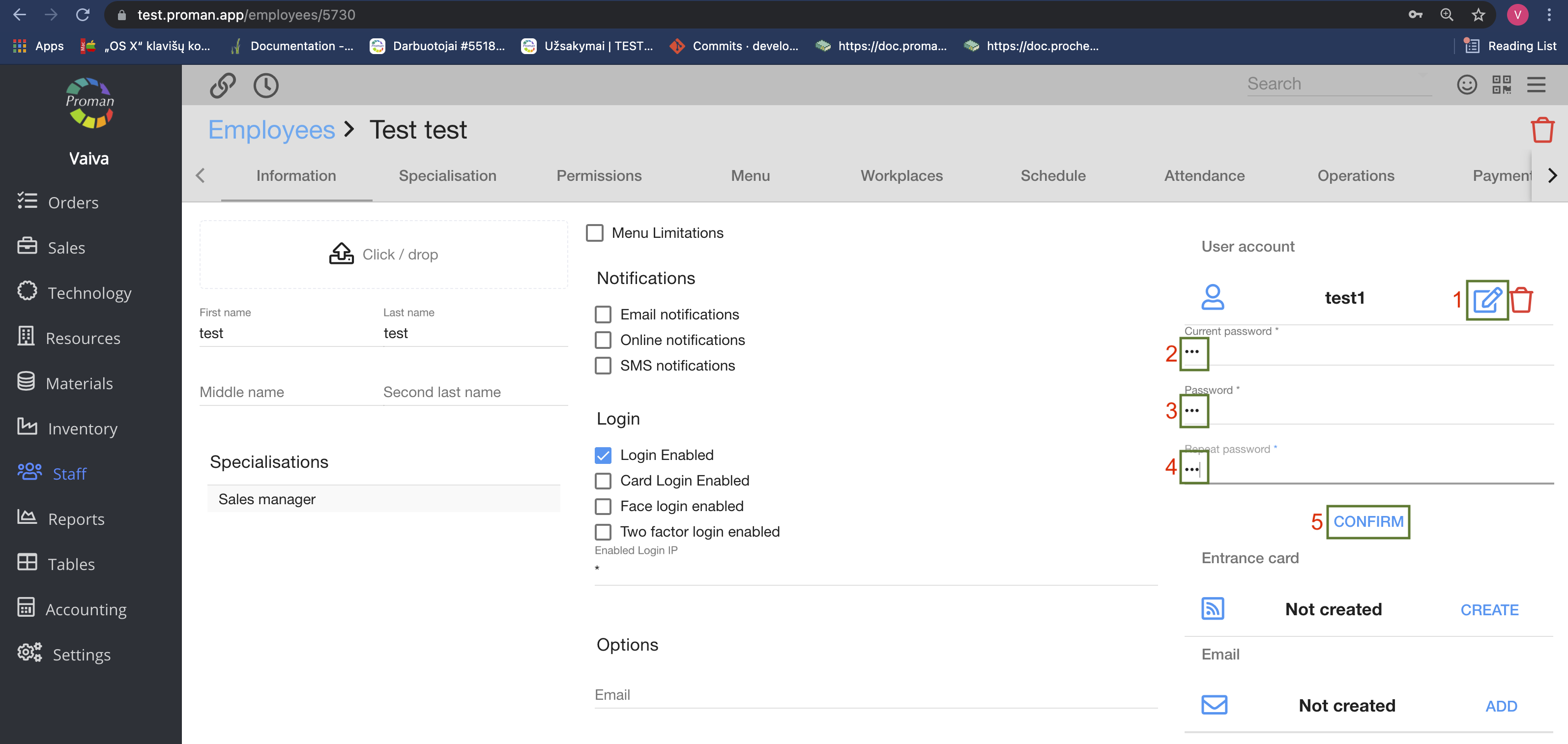
1. Click on
2. Enter the current password;
3. Enter a new password;
4. Repeat the new password;
5. Click