English
Table layout
To add a table layout:
1. Open yourdomain.prochef.app.
- Click on
- Then-


Now you can see the table list
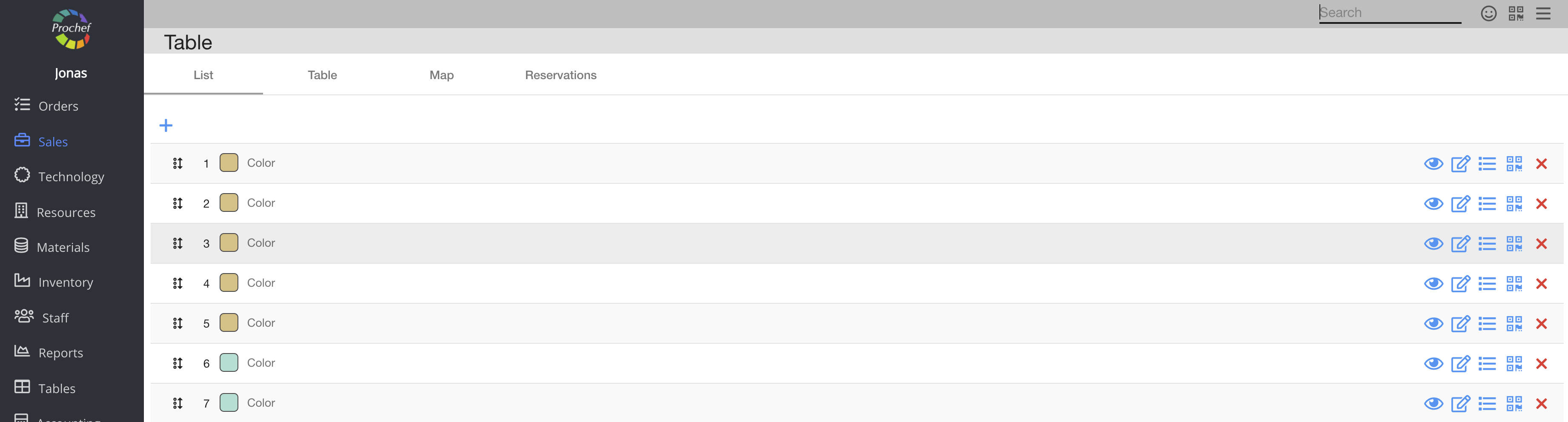
4. Click on the

Now you can see the table layout

5. Click on

Now you can see the dialog table
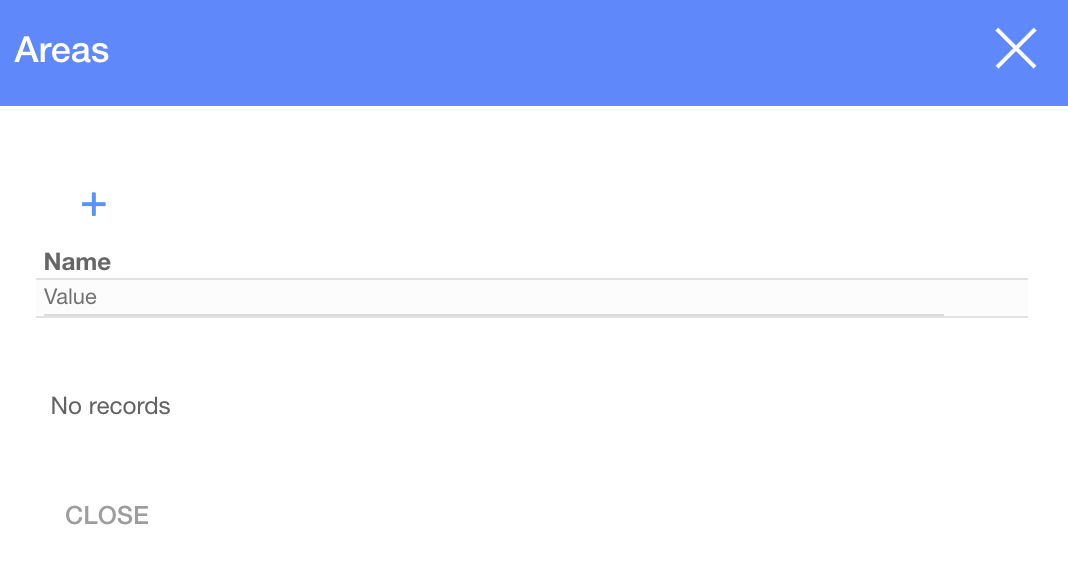
6. Click on

Now you can see another dialog table
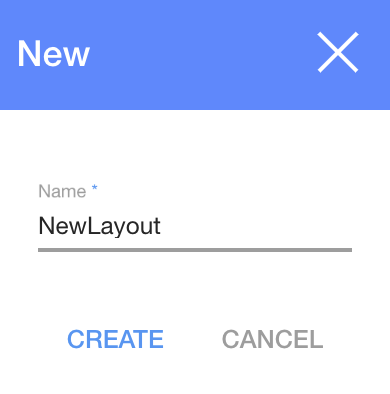
7. Enter a layout name and click

Now you can see the dialog table with your table layout added
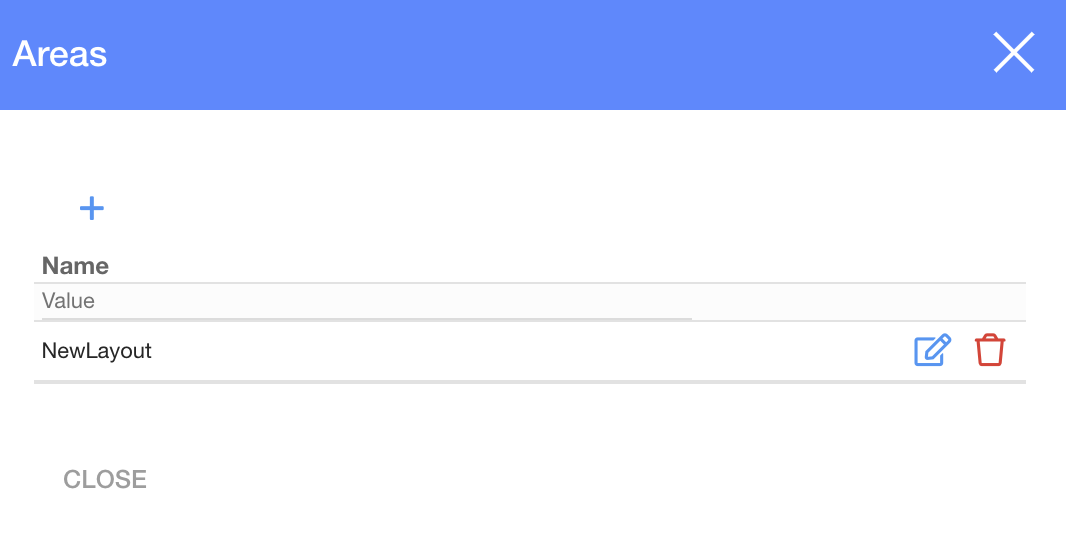
8. Click
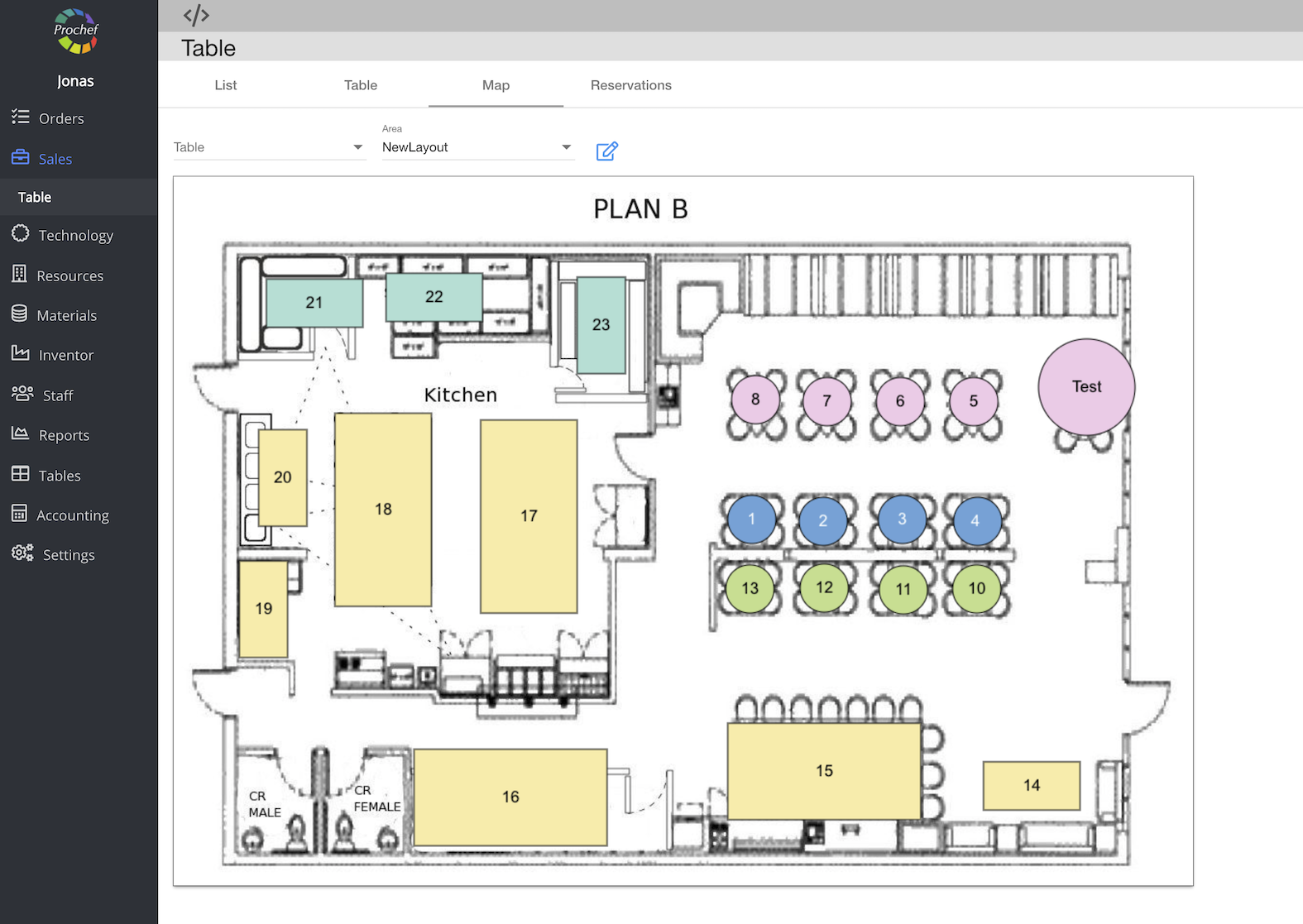
Now you could see your table layout editing area
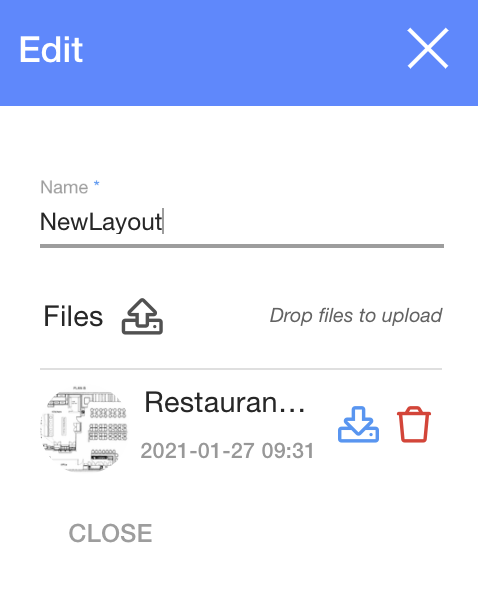
You have successfully added the floor plan
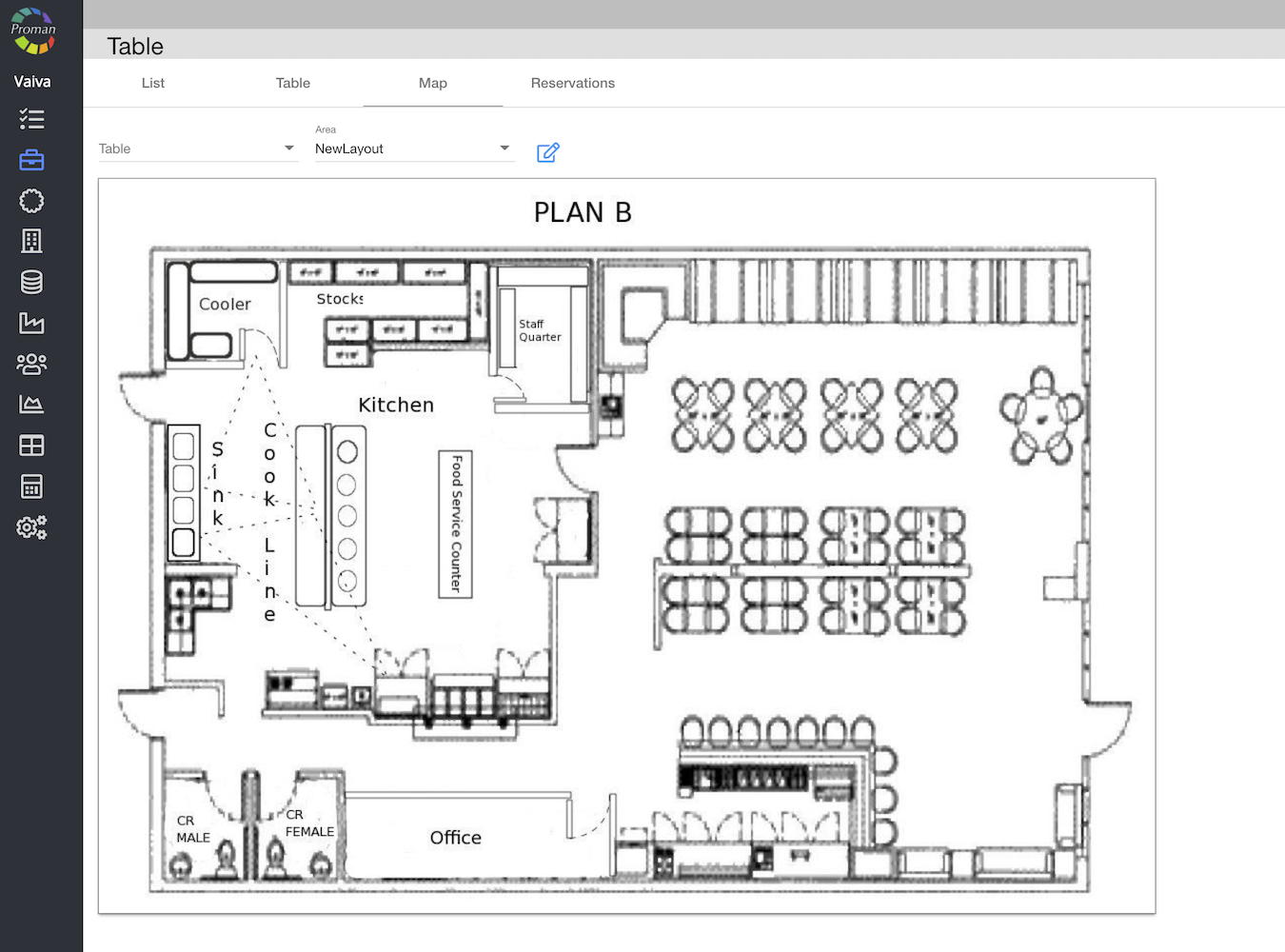
9. Choose a table from the list
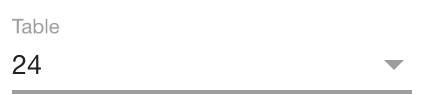
10. Now you can see the table managing tools:

Here you can choose an area, table size and a type. Also you can choose how many steps you would like to move the table in a map (better to choose 1 step).
11. Now you can move tables in the map:

12. Do the same to all your tables: