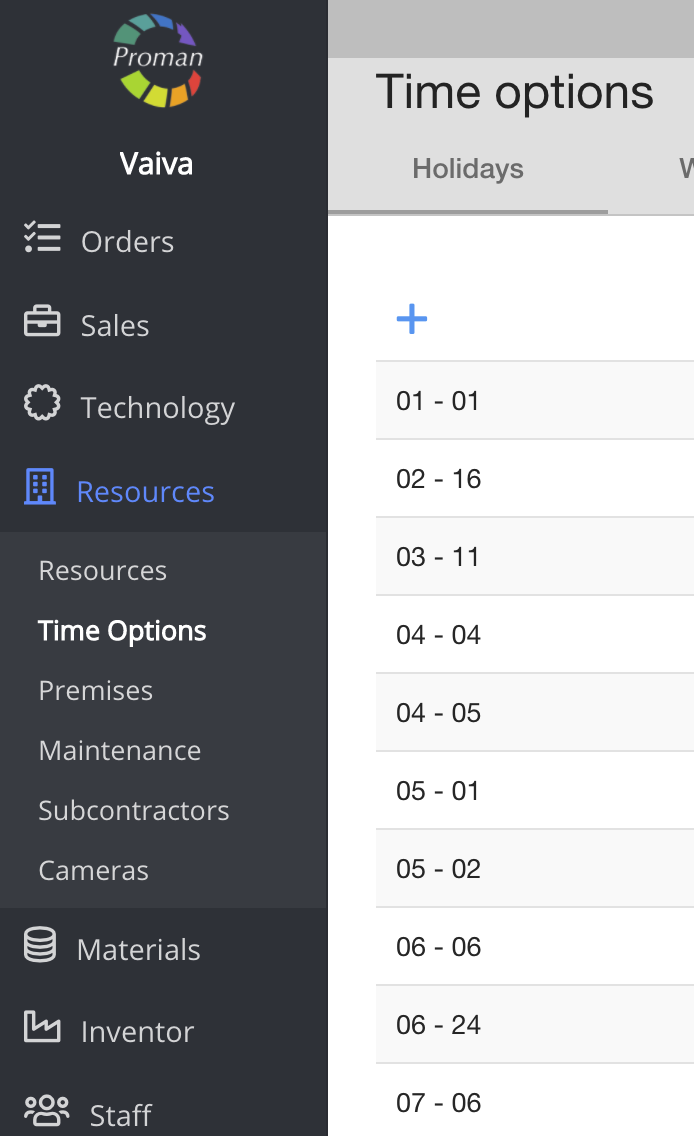
Time options are settings for resources. Here we can define exceptions to resource availability like holidays, work shifts and other workday exceptions. This information is then used in all other processes when planning out resources for production and other tasks.
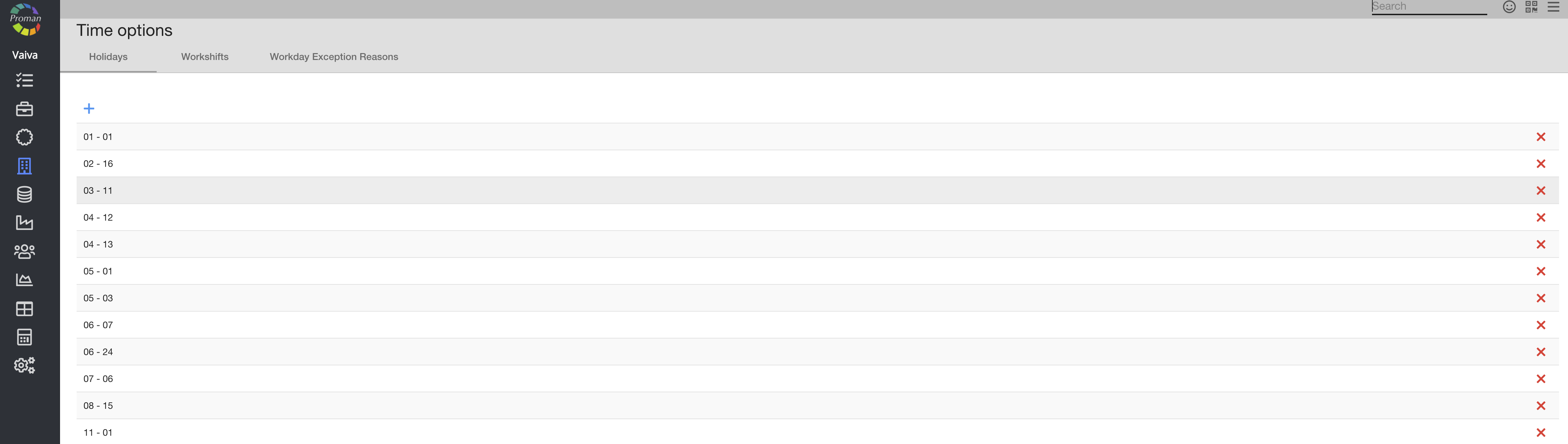
Here you can see, create () and delete () national holidays when employees will not be available.
Workshifts
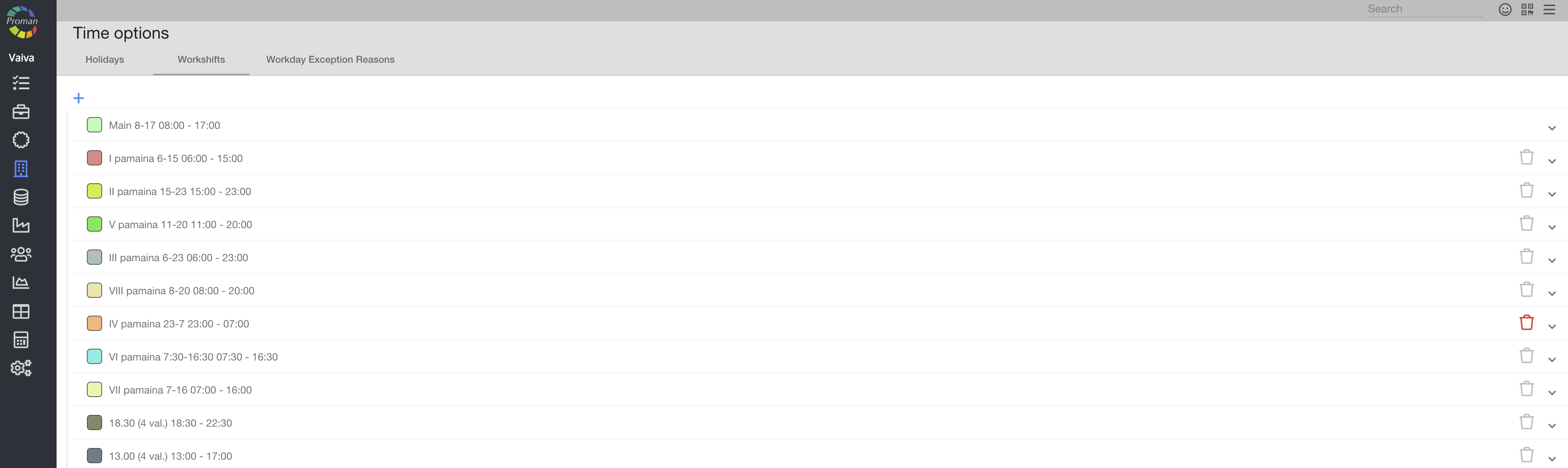
Here you can see, create () and delete () Work shifts. Work shifts are a set of time parameters which define when resources that are assigned to this work shift are available. This availability is then being used in production planning so it can be defined when a time frame is valid for operation. You could see it --> --> (For more information, please visit here) and --> --> (For more information, please visithere)
Workday exception reasons
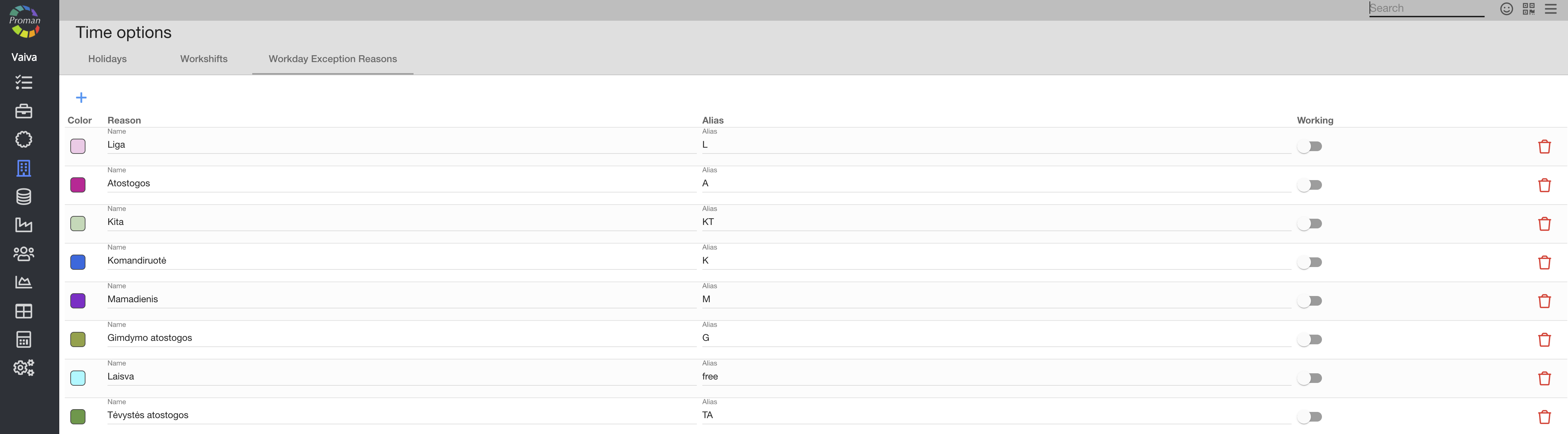
Here you can see, create () and delete () custom reasons which are then used when the employee asks for time off. You could see it --> -->. For more information, please visit here.

 English