Manage Order
How to discount the Order by card?
How to change table, waiter, customer, guests of the Order?
| How to merge the Order? |
1) Go to POS
2) Click on the table and choose the number of guests
3) Add products
4) Click

5) Split the order by clicking on
6) Add more products
7) Click
Note: In order to use this feature, the waiter must have the permission to separate orders.
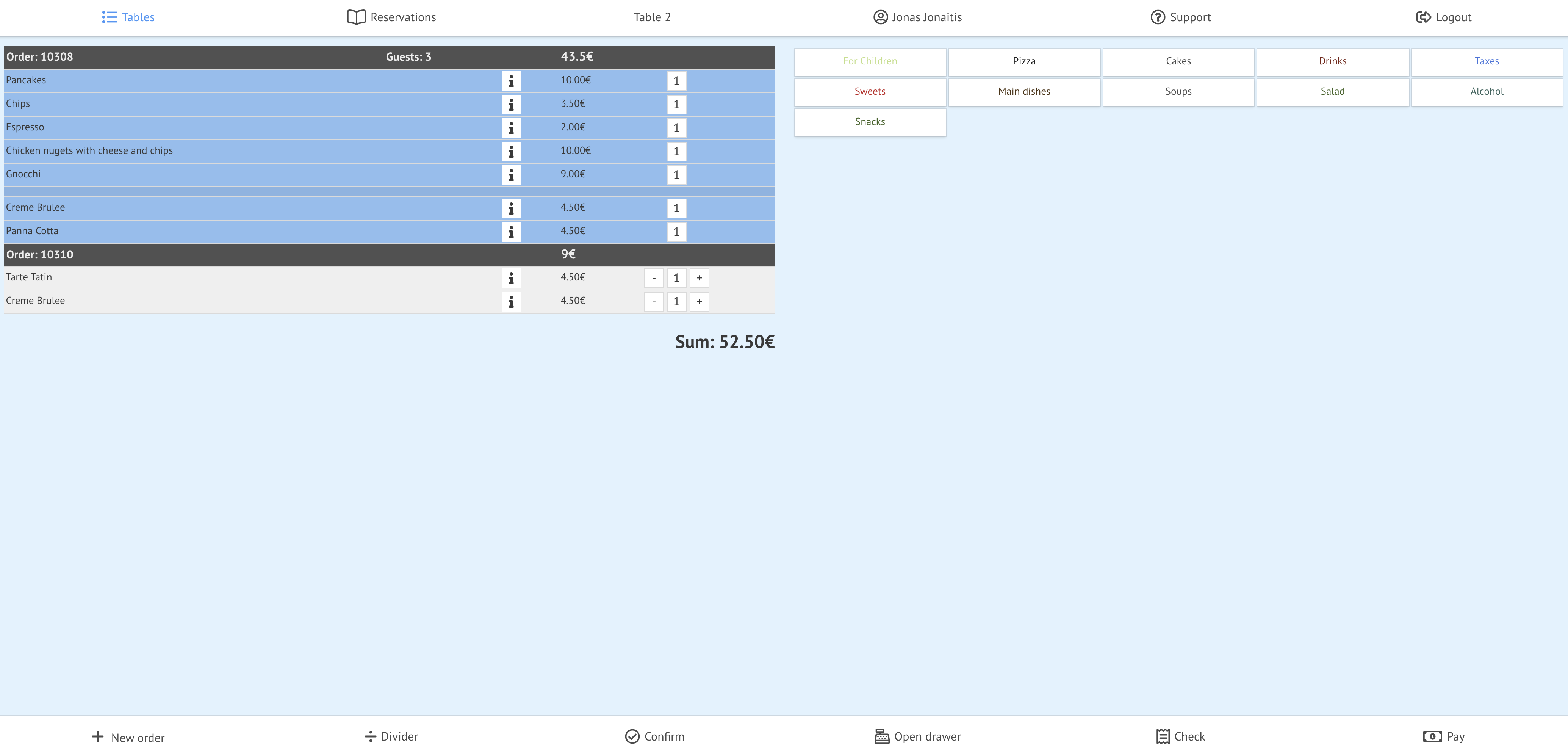
When you create an order, you'll see general table order information:
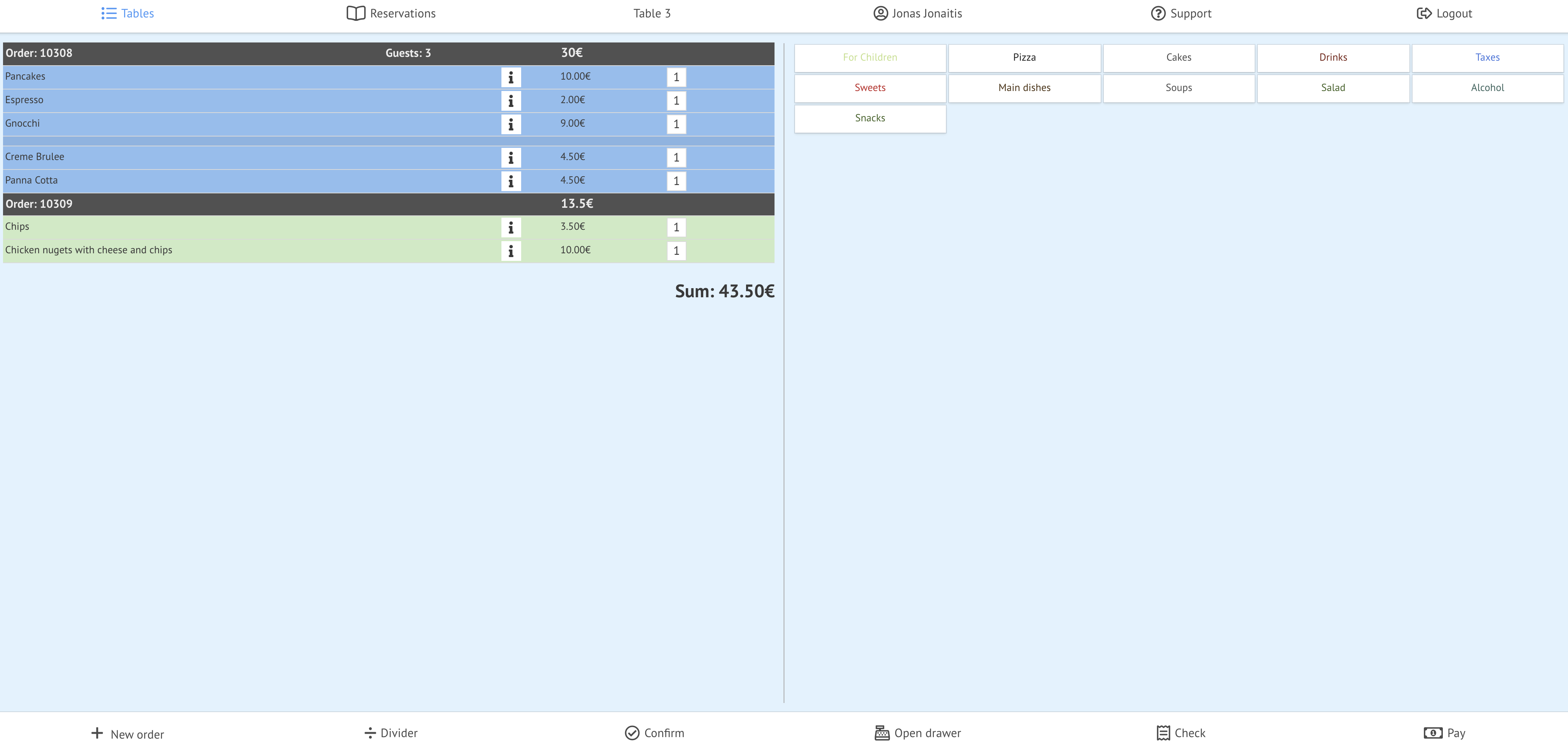
8) Select the order that you want to merge by clicking on it

Now you can see dialog table
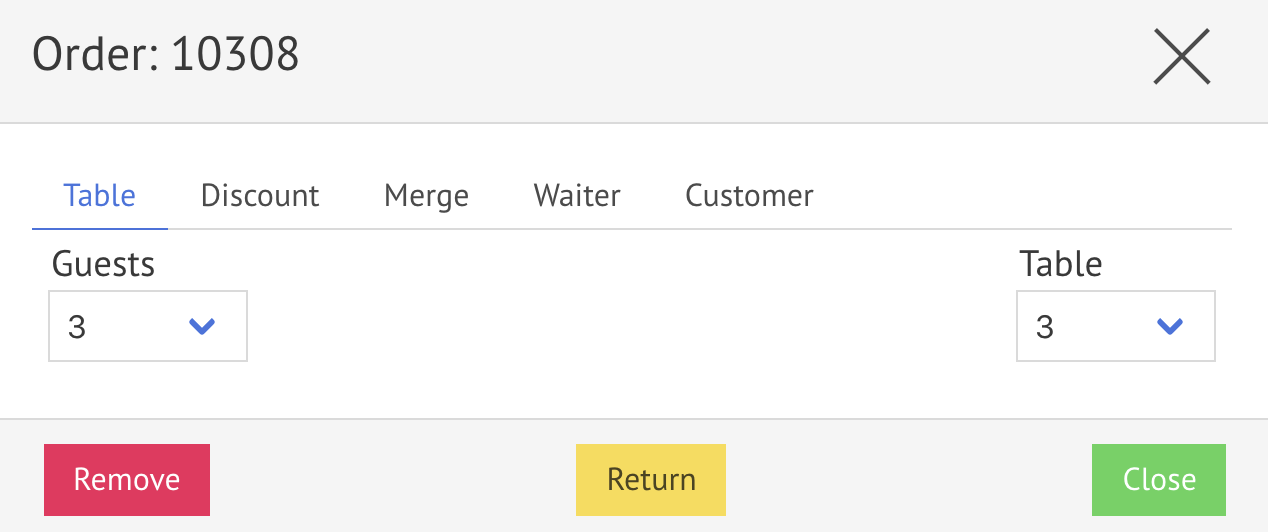
9) Click on

Now you can see the dialog table "Merge" tab
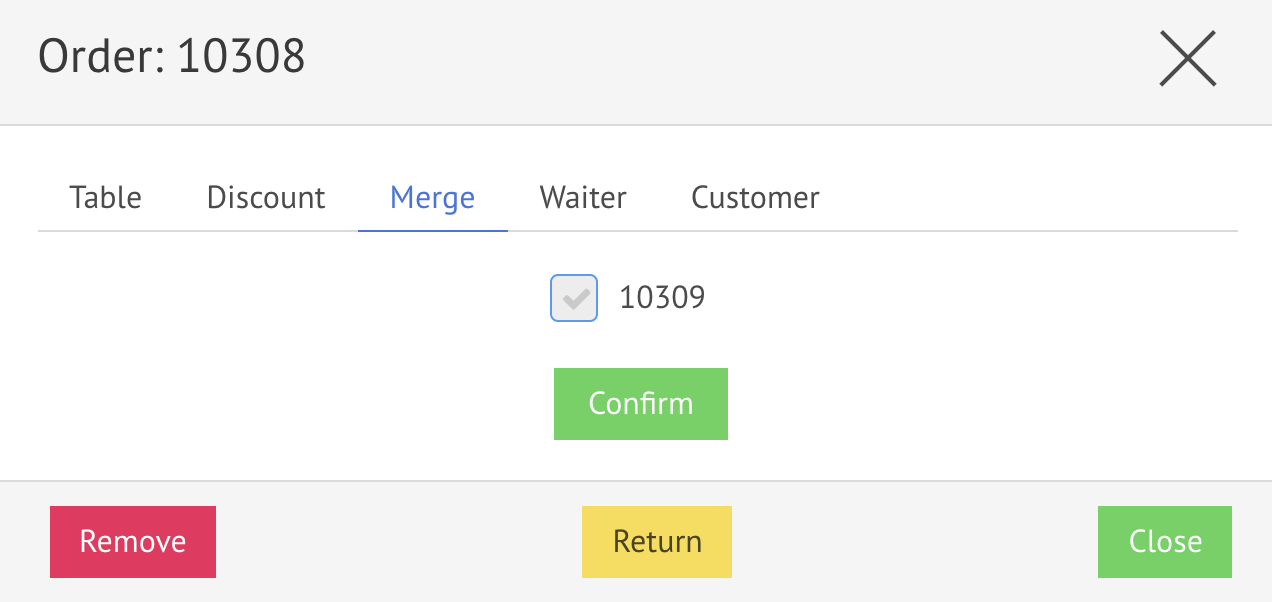
10) Check the order you want to merge
11) Click on

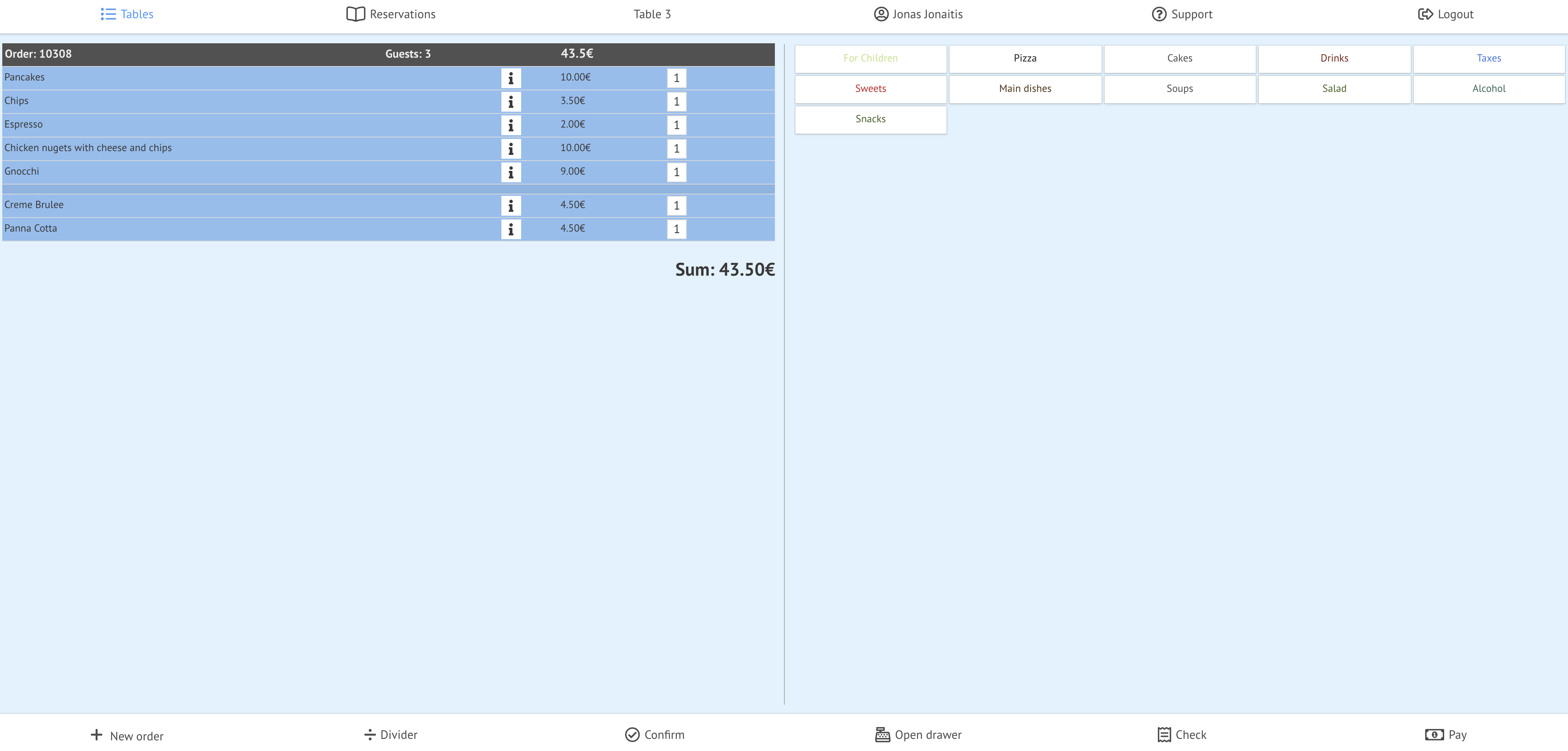
Now you can see the merged table order
| How to merge tables? |
1) Go to POS
2) Open the table that you want to merge
3) Click on

4) Then-
5) Choose the table you want to merge with
Now you can see the dialog table
2) Click 
Now you can see merged tables in one order
| How to discount the order by card? |
Here you can see the table order
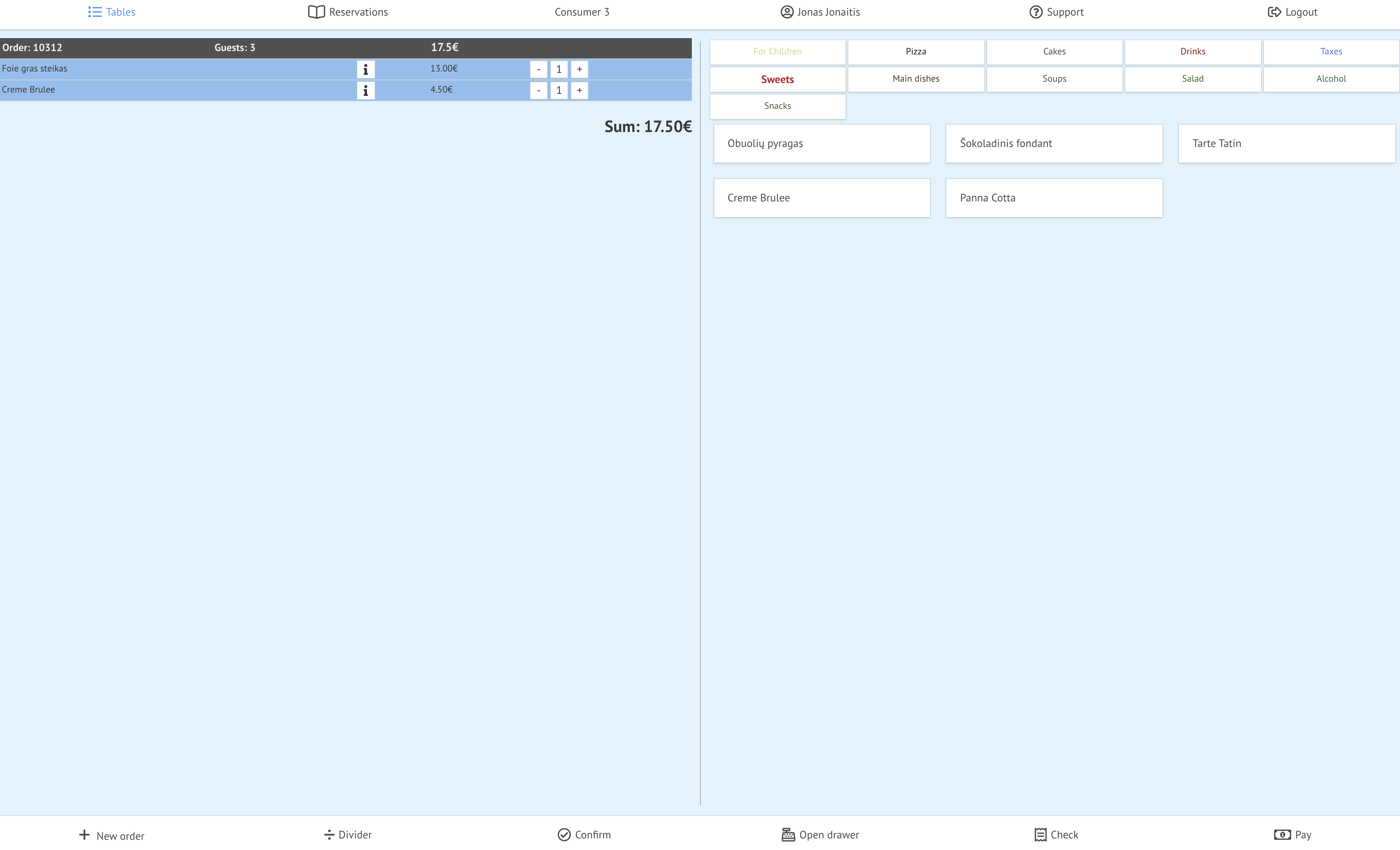
1) Click on

Now you can see the dialog table
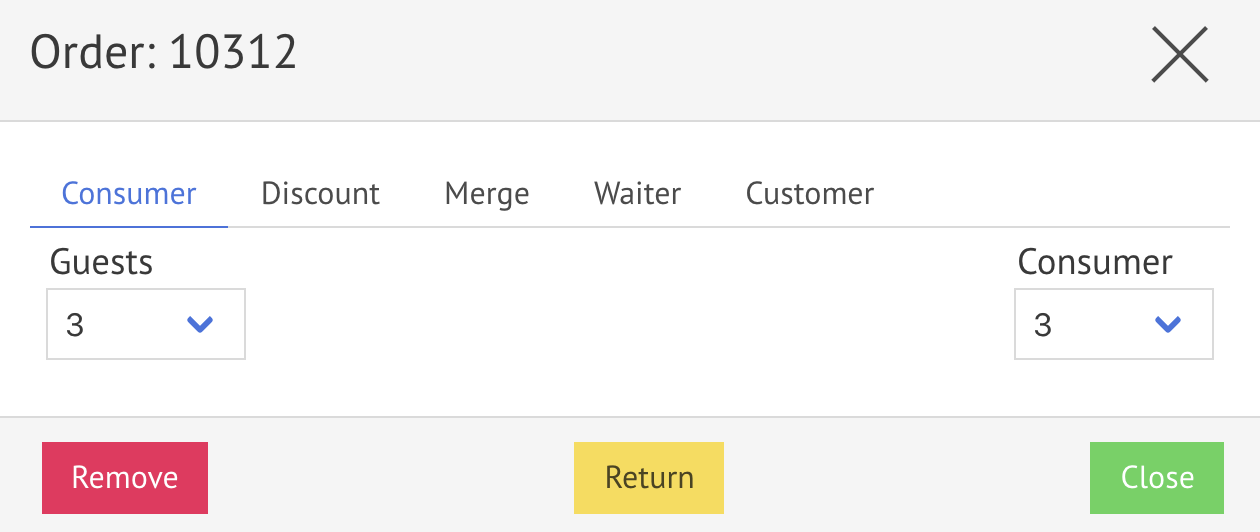
2) Click on
Now you can see the dialog table in the customer tab
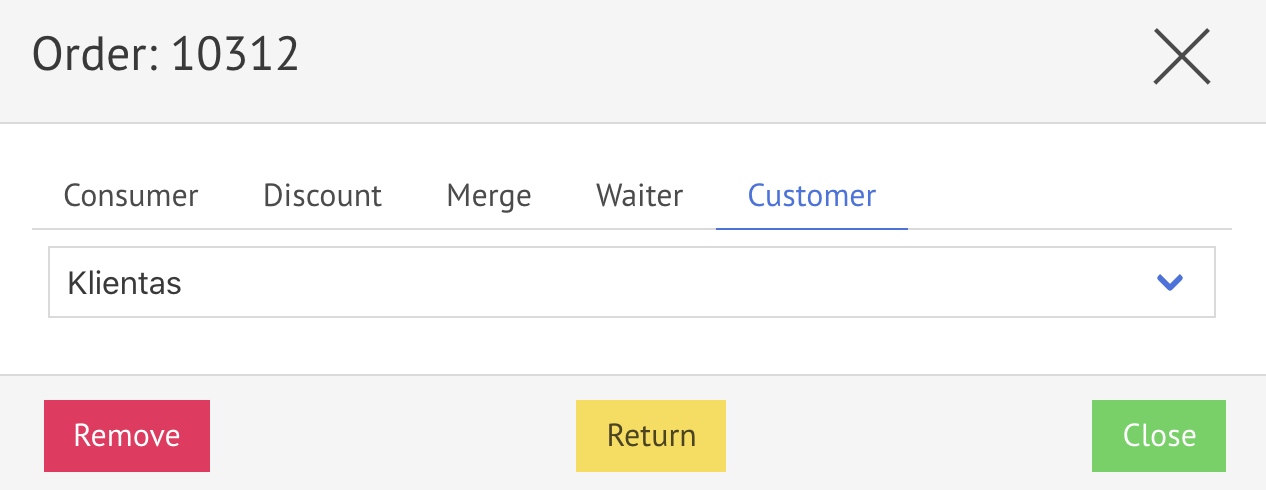
3) Choose a customer (from the list of customers). How to create a customer, visit here.
4) Click on

Now you can see a dialog table in the discount tab
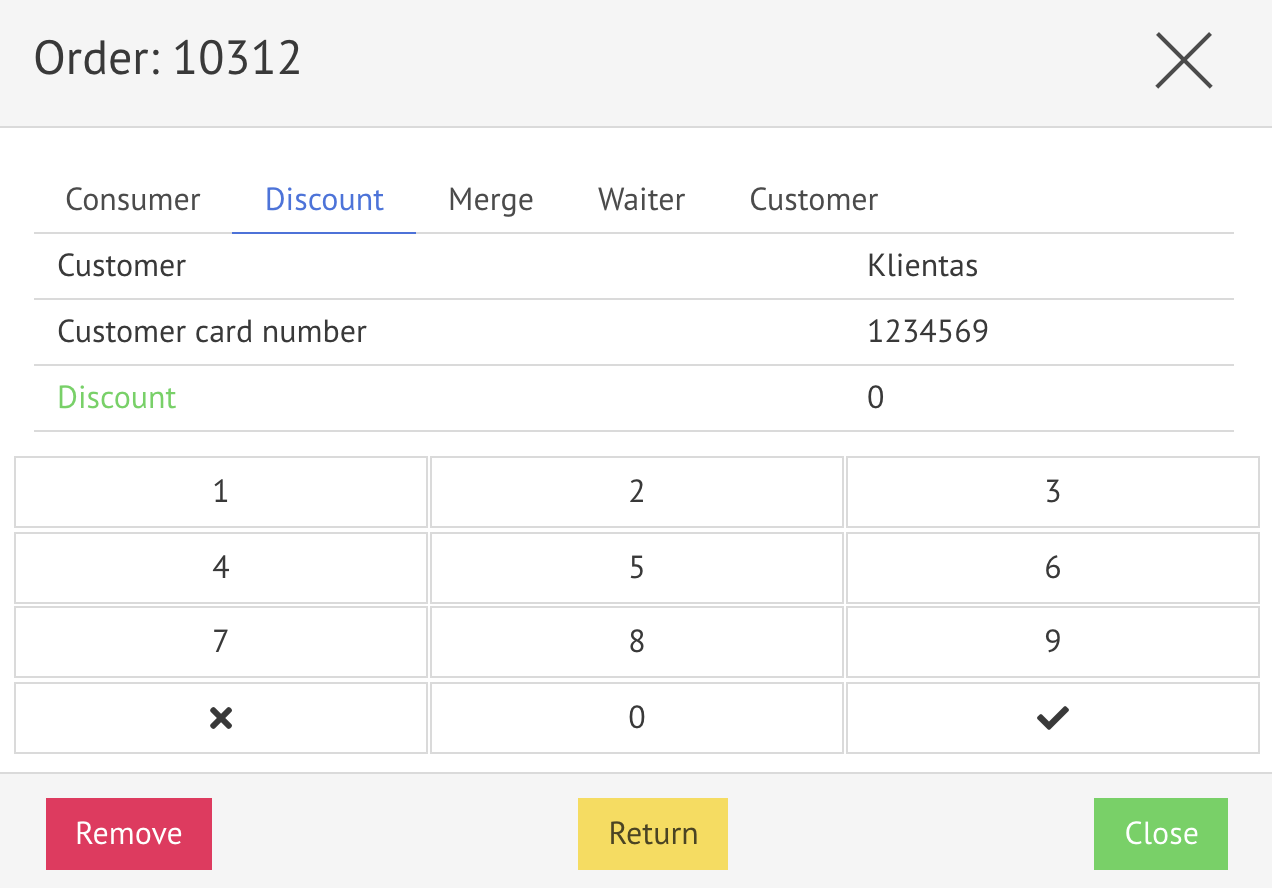
5) Click on

6) Enter a customer card number and click

7) and click

When you create an order, you'll see the general table order information:
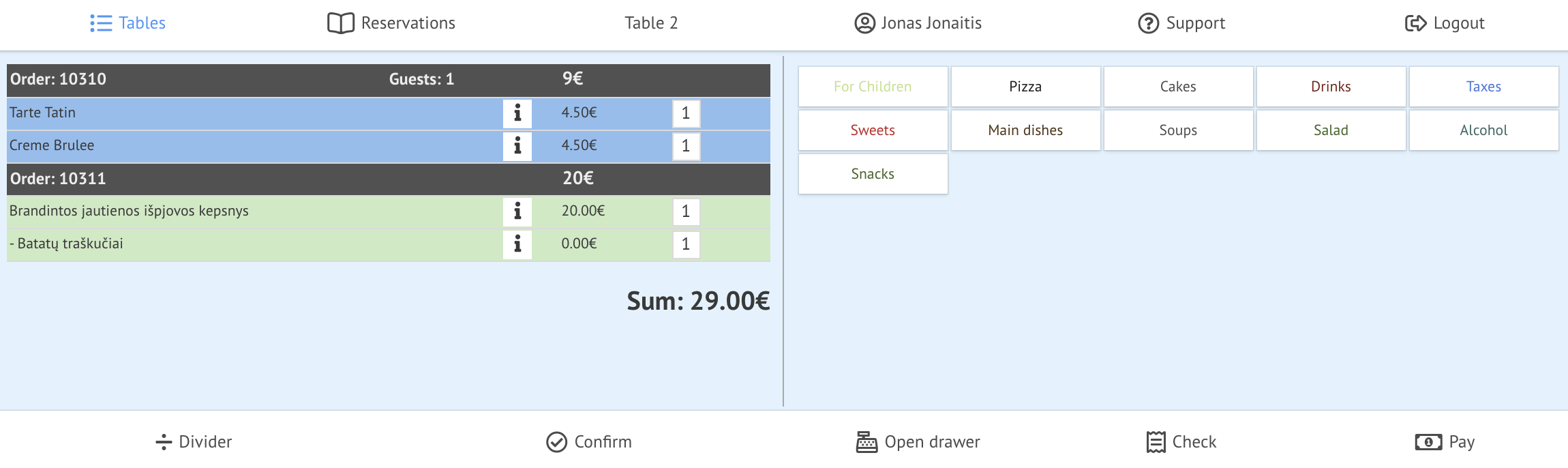
| How to change table, waiter, customer, guests of the Order? |
1) Select the order that you want to change

Now you can see the dialog table
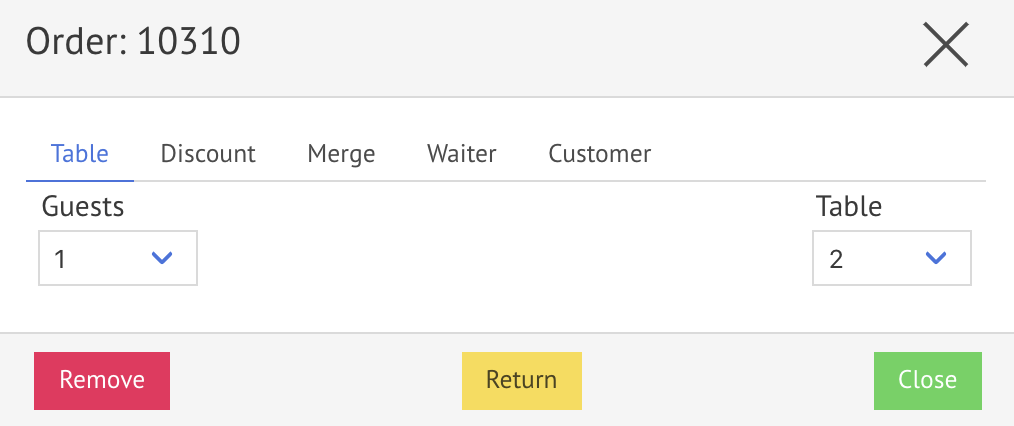
| How to change the number of guests? |
1) Choose the number of guests (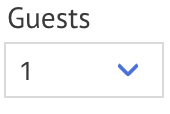
2) Click
| How to change the number of a table? |
1) Choose a table number (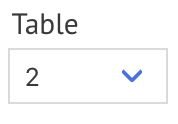
2) and click
| How to change the waiter of a table? |
1) Click on

Now you can see order's waiter information
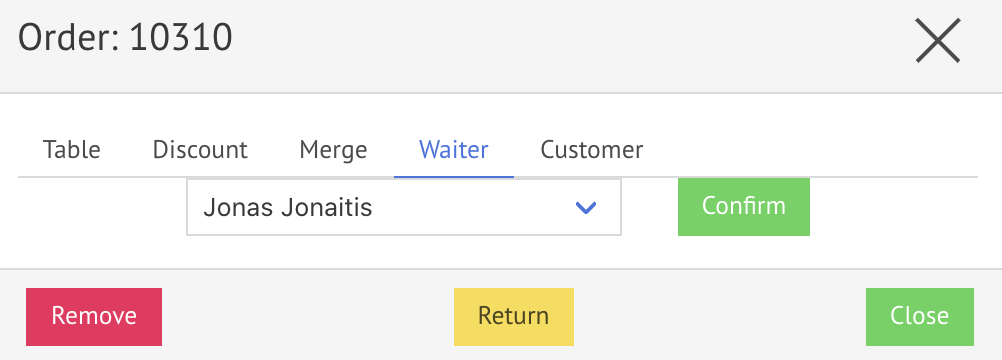
2) Choose a waiter (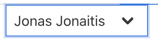
3) Click
Now you can see the confirmation table
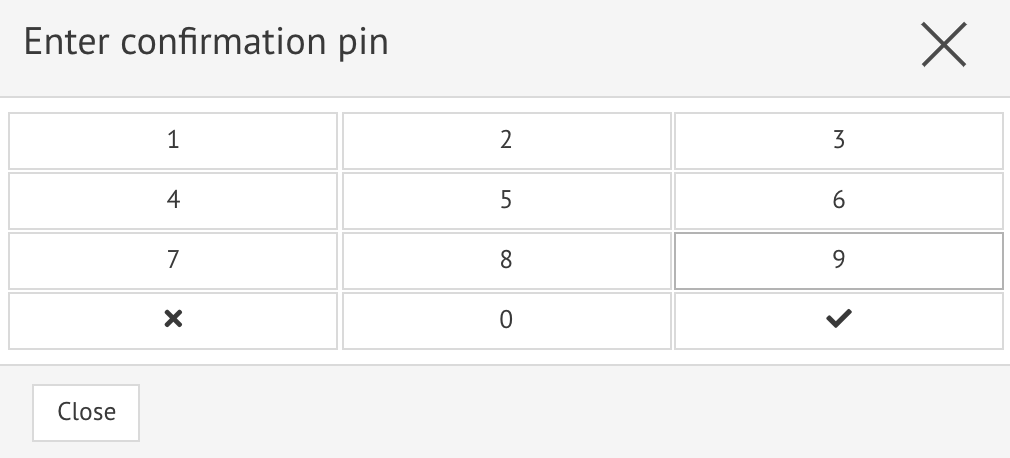
4) Enter the confirmation pin and click

5) Click on
| How to change the customer of the table? |
1) Click on
Now you can see the customer's information
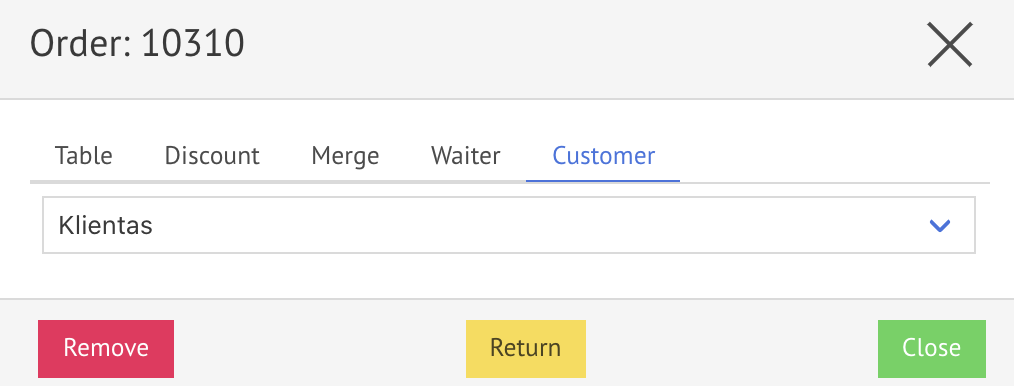
2) Choose a waiter (
3) Click