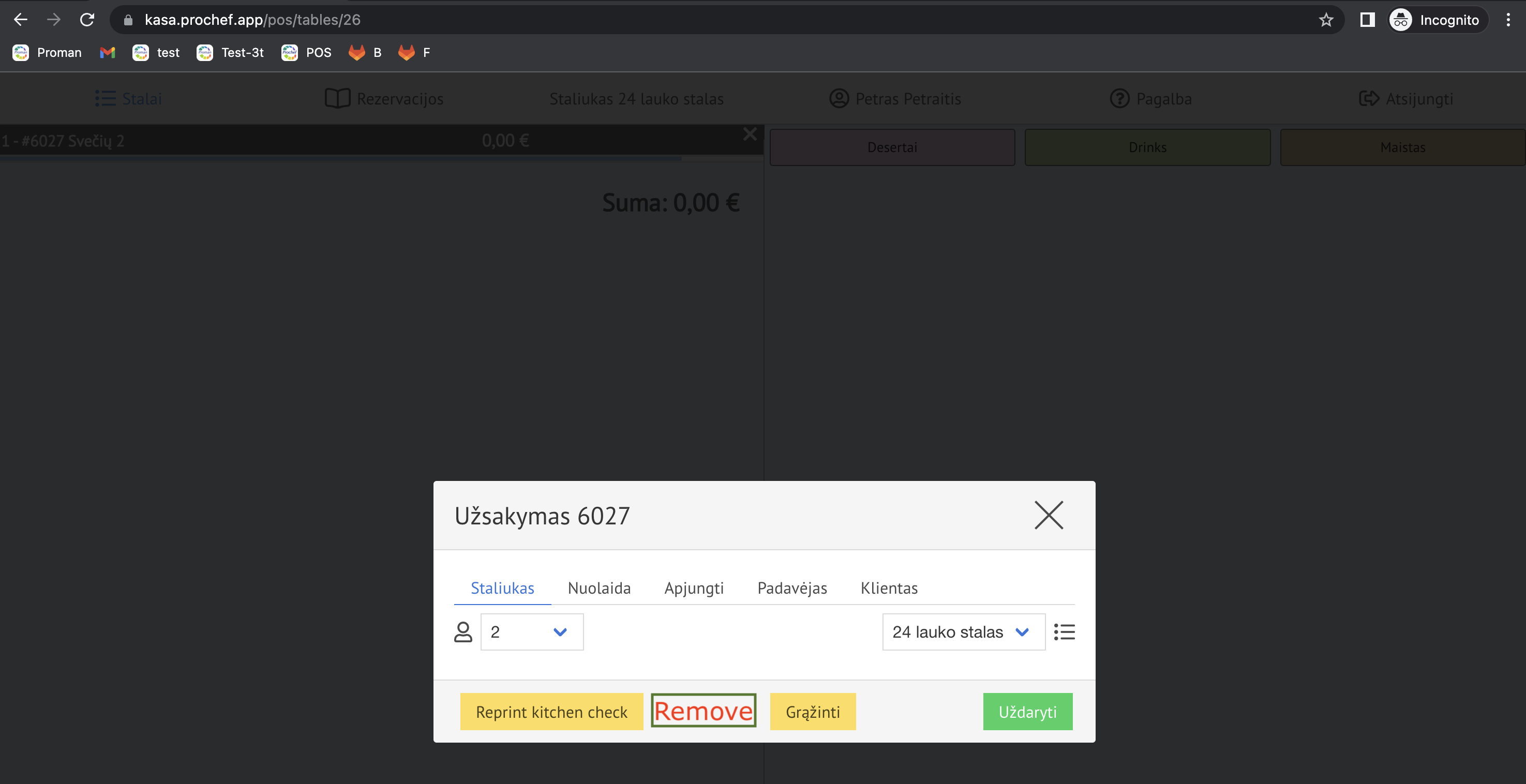
How to prevent an employee from deleting an Order in the table?
If you would like to prevent an employee from deleting the whole order, you shouldn't give him the permission to do it.
| How to find the employee's permissions? |
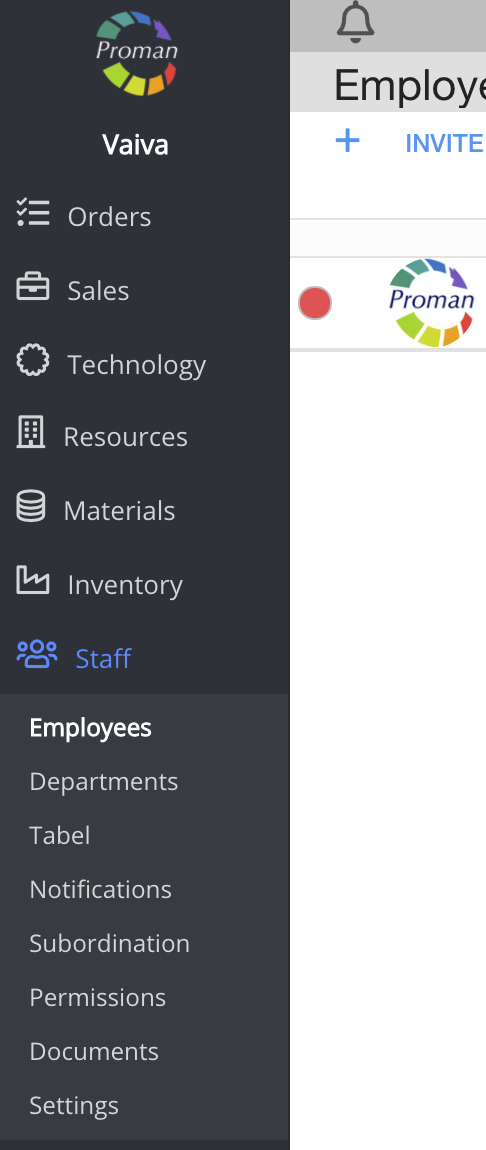
1. Go to Staff:
1.1. Click on 
1.2. Then- 
Now you can see the employee list:

2. Choose an employee
Now you can see the employee information
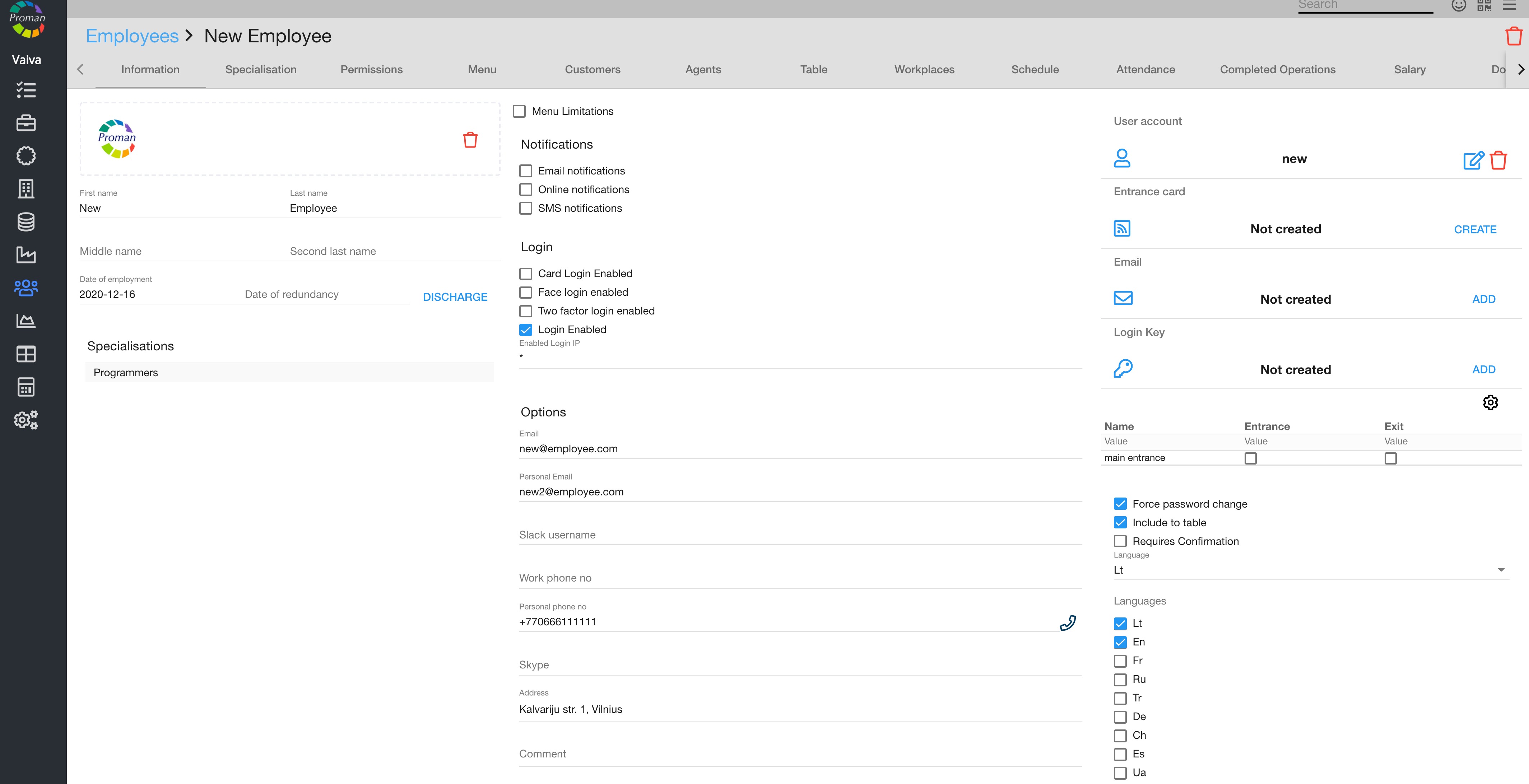
3. Click on

Now you can see the employee's permissions
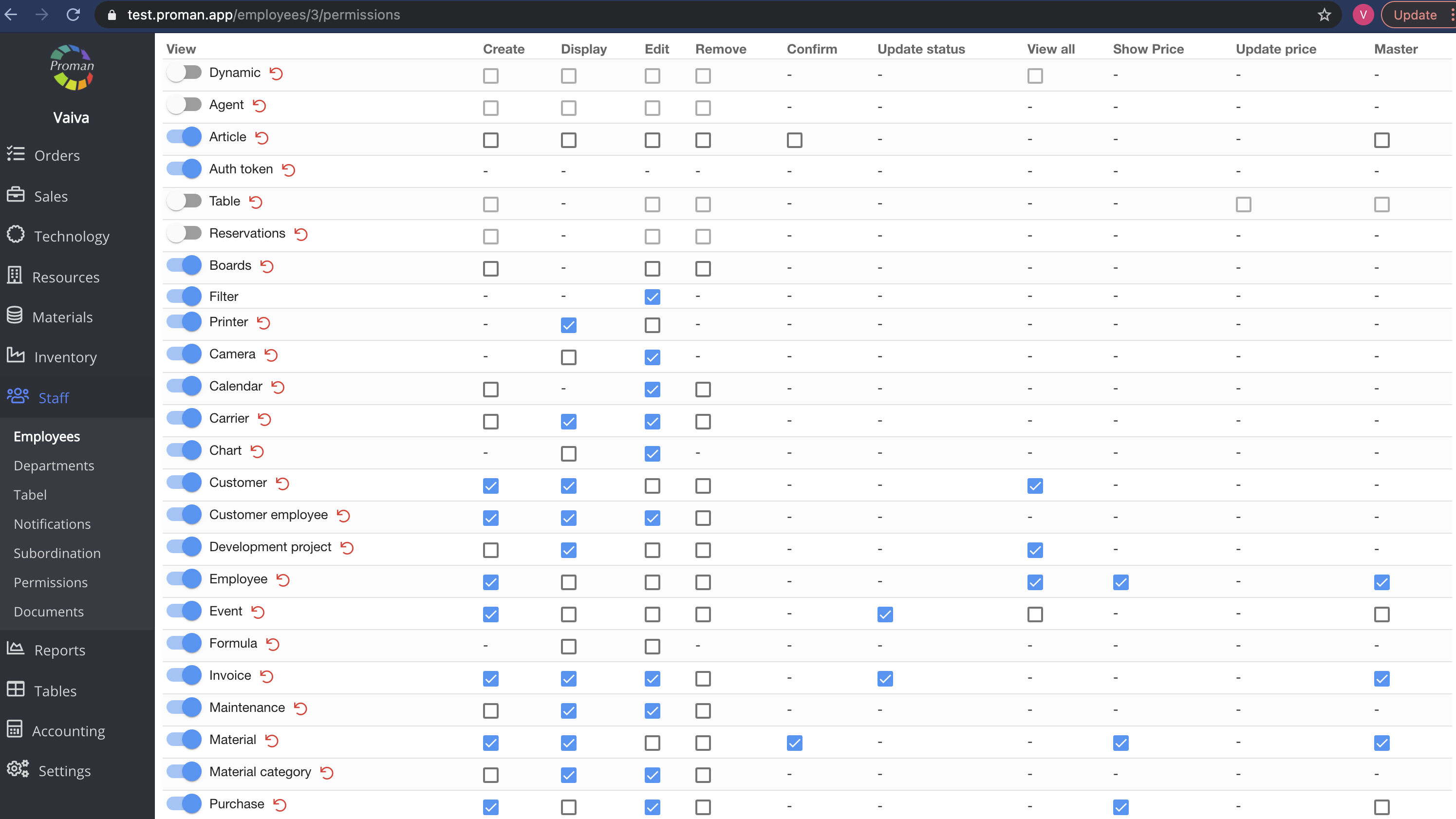
Here you can see, add (

Note: If the tab is switched on (

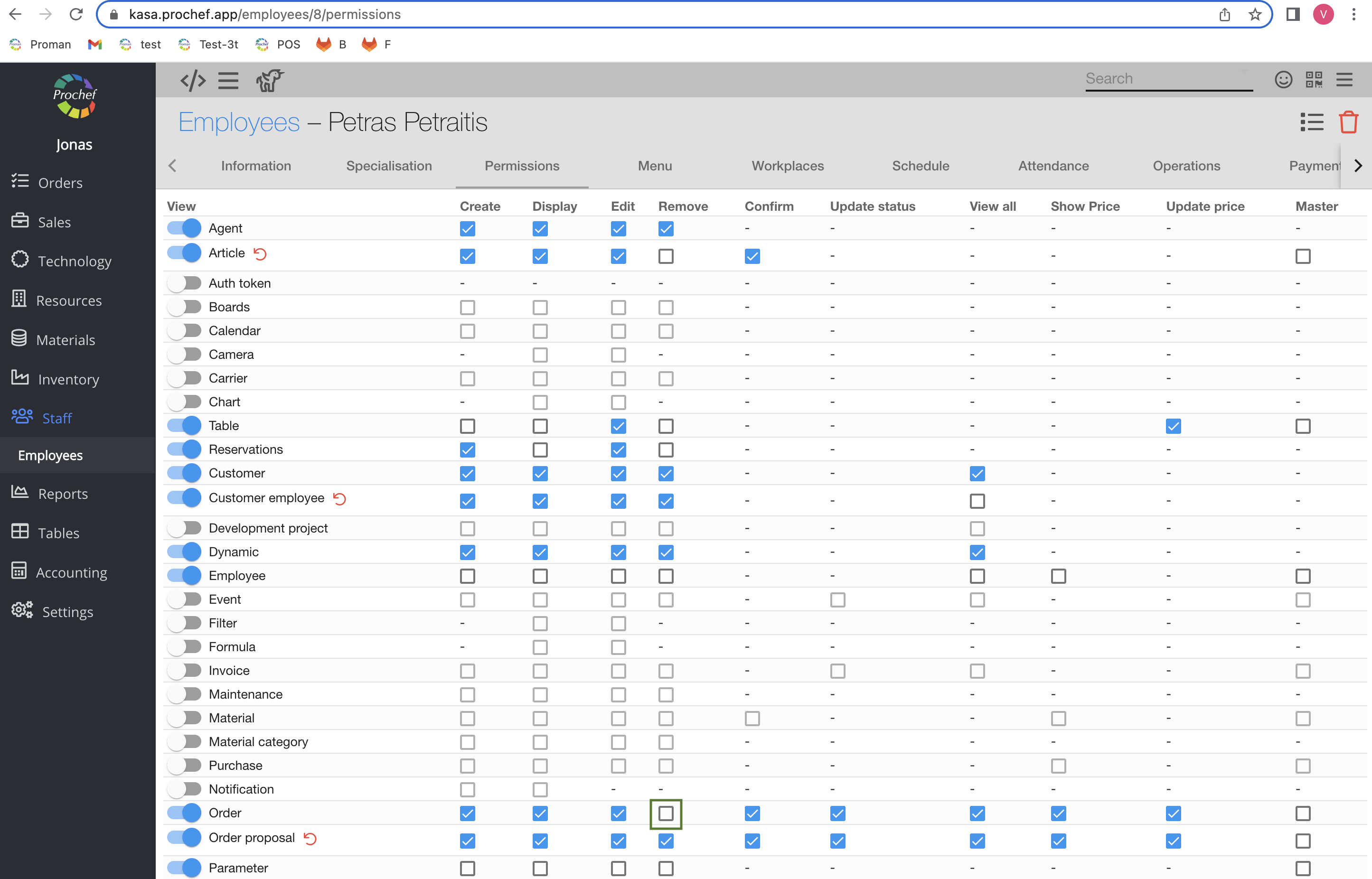
4. Switch off the permission "Order Remove"
Now you can see that the waiter cannot remove the order