
 English
Test Types
Test Types are used for Product test in Order.
How to create a new Article type? |
1. To create a new Article, you should:
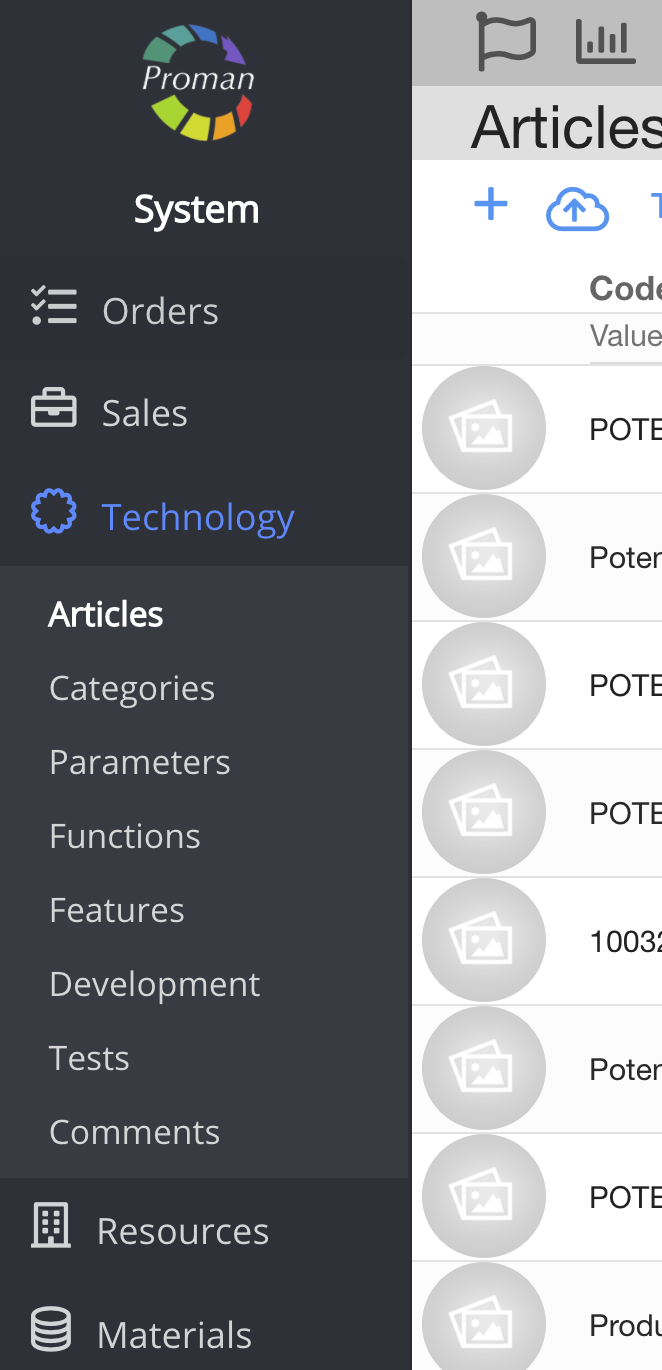
1. Go to Technology:
1.1. Click on 
1.2. Then- 
Now you can see the article list:

2. Click 

Now you can see the test type window

Here you can create (


3. Click on
Now you can see the dialog table

4. Enter a name and click

Now you can see it in the article test type list

Note: You can use them in the article tests and article test table
Article Tests (yourdomain).proman.app/articles-tests/16

Article test table (yourdomain).proman.app/articles-tests
