
 English
Import articles
To import articles:
1. Prepare an Excel file. You can download the mockup here
2. Enter needed information into the respective columns
2.1. Enter the article name
2.2. Then- Article code or shorthand
2.3. Article type (It should be created manually). Please see below, how to find the type ID
2.4. Article price ( It is calculated automatically by excel)
2.5. Also enter the article VAT ( It should be created manually in the system). Please see below, how to find the type ID
2.6. And VAT% ( This is used for calculations)

3.Then go to "Articles"
4. And click on this button 

How do you find the Article type ID? |
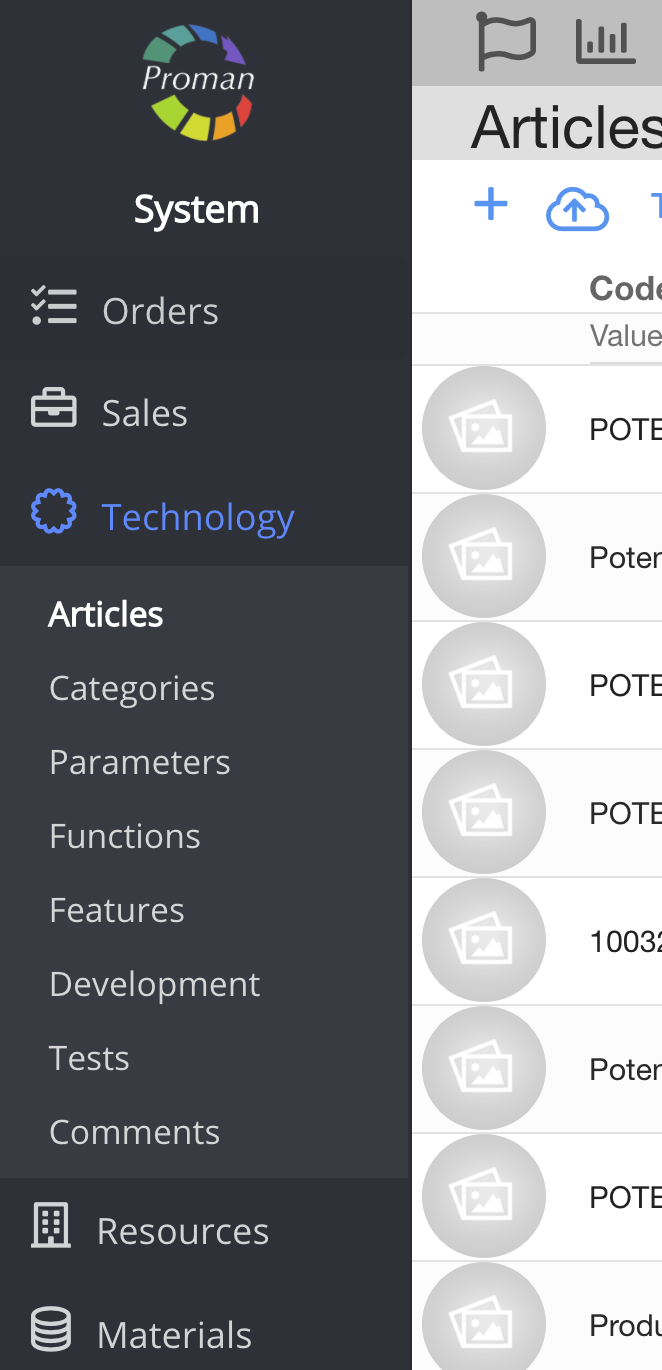
1. Click on 
2. Then- 
Now you can see the Article List:

3. Go to "Types".
Here you can see the article type list and their ID

How do you find the VAT ID? |

1. Go to  ;
2. Then- ;
3. Got to VAT:
