
 English
How to add devices to print check to kitchen?
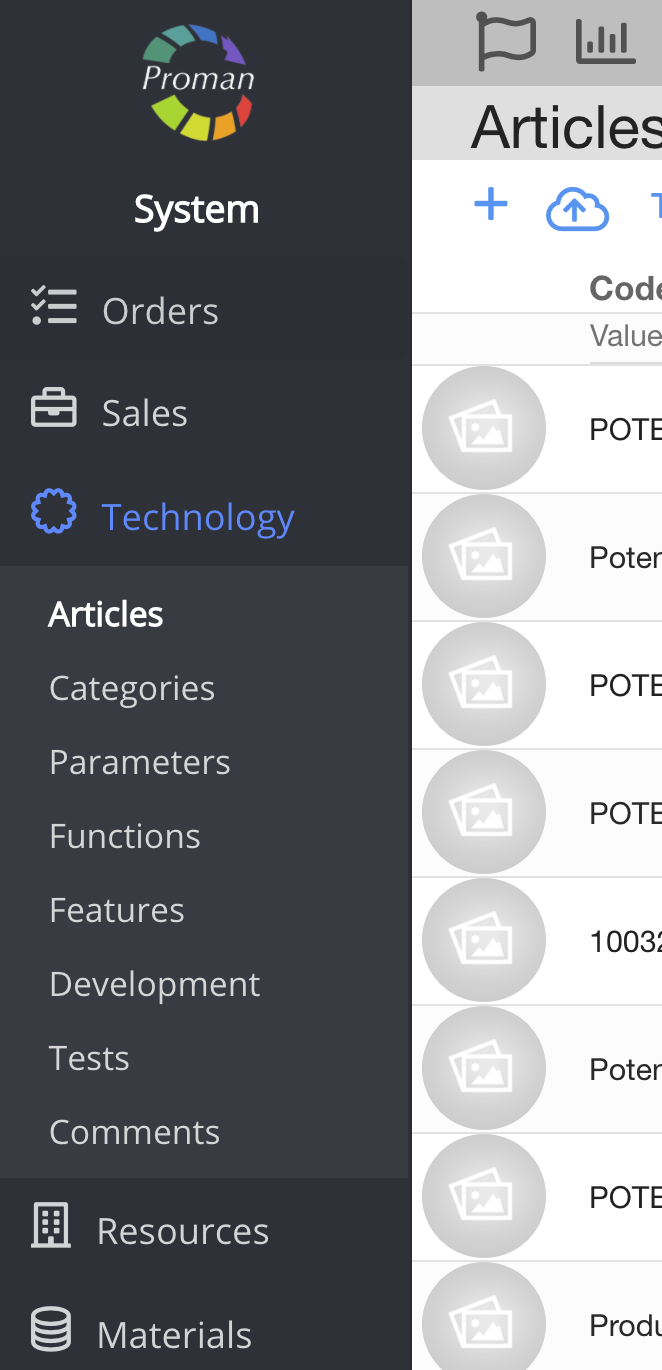
1. Go to "Technology"
2. Then- "Articles"
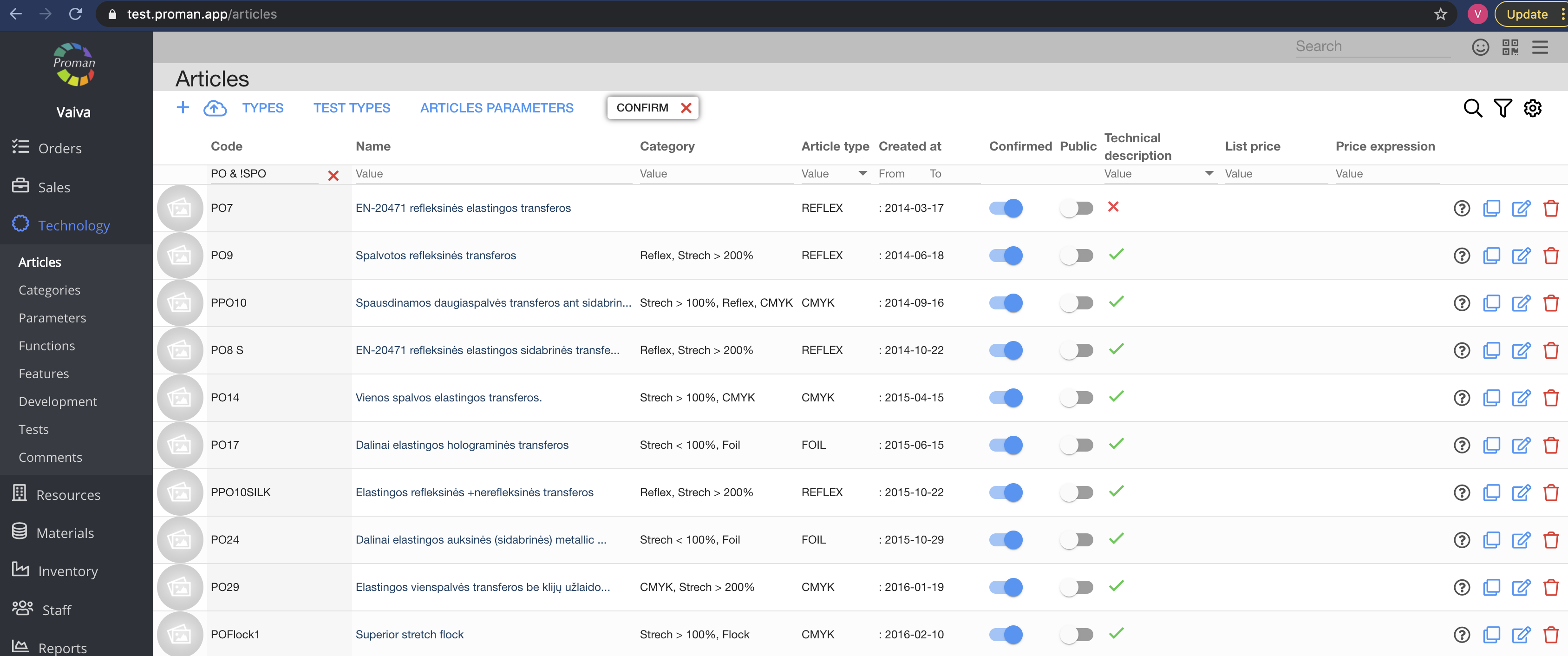
3. Choose an article
Now you can see all information about the article (Note: if you can't see price, you should switch off the compact information)

3.1. Click on

3.2. Then-

3.3. Choose a printer from the list
Now you can see the added device
