
 English
Article Tests
| How to find Tests? |
Note:
You can see "Article Tests" if you have a permission.
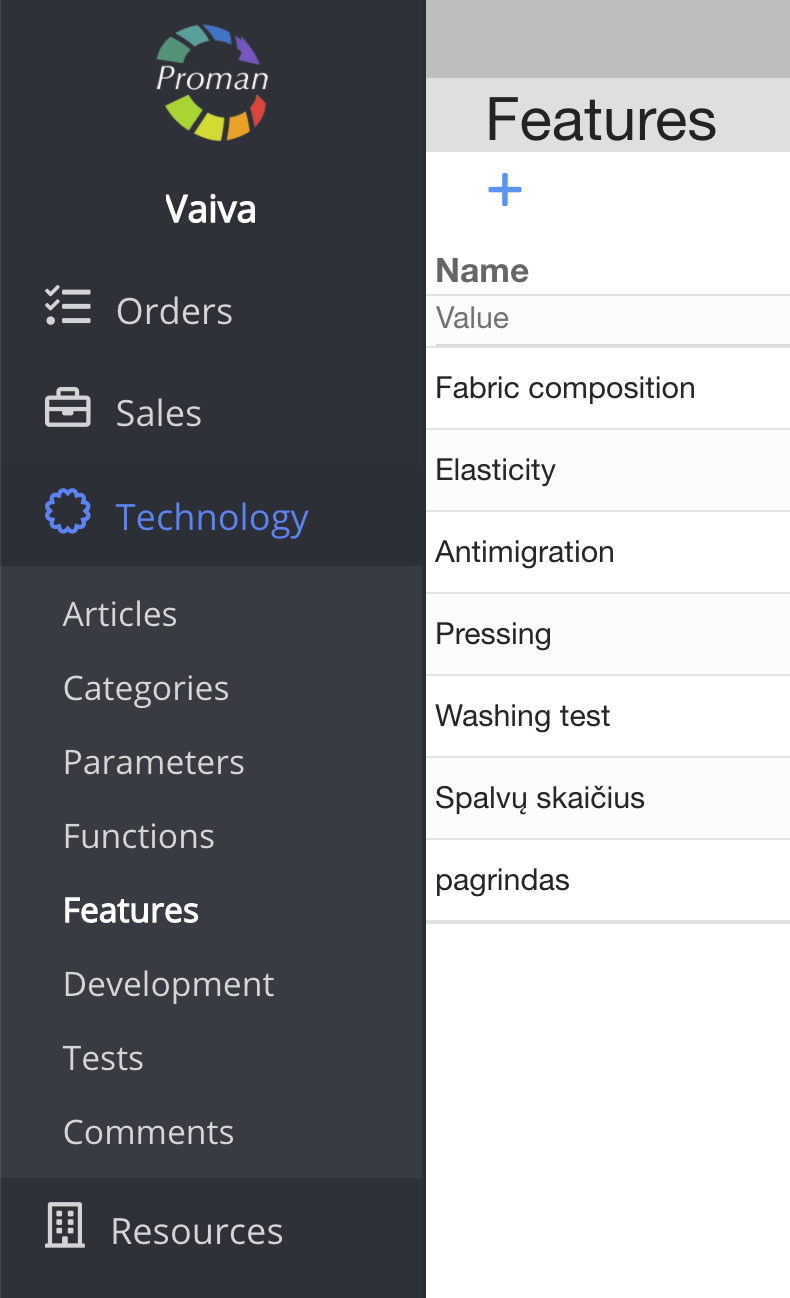
1. To find the "Test" tab, you should:
1.1. Click on 
1.2. Then- 
Now you can see Tests list

Here you can see, create (


| How to create a new Test? |
To create a new test:
1. Click on "+"
2. In the dialog table, enter needed information
3. And click "Create"

Now you can see your test

Note:
You can see only those parameters, which are required.
Now you can see your test in the tests list
