
 English
How to create a button Listener notification?
How to create a new button Listener action? |
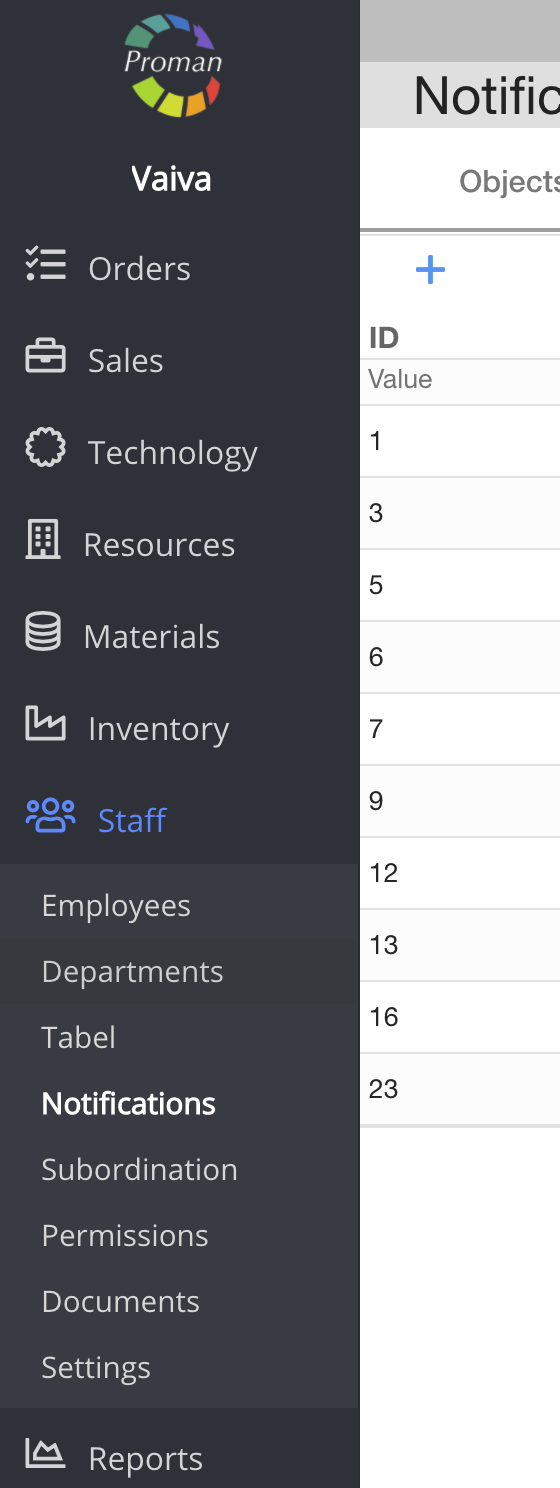
1. To find Employees Notifications, you should:
1.1. Go to 
1.2. Then- 
Now you can see the notification list (Objects):
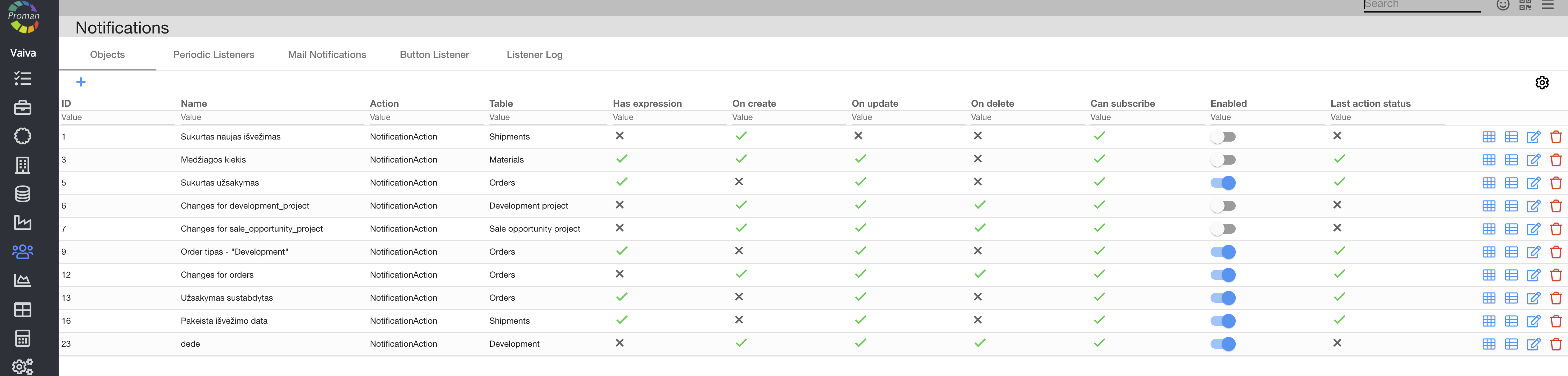
2. Go to

3. To create a new notification, click on 

4. In the dialog table:
4.1. Enter notification's name;
4.2. Choose "CreateNewProjectFromEmail" Action;
4.3. Enable Notifications;
4.4. And click

Now you will be able to see a different dialog table:

5. In this dialog table:
5.1. Click on
5.2. Enter an order, which you would like to copy;
5.3. Click
For more information how to add notification button, please visit here