
 English
Carriers
Carriers represent your relations between companies which provide any delivery. Carriers are used to define possible delivery terms and methods.
| How to find Carriers? |

1. To find Carriers, you should:
1. Go to Sales:
1.1. Press 
1.2. Press 
Now you can see Carrier List:

Here you could see, add (


| How to create new Carriers? |
To create new Carrier, you should:

1. Press
2. In dialog table enter Carrier name;
3. Press

Now you can see Carrier Option

| Carrier Options |
Here you could add information about Carrie
| Carrier Employees |

Here you could see, add (
| How to add new Carrier Employee? |
If you would like to add new Customer Employee, press
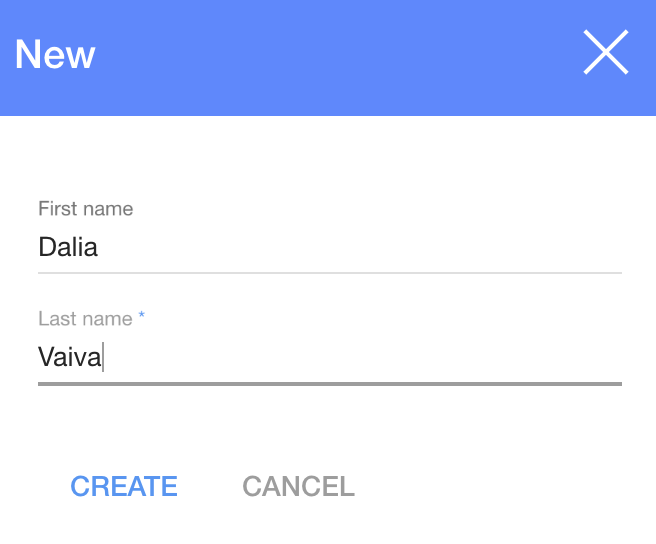
1. To to add new Customer Employee, you need press
2. In dialog table Enter First and Last names;
3. Press
Now you can see Carrier Employees Information
