
 English
Create workplace
How to delete Workplace from articles?
| How to find Workplaces? |
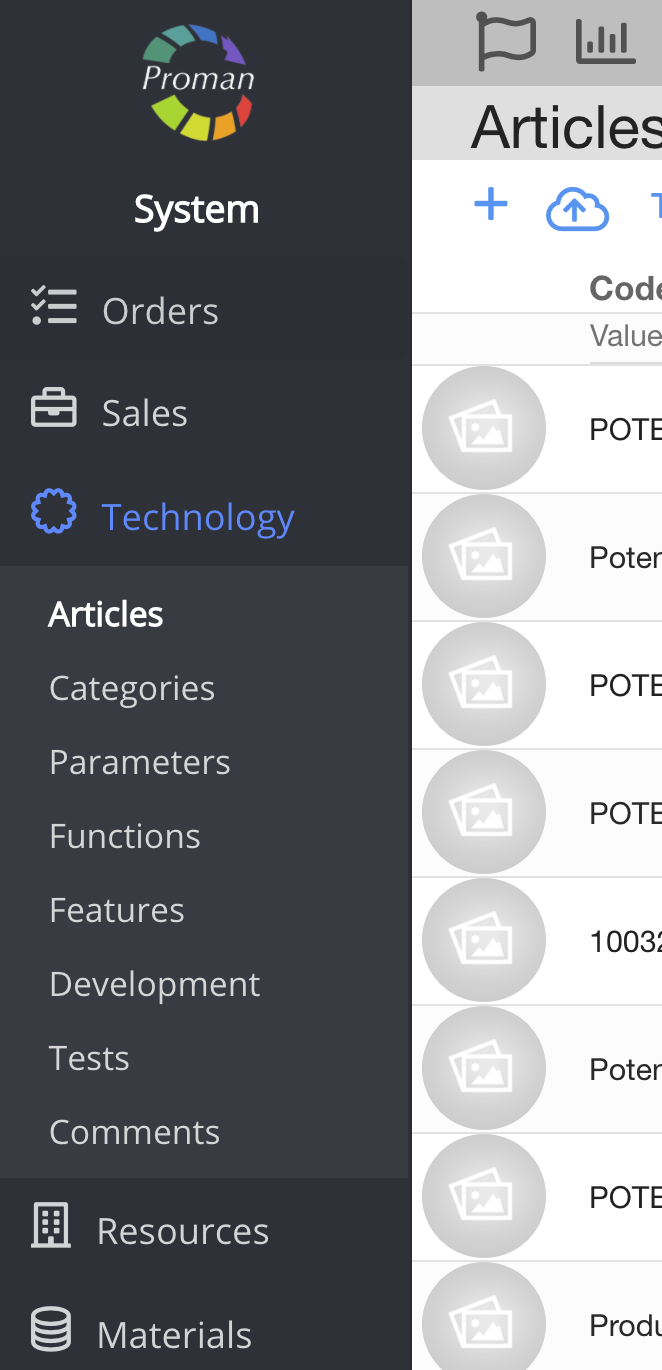
To find Workplaces, you should:
1. Go to Resources:
1.1. Press 
1.2. Press 
Now you can see Workplaces, Workgroup, Operations and Subcontractors List:

 How to create new Workplace? |
If you would like to create new Workplace, you could press 

1. To create new Workplace you need to press
2. In dialog table enter name
3. Press
Now you can see Workplace Options

ToBeTranslate
Here you can add, edit and delete Workplace Options:
- Workplace name;
- Workplace Alias name;
- Workgroup;
- Include to load report;
- Layers disabled;
- Time expression (Proman plans Production according this expression);
- Cost expression (when you finished Production, you could see it in Order --> Material used --> Operation table --> Cost)

- Add files
| Workplace Employee |

Here you can see, add (

| Workplace Expression |

Here you can see, add (
| Workplace Maintainance |

Here you can point (
| Workplace Parameters |

Here you can see (
| Workplace Tool |

Here you can see, add (
| How to create new Workplace Tool? |
If you would like to create new Workplace Tool, you could press 

1. To create new Workplace Tool you need to press :
2. In dialog table enter name
3. Press
Now you can see Workplace tools

Here you can see, add (
| Workplace Accounting |

Here you can enter Accounting data
| Workplace Articles |

Here you can see all articles, which use Workplace, Enable Auto Planing and delete it from articles.
| How to delete Workplace from articles? |
If you would like to delete Workplace from article:
1. Press

Now you could see dialog table

2. Press

Now you could see checkbox near articles

3. Check Article you need

Now you could see activated 

4. Press

Now you can see that there is no Workplace in article test
