
 English
Create operation
| How to find Operations? |
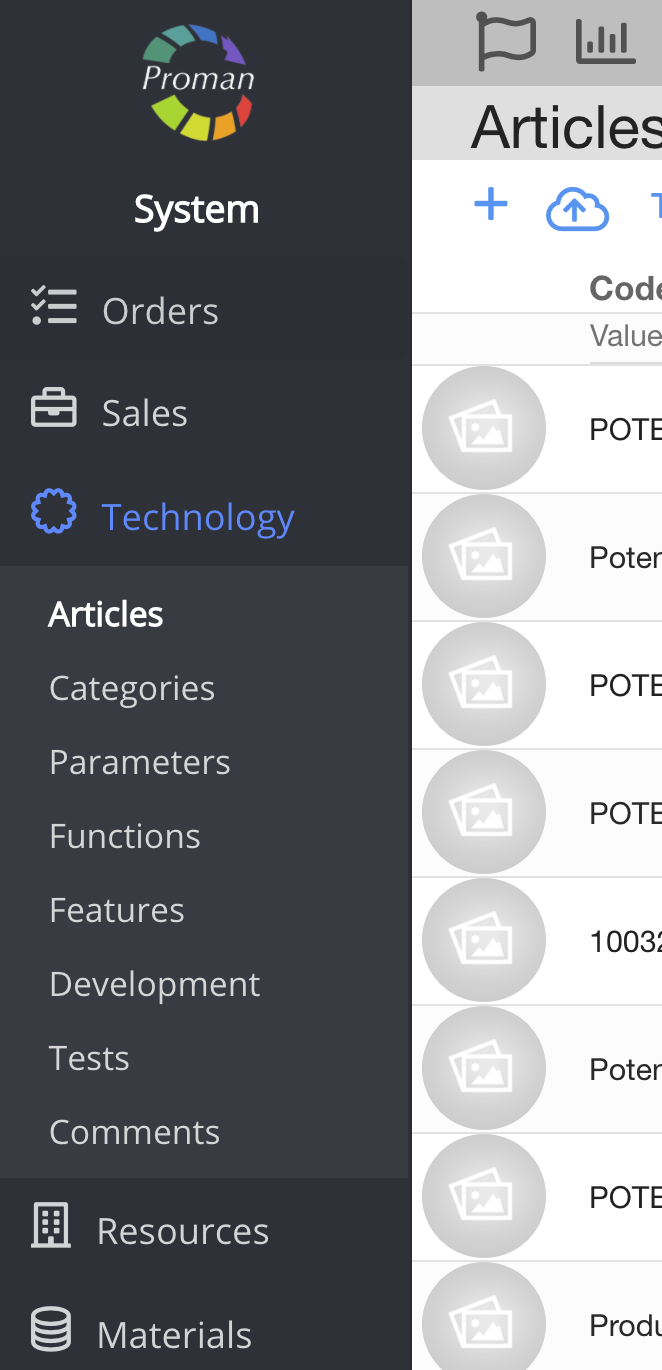
To find Operations, you should:
1. Go to Resources:
1.1. Press 
1.2. Press 
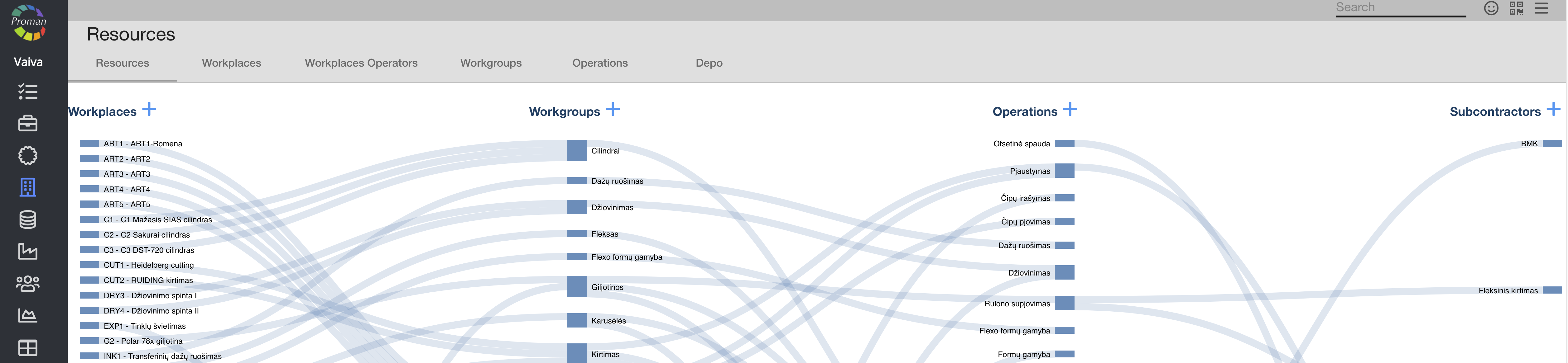
Now you can see Workplaces, Workgroup, Operations and Subcontractors List:
 How to create new Operation? |
If you would like to create new Operation, you could press 

1. To create new Operation you need to press
2. In dialog table enter name
3. Press

Now you can see Operation Options

| Operations Options |
| Button | What does it indicate? |
 Quality control | You could claim Quality control |
Superviser  | You could choose Superviser |
 File access | You could access files in Operation Event |
 Production store access | You could access production store (barcode in Operation Event --> Products) |
 Show order | You could let operator to see Order information |
 Show order files | You could let operator to see Order files |
 Show products | You could let operator to see Order products (Operation Events --> Products) |
 Segmented | You could switch on Segmentation (only if Article Production is segmented and you add it) |
 Link Layer events | You could choose Operations which are in Article Production (segmented) |
Segment link min | You could set minimum time (seconds) between two Operations |
Segment link max  | You could set maximum time (seconds) between two Operations |
 Standard time | You could set standard Operation time |
 Exclude from production | You could choose is it Production Operation or not |
Manager confirm 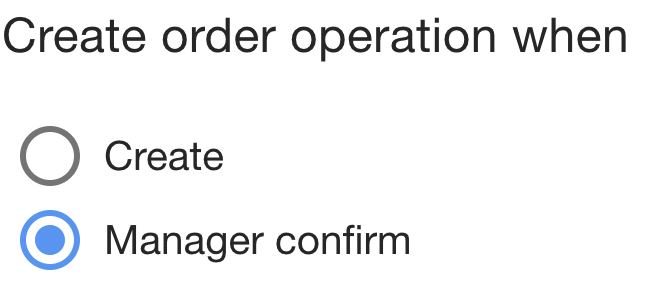 | You could choose when create order operation (when order is created or when it is confirmed by manager) |
 Auto status update | You could update Operation status automatically |
 Auto resource assignment | You could assign resources automatically ( ) or assign workplace manual in Production (  ) |
 Can start before previous finishes | You could start Operation before previous finishes |
 Requires employees | You could require to assign employee to operation |
 Uses material recipe | You could use material recipe in Operation |
 Parallelity | You could let this Operation start for many employees |
 One finish all | You could let operator to finish all suboperations |

| Operations Resources |

Here you can see, add (
| Operations Parameters Visible to Opertor |

Here you can see, add (
| Operations Relations |

Here you can see, add (
| Operations Articles |

Here you can see Articles, which use this Operation
| Operations Materials |

Here you can see, add (