English
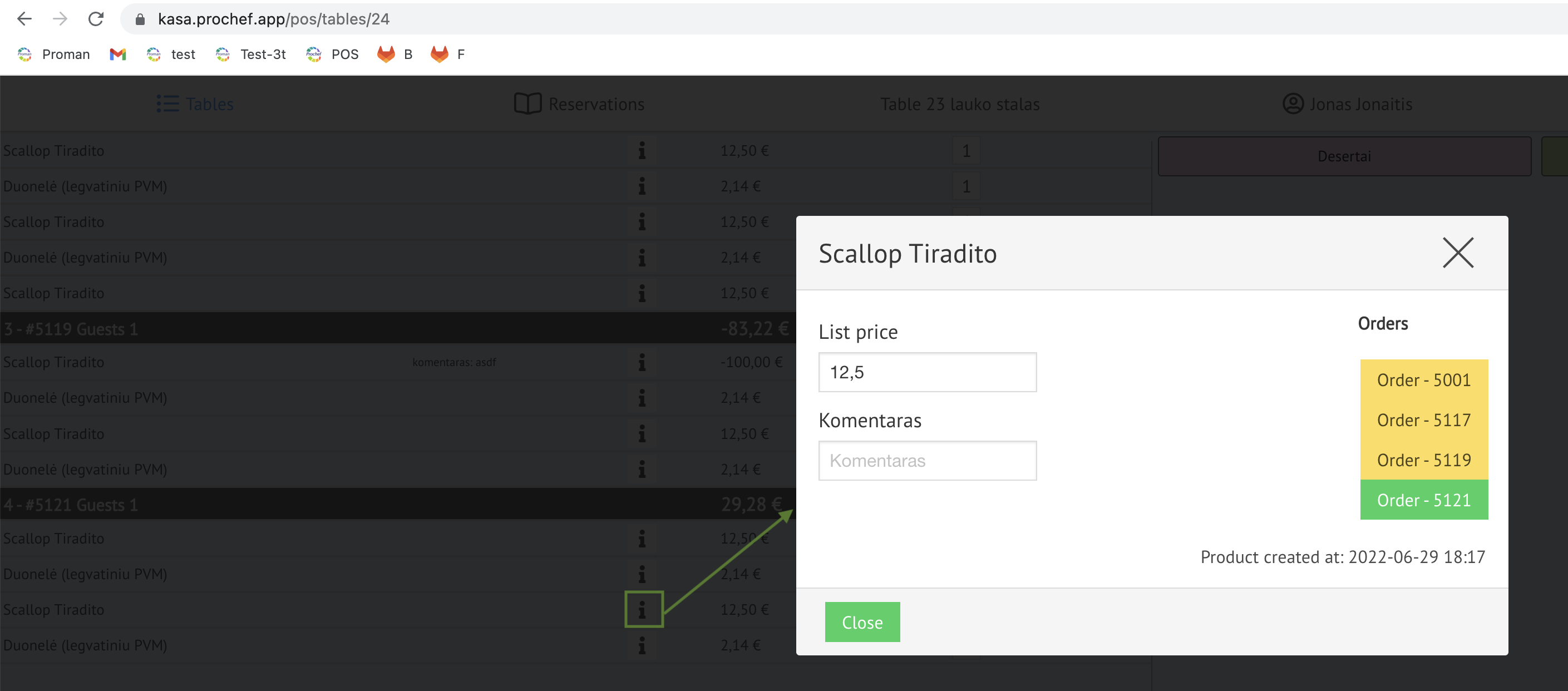
How to prevent an employee from deleting a product from the table?
If you would like to prevent an employee from deleting a product from the order, you shouldn't give him the permission to do it.
| How to find the employee's permissions? |
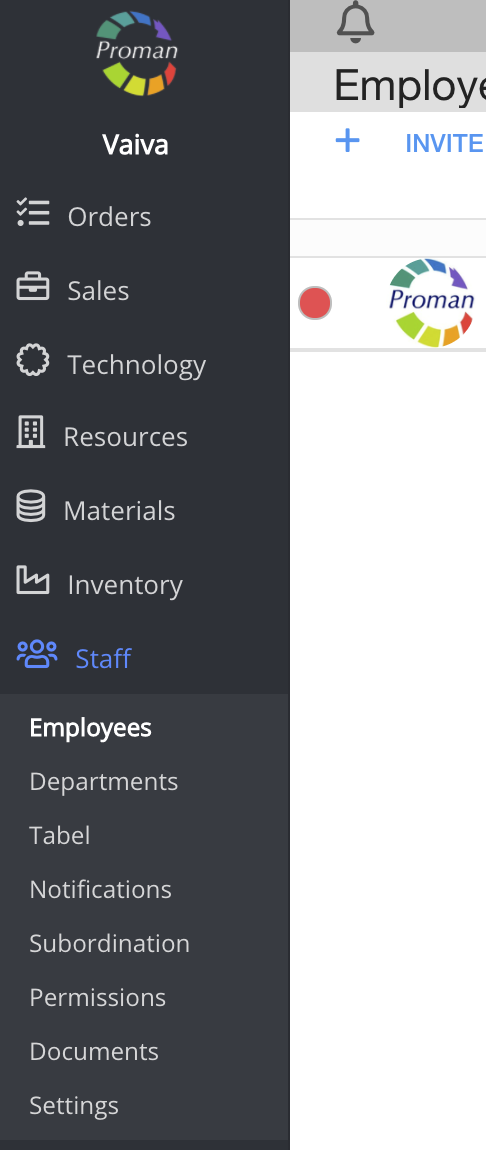
1. Go to Staff:
1.1. Click on 
1.2. Then- 
Now you can see the employee list:

2. Choose an employee
Now you can see the employee information
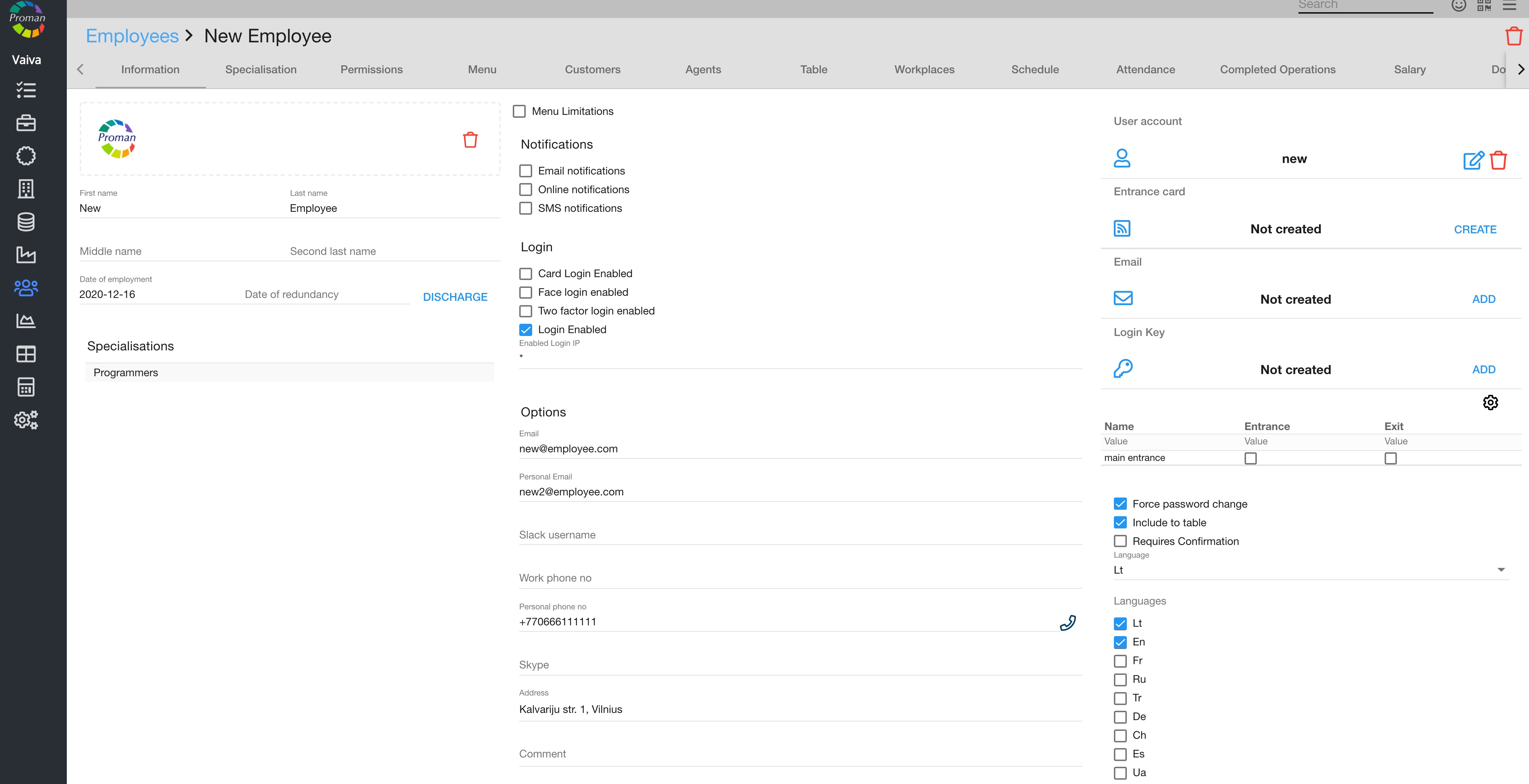
3. Click on

Now you can see the employee's permissions
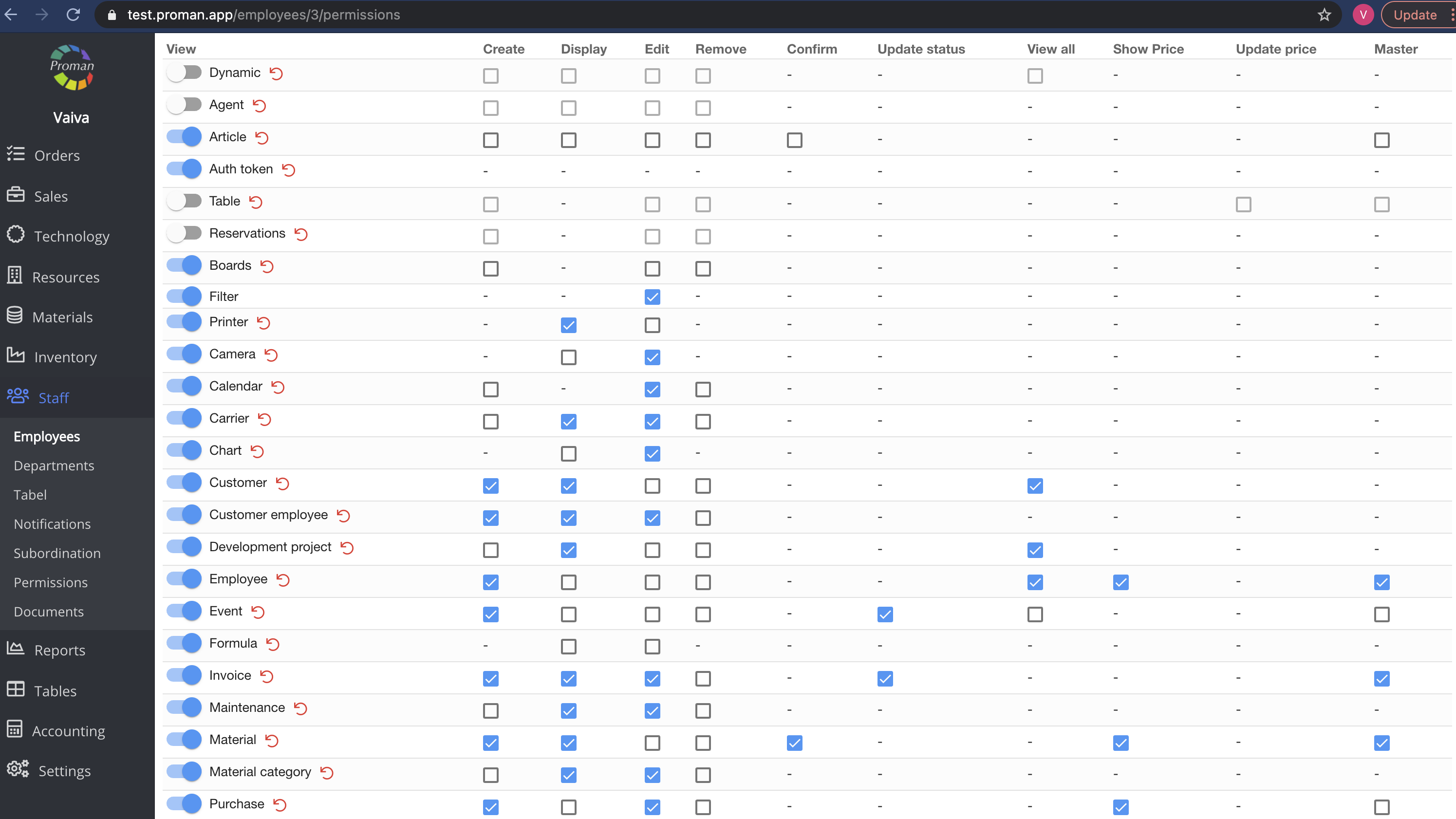
Here you can see, add (

Note: If the tab is switched on (

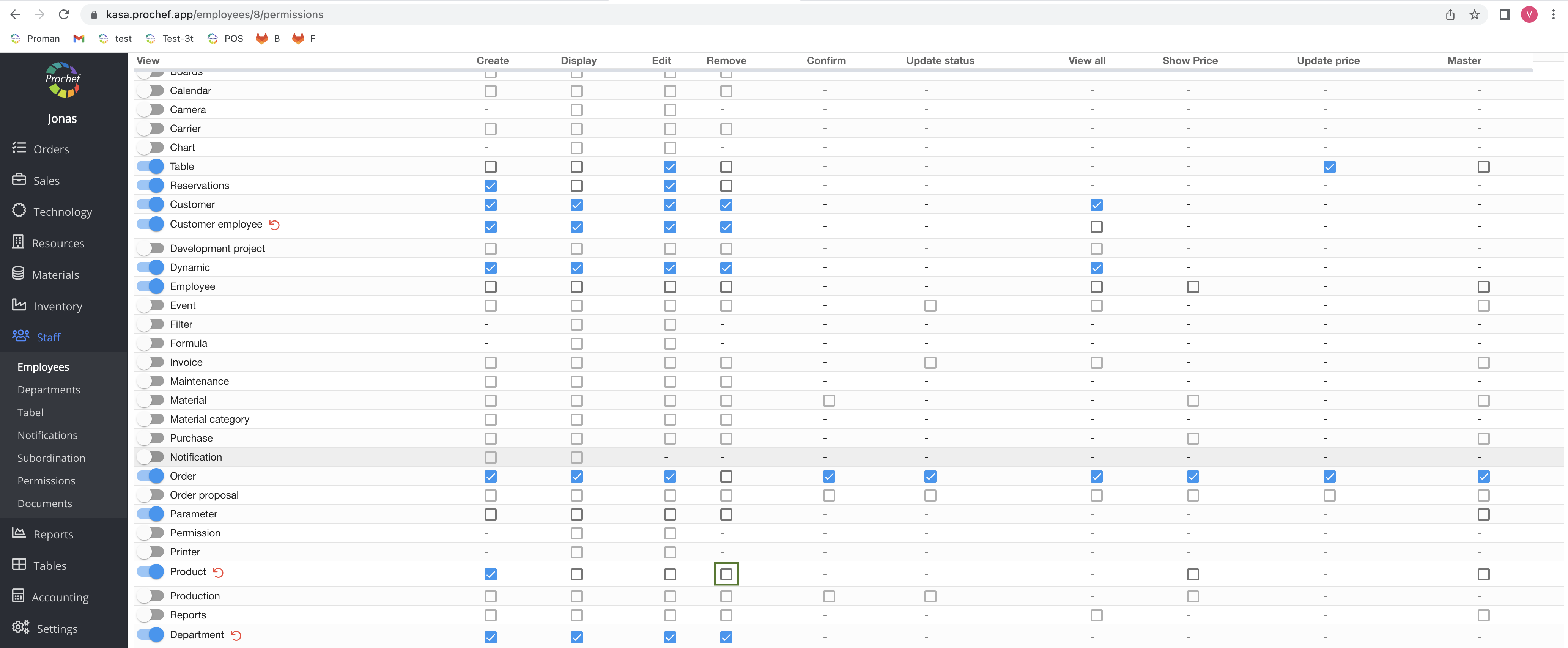
4. Switch off the permission to remove a product
Now you can see that the waiter can't remove the product