How to start a production?

Where can you create a new Production?

 To create a new order, you should:

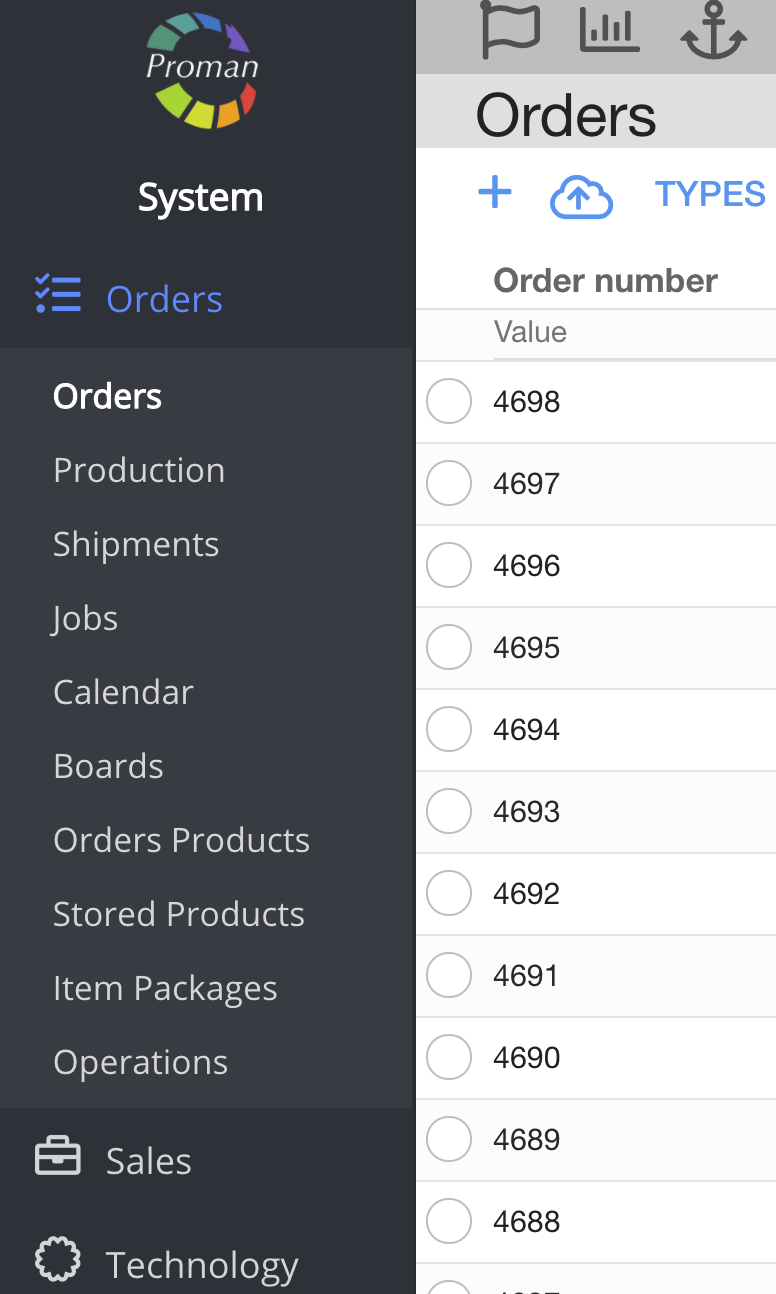
        1.Click on  Orders;

        2. and then- Orders;

        3. Choose order;

Now you can see the Order Options


4. In the grey menu tab choose  Productions

Graphical user interface, application, website

Description automatically generated


5. Create a new Production, by clicking onCheck mark icon (at top right side)

Graphical user interface, application

Description automatically generated


6. Click on Create

Now you could see new production table.

Graphical user interface, application

Description automatically generated

    7. Enter needed information:

        7.1. Dates: Plan to start and the deadline, 

        7.2. Planned production quantity, 

        7.3. Planned production packaging.

        7.4. If you uncheck Graphical user interface, text, application

Description automatically generated, you will be able to see your production operations Graphical user interface, application

Description automatically generatedand choose which one you need.

    8. Click  Create

Graphical user interface, application, Teams

Description automatically generated

For more information:

- Production manage