
 English
Order products
| Where can you find the order products directly? |
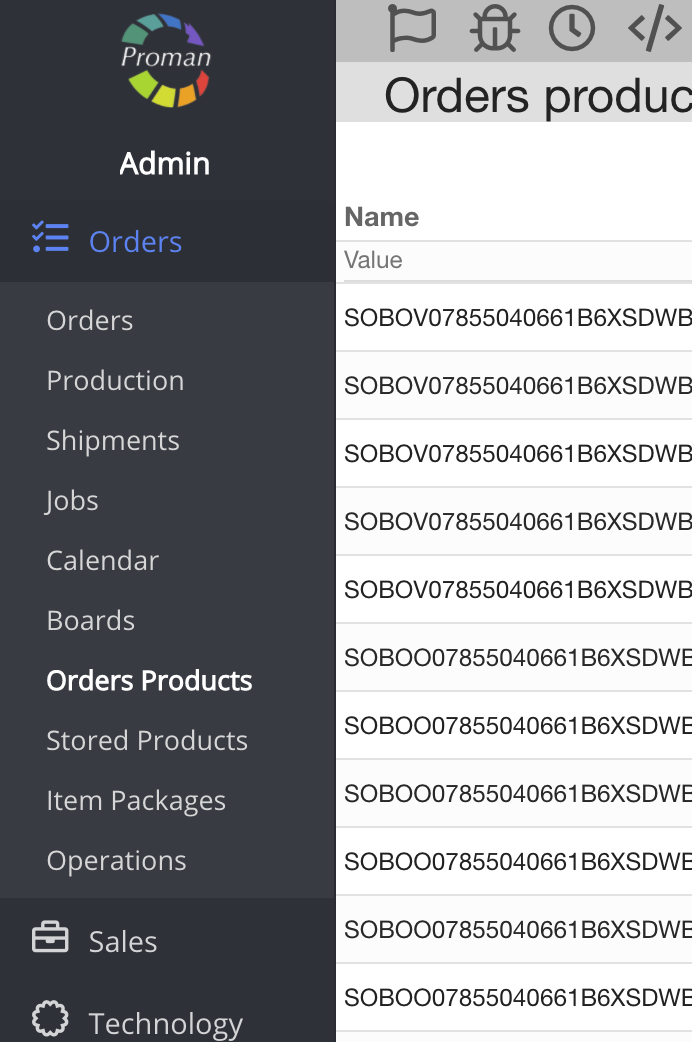
To find Order products directly:
1. Go to 
2. Then- 
Now you can see the order products list:

| Where can you find order products in an order? |

1. Click on
2. Then-
3. Choose an order;
Now you can see "Order Options":

4. In the grey menu tab choose

Now you can see "Order Products" :

Here you can manage all products affecting only the selected order: manage parameters,


| Activity log |

You can see all activities, changes and information about order (Status: created)