
 English
How to start an operation?
| Where to create a new operation? |
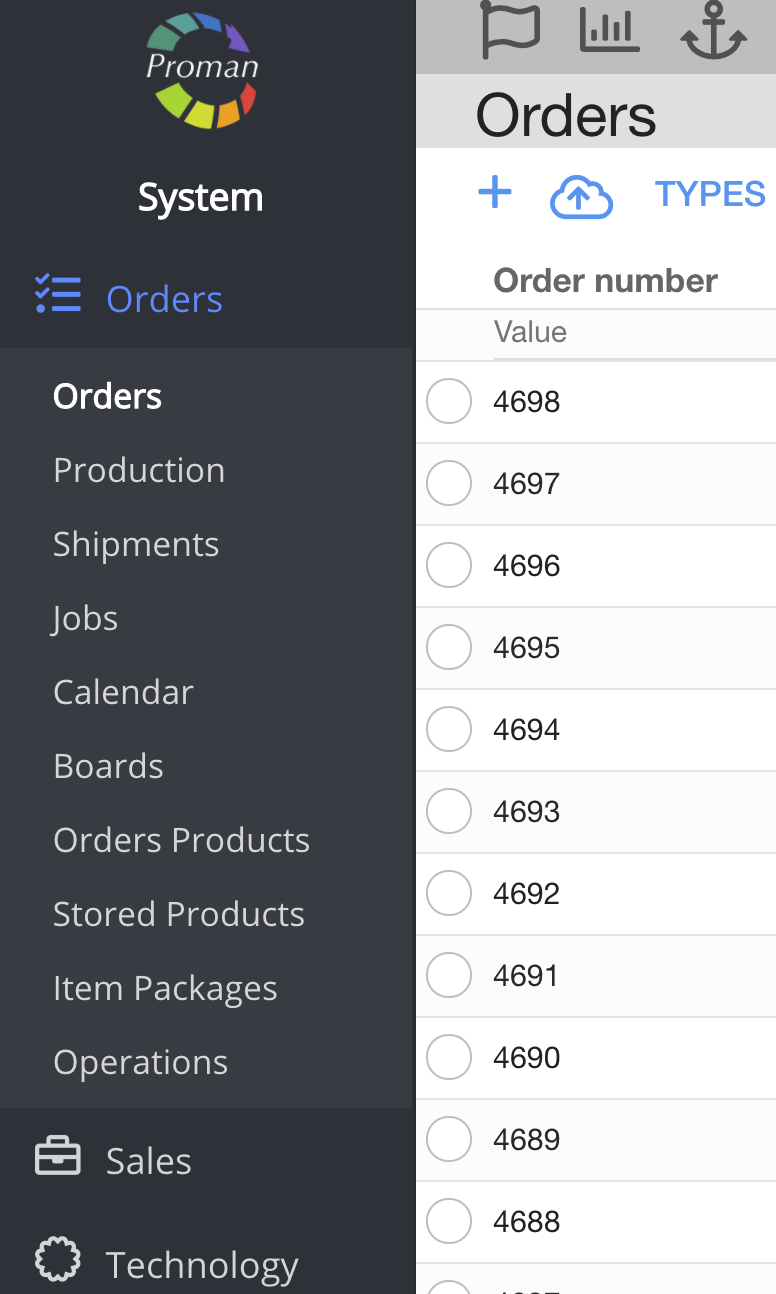
1. Click 
2. Then- 
3. Choose an order;
Now you can see the order options

4. In the grey menu tab choose

Now you can see the order operation

To create a new operation, click on
Now you can see the automatically created operation.
