
 English
Boards
Here you can manage productions in one place
| How to create a new Board? |
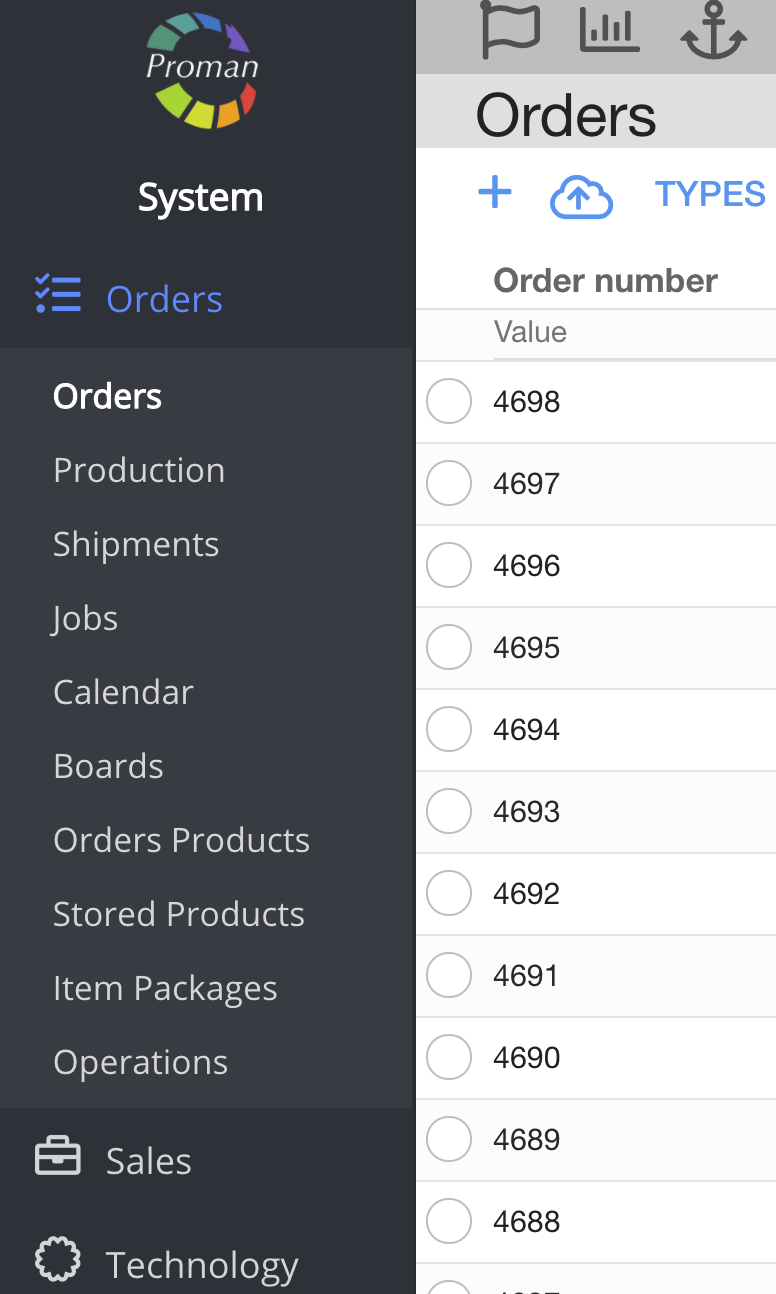
1. Go to 
2. Then-

Now you can see Boards

Here you can see, create (


3. Click on

Now you can see the dialog table

4. Enter needed information:
4.1. A name;
4.2. A type you want to see:
- Order;
- Production;
- Workplace;
- Employee
4.3. Click on 
4.4. Choose the days you want to see;
4.5. Add types

4.7. Click

| Boards manage |
Now you can see the new board's screen

1. Click on

2. Choose a week and click

Now you can see a particular week board

| How to add a production? |
To add a production:
1. Click on "+"
2. Choose a production
3. Click "Confirm"

| How to highlight a production in a board? |

1. To highlight Production, Click on

| How to manage the production in a board? |
| Button | What does it indicate? |
 | You can see the production sum particular day |
 | You can go to an order (O#) or production (P#) |
 | You can add more productions |
 | You can leave a comment, see and change production parameters or them |
 | You can delete a production from the board |
 | You can pause the production |
 | You can see the production segmentation |
| General board manage |
| Button | What does it indicate? |
 | You can choose a board |
  | You can move between different week boards |
 | You can choose to see a compact view |
 | You can search by: - Production IDs - Order IDs - Production order IDs |
 | You can choose column width |
 | You can delete weeks |
 | You can see all values of productions on Board |