
 English
Inventory
Here you can see, create, copy, edit and remove all your inventors in the storage (warehouse) and see critical quantities of Inventor.
How to find "Inventory"? |
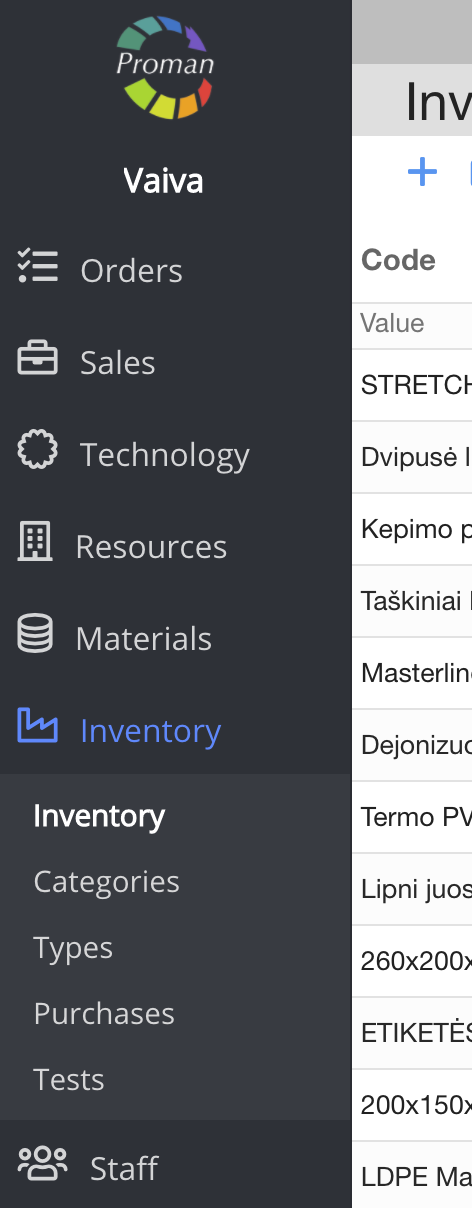
To find Inventory:
1. Click on 
2. Then- 
Now you can see the inventory list:
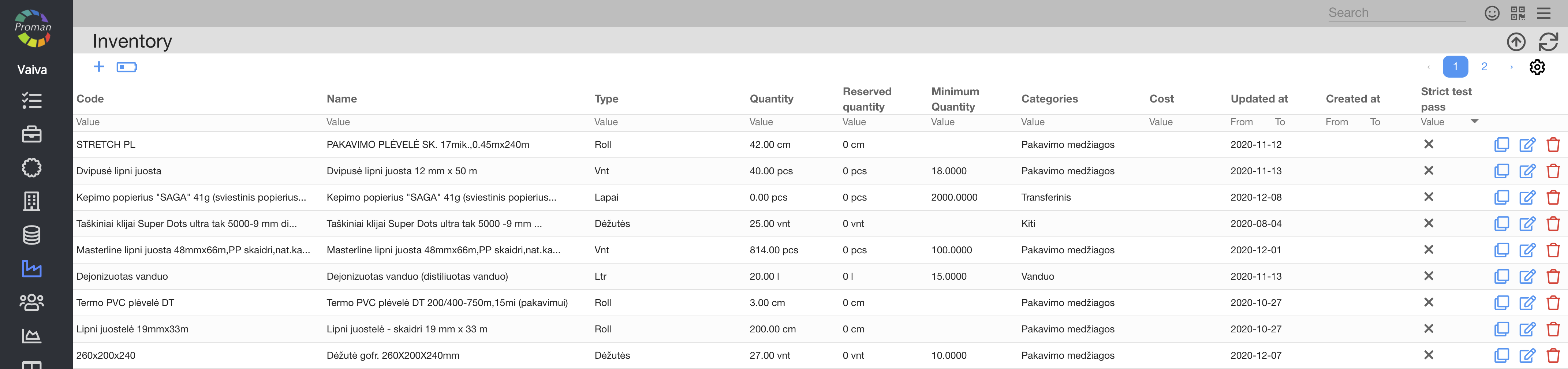
Here you can see, create (


| Button | What does it indicate? |
 | You can see the inventory you need to purchase |