
 English
Test Types
Test Types are using for Product test in Order.
How to create new Article type? |
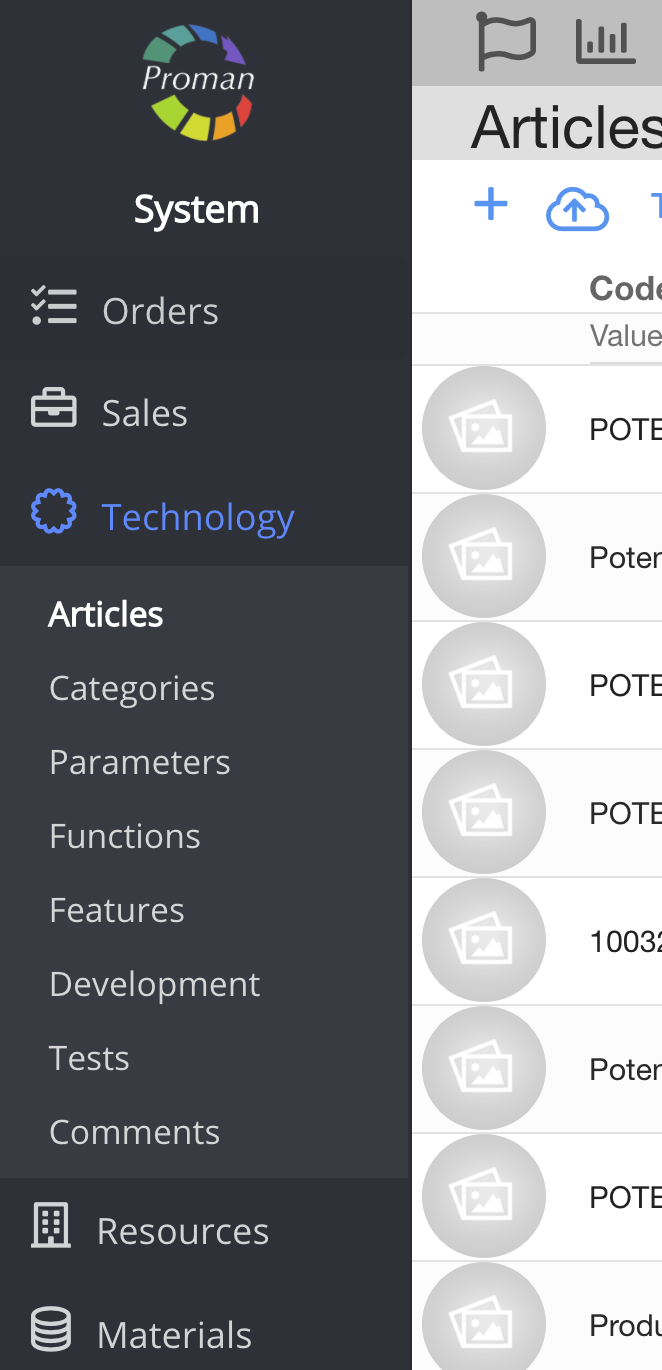
1. To create new Article, you should:
1. Go to Technology:
1.1. Press 
1.2. Press 
Now you can see Article List:

2. Press 

Now you could see

Here you can create (


3. Press
Now you can see dialog table

4. Enter name and press

Now you can see it in Article Test Type list

Note: You could use them in Article Tests and Article test table
Article Tests (yourdomain).proman.app/articles-tests/16

Article test table (yourdomain).proman.app/articles-tests
