English
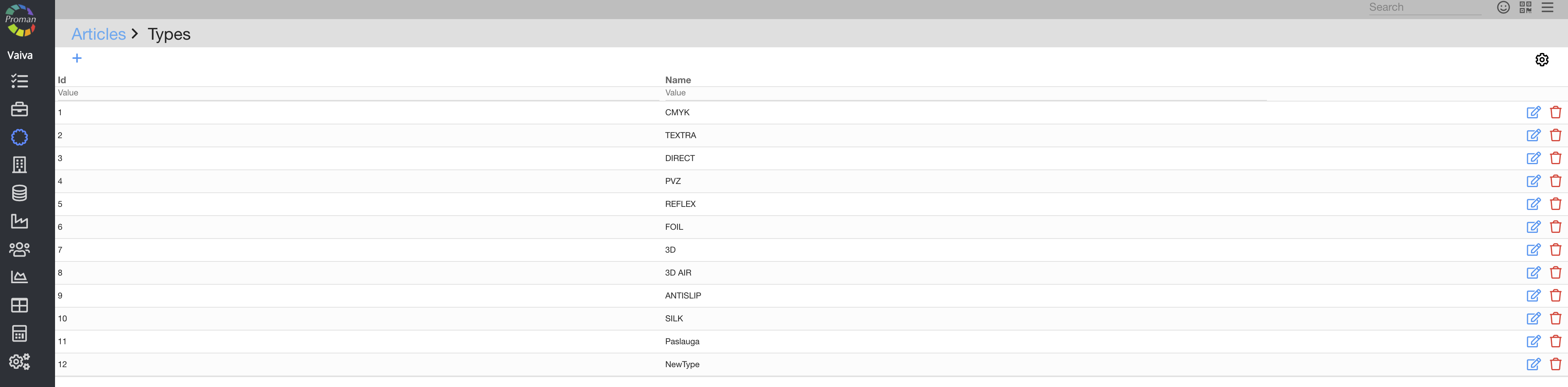
Article Types
How to create new Article type? |
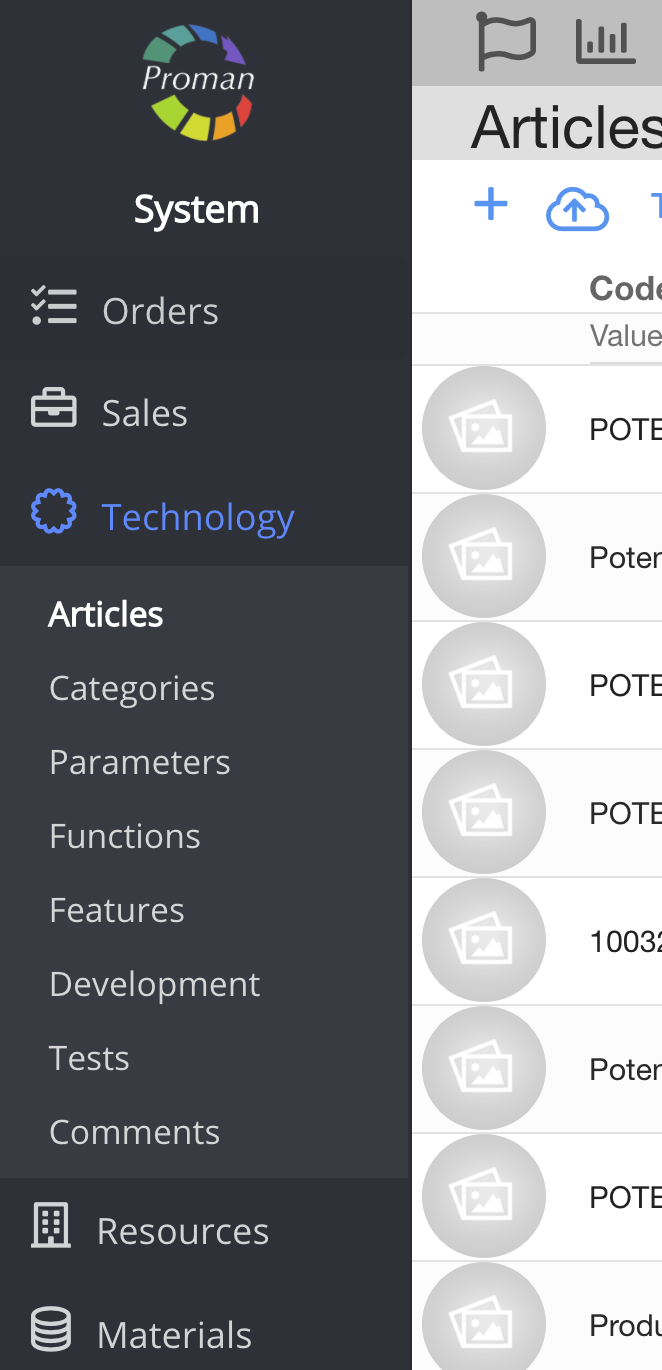
1. To create new Article, you should:
1. Go to Technology:
1.1. Press 
1.2. Press 
Now you can see Article List:
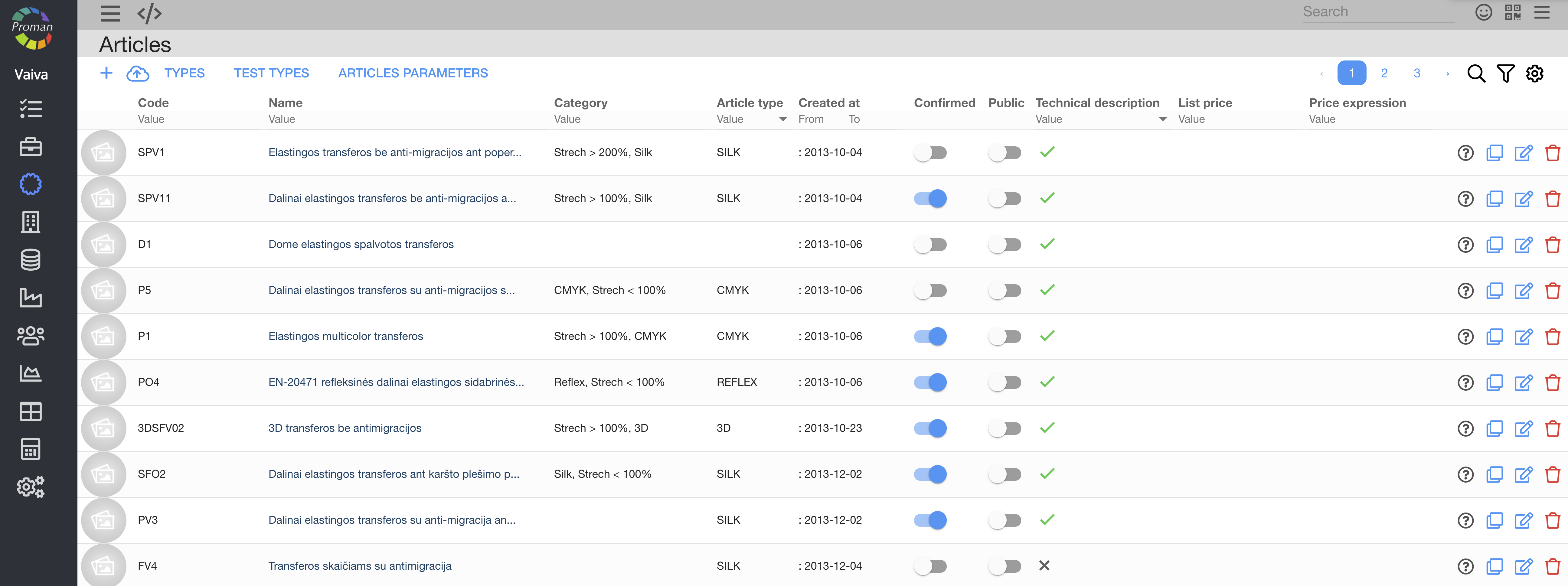
2. Press 

Now you can see Article Type list
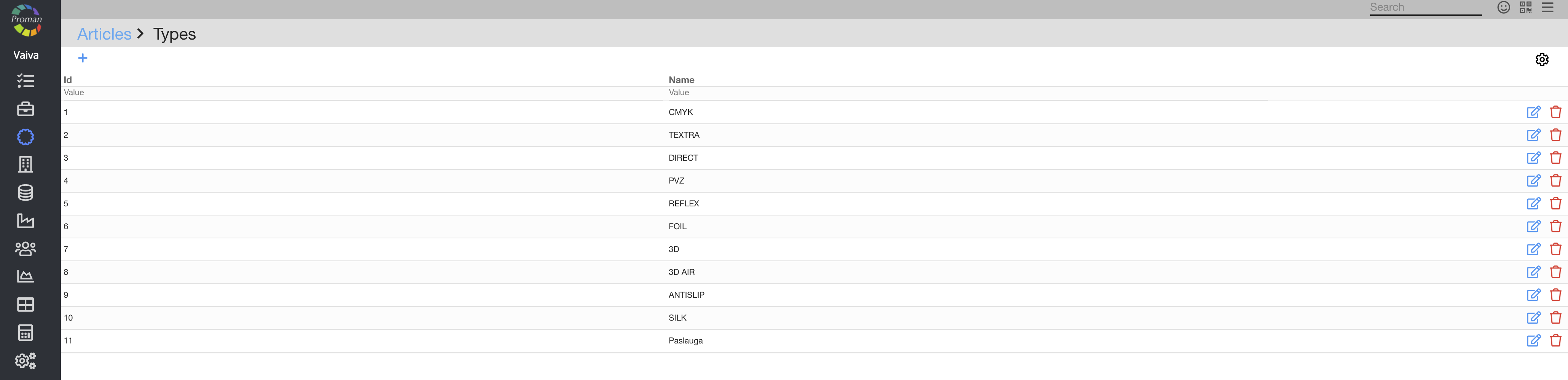
Here you can create (


3. Press
Now you can see dialog table
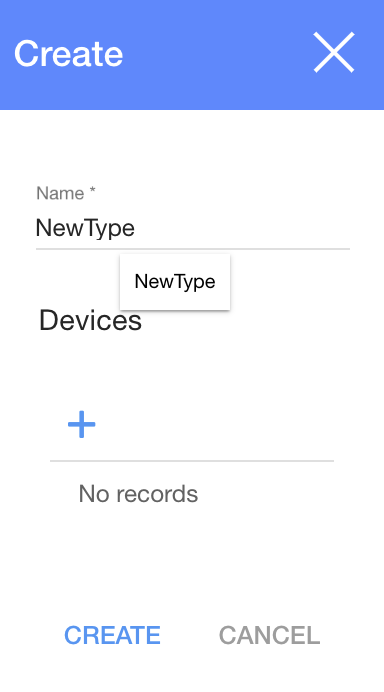
4. Enter name, add devices (optional) and press

Now you can see it in Article Type list